Certificate template
Sales Mastery Training Certificate of Achievement
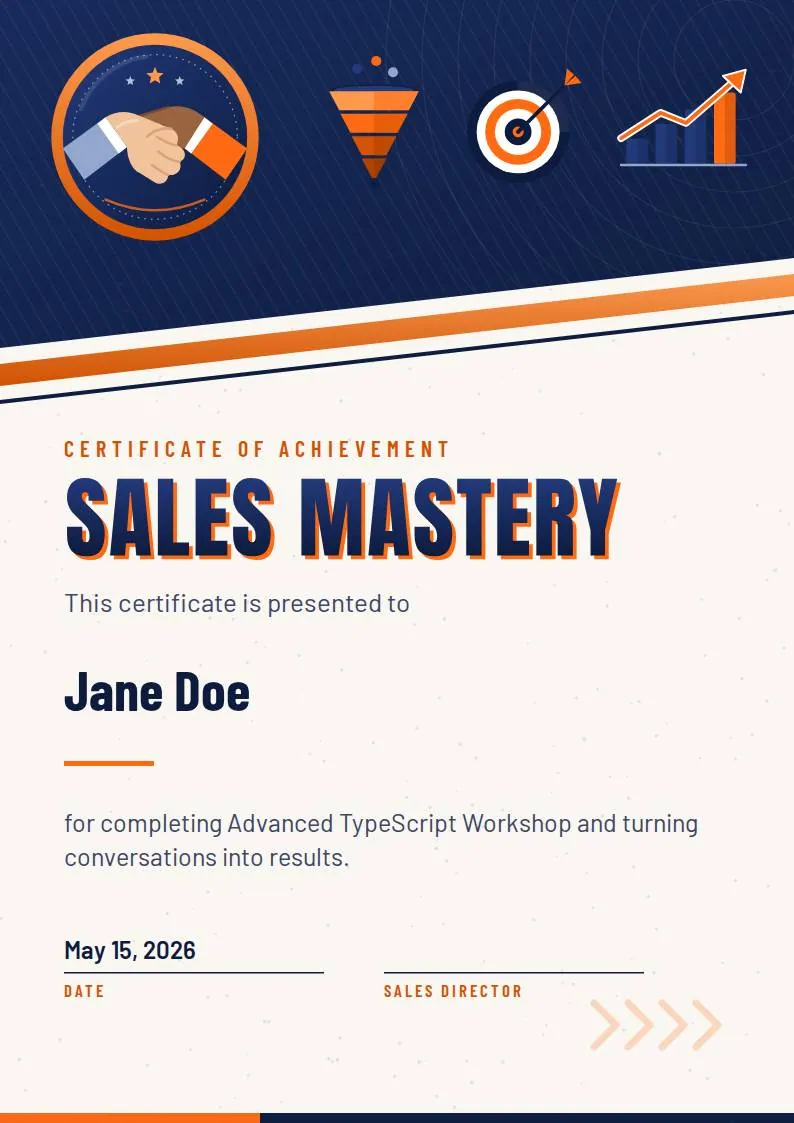
Bold navy and orange sales certificate with a handshake medallion, sales funnel and target.
Free to customize. Issue verifiable credentials with a CertSeal account.

About this template
When to reach for it
A bold, high-energy certificate for sales training. A navy panel cut on a diagonal holds a handshake medallion, a four-tier sales funnel and a target hit dead centre, edged by an orange stripe, while tall condensed "SALES MASTERY" lettering leads a clean left-aligned text column.
Made for sales skills, negotiation, account management and business development programmes. The medallion, funnel, target and growth chart are separate layers you can move or remove.
Wording
What the certificate says
Every line of text on this template, top to bottom. Highlighted parts fill in for each recipient, and you can reword any line in the editor.
- CERTIFICATE OF ACHIEVEMENT
- This certificate is presented to
- Recipient name
- for completing Course or achievement and turning conversations into results.
- Date
- DATE · SALES DIRECTOR
Typography
Fonts used in this template
Swap, mix, or replace any of these in the editor — every CertSeal template ships with 1,000+ Google Fonts plus your own brand uploads.
-
Font family
Barlow
Barlow
-
Font family
Barlow Condensed
Barlow Condensed
Color palette
Colors used in this template
The five most prominent colors sampled straight from the rendered design. Recolor any of them in the editor to match your brand.
-
#fbf6f3
-
#172754
-
#d9d8d9
-
#6a7487
-
#b8bcc4
How to use it
From template to issued credential in four steps
- 01
Open the template
Click "Use this template" to open the Sales Mastery Training Certificate of Achievement in the CertSeal editor, or customize it free without signing up.
- 02
Fill in the details
- Recipient name
- Course or achievement
- Date
Type these in, or upload a spreadsheet to make one for every recipient.
- 03
Add your brand
Swap the Barlow and Barlow Condensed fonts and the colors, and add your logo.
- 04
Issue & verify
Generate PDFs and verifiable links your recipients can share anywhere.
More templates
You might also like
-

Process Improvement Training Certificate
Charcoal and green process improvement certificate with an improvement cycle, gears and a belt ribbon.
-
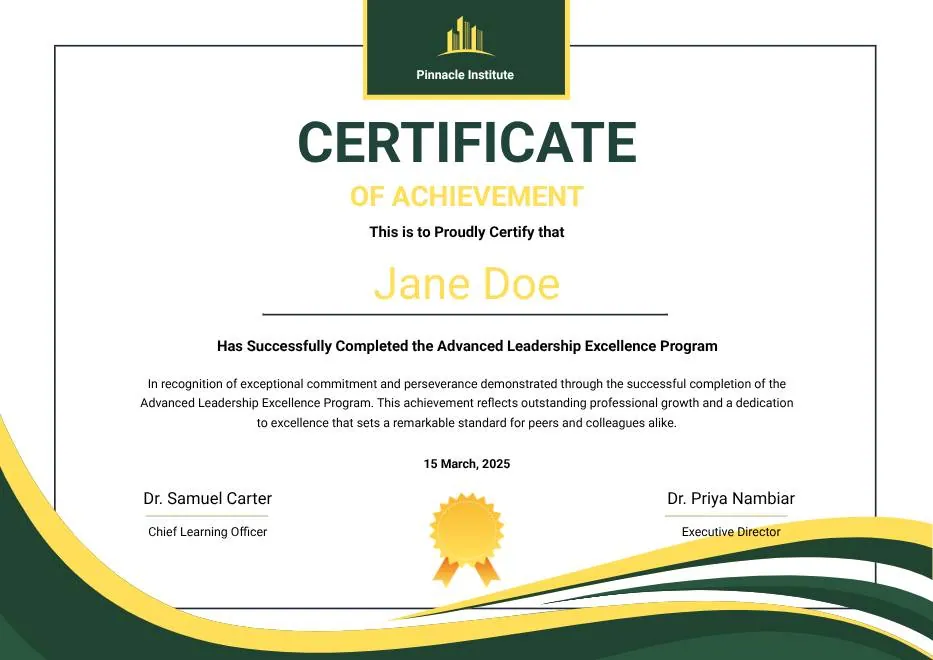
Green and Gold Modern Leadership Achievement Certificate
A clean, modern portrait certificate in dark green and gold for recognizing program completions and professional achievements.
-
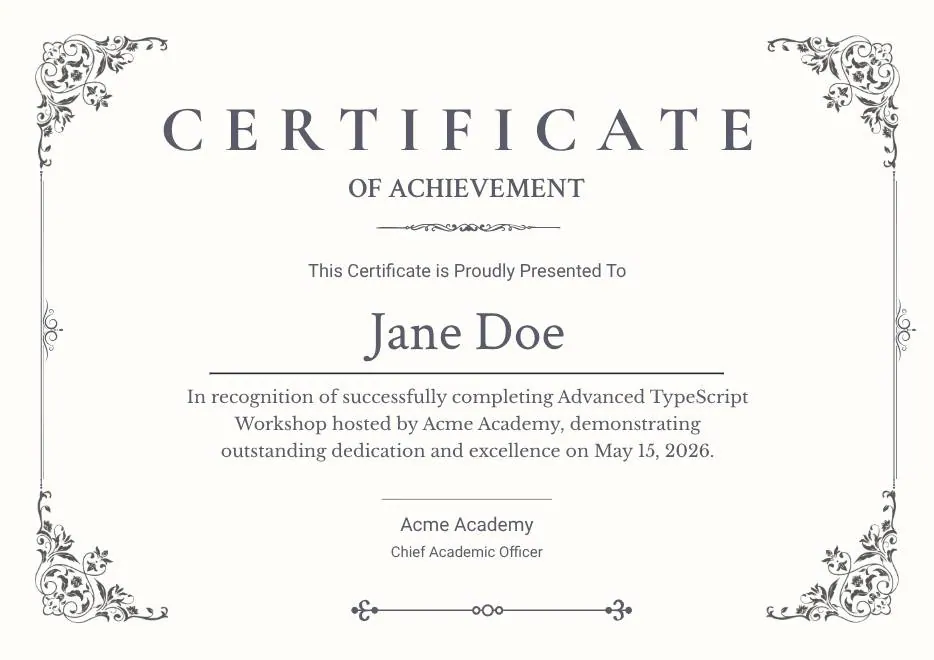
Classic Floral Border Certificate of Achievement
An elegant, formal certificate with ornate floral corner flourishes and a muted ivory background, ideal for academic or professional recognition.
-
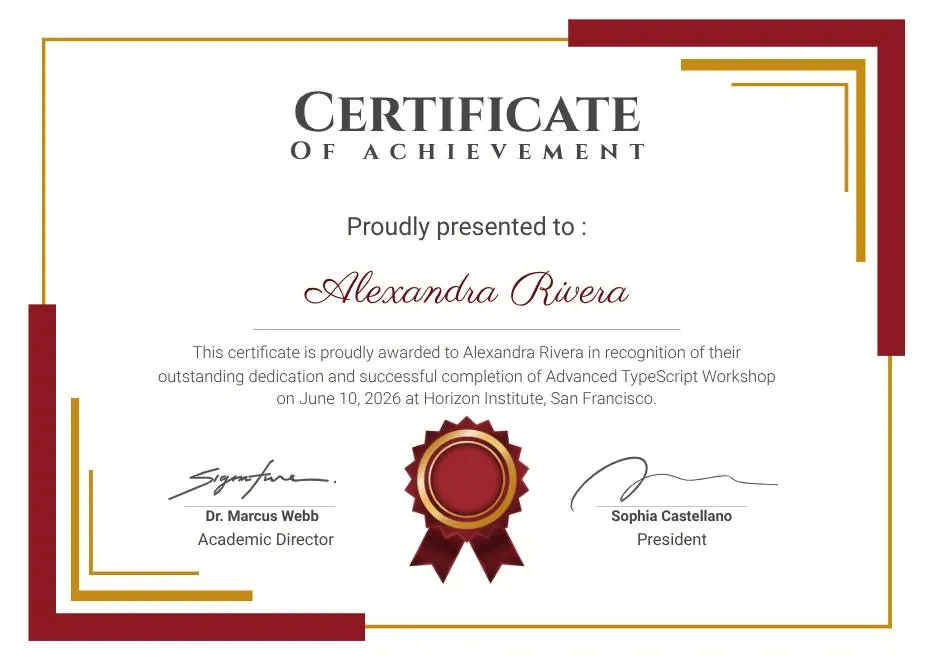
Red and Gold Achievement Certificate
A formal portrait certificate with deep crimson accents, gold corner brackets, a script name field, and a classic wax-seal ribbon badge.
-

Beige Classic Certificate of Achievement
An elegant, formal portrait certificate with an ornate teal border, gold corner accents, and a cream background — ideal for workshops and training programs.
-
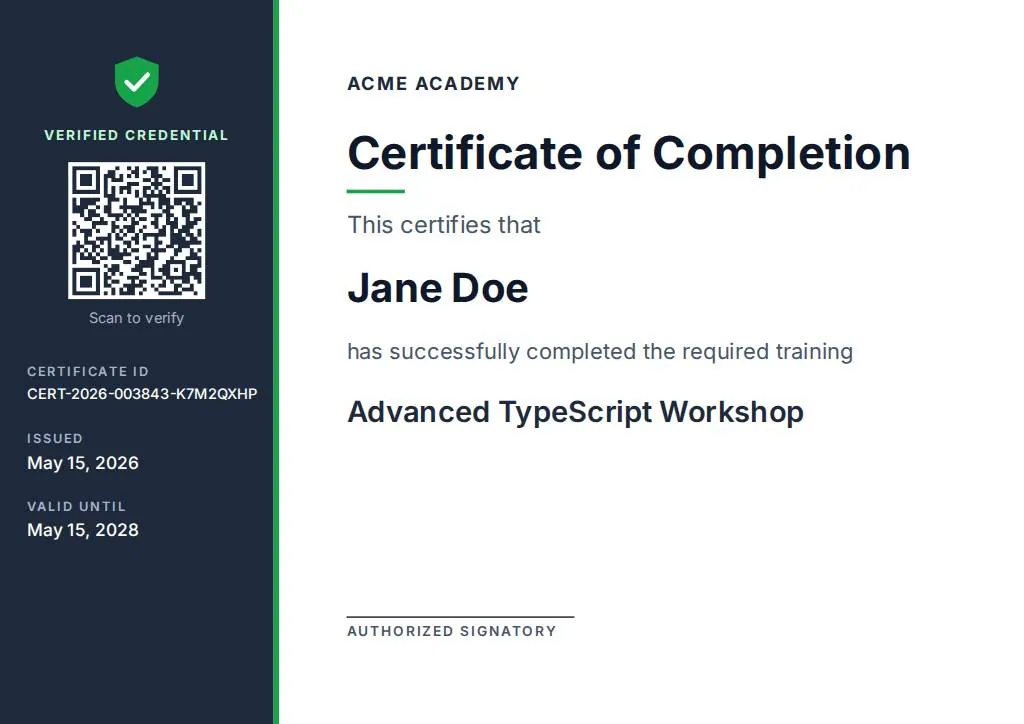
Slate and Green Compliance Training Certificate
Verifiable training certificate with a credential panel: QR code, certificate ID, issue and expiry dates.
-
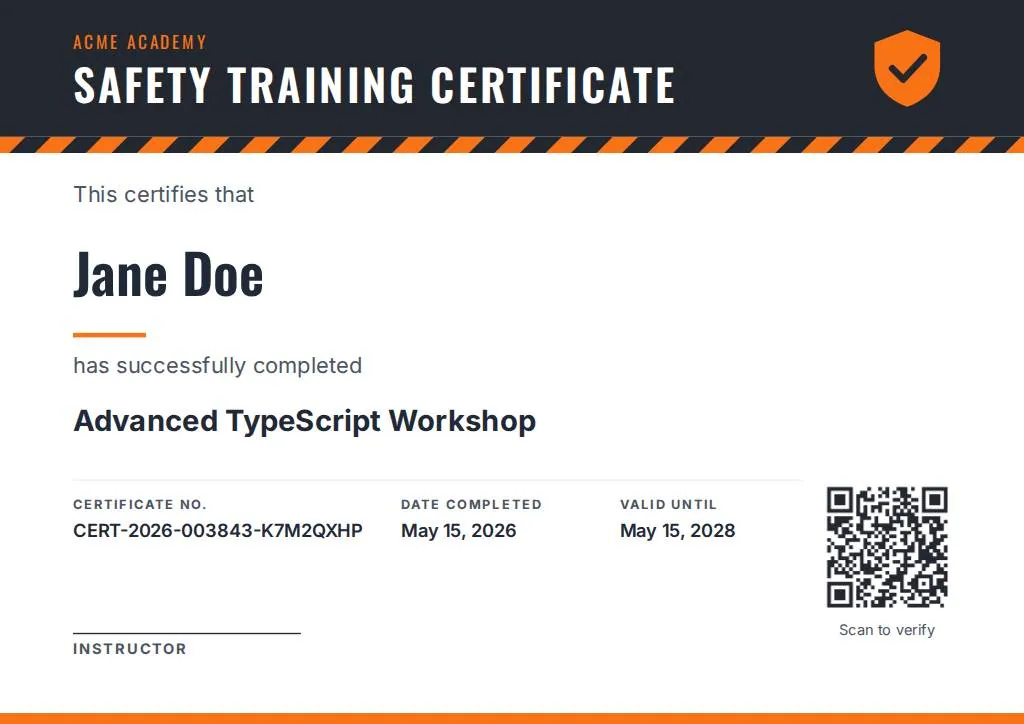
Orange and Charcoal Safety Training Certificate
High-visibility safety training certificate with a hazard-stripe header, ID, expiry date and QR code.
-

Navy Guilloche Professional Certification
Security-paper style credential with a guilloche watermark, seal, ID, expiry date and QR code.
Issue your first credential today
Open this template in the CertSeal editor, customize in minutes, and send verifiable certificates your recipients can share anywhere.