Certificate template
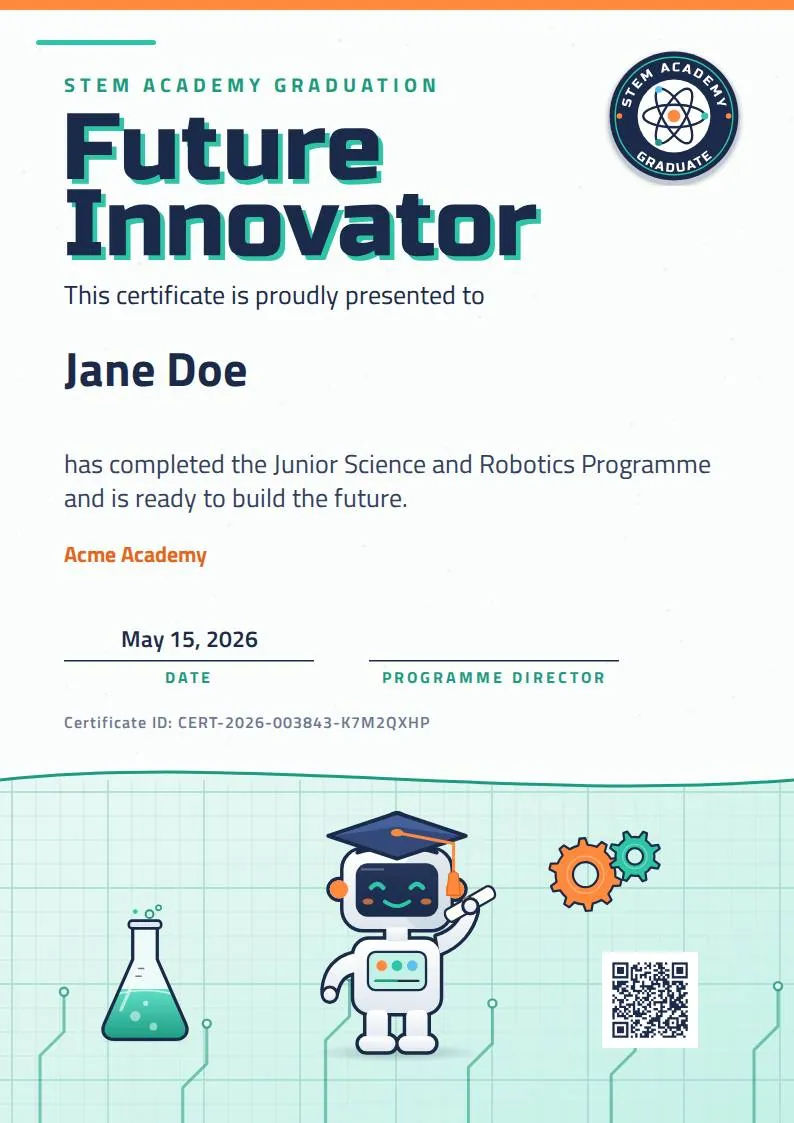
Robot Graduate Mint and Orange STEM Academy Graduation Certificate
Fresh white and mint STEM certificate with a robot graduate, flask, gears and atom badge.
Free to customize. Issue verifiable credentials with a CertSeal account.

About this template
When to reach for it
A bright, modern graduation certificate for youth STEM academies, science clubs and robotics programmes. The text runs flush left on clean white, beside a mint graph-paper panel with circuit traces, and "Future Innovator" is set in bold navy capitals with a mint offset.
A friendly robot in a mortarboard waves its diploma, with a bubbling flask, meshing gears and a round "STEM Academy Graduate" atom badge. A QR code verifies the certificate. Every illustration is its own layer you can move or remove.
Wording
What the certificate says
Every line of text on this template, top to bottom. Highlighted parts fill in for each recipient, and you can reword any line in the editor.
- STEM ACADEMY GRADUATION
- This certificate is proudly presented to
- Recipient name
- has completed Course or achievement and is ready to build the future.
- Issued by
- Date
- DATE · PROGRAMME DIRECTOR
- Certificate ID: Certificate ID
- SCAN TO VERIFY
Typography
Fonts used in this template
Swap, mix, or replace any of these in the editor — every CertSeal template ships with 1,000+ Google Fonts plus your own brand uploads.
-
Font family
Titillium Web
Titillium Web
Color palette
Colors used in this template
The five most prominent colors sampled straight from the rendered design. Recolor any of them in the editor to match your brand.
-
#fbfdfc
-
#cbf1e9
-
#fea266
-
#b6bbc5
-
#8a95a4
How to use it
From template to issued credential in four steps
- 01
Open the template
Click "Use this template" to open the Robot Graduate Mint and Orange STEM Academy Graduation Certificate in the CertSeal editor, or customize it free without signing up.
- 02
Fill in the details
- Recipient name
- Course or achievement
- Issued by
- Date
Type these in, or upload a spreadsheet to make one for every recipient.
- 03
Add your brand
Swap the Titillium Web font and the colors, and add your logo.
- 04
Issue & verify
Generate PDFs and verifiable links your recipients can share anywhere. The QR code on this design opens each certificate's verification page. Each certificate is printed with its own ID.
More templates
You might also like
-
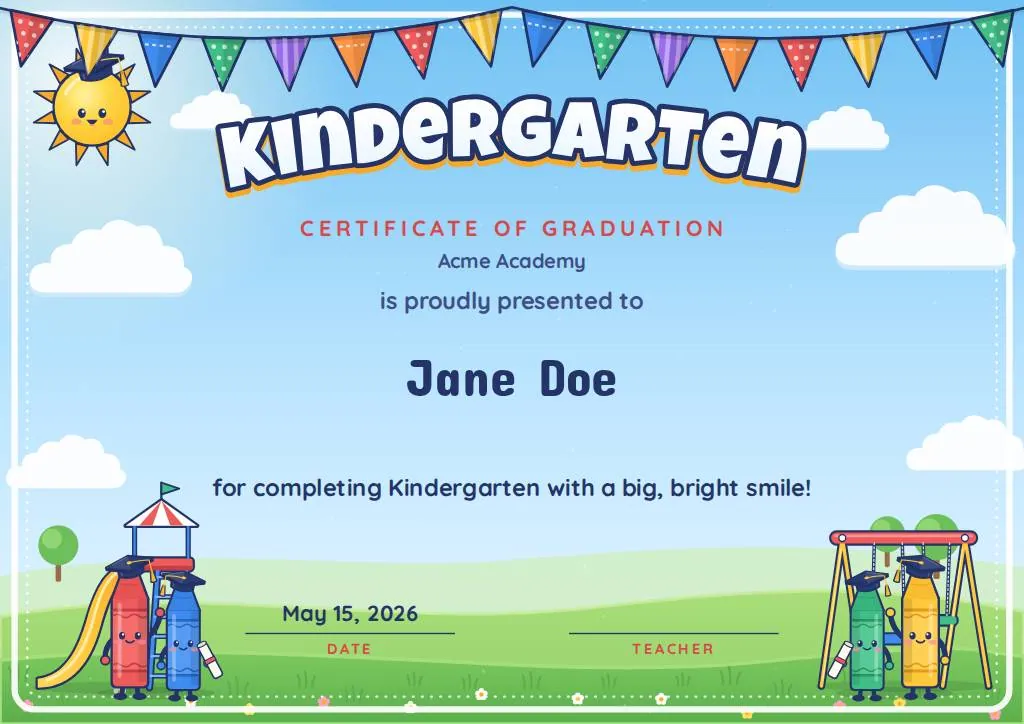
Sunny Playground Kindergarten Graduation Certificate
Blue-sky playground with bunting, a slide, swings and crayon graduates in tiny mortarboards.
-

Pastel Rainbow Stepping Stones Pre-K Moving Up Certificate
Soft pastel rainbow arch framing the page, with stepping stones, a little backpack and a star flag.
-

Golden Hour Lakeside Pines Summer Camp Graduation Certificate
Warm lakeside scene with felt pennants, a wooden sign headline, tall pines, a canoe and a campfire.
-

Bright Geometric Building Blocks Enrichment Program Graduation Certificate
Bold violet frame of geometric shapes around a white card, with isometric blocks and a tossed cap.
-
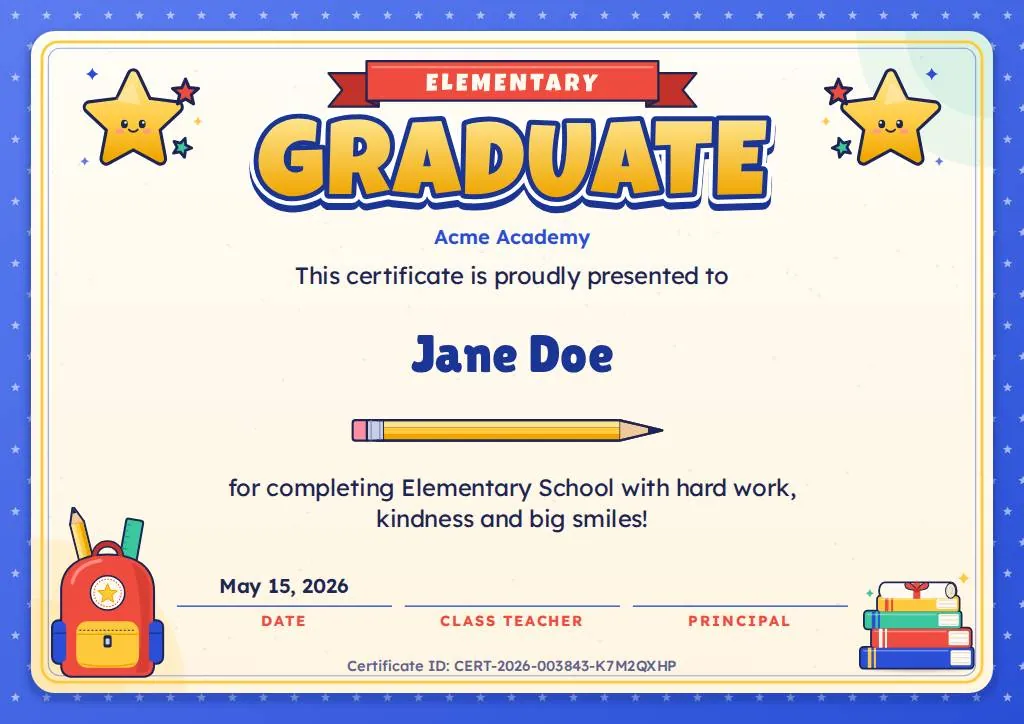
Backpack and Gold Stars Elementary School Graduation Certificate
Bright cobalt and sunshine certificate with a red backpack, book stack and smiling star.
-

Beary Proud Teddy Bear Preschool Graduation Certificate
Soft sage gingham certificate with a teddy bear in a mortarboard, balloons and a rosette.
-
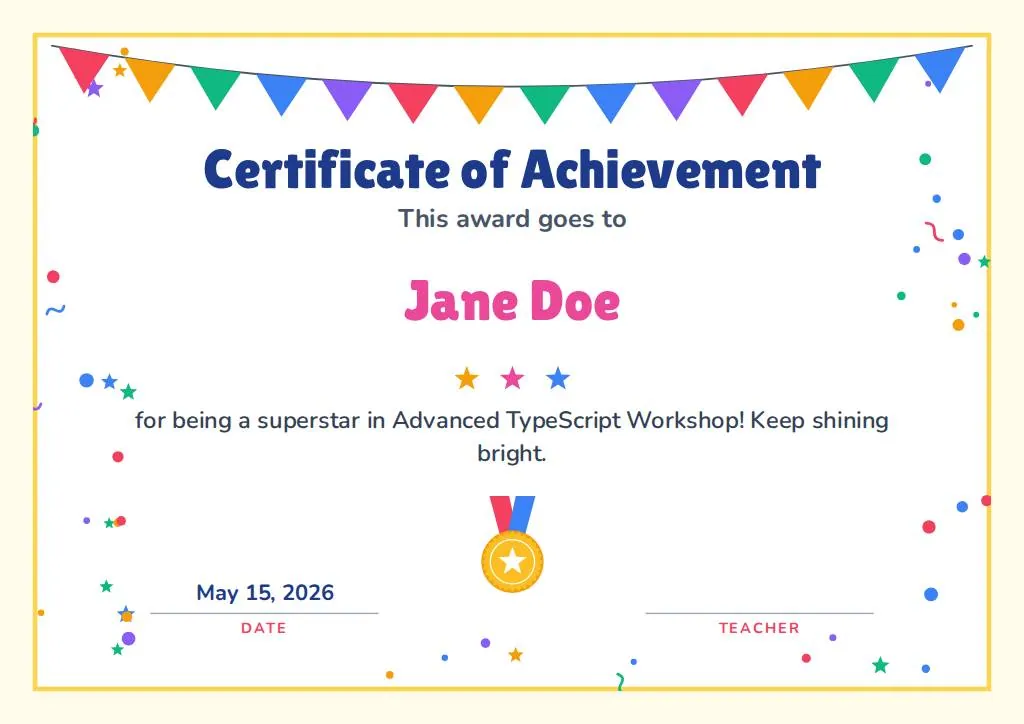
Rainbow Confetti Kids Star Award Certificate
Cheerful kids certificate with rainbow bunting, confetti and a star medal.
-
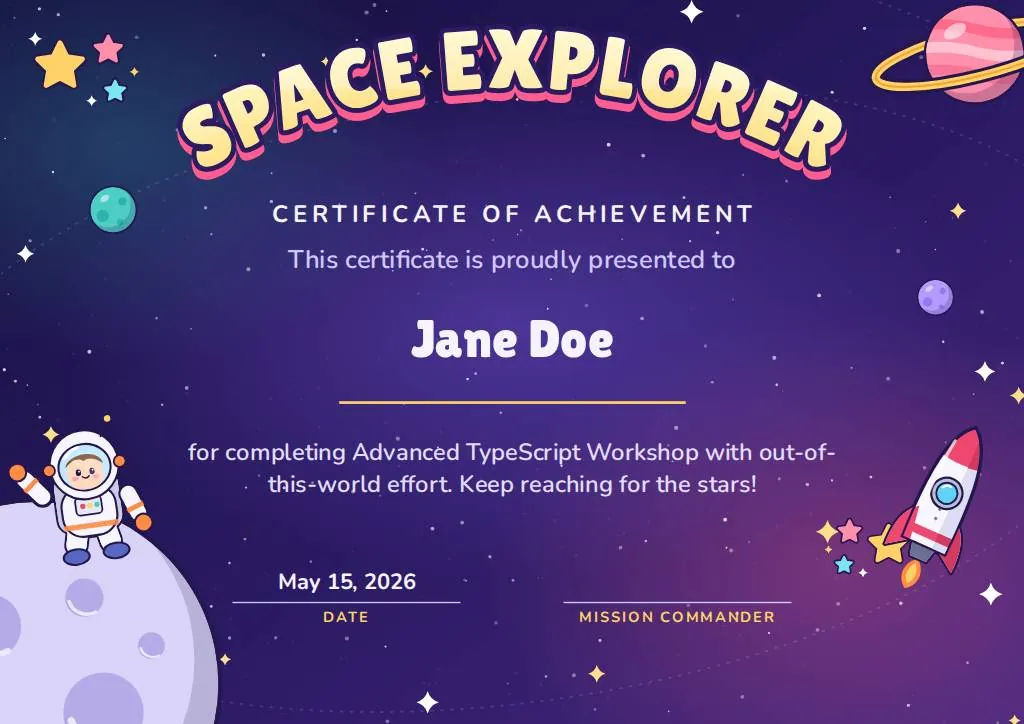
Space Explorer Kids Certificate of Achievement
Illustrated outer-space certificate with an astronaut, rocket, planets and an arched headline.
Issue your first credential today
Open this template in the CertSeal editor, customize in minutes, and send verifiable certificates your recipients can share anywhere.