Certificate template
Restaurant and Café Employee of the Month Certificate
Bistro certificate with a terracotta tiled wall, chalk menu board, chef’s hat, latte and cloche.
Free to customize. Issue verifiable credentials with a CertSeal account.


About this template
When to reach for it
A warm bistro-style award for kitchen and front-of-house teams: a terracotta tiled wall under a glowing pendant lamp holds a chalk menu board, and wooden shelves carry a chef’s toque, a latte with heart foam and a silver cloche over a stack of plates, beside cream paper with a flowing "Employee of the Month" script headline.
Ideal for restaurants, cafés, bakeries, hotels’ dining rooms and catering teams. Type the month into the course field; every illustration is its own layer.
Wording
What the certificate says
Every line of text on this template, top to bottom. Highlighted parts fill in for each recipient, and you can reword any line in the editor.
- CERTIFICATE OF APPRECIATION
- This certificate is gratefully presented to
- Recipient name
- for outstanding service, great food and warm hospitality during Course or achievement.
- Date
- DATE · GENERAL MANAGER
Typography
Fonts used in this template
Swap, mix, or replace any of these in the editor — every CertSeal template ships with 1,000+ Google Fonts plus your own brand uploads.
-
Font family
Josefin Sans
Josefin Sans
-
Font family
Lora
Lora
-
Font family
Playfair Display
Playfair Display
Color palette
Colors used in this template
The five most prominent colors sampled straight from the rendered design. Recolor any of them in the editor to match your brand.
-
#f5e8d6
-
#b75a39
-
#d8cab7
-
#bca987
-
#d4855b
How to use it
From template to issued credential in four steps
- 01
Open the template
Click "Use this template" to open the Restaurant and Café Employee of the Month Certificate in the CertSeal editor, or customize it free without signing up.
- 02
Fill in the details
- Recipient name
- Course or achievement
- Date
Type these in, or upload a spreadsheet to make one for every recipient.
- 03
Add your brand
Swap the Josefin Sans, Lora and Playfair Display fonts and the colors, and add your logo.
- 04
Issue & verify
Generate PDFs and verifiable links your recipients can share anywhere.
More templates
You might also like
-

Ivory and Forest Green Laurel Crest Employee of the Month Certificate
Formal ivory certificate with a green border and a gold laurel medallion seal.
-

Black Marble and Ivory Executive Employee of the Month Certificate
Minimal ivory card on black marble with a gold frame and an embossed seal.
-

Healthcare Team Member of the Month Certificate
Soft teal care-team certificate with a stethoscope, clipboard, pulse-line heart and rosette.
-

Customer Service Employee of the Month Certificate
Friendly lavender certificate with a headset badge, chat bubbles, a five-star review and a support agent.
-

Chalkboard Teacher of the Month Certificate
Green chalkboard in an oak frame with chalk lettering, an apple, books, pencils and a gold star.
-

Big Bold Thank You Pastel Certificate of Appreciation
A giant plum "Thank you!" with a coral shadow, pastel arches, a lilac disc and a coral sun.
-
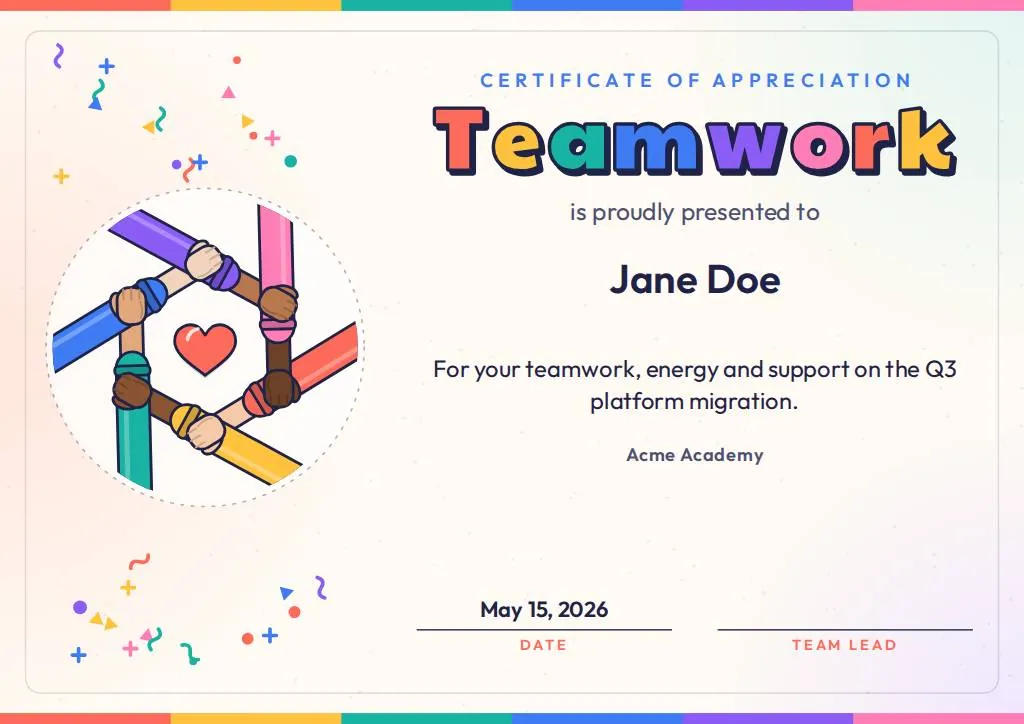
Multicolour Teamwork Circle of Hands Certificate of Appreciation
Six hands holding on in a circle around a heart, multicolour "Teamwork" lettering and confetti.
-

Memphis Shapes Big Thanks Certificate of Appreciation
Bold Memphis-style thank-you: a framed white panel, squiggles, zigzags, dot grids and stripes.
Issue your first credential today
Open this template in the CertSeal editor, customize in minutes, and send verifiable certificates your recipients can share anywhere.