Certificate template
Remote Work Hero Home Office Superlative Certificate
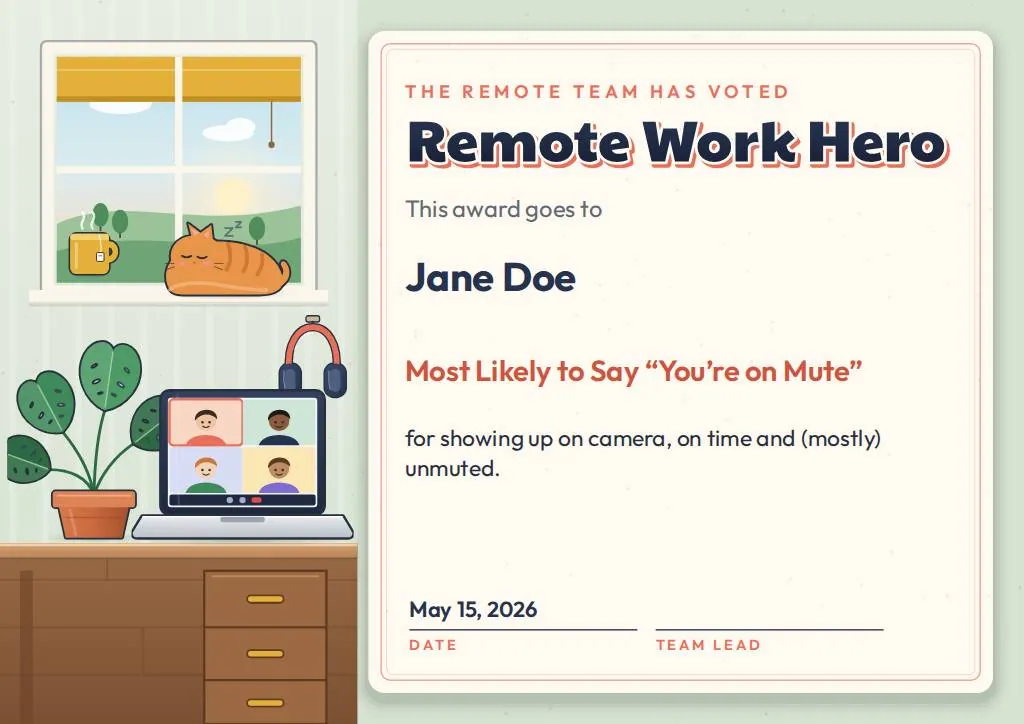
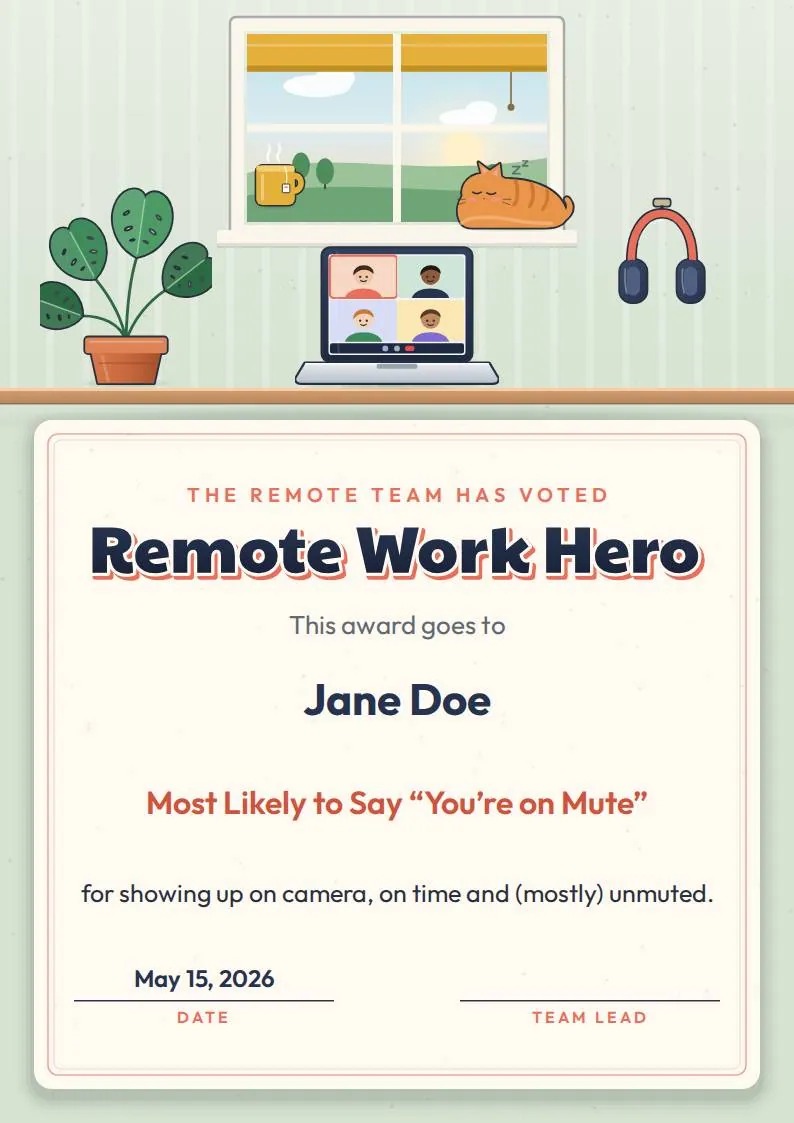
Cosy home-office superlative with a video-call laptop, a monstera, headphones and a sleepy cat.
Free to customize. Issue verifiable credentials with a CertSeal account.
About this template
When to reach for it
A thank-you to the remote team's quiet hero. A sage wall with a window onto green hills, a mustard blind and a wooden desk frame a cream card for the text, while a laptop with a four-person video call, a potted monstera, headphones on a hook, a mug of tea and a ginger cat asleep on the sill finish the scene.
The headline reads "Remote Work Hero". Put the superlative in the course field ("Most Likely to Say You're on Mute", "Best Home Office Setup") and it prints large under the winner's name. Every prop is its own layer.
Wording
What the certificate says
Every line of text on this template, top to bottom. Highlighted parts fill in for each recipient, and you can reword any line in the editor.
- THE REMOTE TEAM HAS VOTED
- This award goes to
- Recipient name
- Course or achievement
- for showing up on camera, on time and (mostly) unmuted.
- Date
- DATE · TEAM LEAD
Typography
Fonts used in this template
Swap, mix, or replace any of these in the editor — every CertSeal template ships with 1,000+ Google Fonts plus your own brand uploads.
-
Font family
Outfit
Outfit
Color palette
Colors used in this template
The five most prominent colors sampled straight from the rendered design. Recolor any of them in the editor to match your brand.
-
#fffbf2
-
#dae4d5
-
#bbc8b8
-
#d8b793
-
#e6b446
How to use it
From template to issued credential in four steps
- 01
Open the template
Click "Use this template" to open the Remote Work Hero Home Office Superlative Certificate in the CertSeal editor, or customize it free without signing up.
- 02
Fill in the details
- Recipient name
- Course or achievement
- Date
Type these in, or upload a spreadsheet to make one for every recipient.
- 03
Add your brand
Swap the Outfit font and the colors, and add your logo.
- 04
Issue & verify
Generate PDFs and verifiable links your recipients can share anywhere.
More templates
You might also like
-
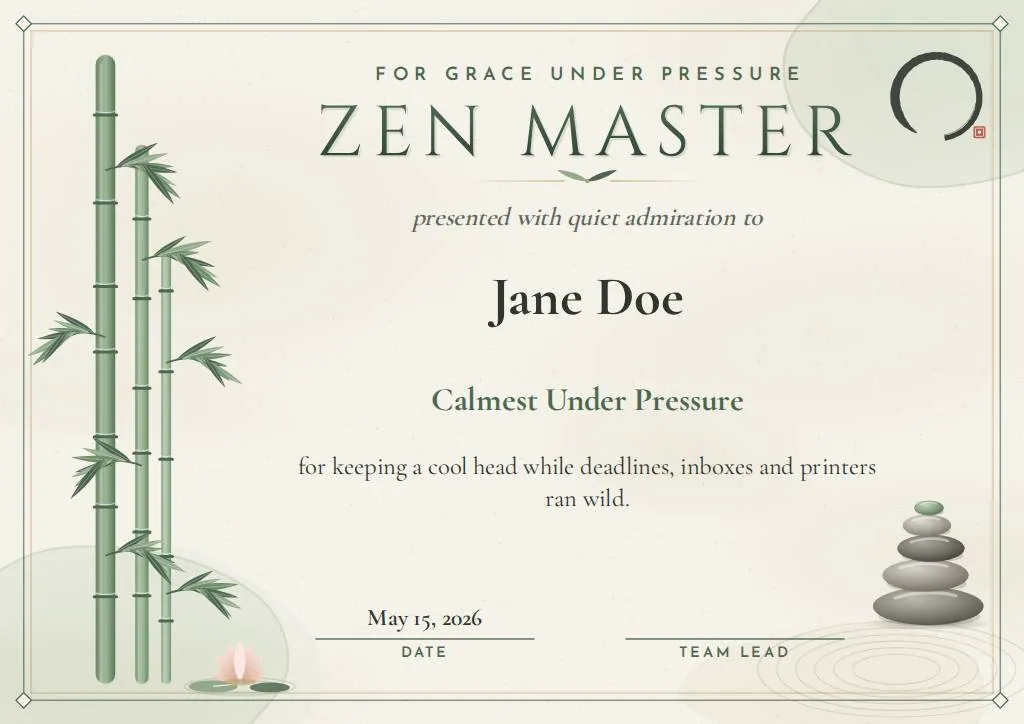
Zen Master Calm Under Pressure Superlative Certificate
Serene sage and rice-paper award with bamboo, a stone cairn, a brush ensō and a lotus.
-
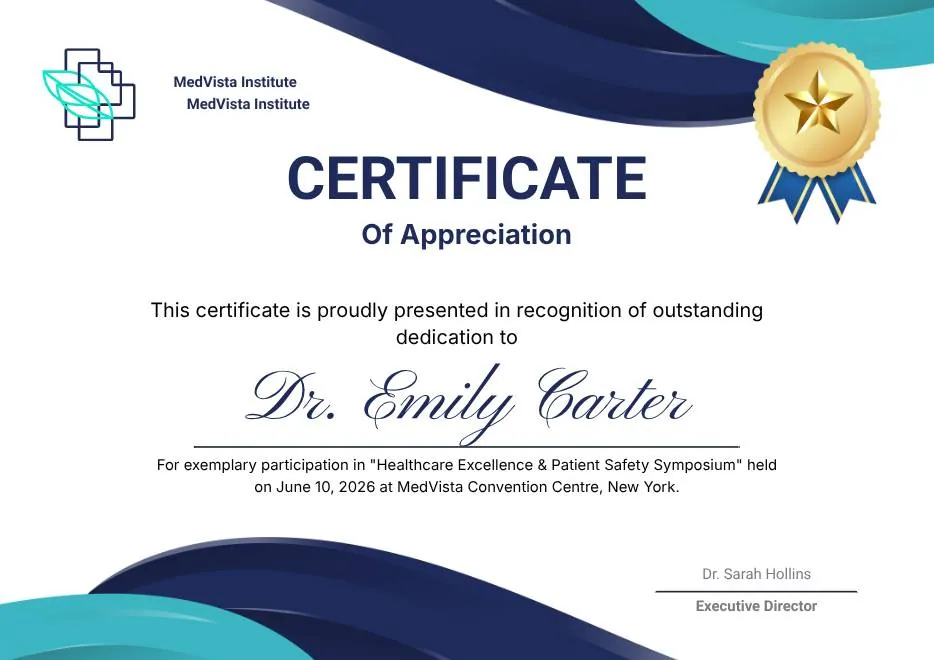
Blue Navy and Tosca Elegant Modern Medical Appreciation Certificate
A modern medical-themed appreciation certificate featuring navy and teal wave accents, a gold medallion, and script recipient name styling.
-
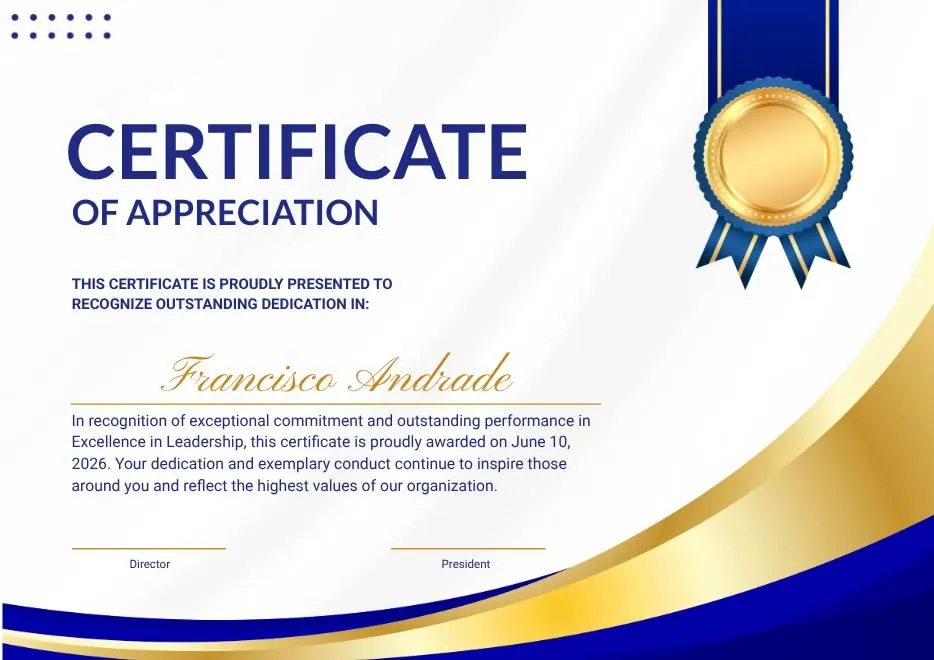
Blue and Gold Modern Certificate of Appreciation
A sleek, modern appreciation certificate featuring a navy blue and gold color scheme with a decorative medallion and ribbon badge.
-
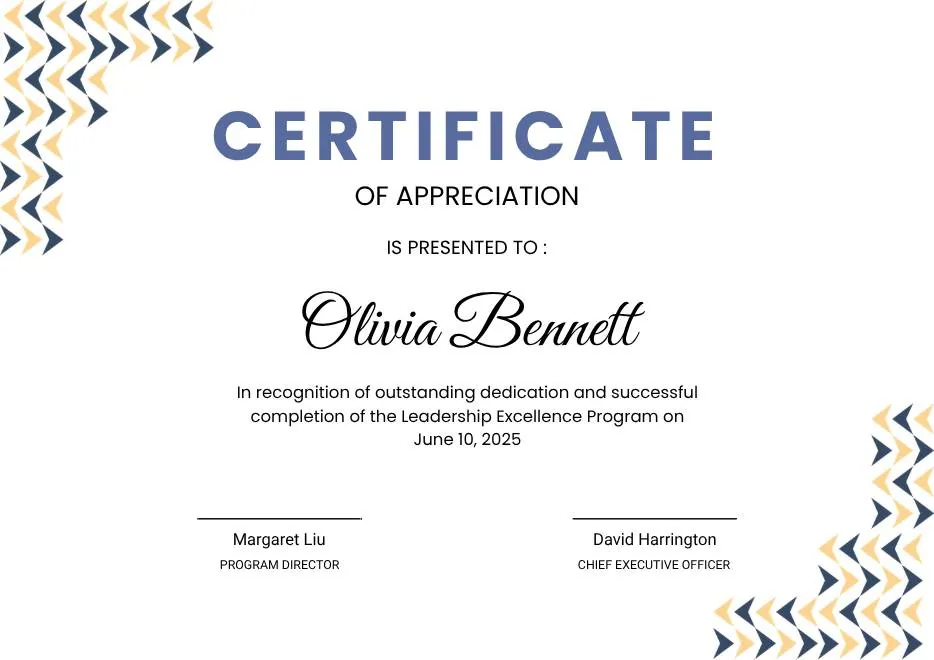
Blue Modern Certificate of Appreciation
A clean, modern appreciation certificate featuring navy and gold chevron accents on a white background with elegant script name styling.
-
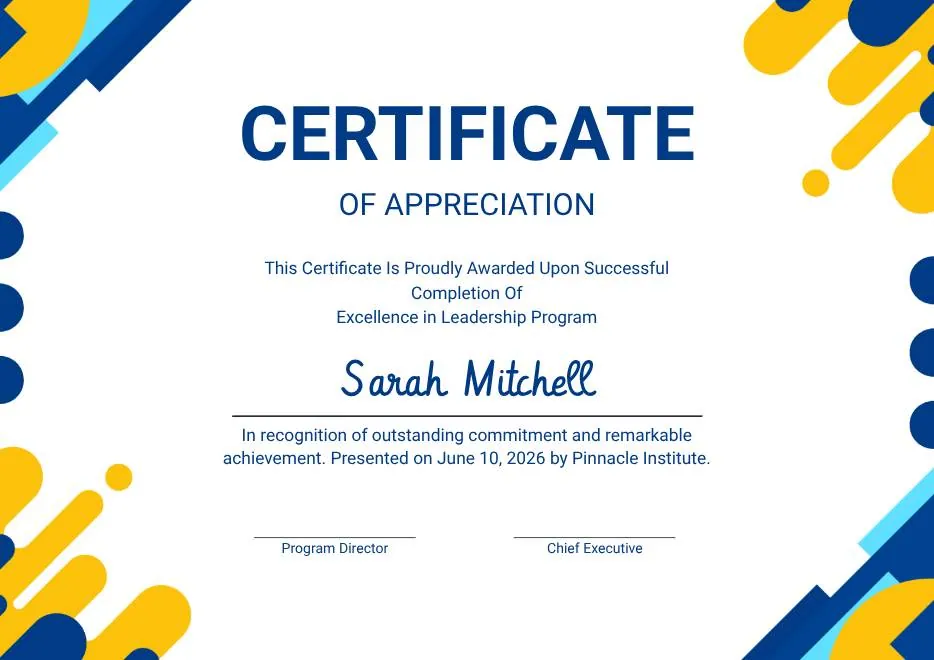
Yellow and Blue Modern Certificate of Appreciation
A vibrant modern appreciation certificate featuring bold navy and yellow geometric shapes with a clean white center layout.
-
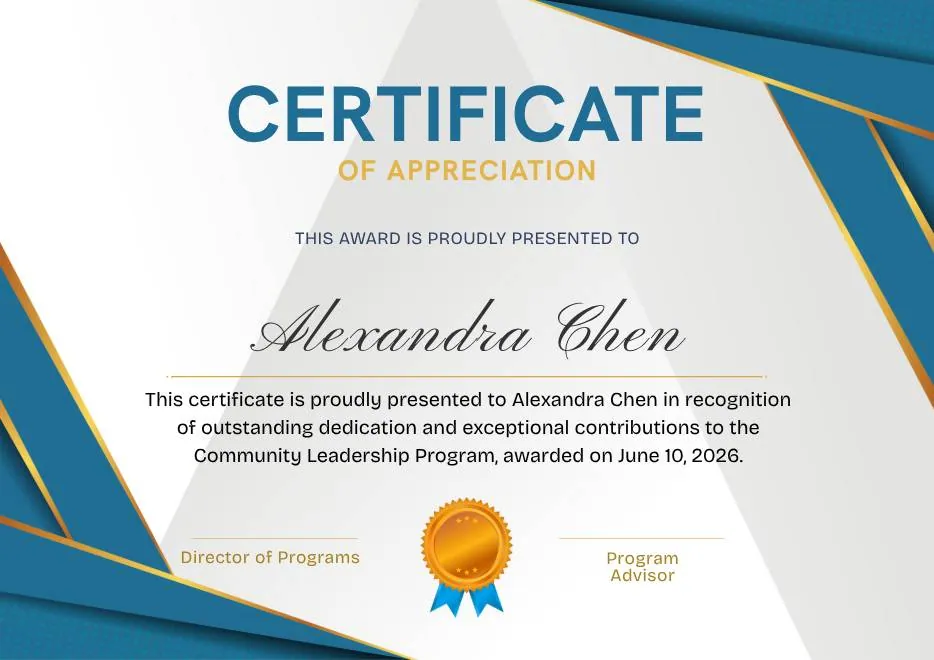
Blue and Gold Appreciation Certificate
A modern portrait certificate with teal geometric panels, gold accents, and a bold dual-tone header for formal appreciation awards.
-
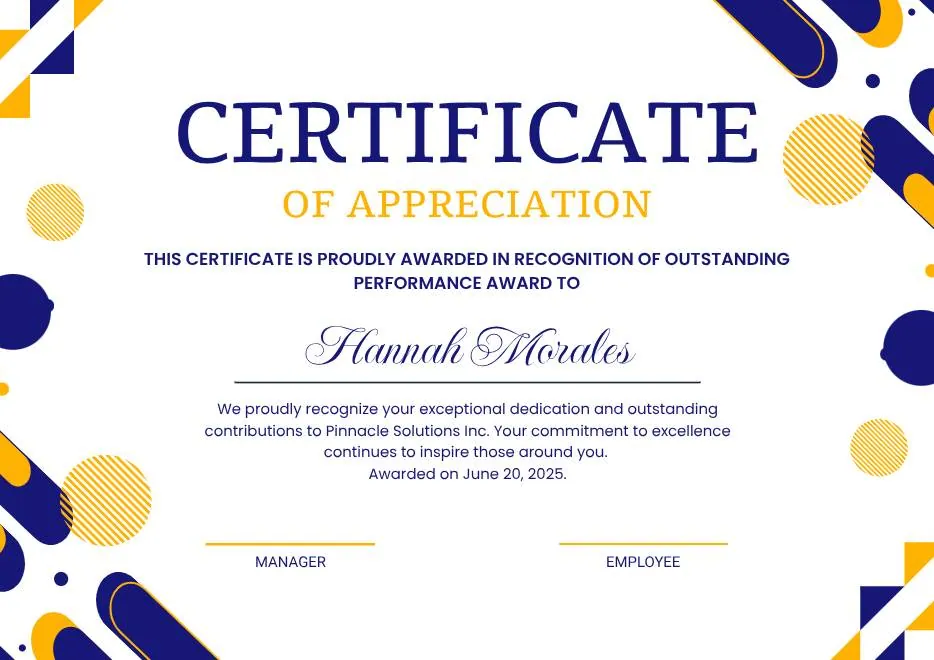
Blue Yellow and White Modern Appreciation Certificate
A bold modern portrait certificate in navy blue and golden yellow with geometric shapes, ideal for recognizing outstanding performance.
-
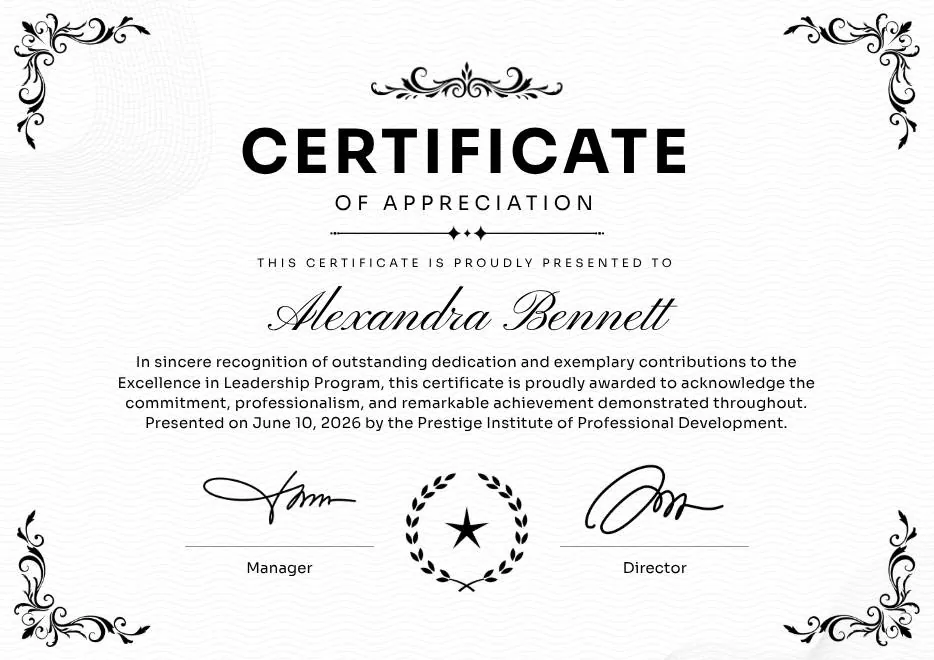
Black and White Traditional Appreciation Certificate A4
Elegant monochrome portrait certificate with ornate floral corner scrollwork, script recipient name, and dual-signature layout.
Issue your first credential today
Open this template in the CertSeal editor, customize in minutes, and send verifiable certificates your recipients can share anywhere.