Certificate template
Take a Bow Blush and Rose Gold Dance Academy Graduation Certificate
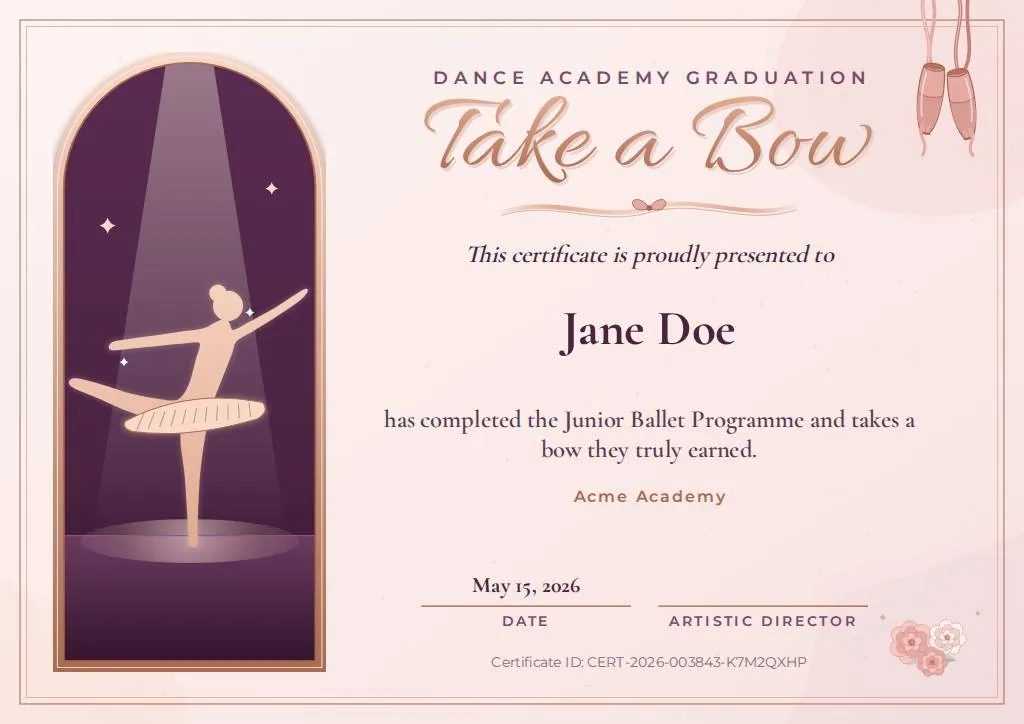
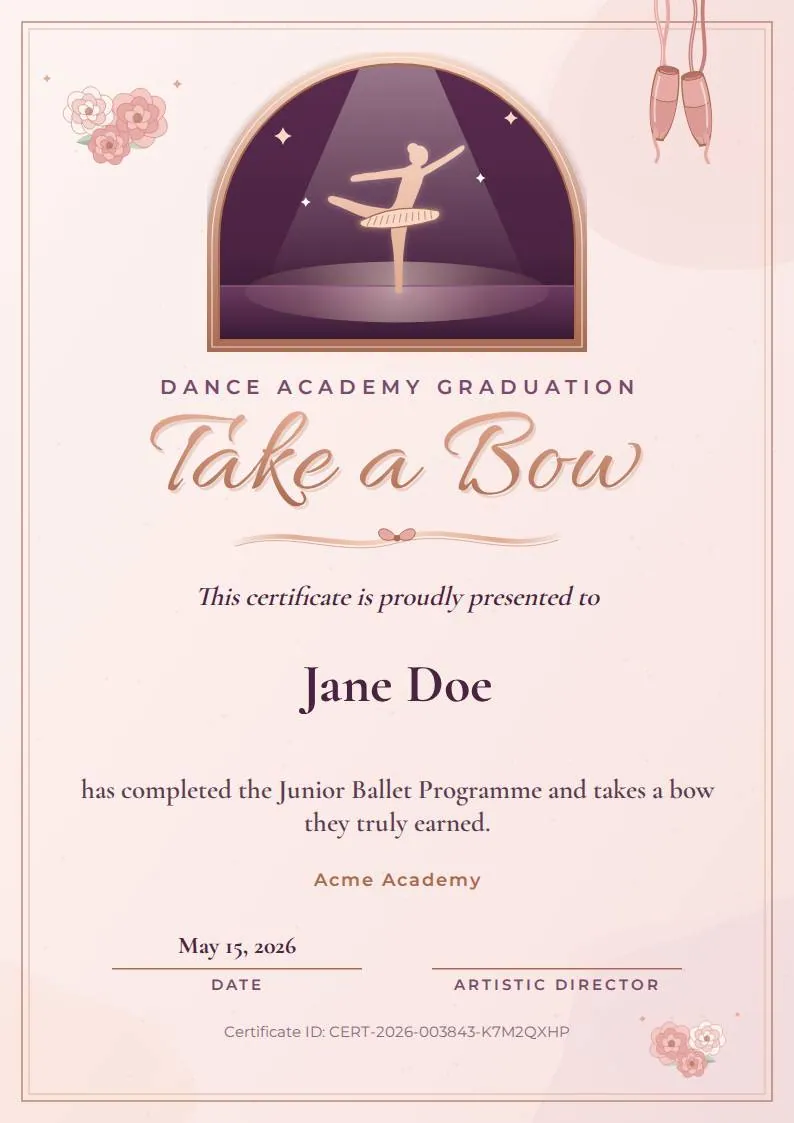
Blush and rose-gold certificate with a dancer in an arched stage window and pointe shoes.
Free to customize. Issue verifiable credentials with a CertSeal account.
About this template
When to reach for it
An elegant graduation certificate for dance academies and ballet schools. Soft blush watercolour with a fine rose-gold double frame, an arched window onto a plum stage where a dancer holds an arabesque in the spotlight, and "Take a Bow" in flowing rose-gold script.
A pair of satin pointe shoes hangs by their ribbons, a spray of blush peonies sits in the corner and a satin ribbon underlines the headline. Signature lines for the date and the artistic director. The window, shoes, flowers and ribbon are separate layers you can move or remove.
Wording
What the certificate says
Every line of text on this template, top to bottom. Highlighted parts fill in for each recipient, and you can reword any line in the editor.
- DANCE ACADEMY GRADUATION
- This certificate is proudly presented to
- Recipient name
- has completed Course or achievement and takes a bow they truly earned.
- Issued by
- Date
- DATE · ARTISTIC DIRECTOR
- Certificate ID: Certificate ID
Typography
Fonts used in this template
Swap, mix, or replace any of these in the editor — every CertSeal template ships with 1,000+ Google Fonts plus your own brand uploads.
-
Font family
Cormorant Garamond
Cormorant Garamond
-
Font family
Montserrat
Montserrat
Color palette
Colors used in this template
The five most prominent colors sampled straight from the rendered design. Recolor any of them in the editor to match your brand.
-
#faeae7
-
#4c2444
-
#d9c5c9
-
#89657a
-
#68435c
How to use it
From template to issued credential in four steps
- 01
Open the template
Click "Use this template" to open the Take a Bow Blush and Rose Gold Dance Academy Graduation Certificate in the CertSeal editor, or customize it free without signing up.
- 02
Fill in the details
- Recipient name
- Course or achievement
- Issued by
- Date
Type these in, or upload a spreadsheet to make one for every recipient.
- 03
Add your brand
Swap the Cormorant Garamond and Montserrat fonts and the colors, and add your logo.
- 04
Issue & verify
Generate PDFs and verifiable links your recipients can share anywhere. Each certificate is printed with its own ID.
More templates
You might also like
-

Spotlight Graduation Recital Wine and Gold Music School Certificate
Deep wine stage certificate with a spotlight, gold staff, grand piano and violin.
-
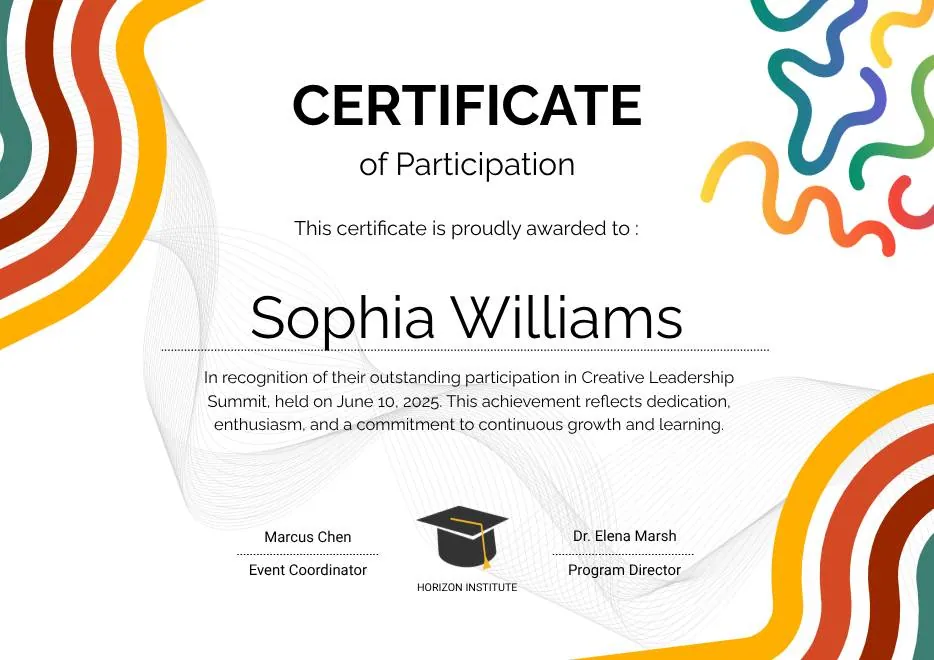
Colorful Abstract Waves Modern Participation Certificate
A vibrant landscape participation certificate with bold multicolor wavy borders, abstract squiggle accents, and a clean white center.
-
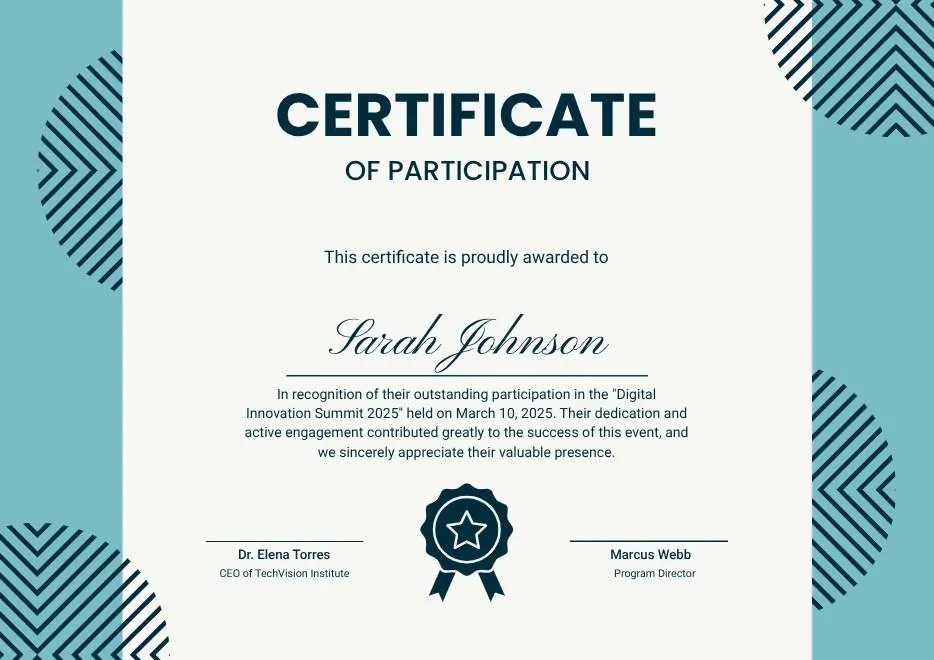
Teal Geometric Participation Certificate
A modern, clean participation certificate with teal side panels, bold navy typography, and a decorative star badge accent.
-
Blue Abstract Waves Participation Certificate
A modern, vibrant certificate featuring flowing blue abstract wave shapes and playful line doodles for workshops and seminars.
-
Colorful Brushstroke Art Certificate of Participation
A vibrant, playful certificate featuring hand-painted brushstroke borders in teal, red, orange, and yellow tones.
-
Gold Elegant Workshop Participation Certificate
A formal, classic-style participation certificate with gold decorative borders, a red wax seal, and dual signature lines.
-
Green and Gold Geometric Modern Certificate of Participation
A sleek portrait certificate featuring deep green geometric borders, gold accents, and a gold seal — ideal for events and summits.
-
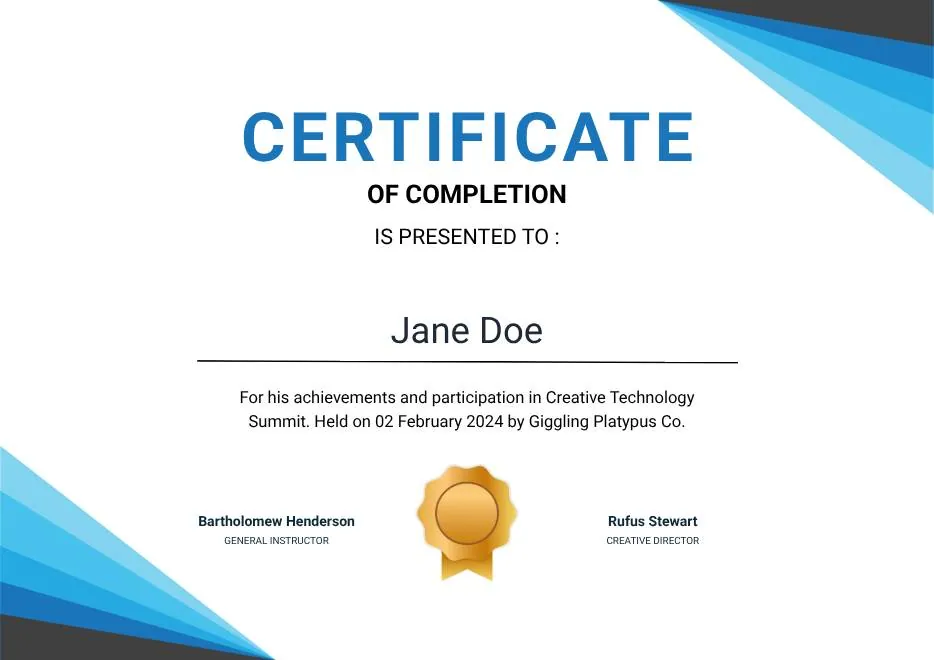
Blue Modern Event Completion Certificate
A sleek, modern portrait certificate with bold blue geometric accents and a gold seal, ideal for events and summits.
Issue your first credential today
Open this template in the CertSeal editor, customize in minutes, and send verifiable certificates your recipients can share anywhere.