Certificate template
Overlapping Petals Inclusion and Belonging Award
Deep aubergine with a rosette of overlapping petals in many colours and warm script lettering.
Free to customize. Issue verifiable credentials with a CertSeal account.


About this template
When to reach for it
A warm, modern award for the people who make everyone feel they belong. Twelve translucent circles in twelve colours overlap around a gold heart, blending where they meet, inside a ring of coloured dots on deep aubergine with soft coloured glows, a fine rounded frame and coloured dots in the corners.
The headline "Belonging" is brush script lettering in a coral-to-gold gradient over a multi-colour swash. The award, the programme and region, the date, the chief people officer's signature line, the company and the certificate ID are editable text in Outfit and Figtree. The rosette, dots, swash and gold seal are separate layers.
Wording
What the certificate says
Every line of text on this template, top to bottom. Highlighted parts fill in for each recipient, and you can reword any line in the editor.
- INCLUSION & BELONGING AWARD
- This award is presented with thanks to
- Recipient name
- Course or achievement
- for opening doors, lifting voices and making everyone feel at home.
- Inclusion & Belonging Awards 2026 · Global
- Date
- DATE · CHIEF PEOPLE OFFICER
- Certificate ID: Certificate ID · Issued by
Typography
Fonts used in this template
Swap, mix, or replace any of these in the editor — every CertSeal template ships with 1,000+ Google Fonts plus your own brand uploads.
-
Font family
Figtree
Figtree
-
Font family
Outfit
Outfit
Color palette
Colors used in this template
The five most prominent colors sampled straight from the rendered design. Recolor any of them in the editor to match your brand.
-
#381a49
-
#574668
-
#865747
-
#7b6883
-
#faa766
How to use it
From template to issued credential in four steps
- 01
Open the template
Click "Use this template" to open the Overlapping Petals Inclusion and Belonging Award in the CertSeal editor, or customize it free without signing up.
- 02
Fill in the details
- Recipient name
- Course or achievement
- Date
- Issued by
Type these in, or upload a spreadsheet to make one for every recipient.
- 03
Add your brand
Swap the Figtree and Outfit fonts and the colors, and add your logo.
- 04
Issue & verify
Generate PDFs and verifiable links your recipients can share anywhere. Each certificate is printed with its own ID.
More templates
You might also like
-
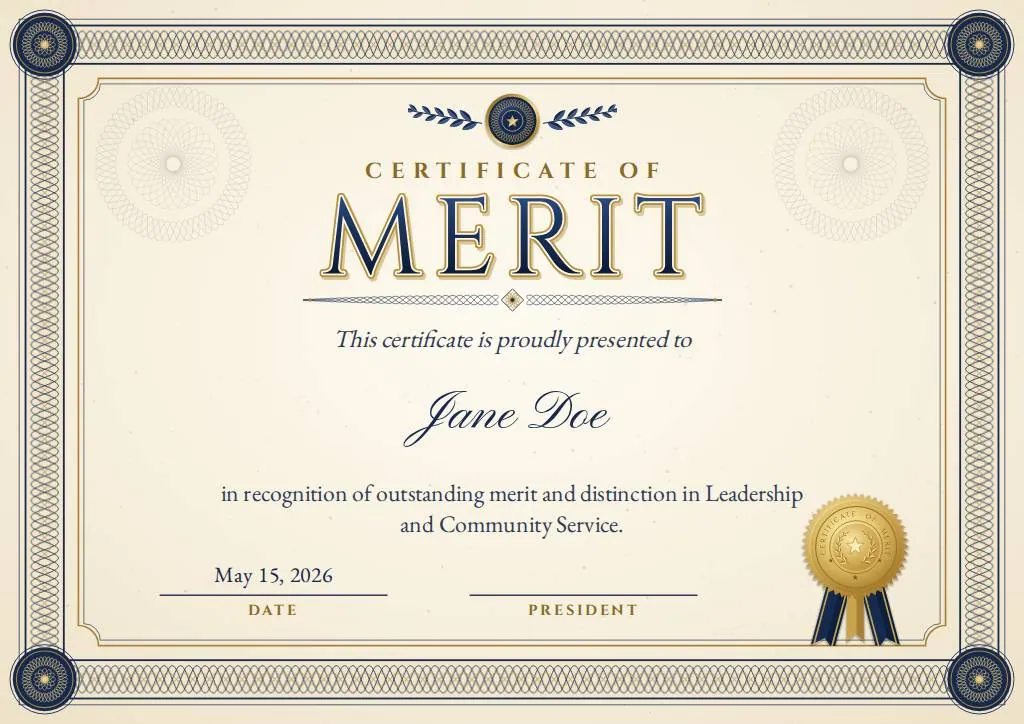
Engraved Guilloche Certificate of Merit
Cream security paper with a navy guilloche border, engraved "Merit" and a gold foil seal.
-
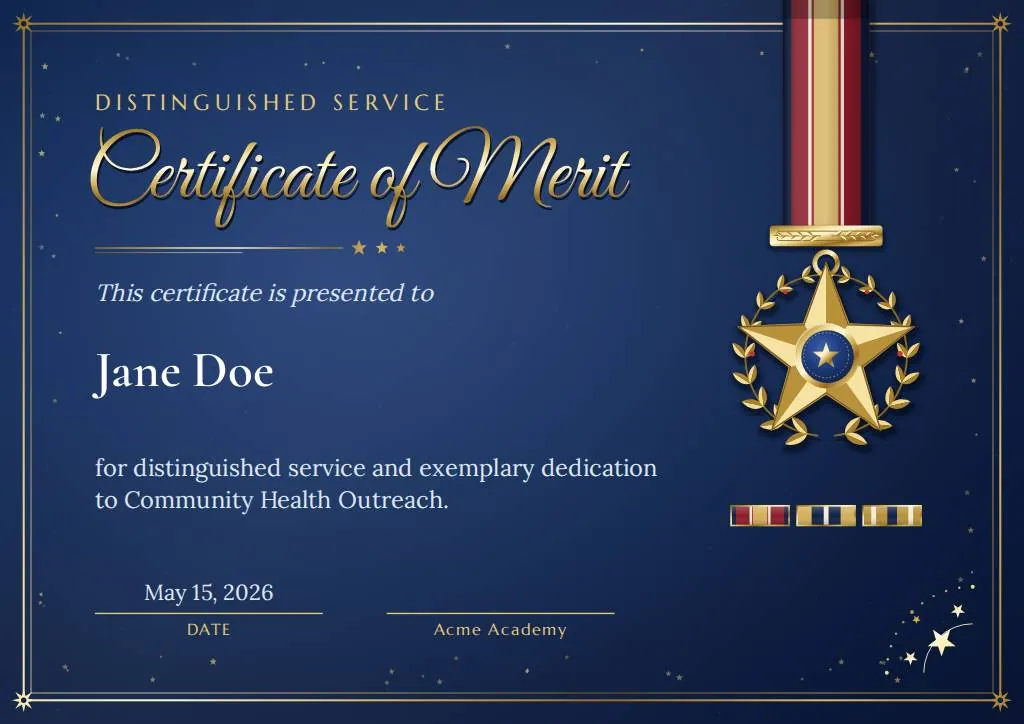
Distinguished Service Medal Certificate of Merit
Deep navy Certificate of Merit with a gold star medal hanging from a crimson and gold ribbon.
-

Parchment Scroll Certificate of Merit
An unrolled parchment scroll on green velvet, with a red wax seal on silk ribbons.
-
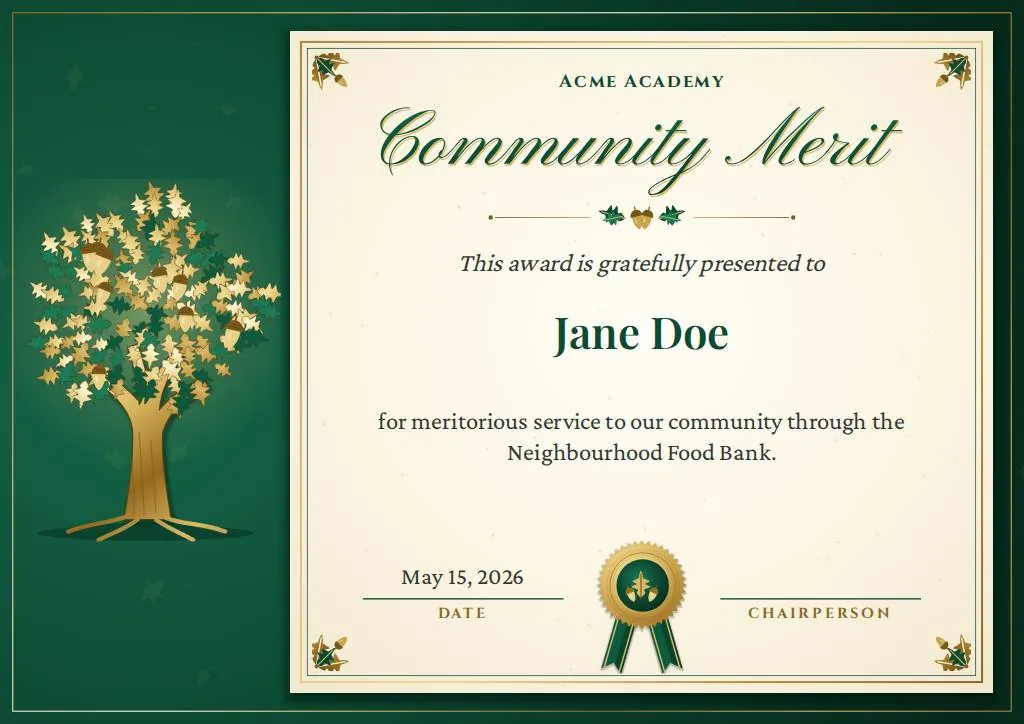
Community Oak Tree Merit Award
Emerald field with a gold oak tree beside a cream card, oak-leaf corners and an acorn seal.
-

Minimal Silver Certificate of Merit
Charcoal and silver foil, flush-left type, a silver star medallion and generous space.
-

Luminous Gradient Excellence Award with Glass Star
Blue-to-violet gradient award with a frosted glass star badge and satin ribbons.
-

Corporate Blue Bands Certificate of Excellence
Crisp corporate award with layered blue diagonal bands and a silver star medal.
-
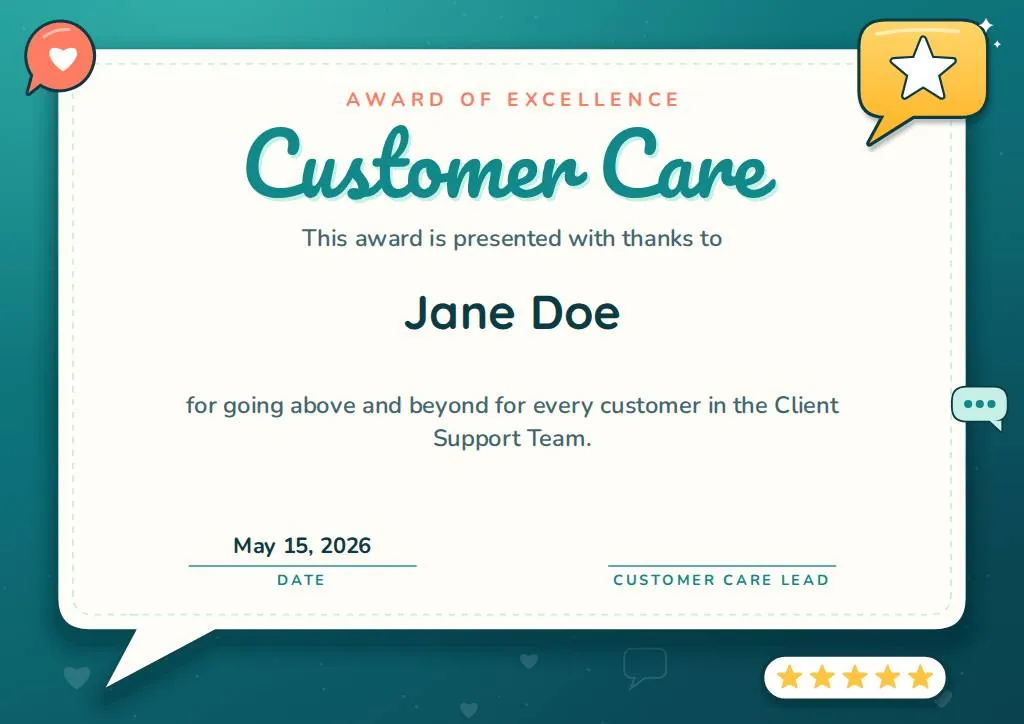
Friendly Teal Customer Care Excellence Award
Teal customer care award set in a big speech bubble, with star and heart bubbles.
Issue your first credential today
Open this template in the CertSeal editor, customize in minutes, and send verifiable certificates your recipients can share anywhere.