Certificate template
Monochrome Magazine Cover Employee of the Month Certificate
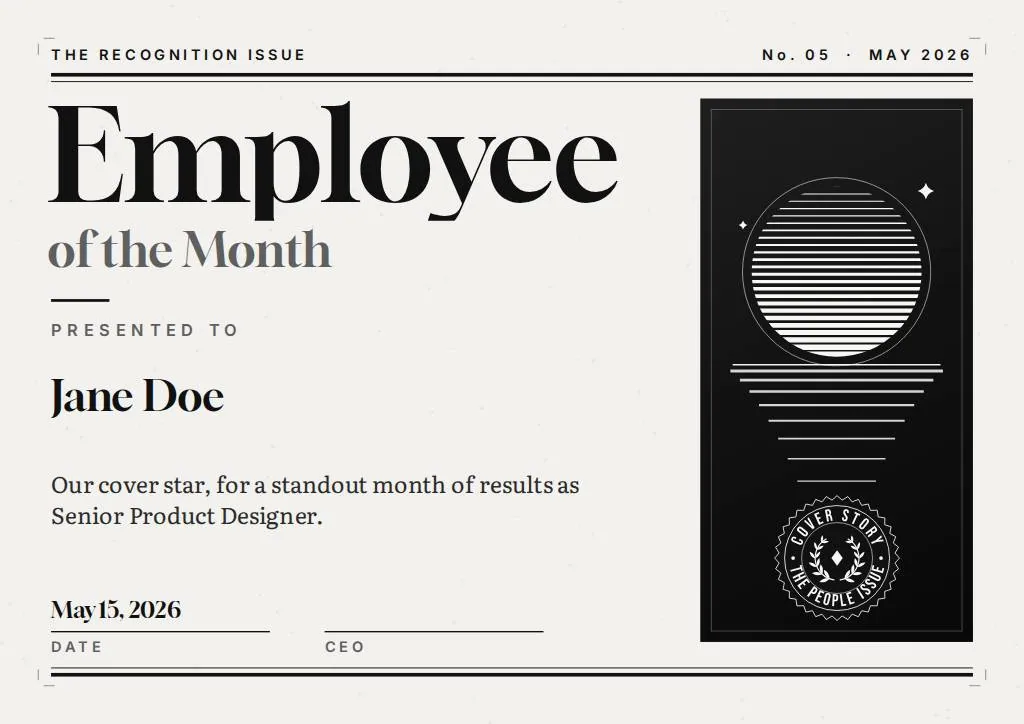
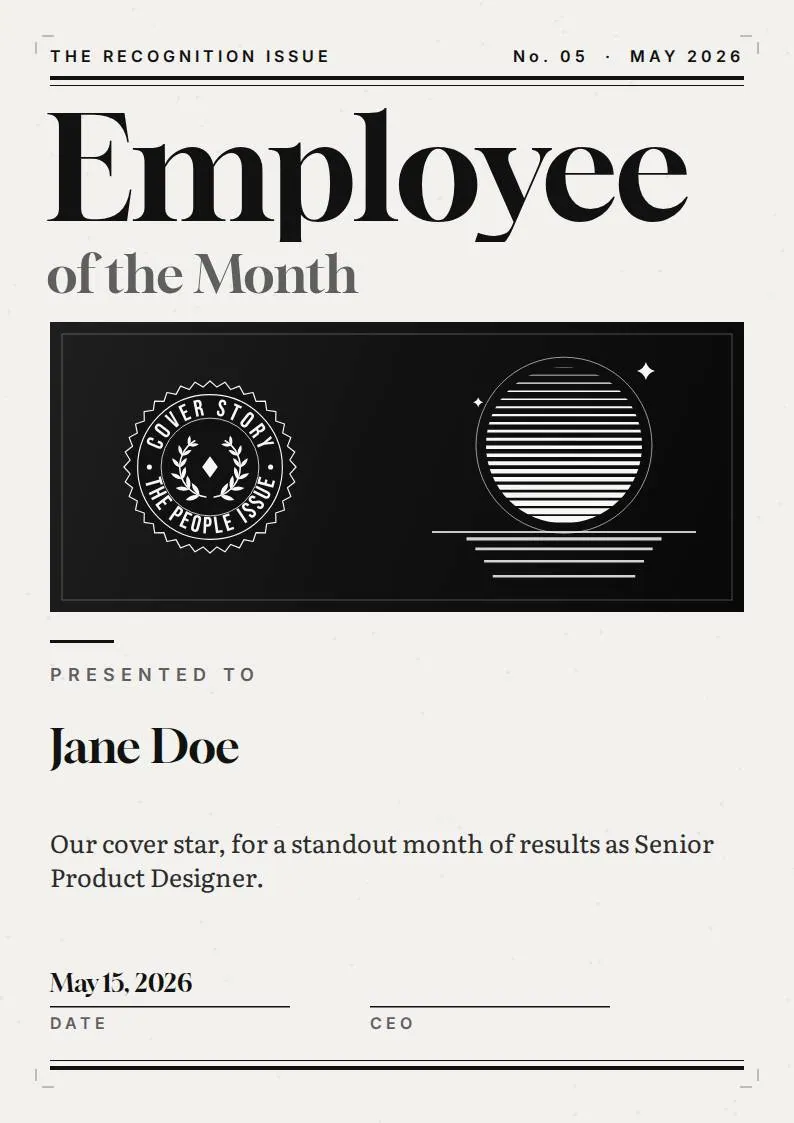
Black and white editorial certificate laid out like a magazine cover, with a line-engraved sun.
Free to customize. Issue verifiable credentials with a CertSeal account.
About this template
When to reach for it
Put the winner on the cover. A black and white magazine layout with a folio line, heavy masthead rules and a Gloock masthead, beside a black cover panel holding a line-engraved sun over the horizon and a scalloped COVER STORY seal with a laurel wreath.
The issue line and the panel caption are editable text, for the month and your own issue name. The course field holds the role, for example "Senior Product Designer".
Wording
What the certificate says
Every line of text on this template, top to bottom. Highlighted parts fill in for each recipient, and you can reword any line in the editor.
- THE RECOGNITION ISSUE · No. 05 · MAY 2026
- Employee
- of the Month
- PRESENTED TO
- Recipient name
- Our cover star, for a standout month of results as Course or achievement.
- Date
- DATE · CEO
Typography
Fonts used in this template
Swap, mix, or replace any of these in the editor — every CertSeal template ships with 1,000+ Google Fonts plus your own brand uploads.
-
Font family
Gloock
Gloock
-
Font family
Inter
Inter
-
Font family
Literata
Literata
Color palette
Colors used in this template
The five most prominent colors sampled straight from the rendered design. Recolor any of them in the editor to match your brand.
-
#f2f1ed
-
#161616
-
#9a9997
-
#353535
-
#b8b7b5
How to use it
From template to issued credential in four steps
- 01
Open the template
Click "Use this template" to open the Monochrome Magazine Cover Employee of the Month Certificate in the CertSeal editor, or customize it free without signing up.
- 02
Fill in the details
- Recipient name
- Course or achievement
- Date
Type these in, or upload a spreadsheet to make one for every recipient.
- 03
Add your brand
Swap the Gloock, Inter and Literata fonts and the colors, and add your logo.
- 04
Issue & verify
Generate PDFs and verifiable links your recipients can share anywhere.
More templates
You might also like
-
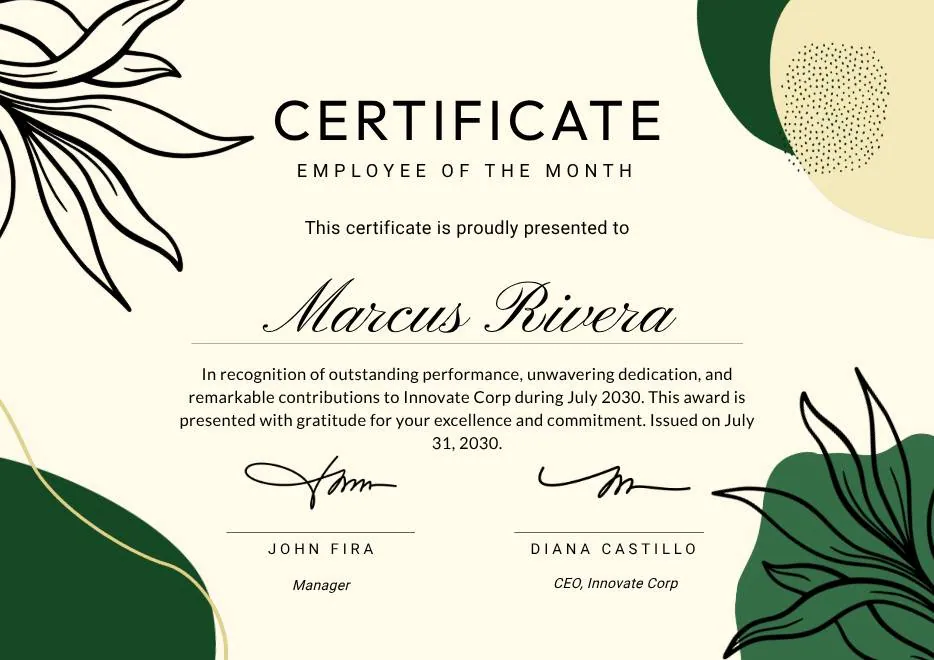
Green and Beige Botanical Employee of the Month Certificate
A modern, nature-inspired Employee of the Month certificate featuring botanical line art and bold green abstract shapes on a warm beige background.
-

Navy and Coral Geometric Employee of the Month Certificate
Bold geometric corners in navy, coral and mustard with a star medal.
-

Black and Gold Elegant Employee of the Month Certificate
Black certificate with gold laurel, fine gold frame and a script name.
-

Navy and Gold Photo Spotlight Employee of the Month Certificate
Deep navy stage with spotlights on a gold-framed round photo of the winner.
-

Burgundy and Gold Red Carpet Employee of the Month Certificate
Awards-night certificate with a red carpet, velvet ropes and camera flashes.
-

Teal and Coral Calendar Medal Employee of the Month Certificate
Modern certificate with a gold medal hanging from a calendar page.
-
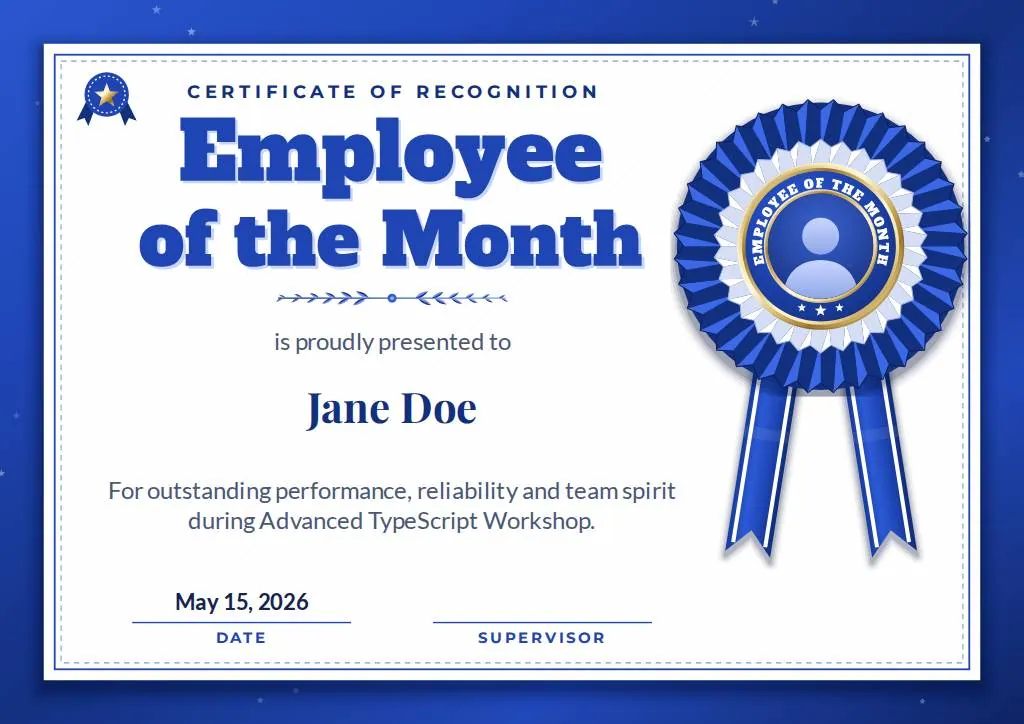
Royal Blue Rosette Ribbon Employee of the Month Certificate
White card on royal blue with a first-place rosette holding the winner’s photo.
-
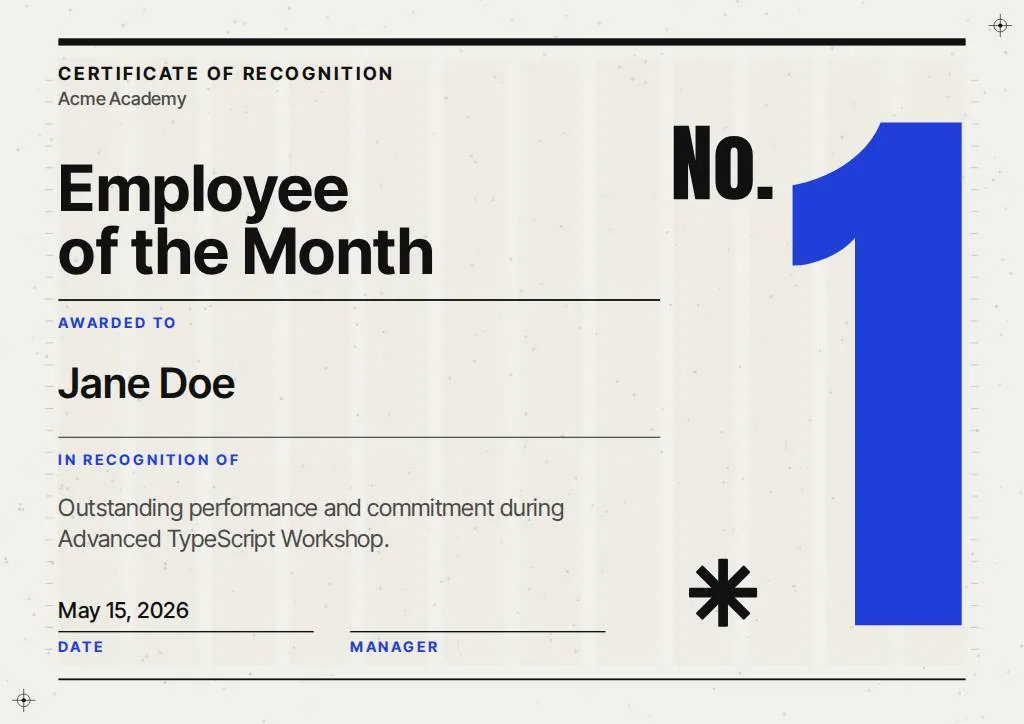
Swiss Minimal Cobalt Employee of the Month Certificate
Typographic grid certificate with a giant cobalt No. 1 and labelled rows.
Issue your first credential today
Open this template in the CertSeal editor, customize in minutes, and send verifiable certificates your recipients can share anywhere.