Certificate template
Teal Course Certificate with Module Checklist Panel
Teal side panel listing every completed module as editable rows, with a gold rosette.
Free to customize. Issue verifiable credentials with a CertSeal account.


About this template
When to reach for it
Shows exactly what was covered. A deep teal panel lists the course modules, each ticked off, as editable rows you can rename, add to or delete, with a teal and gold rosette below them. The main page stays light and orderly with a gold rule and a dot grid.
Set in DM Serif Display and DM Sans. The headline is editable, the course title is printed large, and a duration line, the issuer and the certificate ID are included. In portrait the modules run in two columns across a teal band.
Wording
What the certificate says
Every line of text on this template, top to bottom. Highlighted parts fill in for each recipient, and you can reword any line in the editor.
- COURSE MODULES
- Module 1: Introduction
- Module 2: Core concepts
- Module 3: Guided practice
- Module 4: Case studies
- Module 5: Final project
- Module 6: Assessment
- Issued by
- CERTIFICATE OF COMPLETION
- Course Certificate
- This is to certify that
- Recipient name
Show the other 6 lines
- has successfully completed all modules of
- Course or achievement
- Duration: 12 hours · Level: Intermediate
- Date
- DATE · COURSE DIRECTOR
- Certificate ID: Certificate ID
Typography
Fonts used in this template
Swap, mix, or replace any of these in the editor — every CertSeal template ships with 1,000+ Google Fonts plus your own brand uploads.
-
Font family
DM Sans
DM Sans
-
Font family
DM Serif Display
DM Serif Display
Color palette
Colors used in this template
The five most prominent colors sampled straight from the rendered design. Recolor any of them in the editor to match your brand.
-
#f5fbf9
-
#094a45
-
#c9d8d5
-
#467a76
-
#a7b8b7
How to use it
From template to issued credential in four steps
- 01
Open the template
Click "Use this template" to open the Teal Course Certificate with Module Checklist Panel in the CertSeal editor, or customize it free without signing up.
- 02
Fill in the details
- Issued by
- Recipient name
- Course or achievement
- Date
Type these in, or upload a spreadsheet to make one for every recipient.
- 03
Add your brand
Swap the DM Sans and DM Serif Display fonts and the colors, and add your logo.
- 04
Issue & verify
Generate PDFs and verifiable links your recipients can share anywhere. Each certificate is printed with its own ID.
More templates
You might also like
-
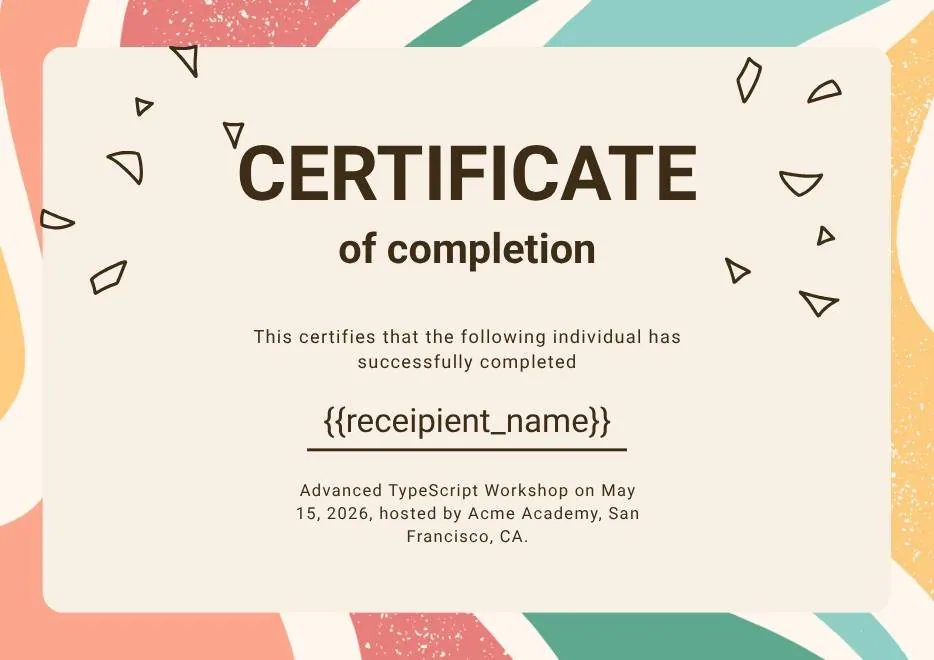
Certificate of Completion in Colorful Abstract Modern Style
A vibrant, modern completion certificate featuring abstract swirling shapes in coral, teal, and gold on a clean cream background.
-
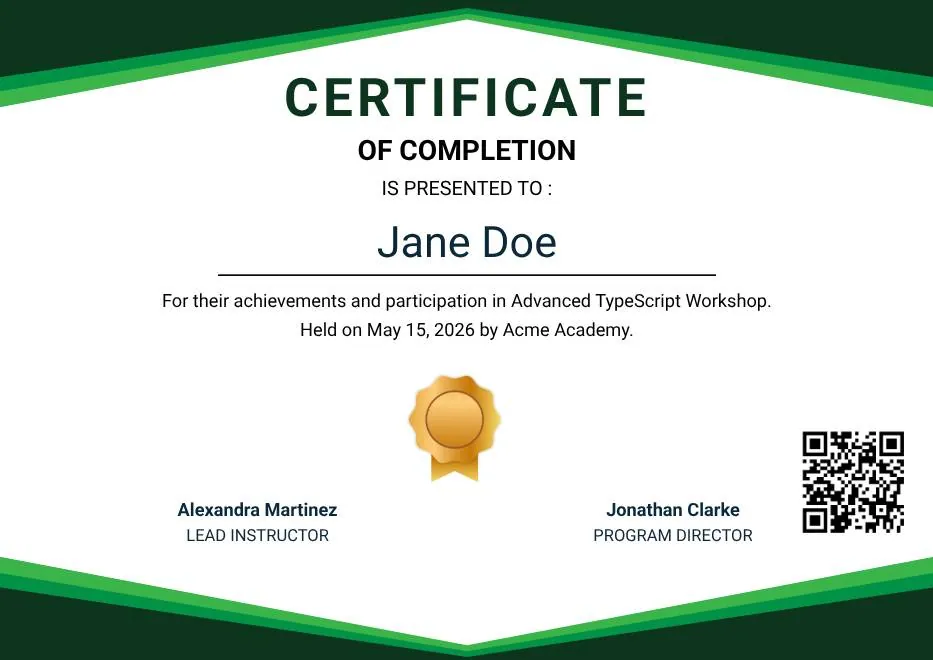
Green Modern Event Completion Certificate
A sleek green-and-white landscape certificate ideal for workshops, courses, and training events with dual signatures and QR verification.
-

Respect at Work Conduct Training Certificate
Warm, inclusive respect at work certificate with a hands-in emblem, speech bubbles and a code-of-conduct booklet.
-

Project Management Training Certificate of Completion
Navy and cobalt project management certificate with a Gantt timeline, kanban board and milestone flag.
-
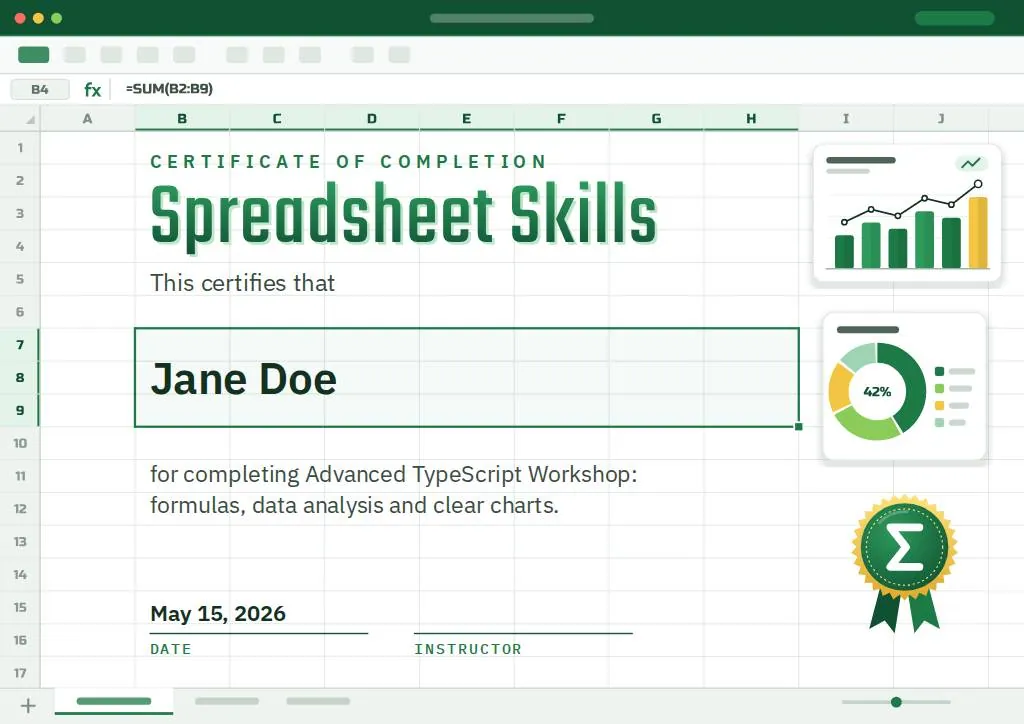
Spreadsheet and Data Skills Training Certificate
Green spreadsheet-window certificate: lettered columns, the name in an active cell, charts and a sum seal.
-

Digital Marketing Training Certificate of Completion
Magenta-to-blue gradient certificate with glossy social icons, a megaphone and an analytics card.
-

AI Fundamentals Training Certificate of Completion
Soft lavender gradient certificate with a friendly microchip mascot and neural-network graphs.
-

Coaching and Mentoring Training Certificate
Warm sage and terracotta certificate with two chairs in an arched window, speech bubbles and a growing plant.
Issue your first credential today
Open this template in the CertSeal editor, customize in minutes, and send verifiable certificates your recipients can share anywhere.