Certificate template
Modern University Crest Diploma
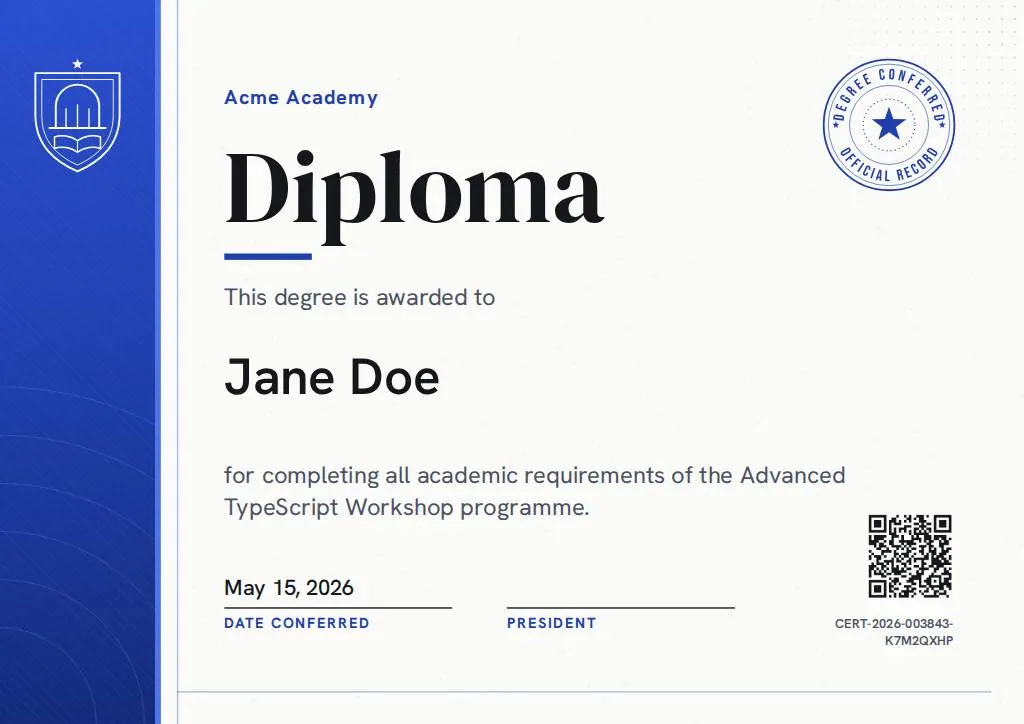
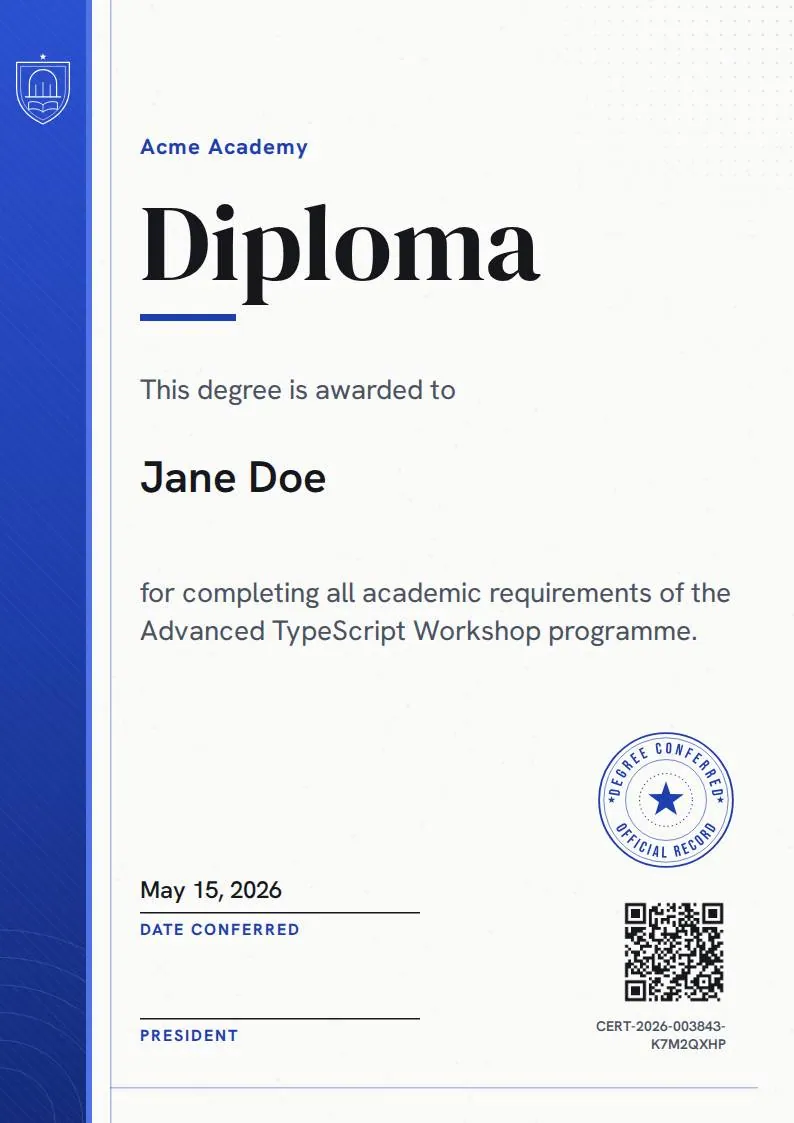
Contemporary white diploma with a cobalt side bar, outline crest, left-aligned type and a QR check.
Free to customize. Issue verifiable credentials with a CertSeal account.
About this template
When to reach for it
A contemporary degree diploma: a strong cobalt bar runs down the left edge with an outline crest (a shield with an arched gateway, columns and an open book), and the text is set flush left in a large DM Serif "Diploma" and a clean grotesque. A cobalt ring stamp, a faint dot grid and a verification QR code with the certificate number finish it.
For modern universities, institutes of technology, design schools and online programmes. The crest and stamp are separate layers; the QR code links to the certificate's verification page.
Wording
What the certificate says
Every line of text on this template, top to bottom. Highlighted parts fill in for each recipient, and you can reword any line in the editor.
- Issued by
- Diploma
- This degree is awarded to
- Recipient name
- for completing all academic requirements of the Course or achievement programme.
- Date
- DATE CONFERRED · PRESIDENT · Certificate ID
Typography
Fonts used in this template
Swap, mix, or replace any of these in the editor — every CertSeal template ships with 1,000+ Google Fonts plus your own brand uploads.
-
Font family
DM Serif Display
DM Serif Display
-
Font family
Hanken Grotesk
Hanken Grotesk
Color palette
Colors used in this template
The five most prominent colors sampled straight from the rendered design. Recolor any of them in the editor to match your brand.
-
#fbfbf9
-
#d8d9d9
-
#2444b7
-
#193289
-
#5876d8
How to use it
From template to issued credential in four steps
- 01
Open the template
Click "Use this template" to open the Modern University Crest Diploma in the CertSeal editor, or customize it free without signing up.
- 02
Fill in the details
- Issued by
- Recipient name
- Course or achievement
- Date
Type these in, or upload a spreadsheet to make one for every recipient.
- 03
Add your brand
Swap the DM Serif Display and Hanken Grotesk fonts and the colors, and add your logo.
- 04
Issue & verify
Generate PDFs and verifiable links your recipients can share anywhere. The QR code on this design opens each certificate's verification page. Each certificate is printed with its own ID.
More templates
You might also like
-
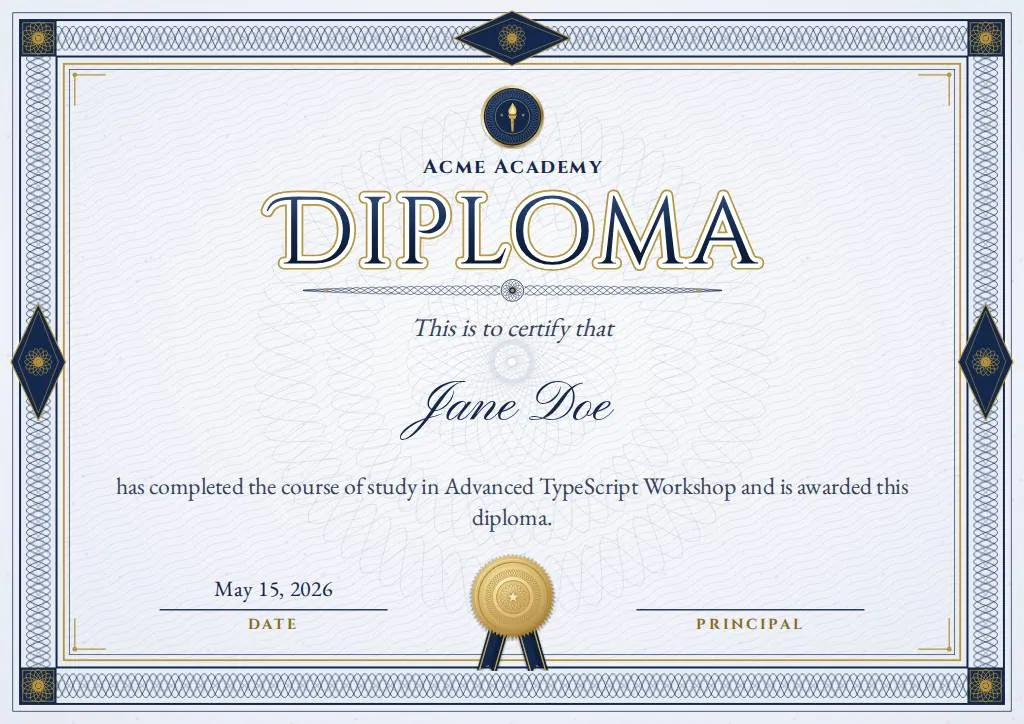
Navy Guilloche Graduation Diploma
Security-paper diploma with a navy guilloche border, torch emblem and an embossed gold seal.
-
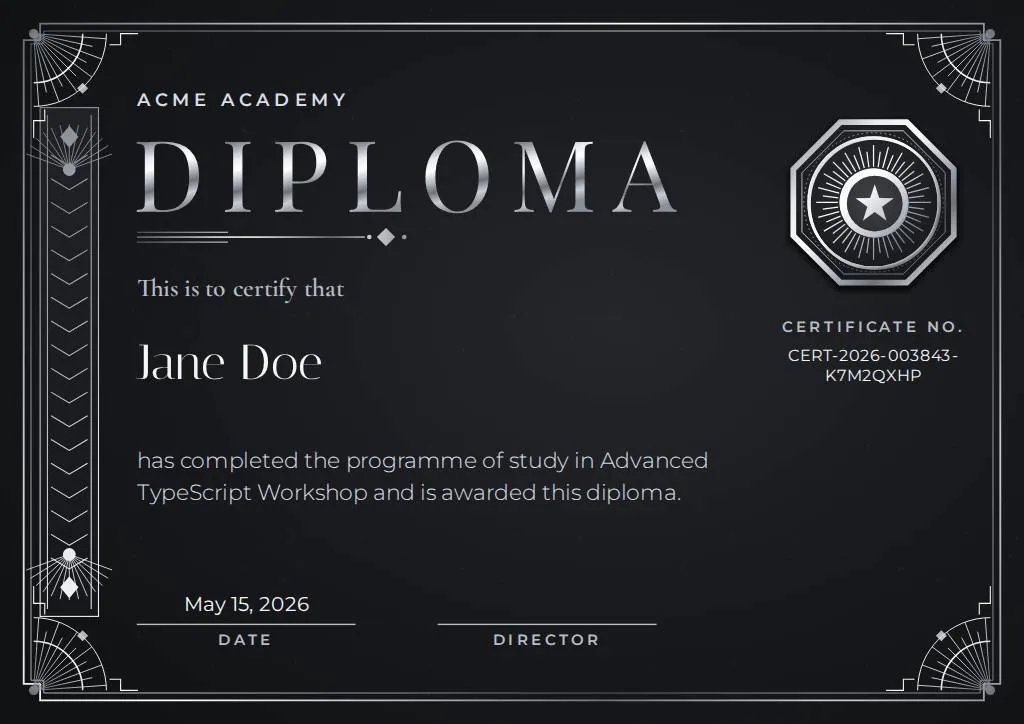
Black and Silver Art Deco Diploma
Modern formal diploma in black with silver-foil lettering, a deco frame and medallion.
-
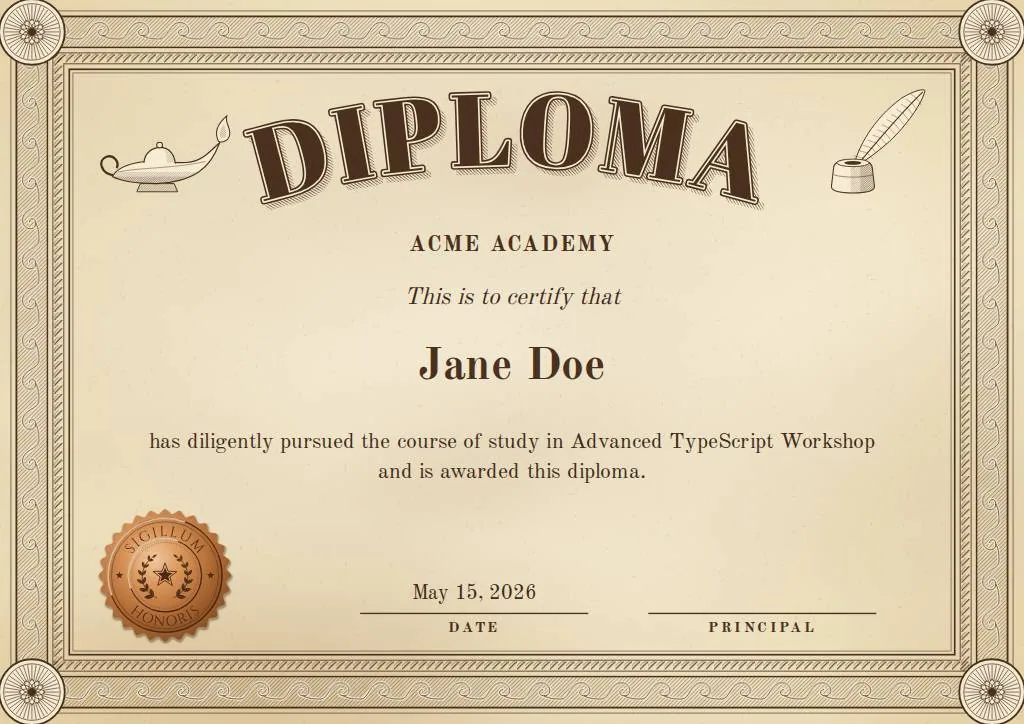
Copperplate Engraved Vintage Diploma
Sepia diploma with an engraved border, arched title, lamp and quill vignettes and a copper seal.
-
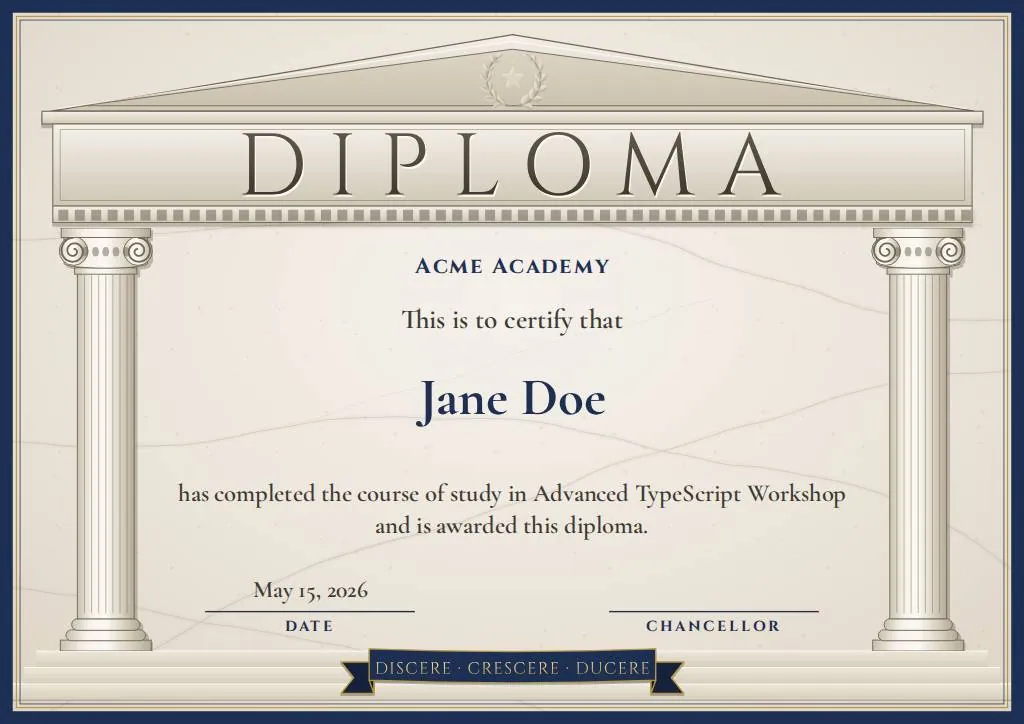
Classical Portico Columns Diploma
Marble diploma framed by Ionic columns under a pediment, with a carved title and motto banner.
-
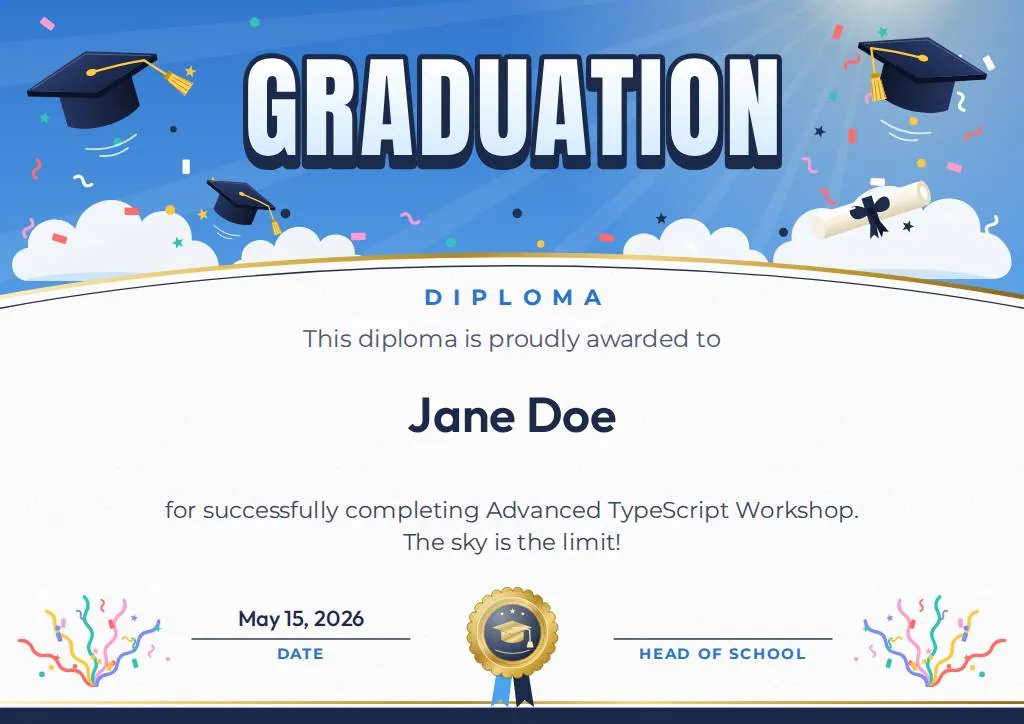
Cap Toss Graduation Diploma
Bright graduation diploma with mortarboards flying through a blue sky, confetti, streamers and a gold seal.
-
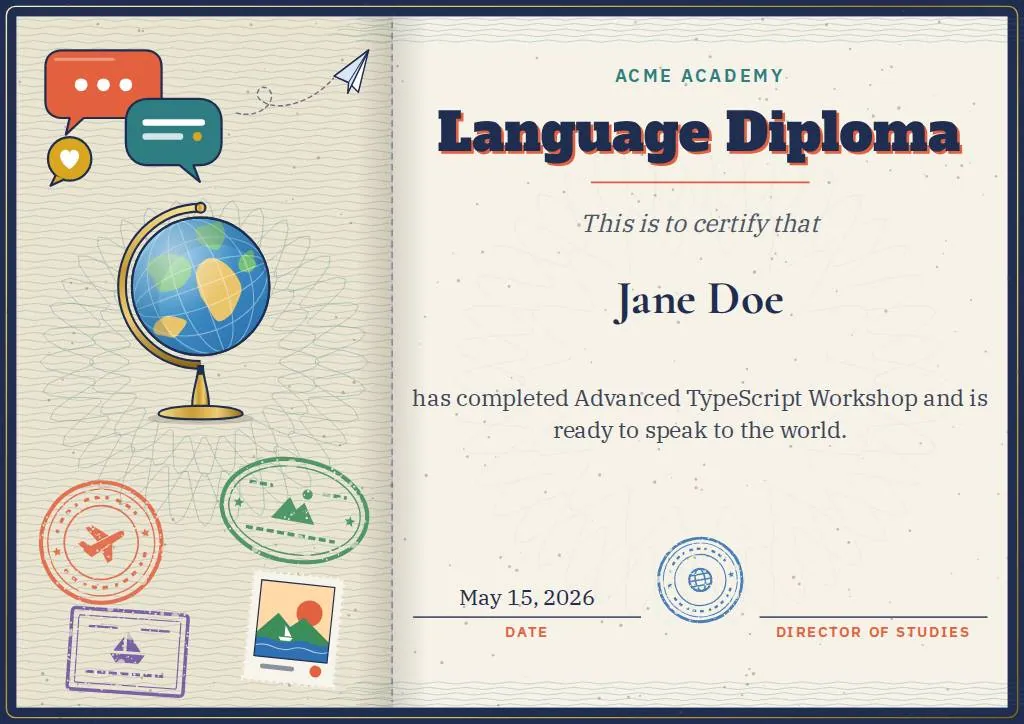
Passport Stamps Language School Diploma
Language school diploma laid out like an open passport, with a desk globe, speech bubbles and travel stamps.
-

Copper Pan Culinary School Diploma
Slate and copper culinary diploma with hanging copper pans, herb bundles, a chef emblem and a copper seal.
-
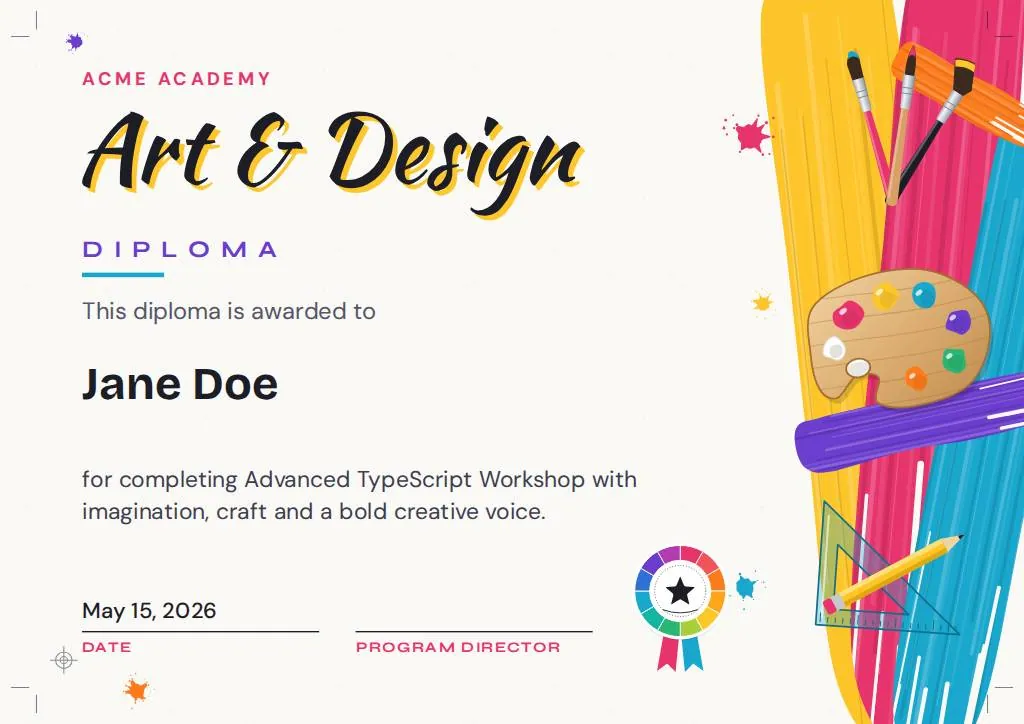
Brushstroke Art and Design School Diploma
Vivid art school diploma with a painted panel of brush strokes, a palette, brushes, a set square and a colour-wheel seal.
Issue your first credential today
Open this template in the CertSeal editor, customize in minutes, and send verifiable certificates your recipients can share anywhere.