Certificate template
Mirrored Profiles Emotional Intelligence Training Certificate
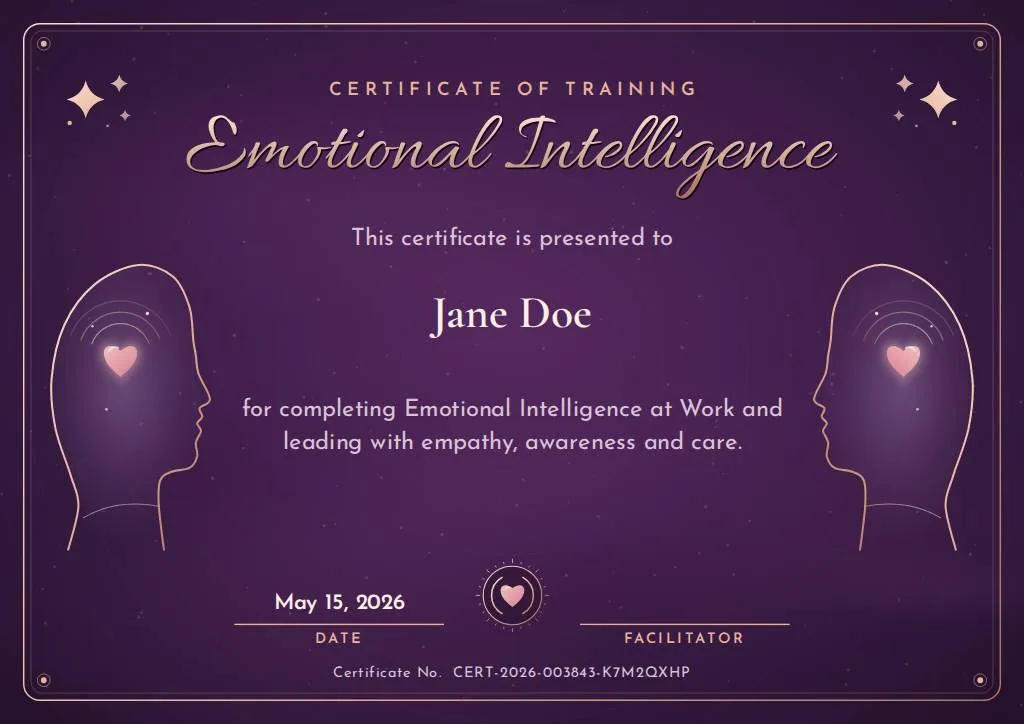
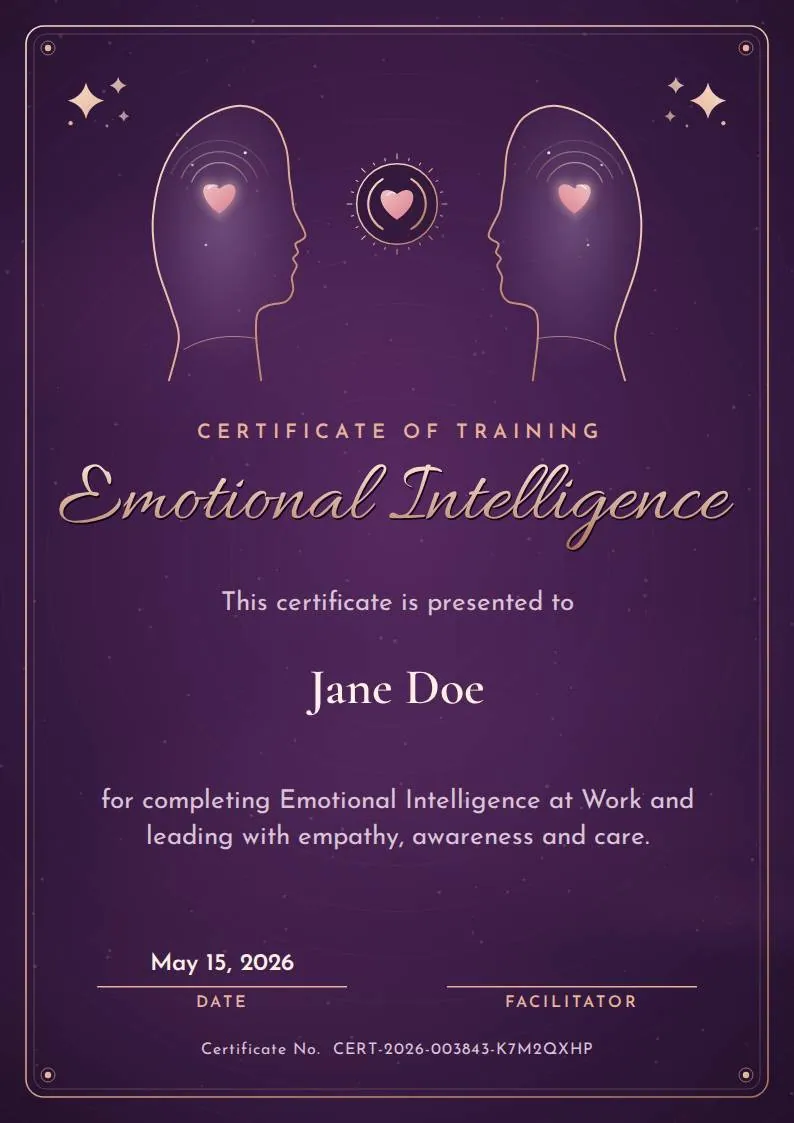
Aubergine and rose-gold emotional intelligence certificate with two line-art profiles facing a glowing heart.
Free to customize. Issue verifiable credentials with a CertSeal account.
About this template
When to reach for it
A warm, elegant certificate for emotional intelligence and empathy training. Two rose-gold line-art profiles face each other across the page, each with a softly glowing heart sending out ripples where the mind would be. Faint ripple rings spread across an aubergine page inside a fine rose-gold frame with rounded corners, with a heart emblem and rose-gold sparkles as finishing touches.
The headline "Emotional Intelligence" is rose-gold Allura script lettering; the name is set in Cormorant Garamond and the text in Josefin Sans. Profiles, emblem and sparkles are separate layers.
Wording
What the certificate says
Every line of text on this template, top to bottom. Highlighted parts fill in for each recipient, and you can reword any line in the editor.
- CERTIFICATE OF TRAINING
- This certificate is presented to
- Recipient name
- for completing Course or achievement and leading with empathy, awareness and care.
- Date
- DATE · FACILITATOR
- Certificate No. Certificate ID
Typography
Fonts used in this template
Swap, mix, or replace any of these in the editor — every CertSeal template ships with 1,000+ Google Fonts plus your own brand uploads.
-
Font family
Cormorant Garamond
Cormorant Garamond
-
Font family
Josefin Sans
Josefin Sans
Color palette
Colors used in this template
The five most prominent colors sampled straight from the rendered design. Recolor any of them in the editor to match your brand.
-
#3b1c45
-
#5a3764
-
#7c5b82
-
#9a8397
-
#efb2b6
How to use it
From template to issued credential in four steps
- 01
Open the template
Click "Use this template" to open the Mirrored Profiles Emotional Intelligence Training Certificate in the CertSeal editor, or customize it free without signing up.
- 02
Fill in the details
- Recipient name
- Course or achievement
- Date
Type these in, or upload a spreadsheet to make one for every recipient.
- 03
Add your brand
Swap the Cormorant Garamond and Josefin Sans fonts and the colors, and add your logo.
- 04
Issue & verify
Generate PDFs and verifiable links your recipients can share anywhere. Each certificate is printed with its own ID.
More templates
You might also like
-
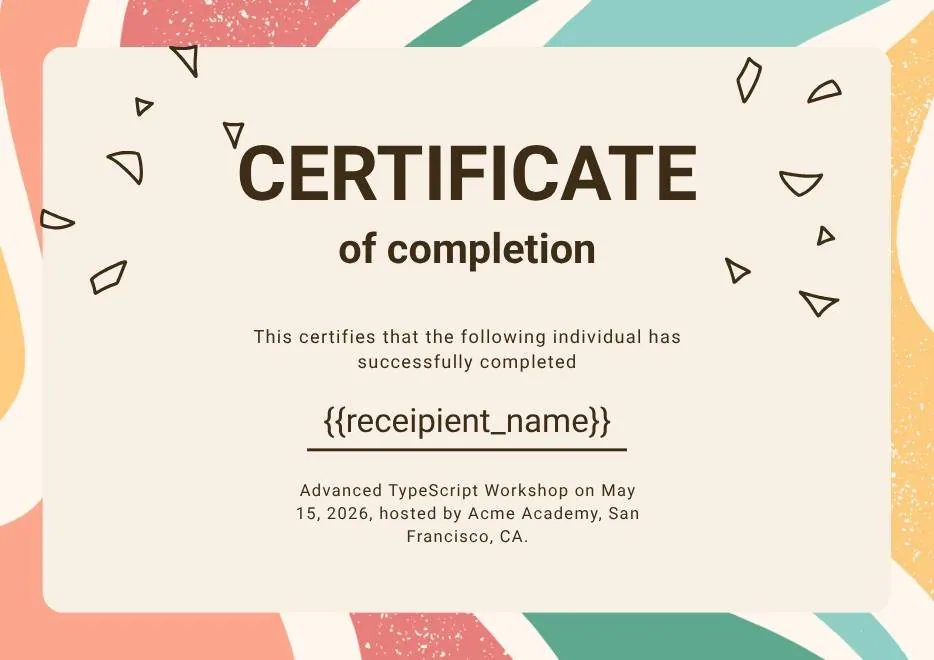
Certificate of Completion in Colorful Abstract Modern Style
A vibrant, modern completion certificate featuring abstract swirling shapes in coral, teal, and gold on a clean cream background.
-
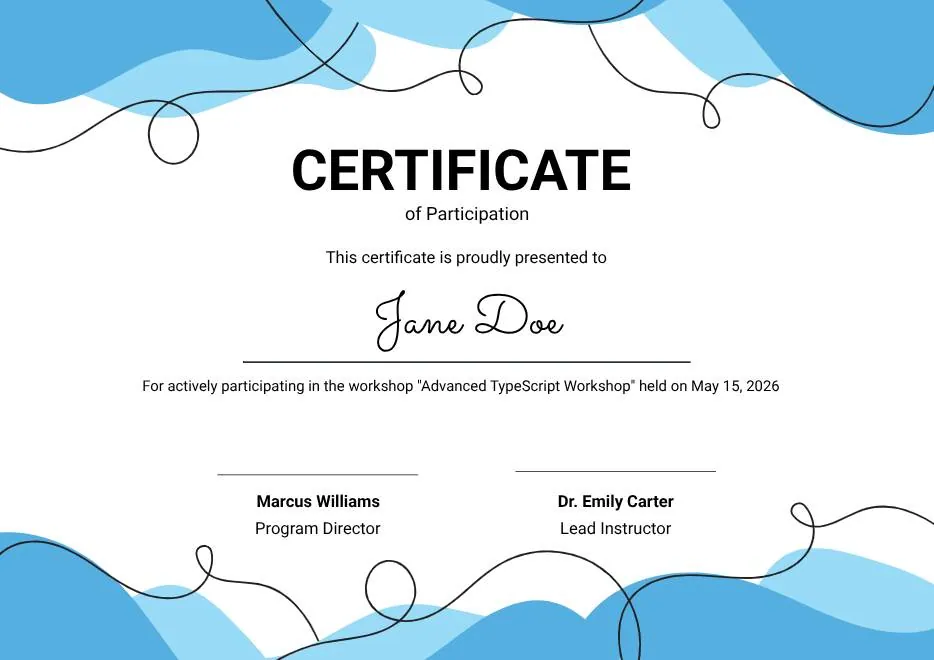
Blue Abstract Waves Participation Certificate
A modern, vibrant certificate featuring flowing blue abstract wave shapes and playful line doodles for workshops and seminars.
-
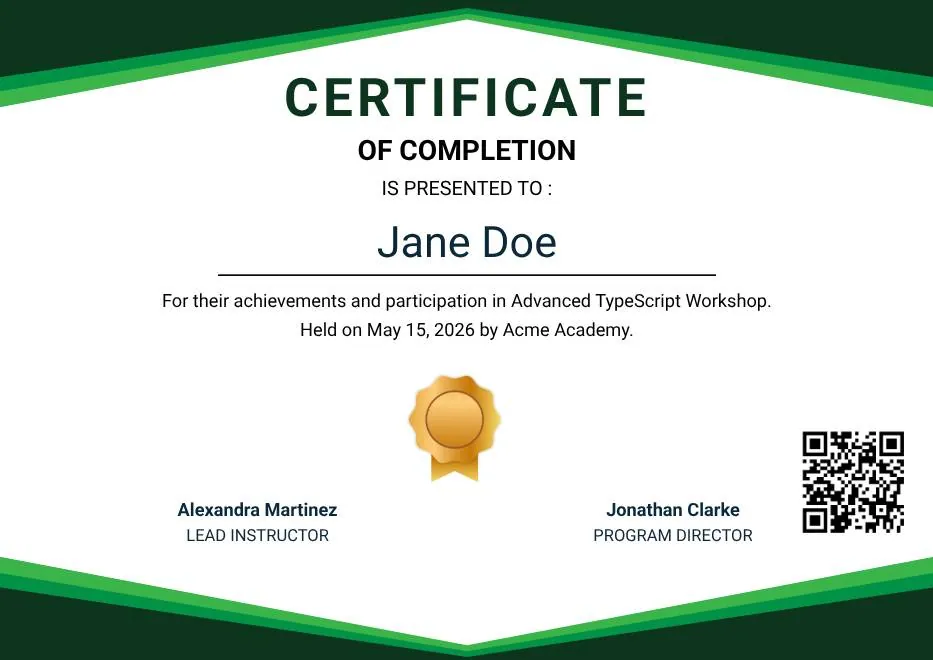
Green Modern Event Completion Certificate
A sleek green-and-white landscape certificate ideal for workshops, courses, and training events with dual signatures and QR verification.
-
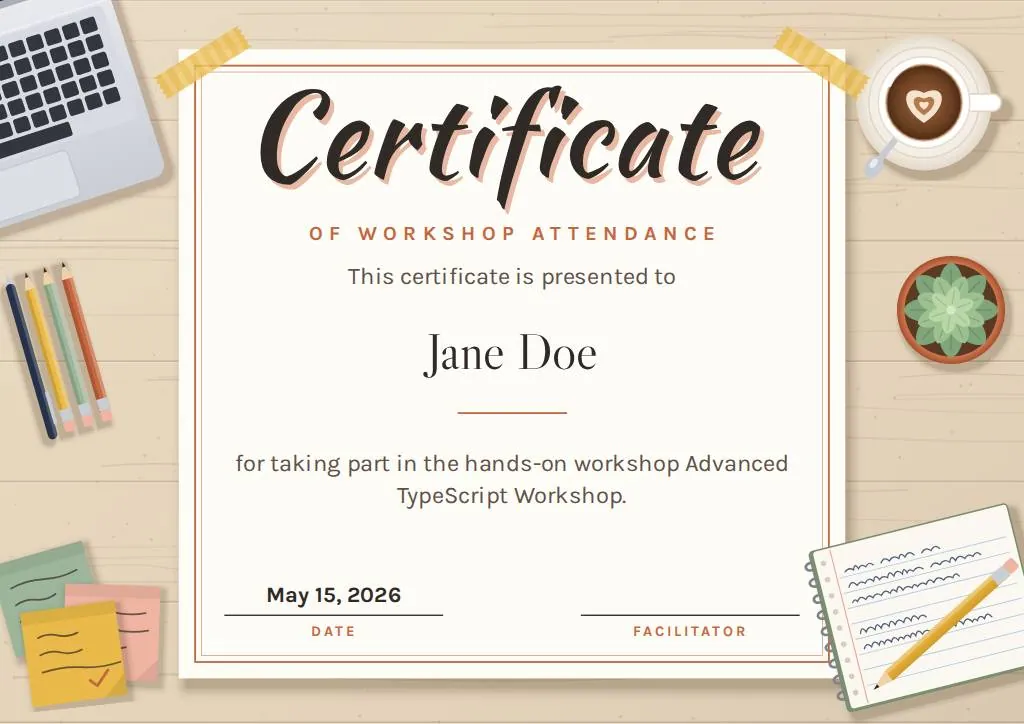
Workshop Flat-Lay Attendance Certificate
Top-down desk scene with a laptop, coffee, sticky notes and a notebook around a cream paper certificate.
-

Evening Class Attendance Certificate
Deep teal and gold certificate with a moonlit arched window, a brass desk lamp and a stack of books.
-
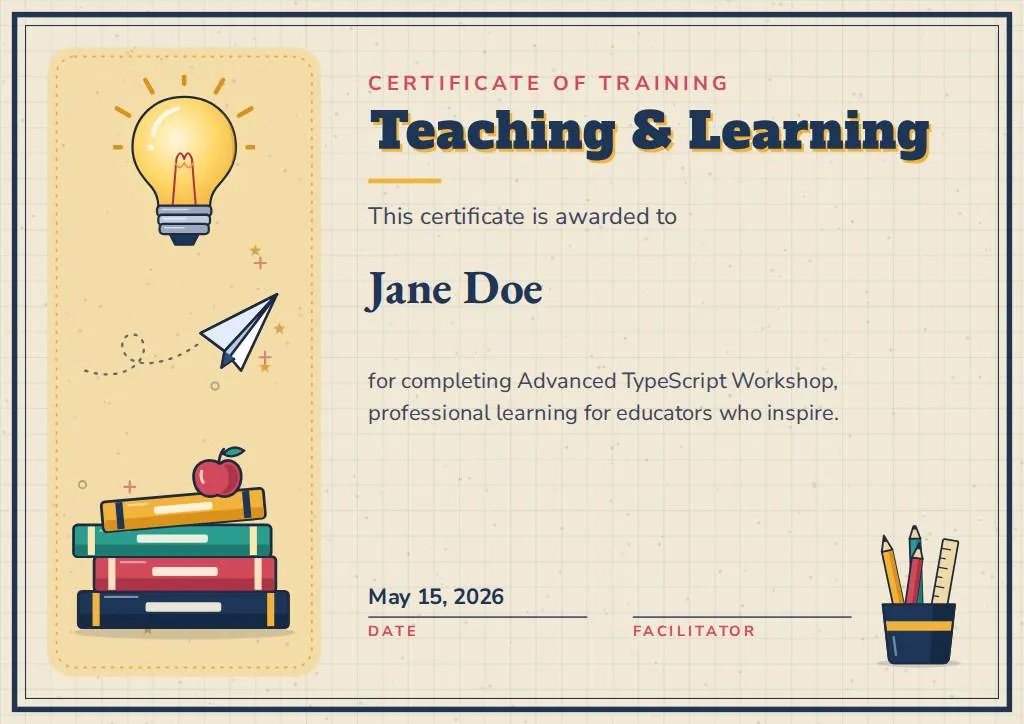
Teaching and Learning Webinar Training Certificate
Warm educator webinar certificate with stacked books, a glowing lightbulb, pencils and a paper plane.
-
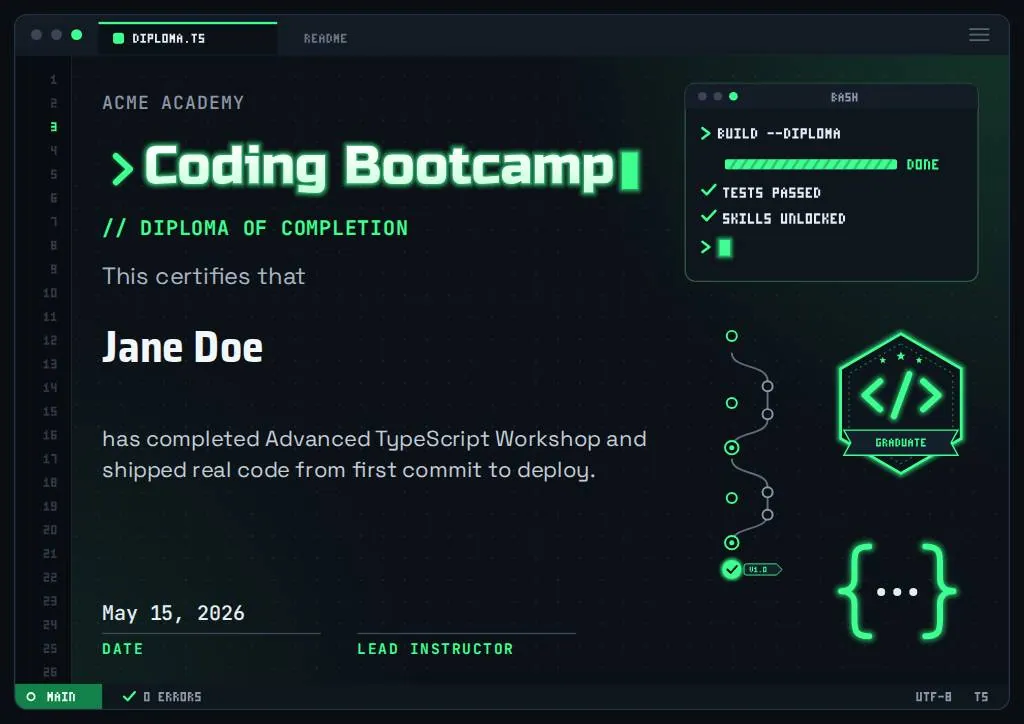
Terminal Green Coding Bootcamp Diploma
Dark-mode coding bootcamp diploma laid out as a code editor, with a terminal, a git graph, glowing braces and a neon badge.
-
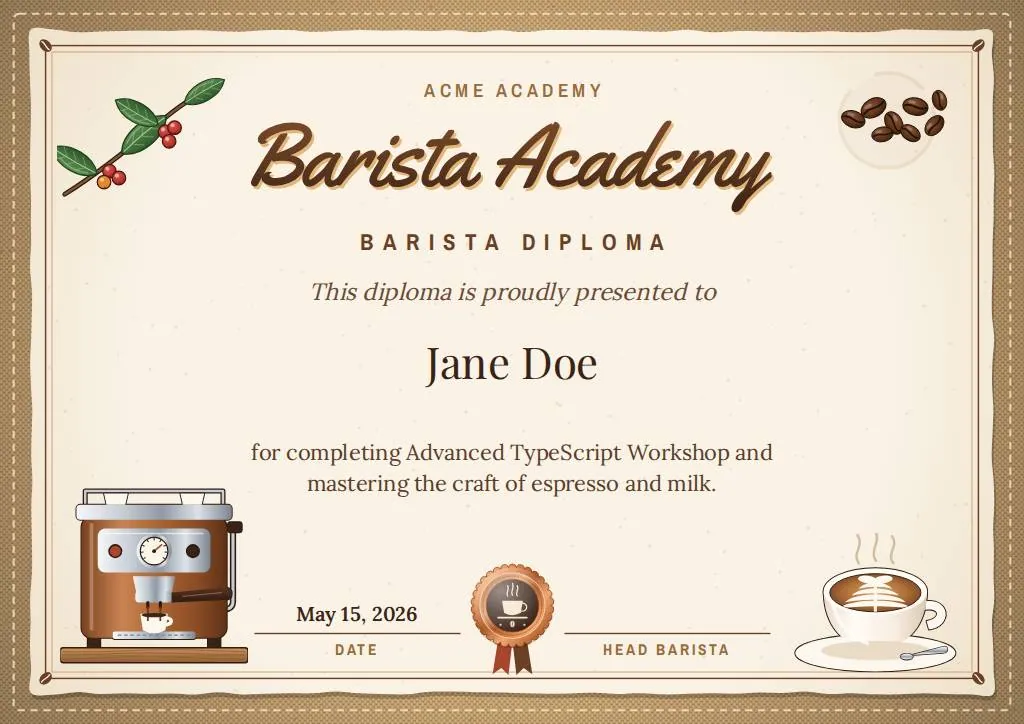
Latte Art Barista Academy Diploma
Warm coffee-house barista diploma on burlap and cream, with an espresso machine, a latte, a coffee branch, beans and a copper seal.
Issue your first credential today
Open this template in the CertSeal editor, customize in minutes, and send verifiable certificates your recipients can share anywhere.