Certificate template
Marbled Endpaper Certificate of Distinction
Certificate of Distinction framed in combed marbled endpaper and gilt-tooled oxblood leather.
Free to customize. Issue verifiable credentials with a CertSeal account.


About this template
When to reach for it
For societies, academies and award committees that confer a distinction worth framing. The border is wave-combed marbled endpaper in navy, ochre, oxblood and cream, turned in with oxblood leather tooled with a gold fillet and dot roll, like the inside cover of a fine binding; the ivory panel carries gilt corner fleurons, a tooled centrepiece and a silk bookmark ribbon.
The "Distinction" headline is gold foil in classic capitals. Below it sit the honouree's name, the distinction's name, the awarding body, the date, the president's signature, the certificate number and a gold foil seal.
Wording
What the certificate says
Every line of text on this template, top to bottom. Highlighted parts fill in for each recipient, and you can reword any line in the editor.
- CERTIFICATE OF
- is hereby conferred upon
- Recipient name
- Course or achievement
- by Issued by, for work of exceptional quality and lasting value
- Date
- DATE · PRESIDENT
- Certificate No. Certificate ID
Typography
Fonts used in this template
Swap, mix, or replace any of these in the editor — every CertSeal template ships with 1,000+ Google Fonts plus your own brand uploads.
-
Font family
Cinzel
Cinzel
-
Font family
EB Garamond
EB Garamond
Color palette
Colors used in this template
The five most prominent colors sampled straight from the rendered design. Recolor any of them in the editor to match your brand.
-
#f4ecd9
-
#d9cab8
-
#89463a
-
#a9836a
-
#374666
How to use it
From template to issued credential in four steps
- 01
Open the template
Click "Use this template" to open the Marbled Endpaper Certificate of Distinction in the CertSeal editor, or customize it free without signing up.
- 02
Fill in the details
- Recipient name
- Course or achievement
- Issued by
- Date
Type these in, or upload a spreadsheet to make one for every recipient.
- 03
Add your brand
Swap the Cinzel and EB Garamond fonts and the colors, and add your logo.
- 04
Issue & verify
Generate PDFs and verifiable links your recipients can share anywhere. Each certificate is printed with its own ID.
More templates
You might also like
-
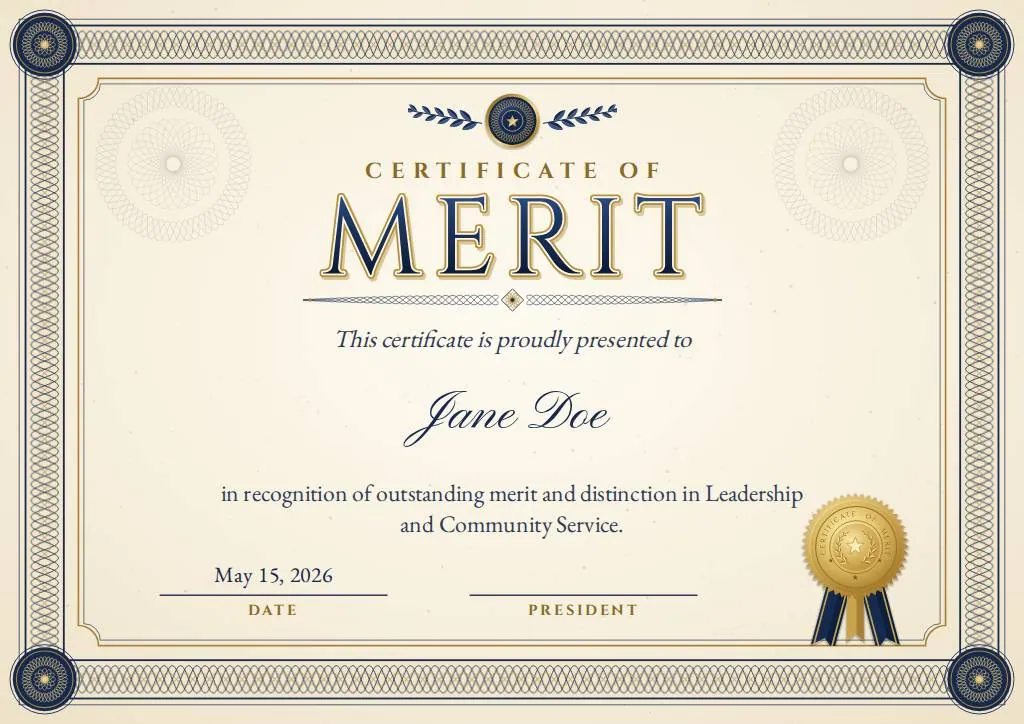
Engraved Guilloche Certificate of Merit
Cream security paper with a navy guilloche border, engraved "Merit" and a gold foil seal.
-

Art Deco Gold Award of Excellence
Black lacquer and gold Award of Excellence with a stepped deco frame and a ziggurat sunrise.
-

Academic Laurel Certificate of Merit
Ivory certificate with a burgundy satin ribbon, a gold laurel medal and "Academic Merit".
-

Distinguished Service Medal Certificate of Merit
Deep navy Certificate of Merit with a gold star medal hanging from a crimson and gold ribbon.
-

Parchment Scroll Certificate of Merit
An unrolled parchment scroll on green velvet, with a red wax seal on silk ribbons.
-

Excellence in Research Molecule Award
Teal header band with silver molecules and stars, silver "Excellence" and an orbit seal.
-

Artistic Merit Gold Palette Certificate
Deep plum certificate with a gold foil palette and laurel, brush swashes and script lettering.
-

Minimal Silver Certificate of Merit
Charcoal and silver foil, flush-left type, a silver star medallion and generous space.
Issue your first credential today
Open this template in the CertSeal editor, customize in minutes, and send verifiable certificates your recipients can share anywhere.