Certificate template
Let Your Light Shine Lighthouse Vacation Bible School Certificate
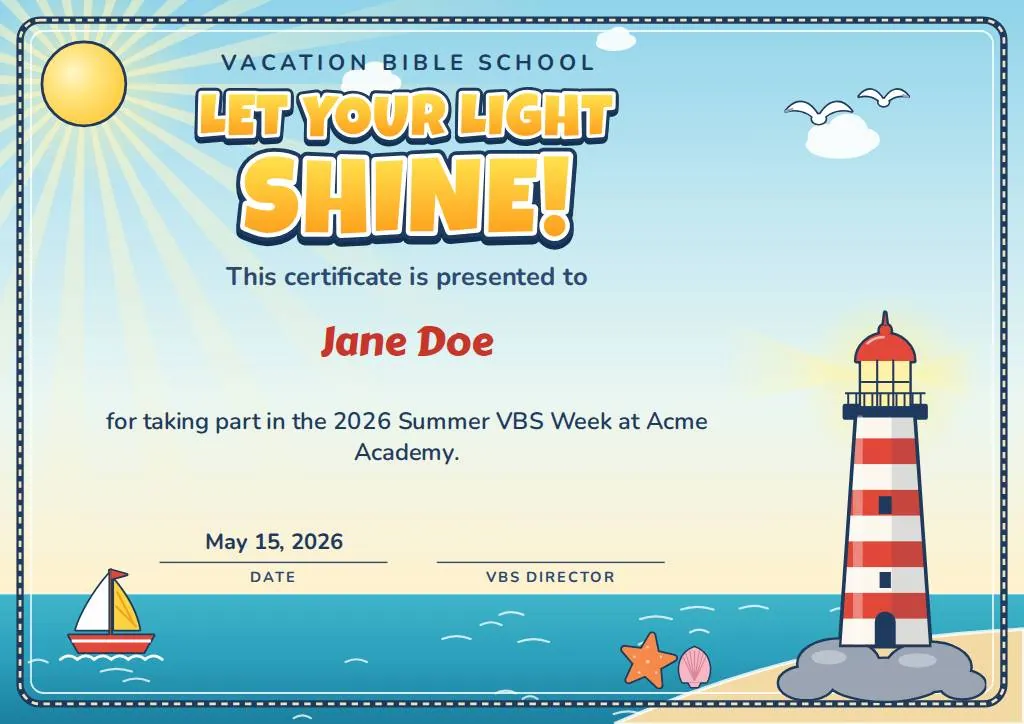
Sunny seaside Vacation Bible School certificate with a red and white lighthouse.
Free to customize. Issue verifiable credentials with a CertSeal account.
About this template
When to reach for it
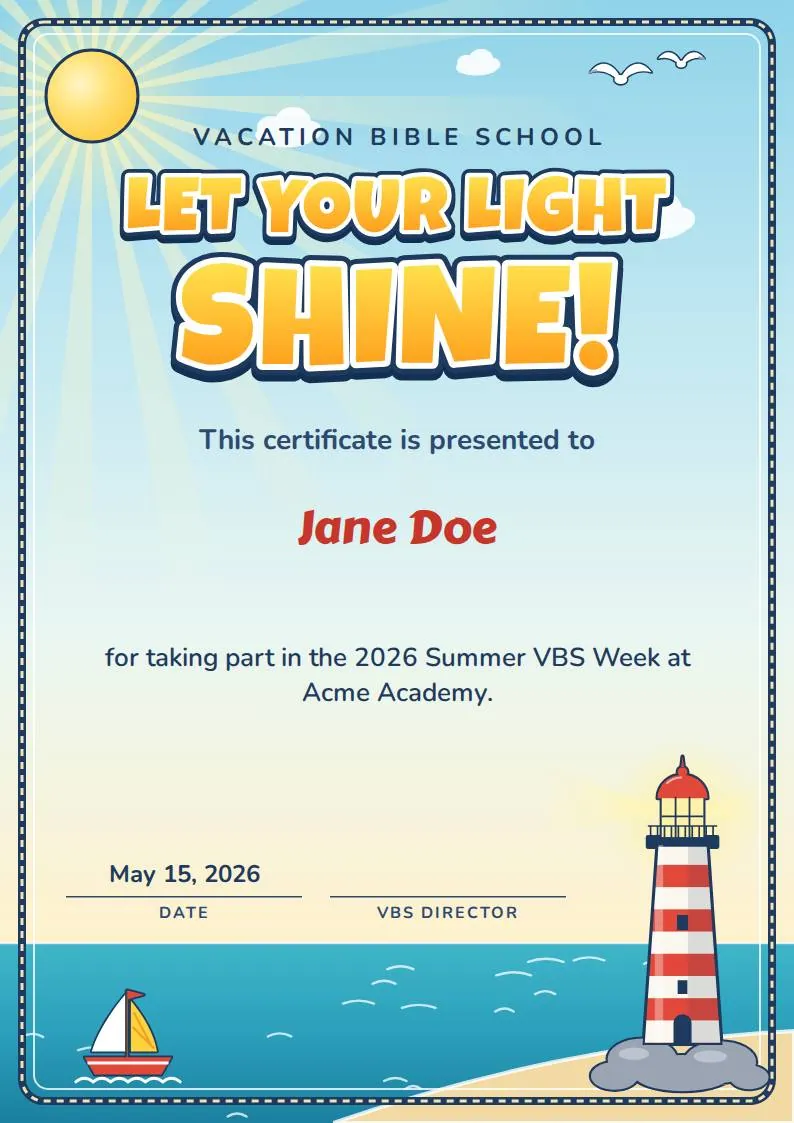
A bright summer certificate for Vacation Bible School: a red and white lighthouse shines from the rocks above the shore, with a rayed sun, seagulls, a little sailboat on the waves and a starfish on the sand, all inside a navy rope frame. "Let Your Light Shine!" (after Matthew 5:16) is set in chunky sunshine-yellow lettering with a navy outline.
Generic rather than tied to any branded programme, it works for any VBS week, holiday Bible club or summer kids’ camp. The week or programme, church and date are editable, with a line for the VBS director. The lighthouse, boat, gulls and starfish are separate layers.
Wording
What the certificate says
Every line of text on this template, top to bottom. Highlighted parts fill in for each recipient, and you can reword any line in the editor.
- VACATION BIBLE SCHOOL
- This certificate is presented to
- Recipient name
- for taking part in Course or achievement at Issued by.
- Date
- DATE · VBS DIRECTOR
Typography
Fonts used in this template
Swap, mix, or replace any of these in the editor — every CertSeal template ships with 1,000+ Google Fonts plus your own brand uploads.
-
Font family
Carter One
Carter One
-
Font family
Nunito
Nunito
Color palette
Colors used in this template
The five most prominent colors sampled straight from the rendered design. Recolor any of them in the editor to match your brand.
-
#f9f4d9
-
#c9eaf2
-
#9ad7eb
-
#36aac2
-
#a6b6b8
How to use it
From template to issued credential in four steps
- 01
Open the template
Click "Use this template" to open the Let Your Light Shine Lighthouse Vacation Bible School Certificate in the CertSeal editor, or customize it free without signing up.
- 02
Fill in the details
- Recipient name
- Course or achievement
- Issued by
- Date
Type these in, or upload a spreadsheet to make one for every recipient.
- 03
Add your brand
Swap the Carter One and Nunito fonts and the colors, and add your logo.
- 04
Issue & verify
Generate PDFs and verifiable links your recipients can share anywhere.
More templates
You might also like
-
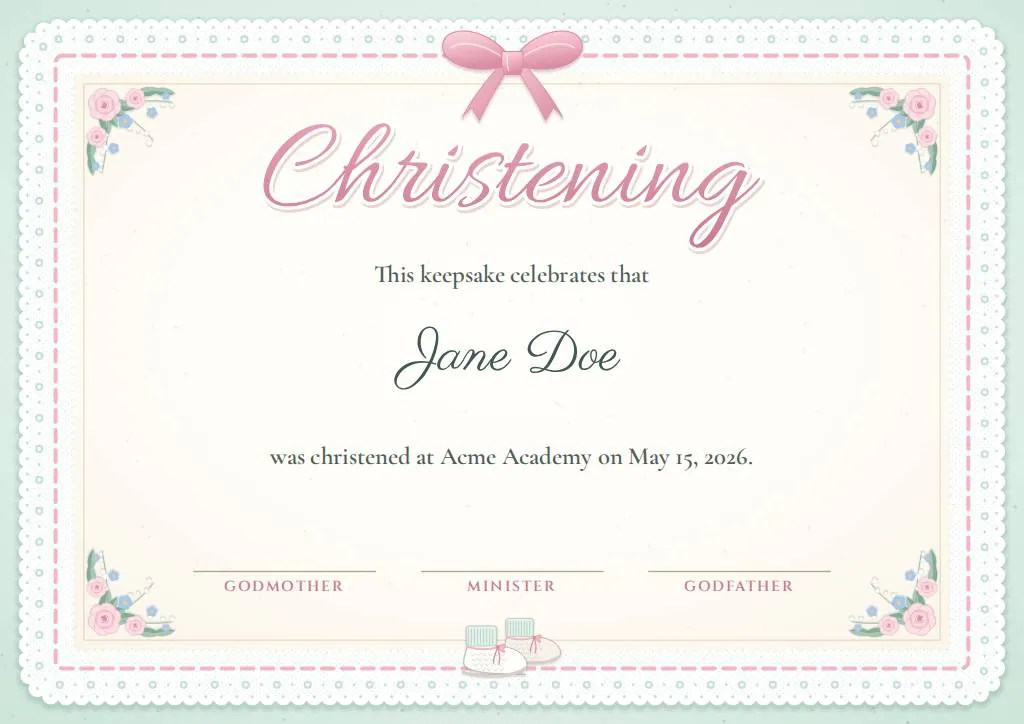
Lace and Ribbon Christening Keepsake Certificate
Pastel christening keepsake in a white lace border with a pink satin bow, booties and roses.
-
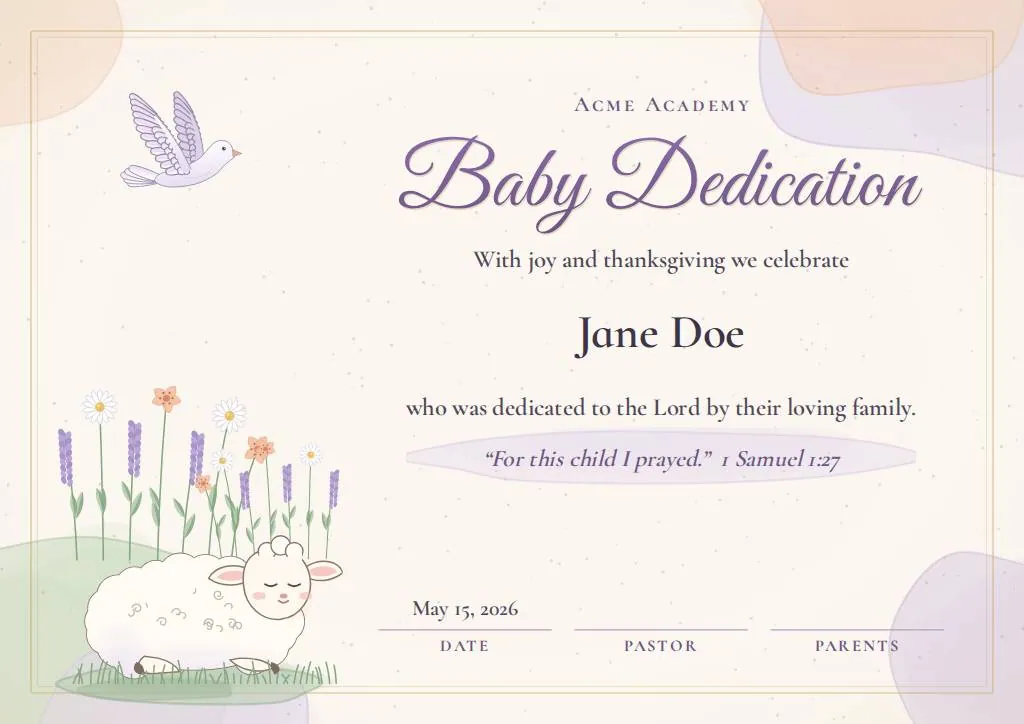
Watercolour Lamb Baby Dedication Certificate
Soft watercolour baby dedication certificate with a sleeping lamb, wildflowers and a verse.
-
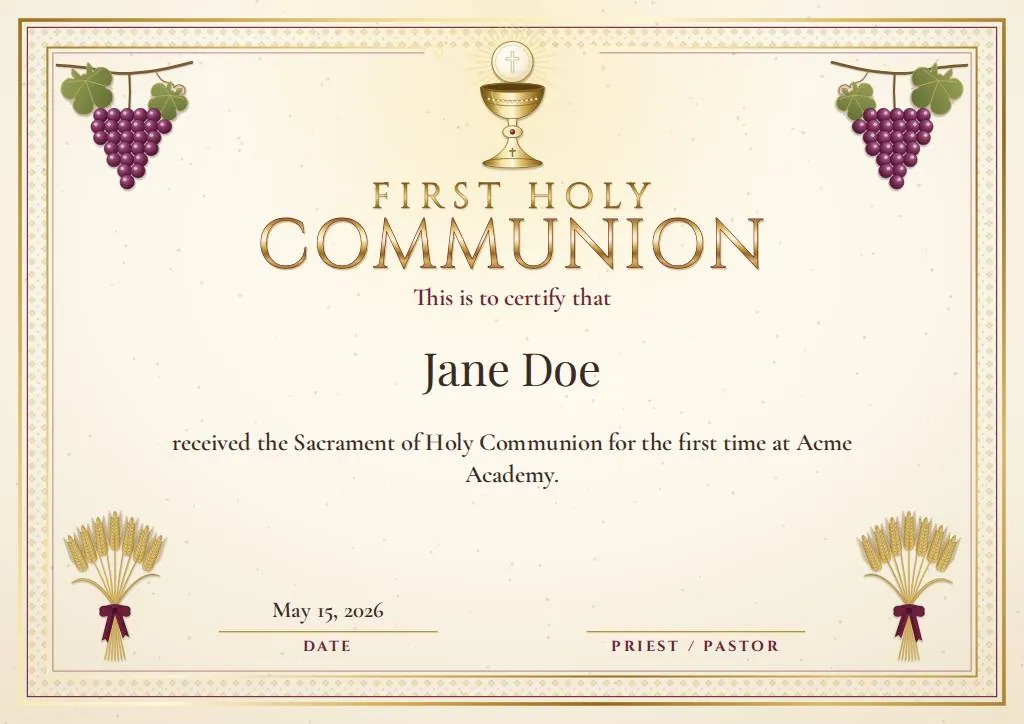
Gold Chalice First Holy Communion Certificate
Ivory and gold First Holy Communion certificate with a radiant chalice, wheat and grapes.
-
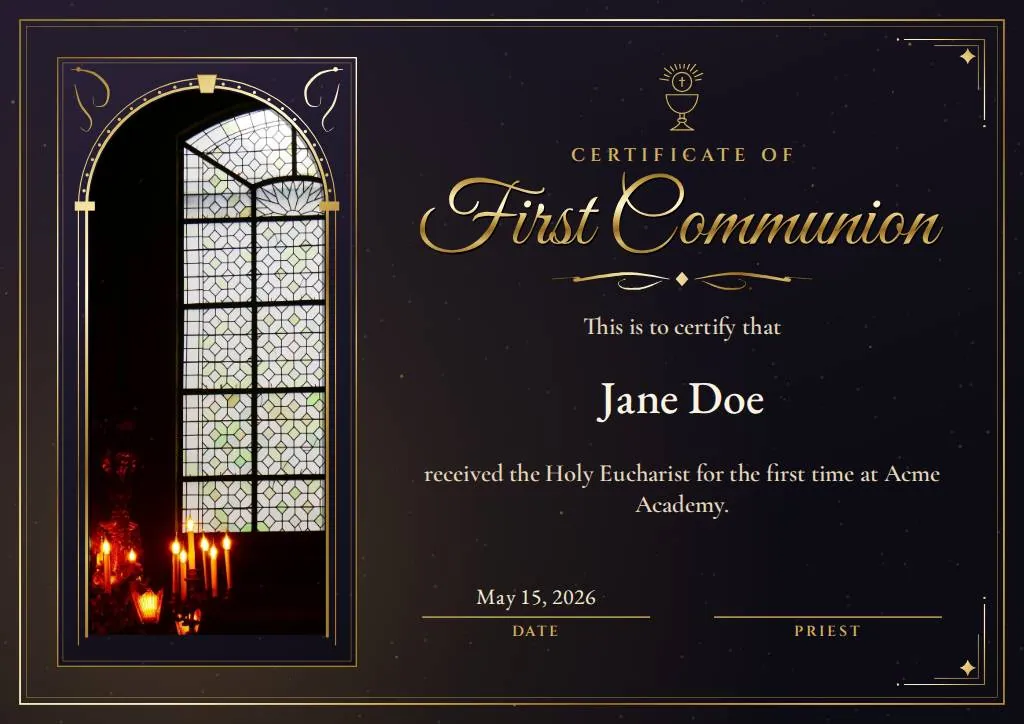
Candlelight Window First Communion Certificate
Midnight and gold First Communion certificate with a candlelit church window photo in an arch.
-
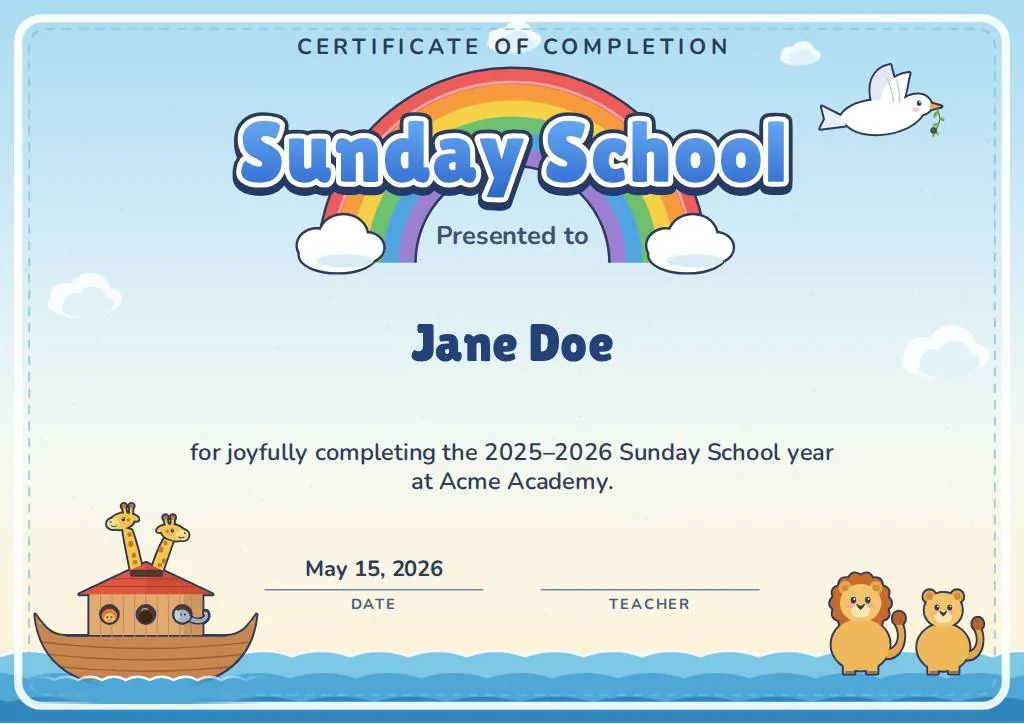
Noah's Ark Rainbow Sunday School Certificate
Illustrated Sunday school certificate with Noah’s ark, a rainbow, giraffes, lions and a dove.
-
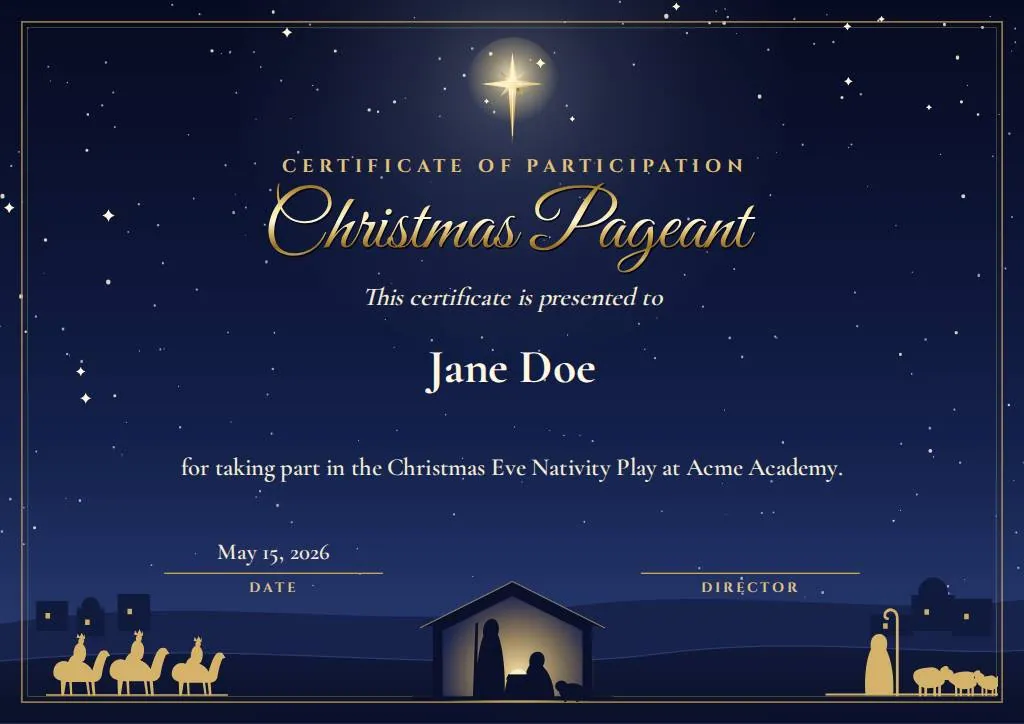
Star of Bethlehem Christmas Pageant Certificate
Midnight-blue Christmas pageant certificate with the star of Bethlehem and a nativity silhouette.
-
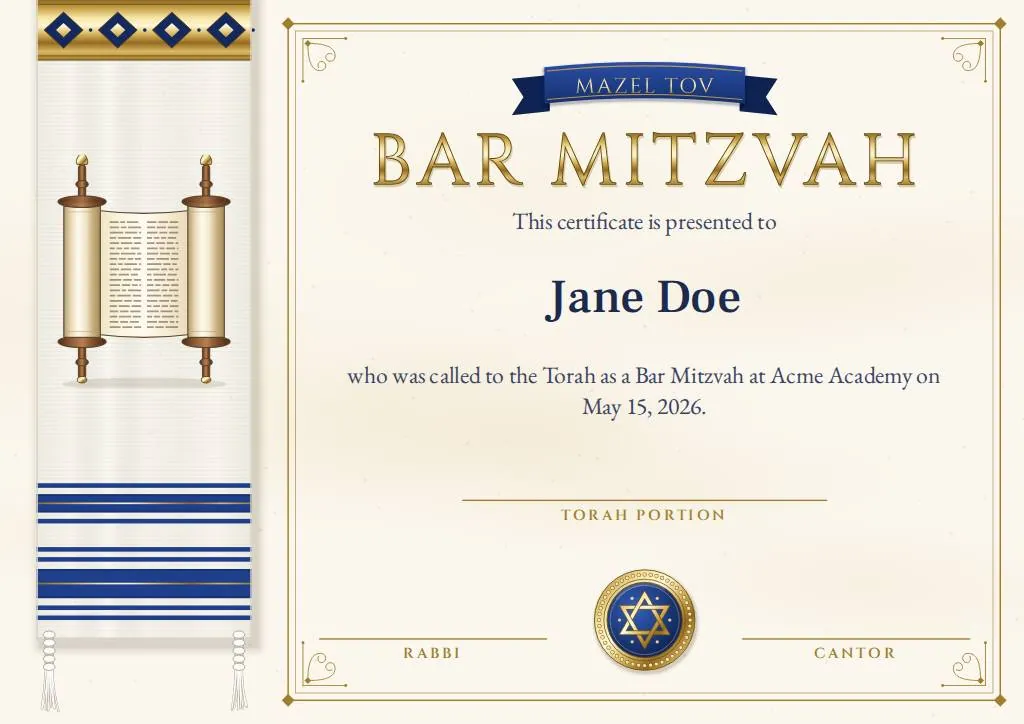
Tallit and Torah Bar Mitzvah Certificate
Ivory Bar Mitzvah certificate with a blue-striped tallit, an open Torah scroll and a gold Magen David seal.
-
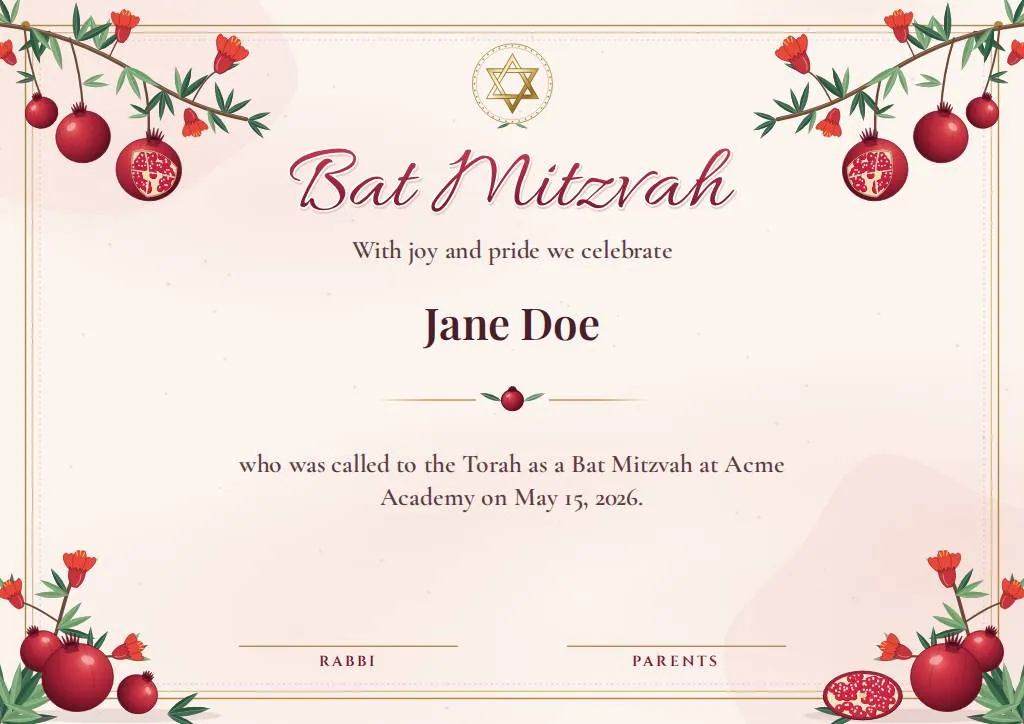
Pomegranate Blossom Bat Mitzvah Certificate
Blush Bat Mitzvah certificate with pomegranate branches, scarlet blossoms and a gold Magen David.
Issue your first credential today
Open this template in the CertSeal editor, customize in minutes, and send verifiable certificates your recipients can share anywhere.