Certificate template
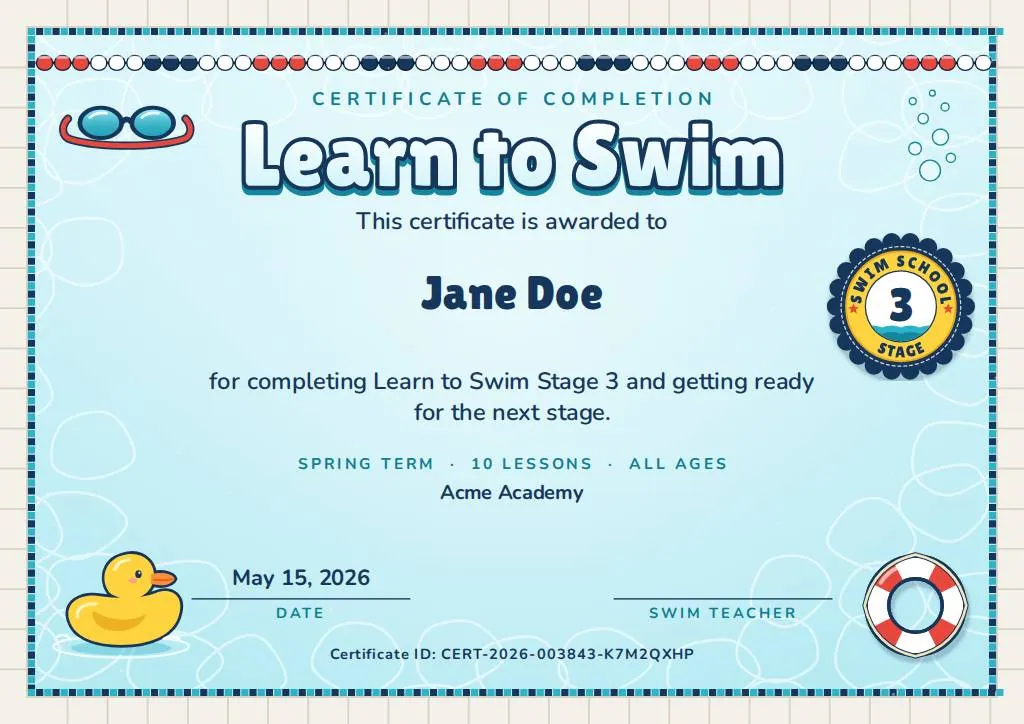
Learn to Swim Stage Certificate of Completion
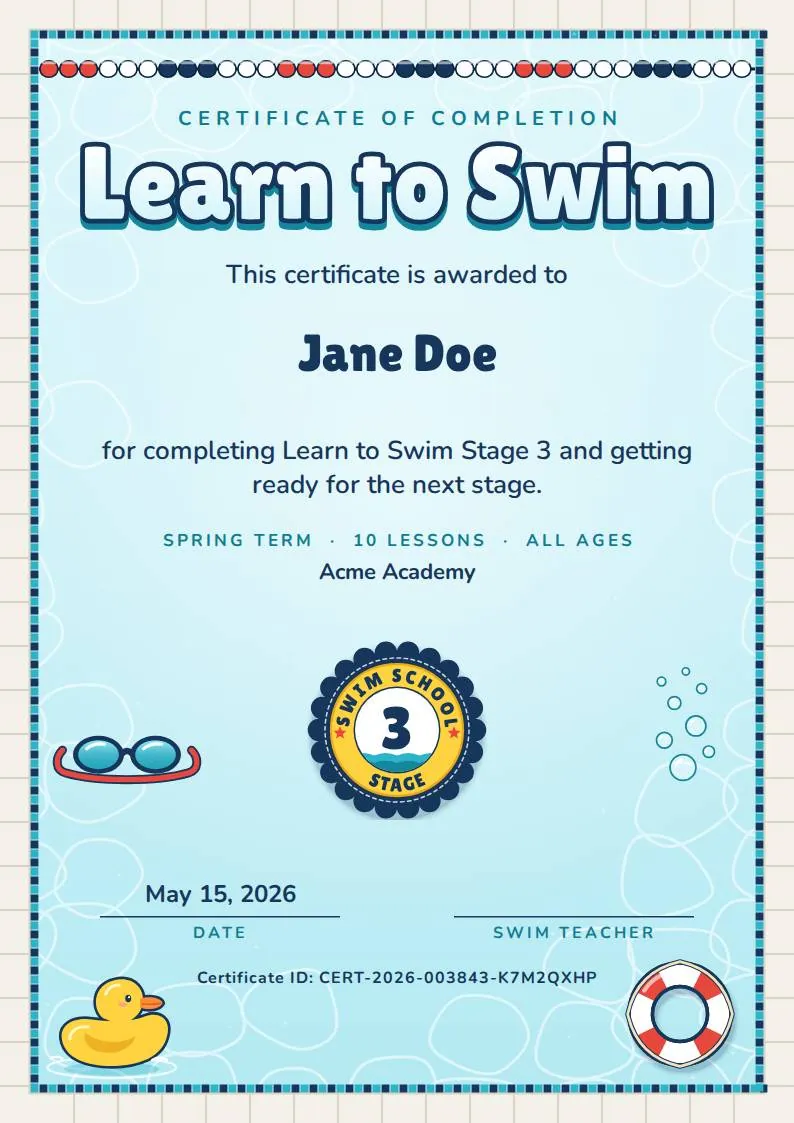
Bright pool certificate with a lane rope, tiled edge, rubber duck and a swim-school stage badge.
Free to customize. Issue verifiable credentials with a CertSeal account.
About this template
When to reach for it
A splashy Certificate of Completion for swim schools and leisure-centre lessons, for children and adult learners alike. Sunlit pool water with soft caustic light, a tiled pool edge with a mosaic waterline and a red, white and navy lane rope frame "Learn to Swim" in chunky white lettering with a navy outline.
A sewn-look "Swim School Stage" badge carries the stage number as editable text, so one design covers every level. A rubber duck, a life ring, goggles and bubbles finish the scene; each is a separate layer you can move or remove.
Wording
What the certificate says
Every line of text on this template, top to bottom. Highlighted parts fill in for each recipient, and you can reword any line in the editor.
- CERTIFICATE OF COMPLETION
- This certificate is awarded to
- Recipient name · 3
- for completing Course or achievement and getting ready for the next stage.
- SPRING TERM · 10 LESSONS · ALL AGES
- Issued by
- Date
- DATE · SWIM TEACHER
- Certificate ID: Certificate ID
Typography
Fonts used in this template
Swap, mix, or replace any of these in the editor — every CertSeal template ships with 1,000+ Google Fonts plus your own brand uploads.
-
Font family
Lilita One
Lilita One
-
Font family
Nunito
Nunito
Color palette
Colors used in this template
The five most prominent colors sampled straight from the rendered design. Recolor any of them in the editor to match your brand.
-
#d8f4f9
-
#a9d8e3
-
#86b3bc
-
#68849b
-
#ffd73a
How to use it
From template to issued credential in four steps
- 01
Open the template
Click "Use this template" to open the Learn to Swim Stage Certificate of Completion in the CertSeal editor, or customize it free without signing up.
- 02
Fill in the details
- Recipient name
- Course or achievement
- Issued by
- Date
Type these in, or upload a spreadsheet to make one for every recipient.
- 03
Add your brand
Swap the Lilita One and Nunito fonts and the colors, and add your logo.
- 04
Issue & verify
Generate PDFs and verifiable links your recipients can share anywhere. Each certificate is printed with its own ID.
More templates
You might also like
-
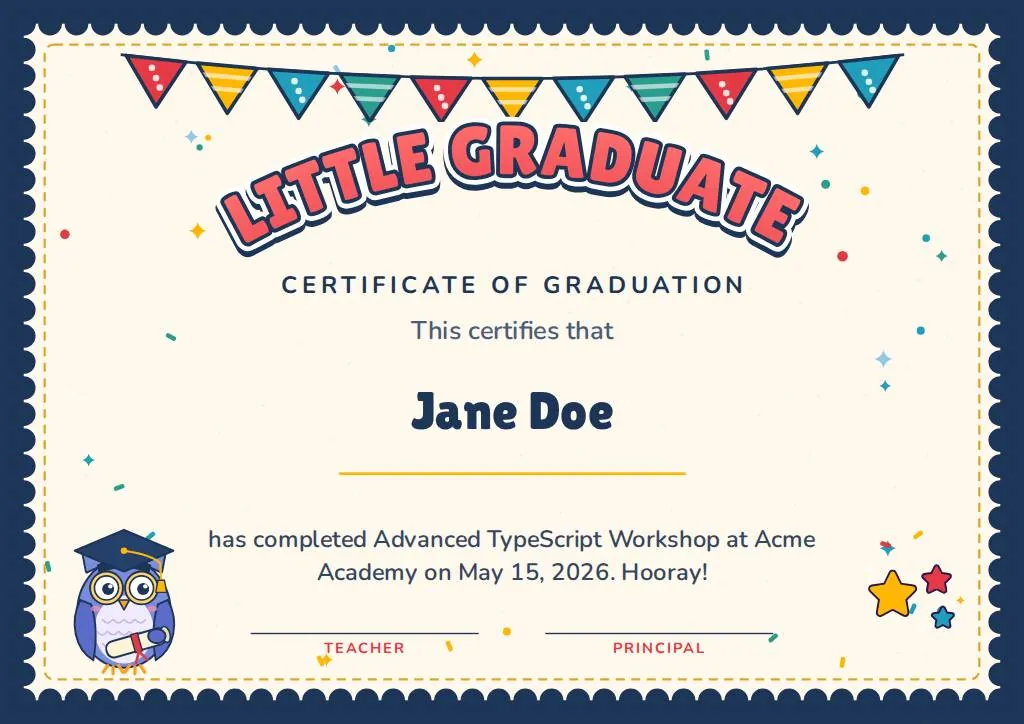
Little Graduate Kids Diploma
Preschool and kindergarten diploma with a graduate owl, bunting, confetti and a scalloped frame.
-

Little Chef Kids Certificate of Completion
Kitchen certificate with a recipe card on mint tiles, a chef hat, a steaming pot, cupcakes, fruit and a cupcake photo.
-
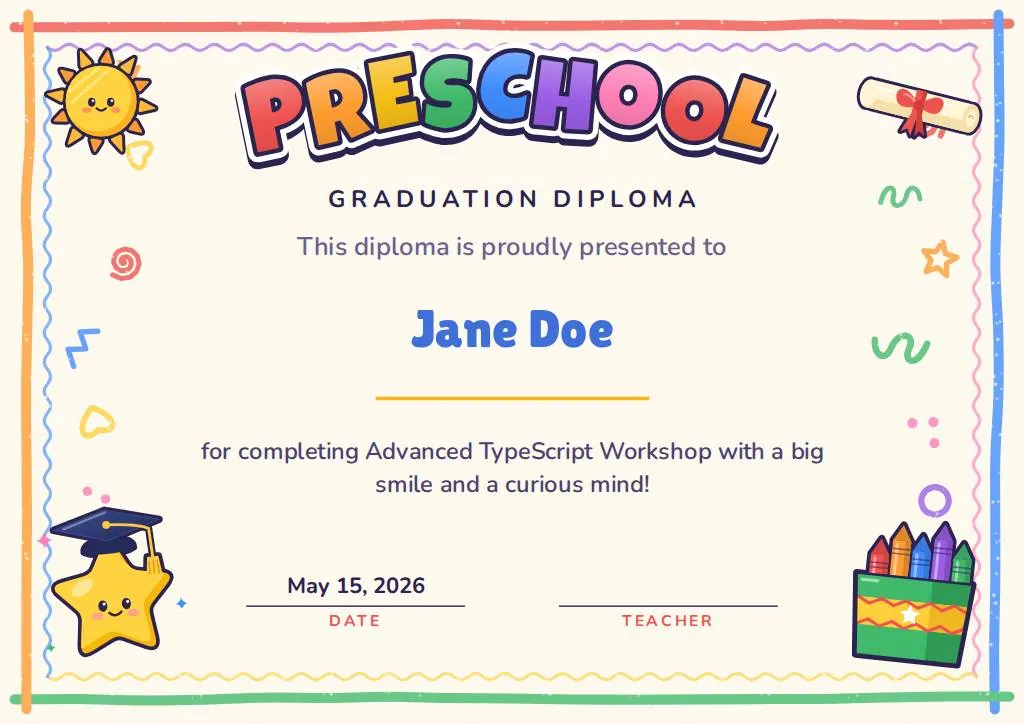
Crayon Star Preschool Diploma
Crayon-drawn preschool diploma with a graduation star, crayon box, sunny doodles and rainbow lettering.
-
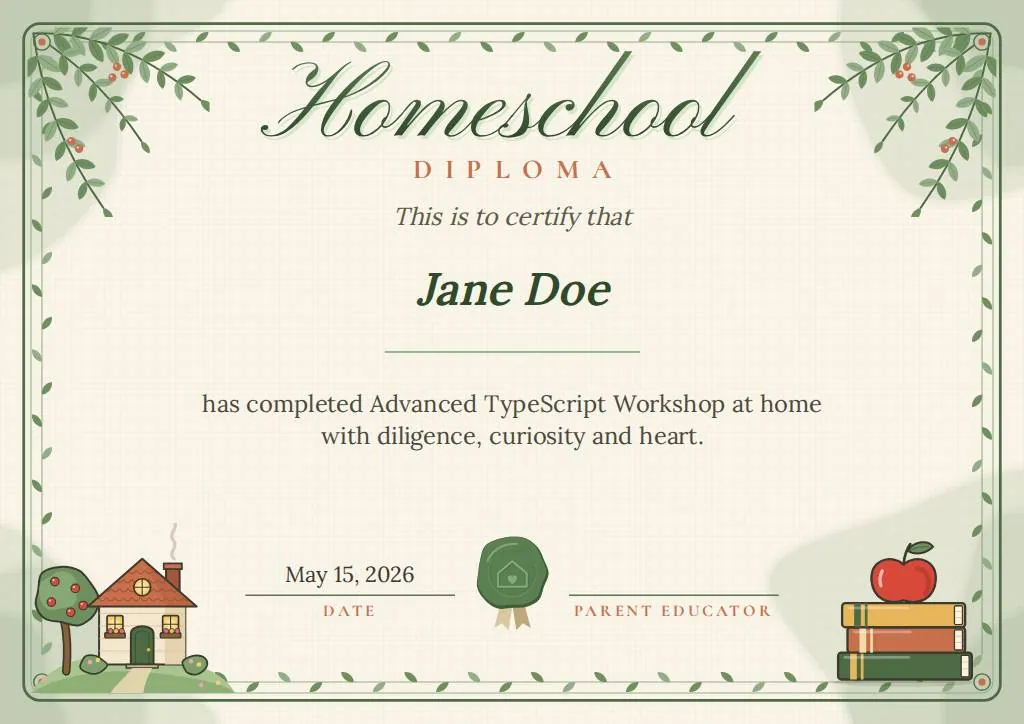
Cottage Garden Homeschool Diploma
Warm homeschool diploma with a storybook cottage, books and an apple, leafy sprigs and a green wax seal.
-
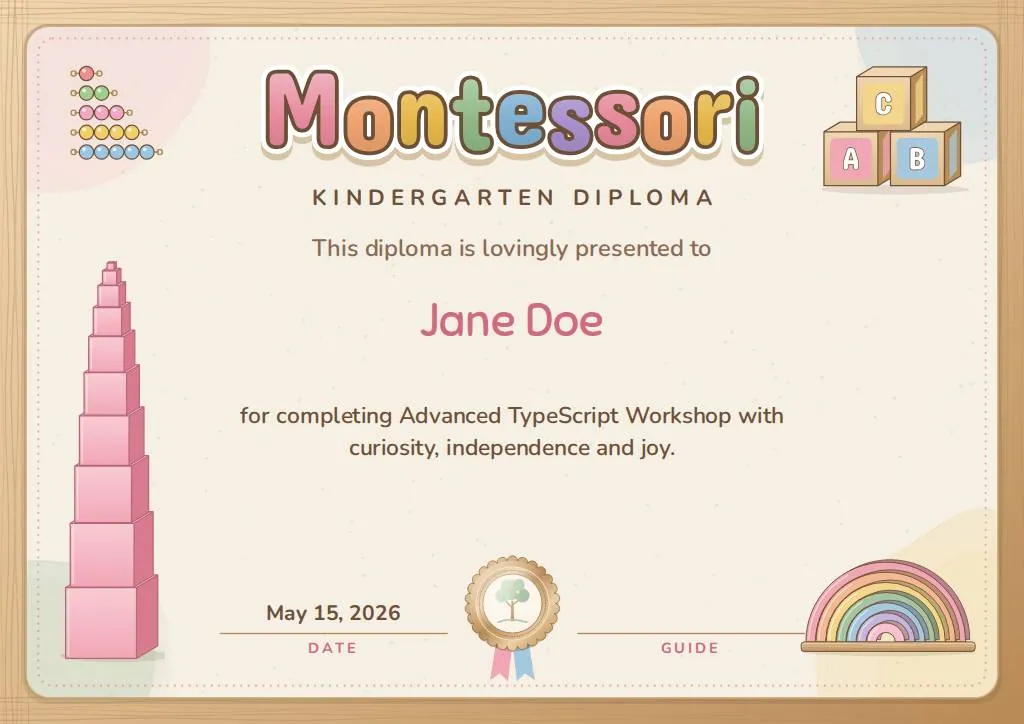
Pink Tower Montessori Kindergarten Diploma
Natural wood and pastel Montessori kindergarten diploma with the pink tower, a rainbow stacker, letter blocks and a bead stair.
-
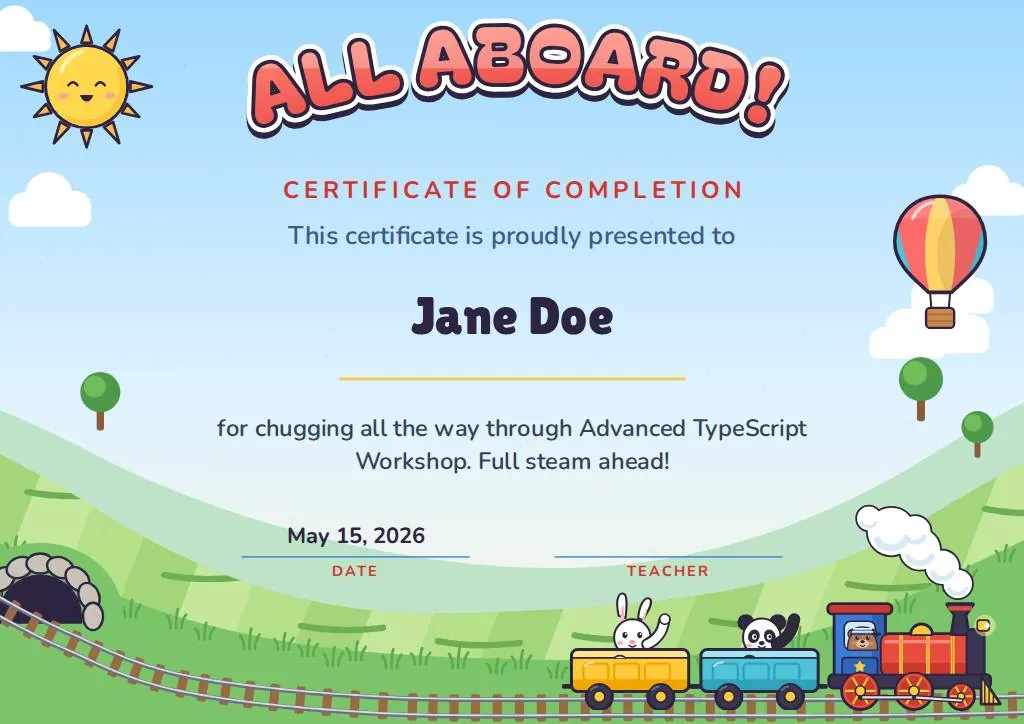
Choo-Choo Train Kids Certificate of Completion
Countryside train certificate with a steam engine, animal passengers, a winding track and a hot-air balloon.
-
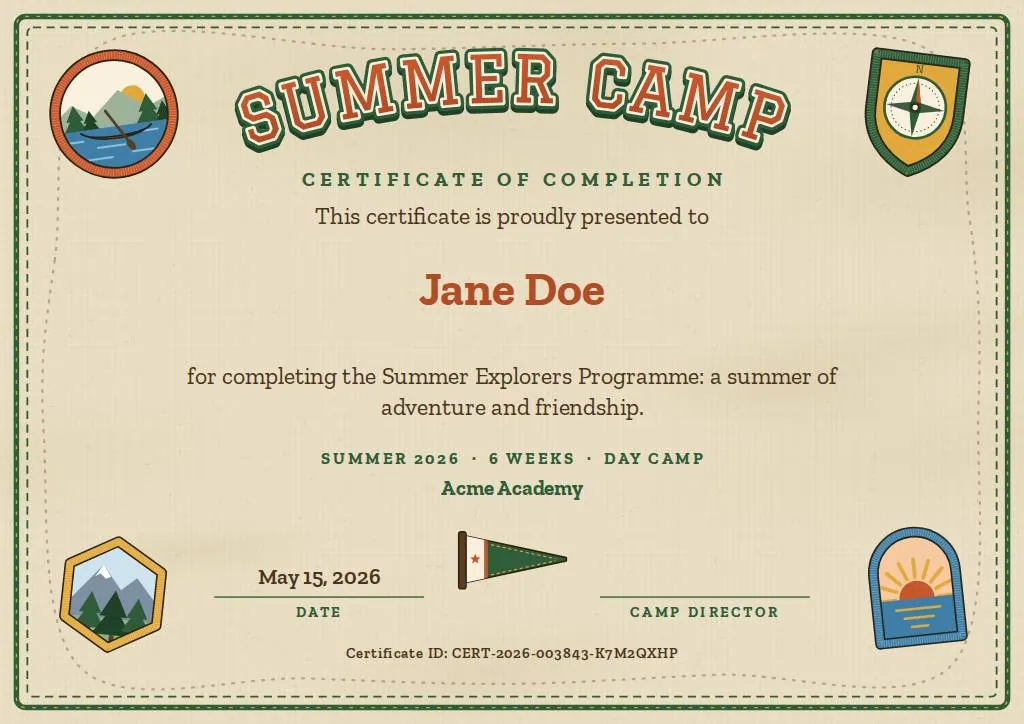
Camp Patches Summer Camp Certificate of Completion
Canvas-textured certificate with arched varsity lettering and four embroidered camp patches.
-

Blue Modern Certificate of Completion
A clean, modern completion certificate featuring soft blue abstract blob shapes on a white background with bold typography.
Issue your first credential today
Open this template in the CertSeal editor, customize in minutes, and send verifiable certificates your recipients can share anywhere.