Certificate template
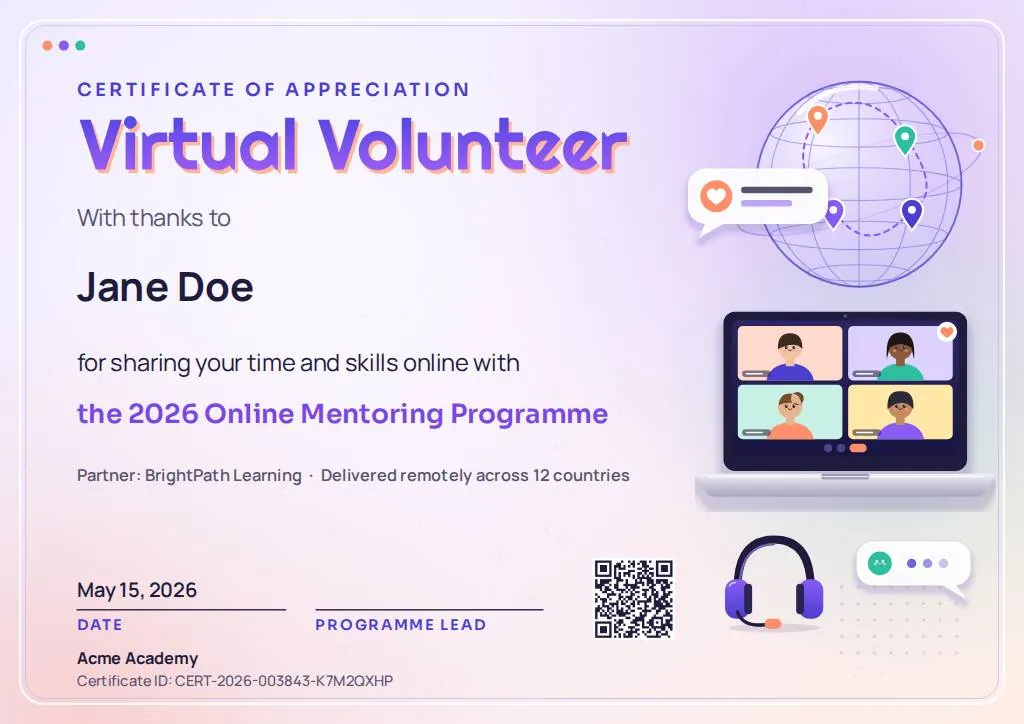
Laptop and Globe Virtual Volunteering Certificate of Appreciation
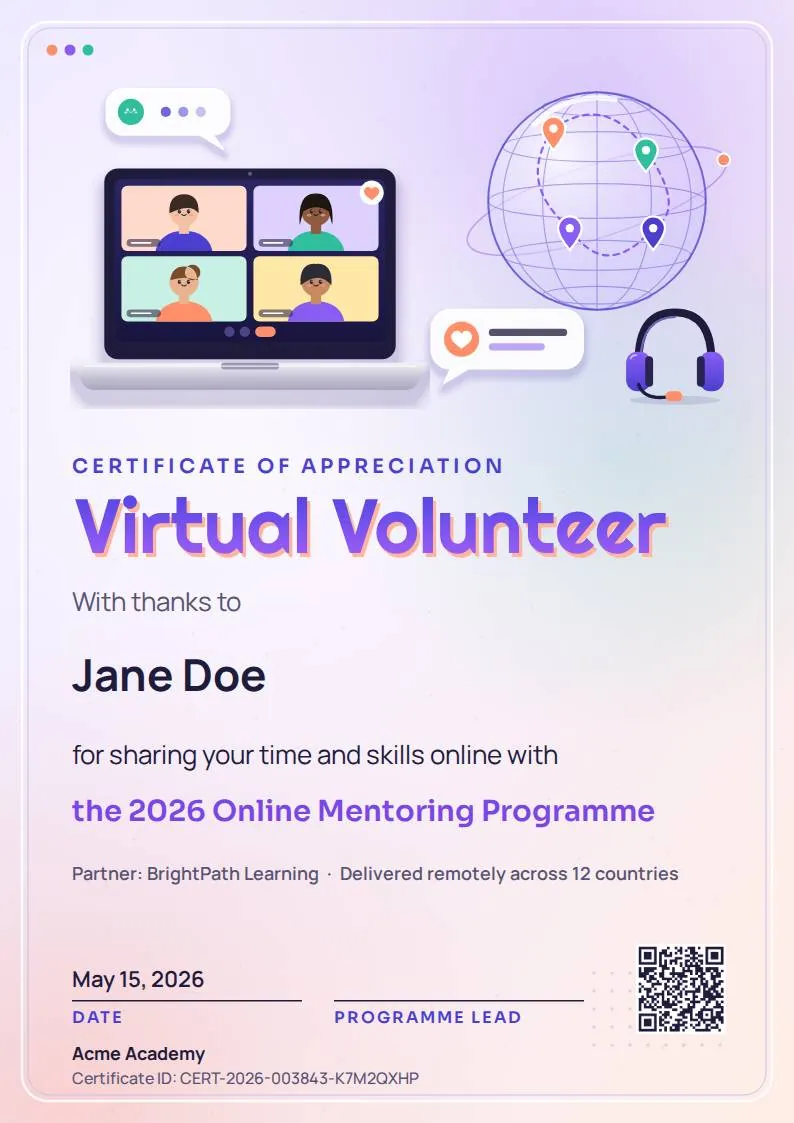
Lavender and peach glass: a laptop of video tiles, a wire globe, chat bubbles and a headset.
Free to customize. Issue verifiable credentials with a CertSeal account.
About this template
When to reach for it
A light, modern certificate for remote and online volunteering: virtual mentoring, translation, tutoring or advice sessions. A lavender-to-peach gradient with soft colour orbs sits inside a glass app-window frame, with a laptop on a video call of four smiling volunteers, a wireframe globe with dashed connection arcs and map pins, glass chat bubbles and a headset.
The headline "Virtual Volunteer" is rounded lettering in indigo to violet with a peach drop. The programme, the partner and reach line, the date, the coordinator's signature line, the company, the certificate ID and a verification QR code are editable text in Sora and Manrope. The laptop, globe, bubbles and headset are separate layers.
Wording
What the certificate says
Every line of text on this template, top to bottom. Highlighted parts fill in for each recipient, and you can reword any line in the editor.
- CERTIFICATE OF APPRECIATION
- With thanks to
- Recipient name
- for sharing your time and skills online with
- Course or achievement
- Partner: BrightPath Learning · Delivered remotely across 12 countries
- Date
- DATE · PROGRAMME LEAD
- Issued by
- Certificate ID: Certificate ID
Typography
Fonts used in this template
Swap, mix, or replace any of these in the editor — every CertSeal template ships with 1,000+ Google Fonts plus your own brand uploads.
-
Font family
Manrope
Manrope
-
Font family
Sora
Sora
Color palette
Colors used in this template
The five most prominent colors sampled straight from the rendered design. Recolor any of them in the editor to match your brand.
-
#f6ecf7
-
#d6cad7
-
#181339
-
#8a879a
-
#b796ec
How to use it
From template to issued credential in four steps
- 01
Open the template
Click "Use this template" to open the Laptop and Globe Virtual Volunteering Certificate of Appreciation in the CertSeal editor, or customize it free without signing up.
- 02
Fill in the details
- Recipient name
- Course or achievement
- Date
- Issued by
Type these in, or upload a spreadsheet to make one for every recipient.
- 03
Add your brand
Swap the Manrope and Sora fonts and the colors, and add your logo.
- 04
Issue & verify
Generate PDFs and verifiable links your recipients can share anywhere. The QR code on this design opens each certificate's verification page. Each certificate is printed with its own ID.
More templates
You might also like
-

Helping Hands Heart Volunteer Appreciation Certificate
Warm coral watercolour certificate with two hands holding a glossy heart and a script headline.
-
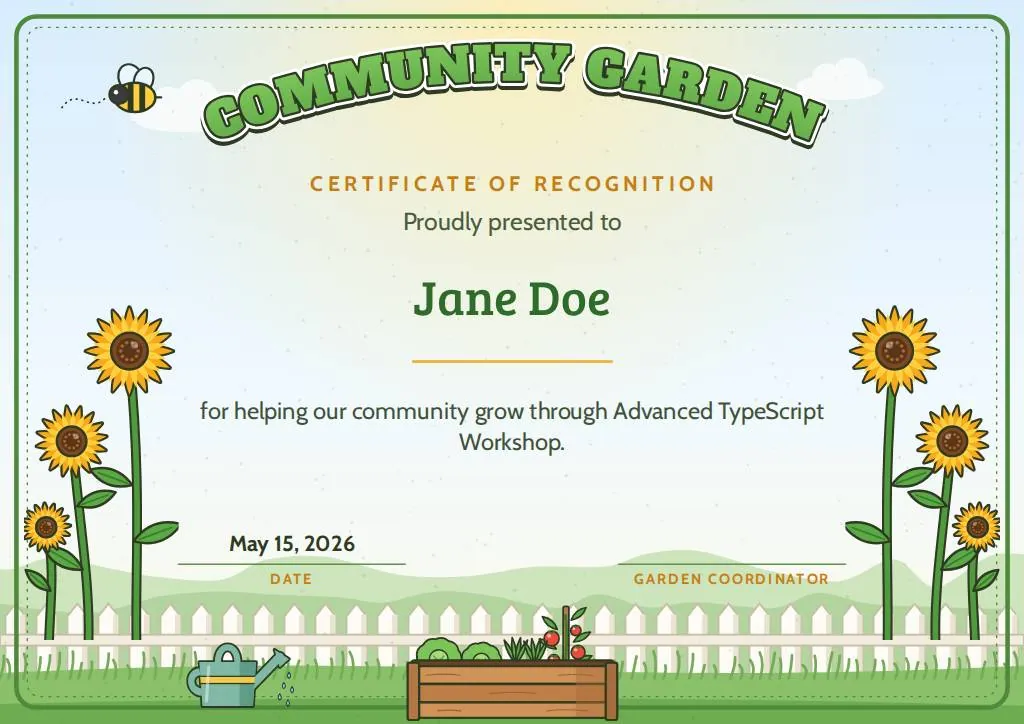
Community Garden Volunteer Recognition Certificate
Sunny garden scene with sunflowers, a raised vegetable bed, a watering can and an arched headline.
-
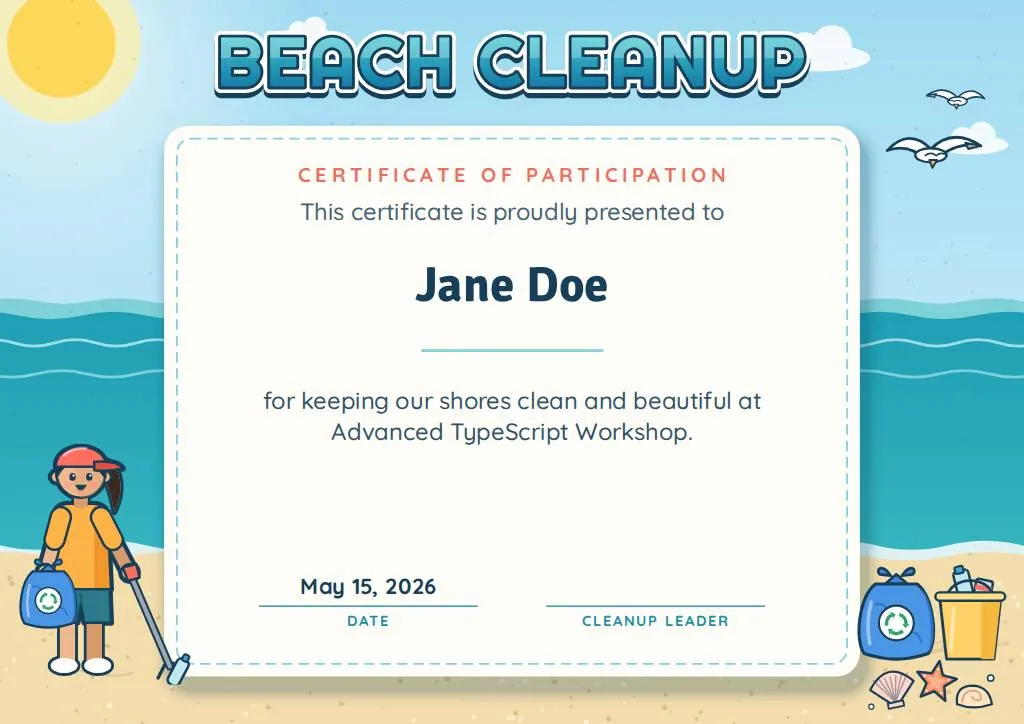
Beach Cleanup Volunteer Participation Certificate
Sunny beach postcard with a volunteer, a recycling bag, shells and a white card for the text.
-
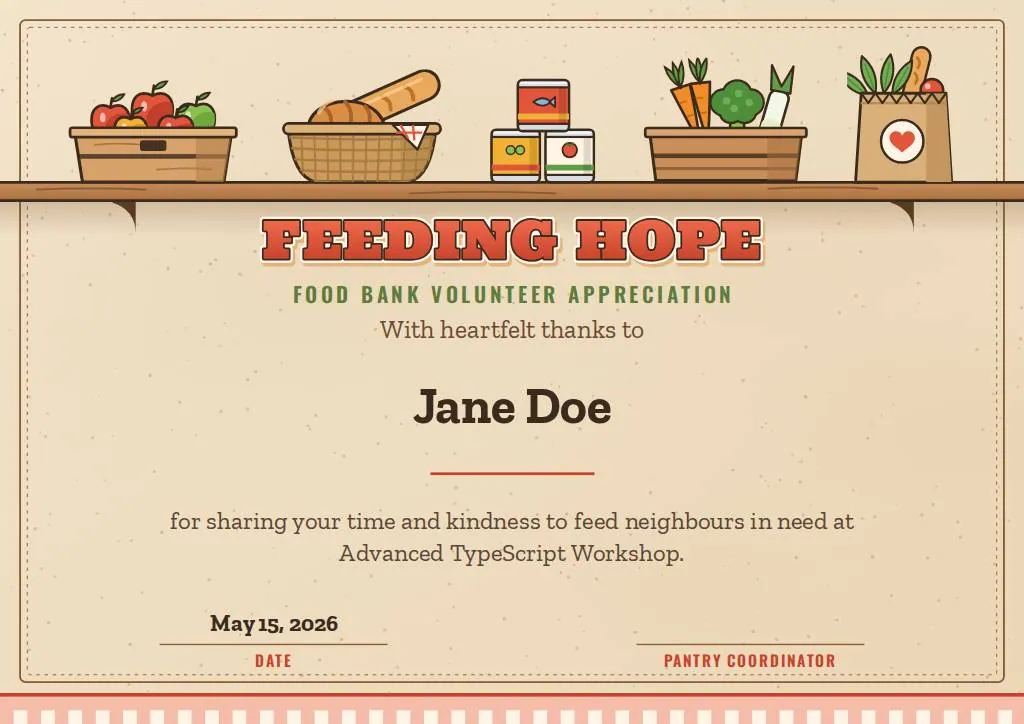
Food Bank Volunteer Appreciation Certificate
Kraft-paper pantry certificate with a shelf of apples, bread, tins and vegetables and gingham trim.
-

Tree Planting Volunteer Participation Certificate
Sunrise hillside with a volunteer holding a sapling, young trees and a script headline, left-aligned.
-
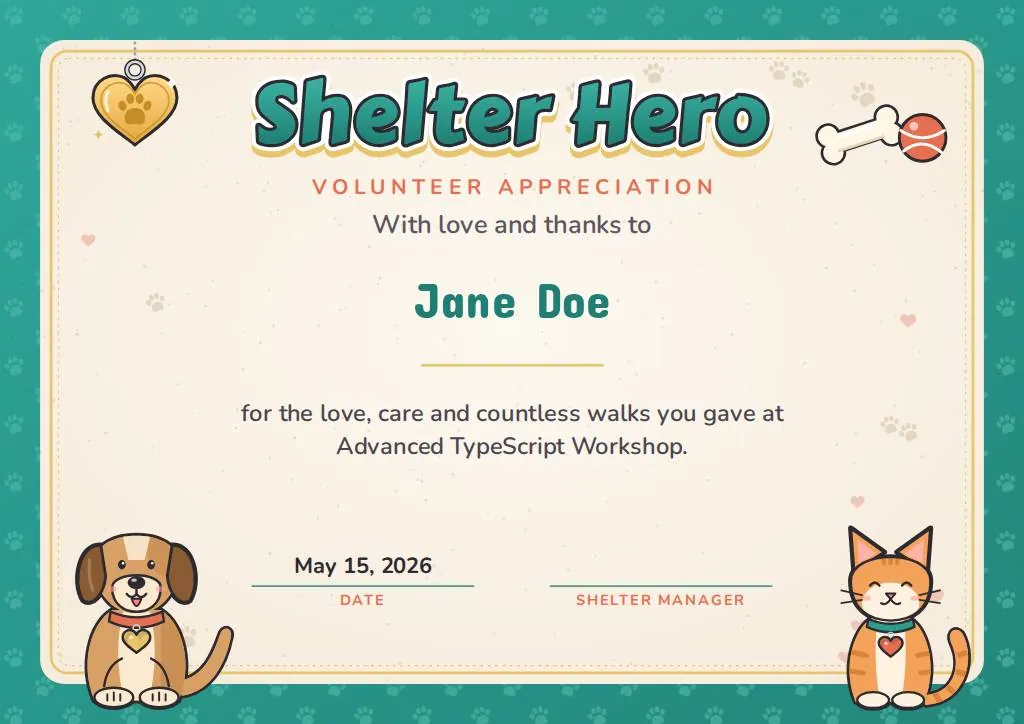
Animal Shelter Volunteer Appreciation Certificate
Teal paw-print border with a friendly dog and cat wearing heart tags and a "Shelter Hero" headline.
-
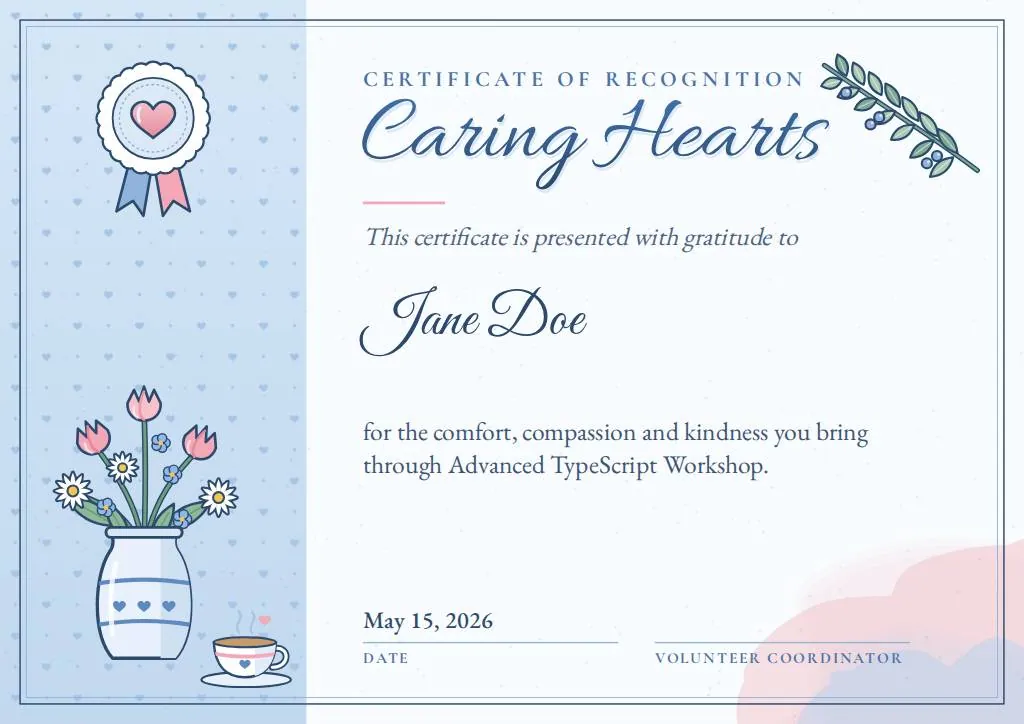
Caring Hearts Care Volunteer Recognition Certificate
Soft blue side panel with a vase of tulips, a teacup and a heart rosette beside elegant left-aligned text.
-

Inspiring Mentor Volunteer Appreciation Certificate
Deep navy study-room certificate with a glowing light bulb, books, two armchairs and gold lettering.
Issue your first credential today
Open this template in the CertSeal editor, customize in minutes, and send verifiable certificates your recipients can share anywhere.