Certificate template
Journey Map Customer Success Academy Cohort Certificate
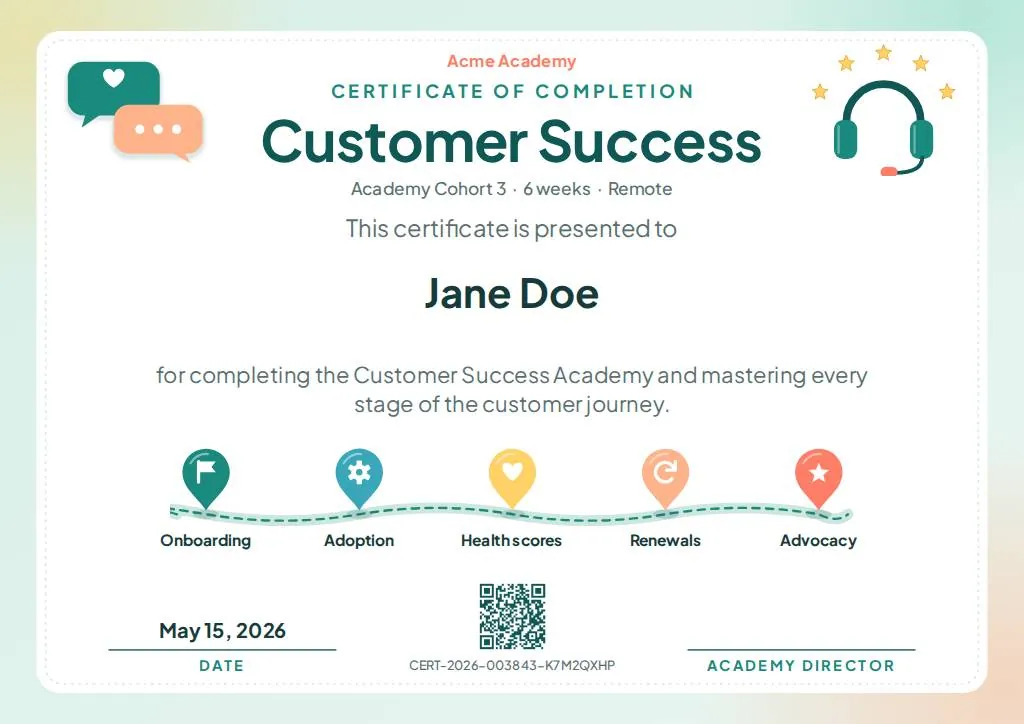
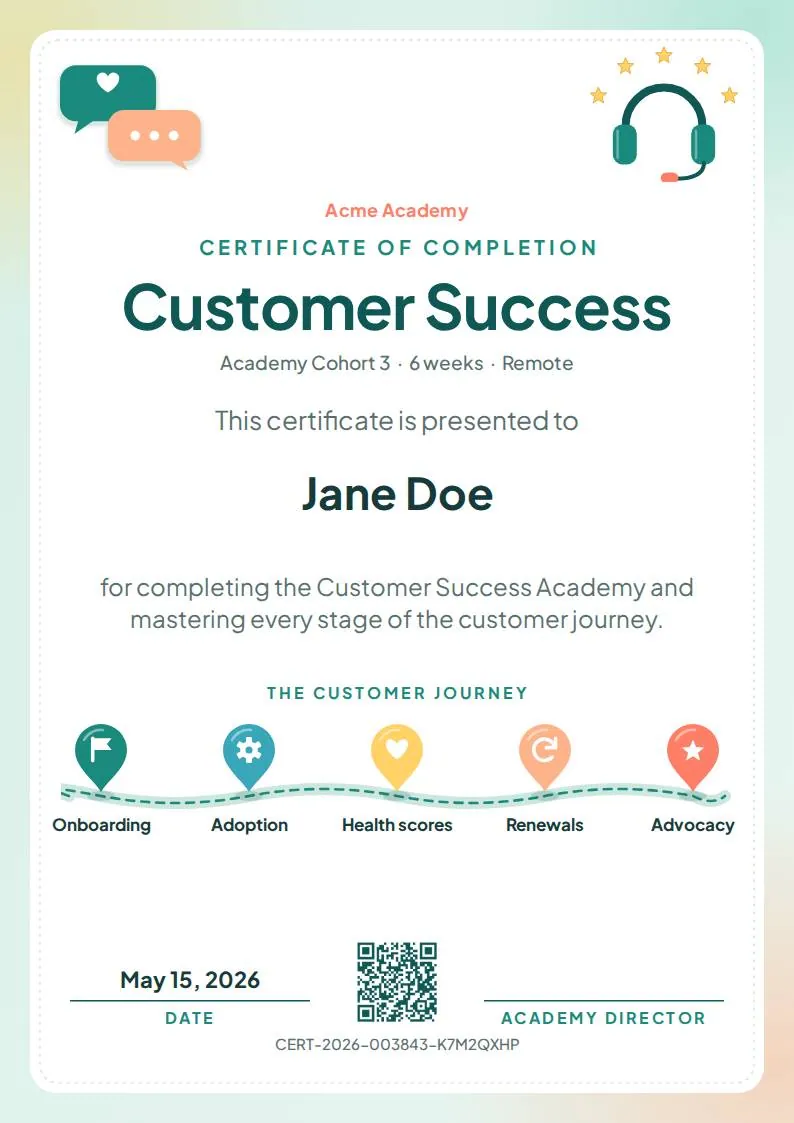
Soft mint certificate with a customer-journey map of five pins, chat bubbles and a headset.
Free to customize. Issue verifiable credentials with a CertSeal account.
About this template
When to reach for it
A friendly, modern certificate for customer success and support academies. A white card floats on mint with peach and sunshine light, chat bubbles and a headset under a five-star arc sit in the top corners, and a dashed journey road runs through five colour-coded map pins.
Set in Plus Jakarta Sans. Each pin has an editable stage below it, from onboarding to advocacy, and a QR code with the certificate ID sits between the signatures.
Wording
What the certificate says
Every line of text on this template, top to bottom. Highlighted parts fill in for each recipient, and you can reword any line in the editor.
- Issued by
- CERTIFICATE OF COMPLETION
- Customer Success
- Academy Cohort 3 · 6 weeks · Remote
- This certificate is presented to
- Recipient name
- for completing Course or achievement and mastering every stage of the customer journey.
- Onboarding · Adoption · Health scores · Renewals · Advocacy
- Date
- DATE · Certificate ID · ACADEMY DIRECTOR
Typography
Fonts used in this template
Swap, mix, or replace any of these in the editor — every CertSeal template ships with 1,000+ Google Fonts plus your own brand uploads.
-
Font family
Plus Jakarta Sans
Plus Jakarta Sans
Color palette
Colors used in this template
The five most prominent colors sampled straight from the rendered design. Recolor any of them in the editor to match your brand.
-
#fefefe
-
#d9eae6
-
#b9c9c8
-
#e5e4b7
-
#87aaa9
How to use it
From template to issued credential in four steps
- 01
Open the template
Click "Use this template" to open the Journey Map Customer Success Academy Cohort Certificate in the CertSeal editor, or customize it free without signing up.
- 02
Fill in the details
- Issued by
- Recipient name
- Course or achievement
- Date
Type these in, or upload a spreadsheet to make one for every recipient.
- 03
Add your brand
Swap the Plus Jakarta Sans font and the colors, and add your logo.
- 04
Issue & verify
Generate PDFs and verifiable links your recipients can share anywhere. The QR code on this design opens each certificate's verification page. Each certificate is printed with its own ID.
More templates
You might also like
-
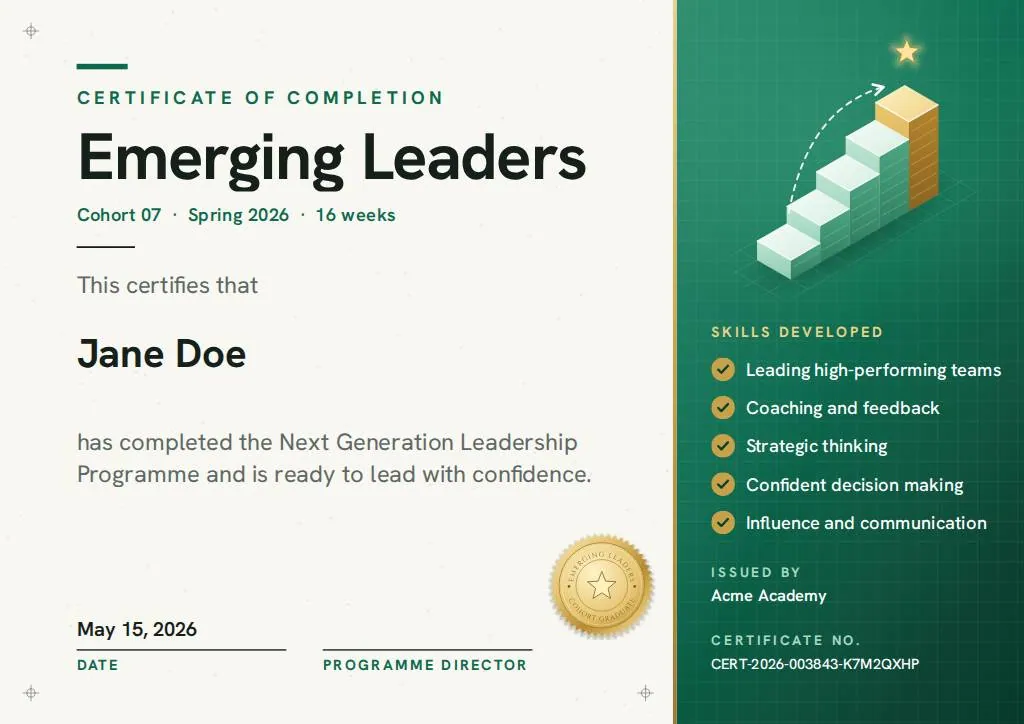
Emerald Isometric Steps Emerging Leaders Cohort Certificate
Swiss-style white and emerald certificate with rising isometric steps and a skills checklist.
-
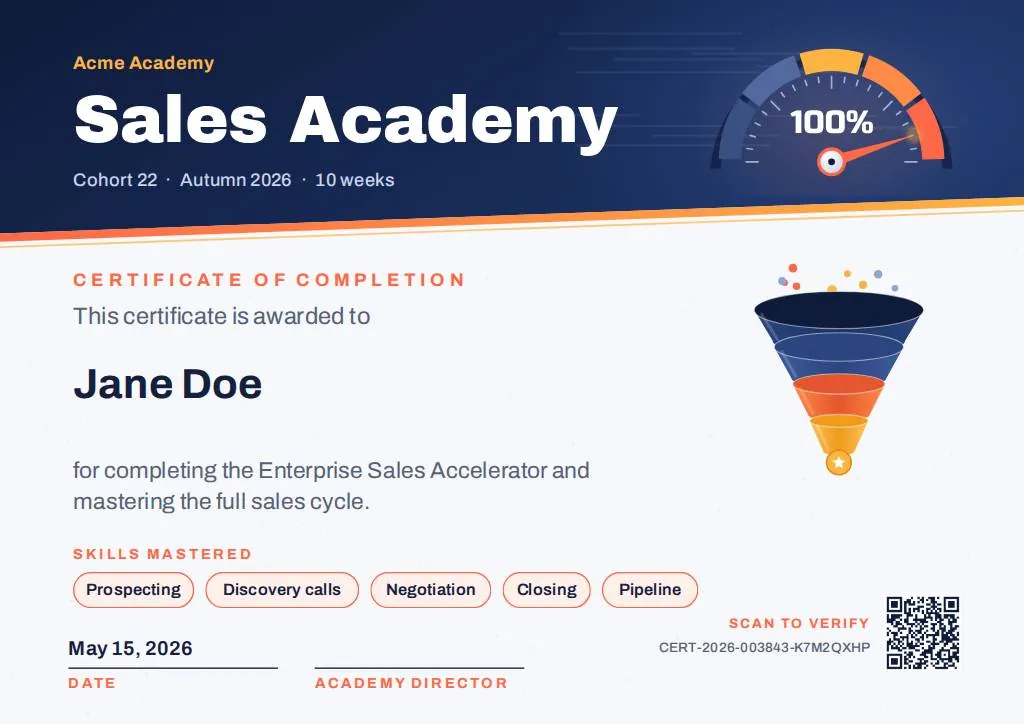
Navy and Coral Quota Gauge Sales Academy Cohort Certificate
Bold navy header with a coral quota gauge, a sales funnel and skill chips.
-
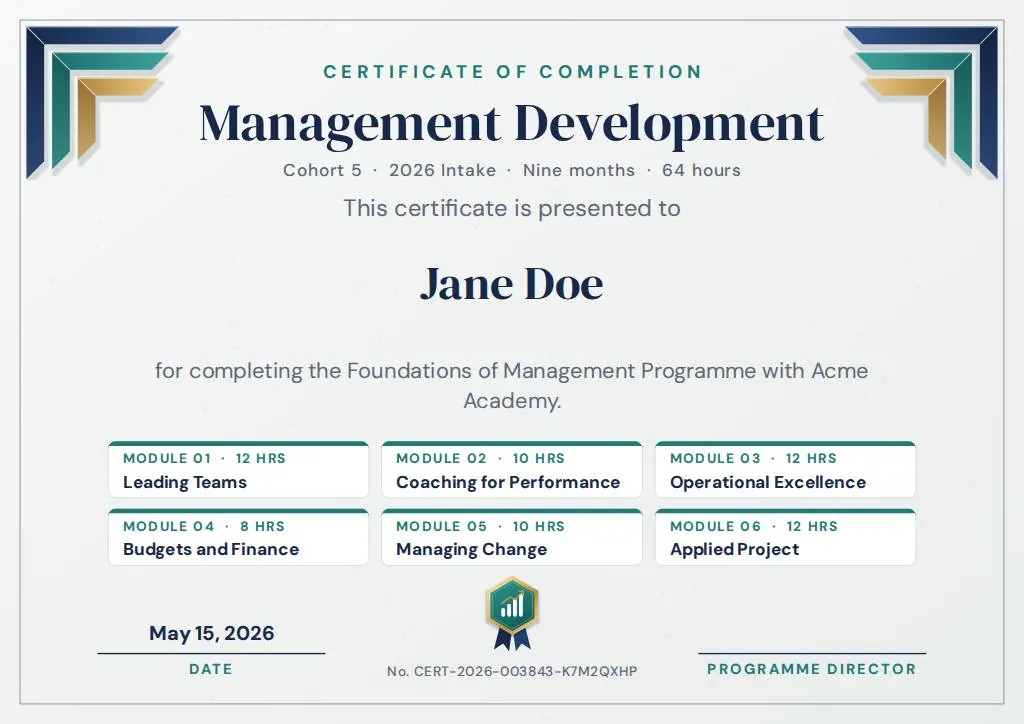
Folded Chevron Management Development Programme Certificate
Annual-report style certificate with folded ribbon corners and a grid of module cards.
-
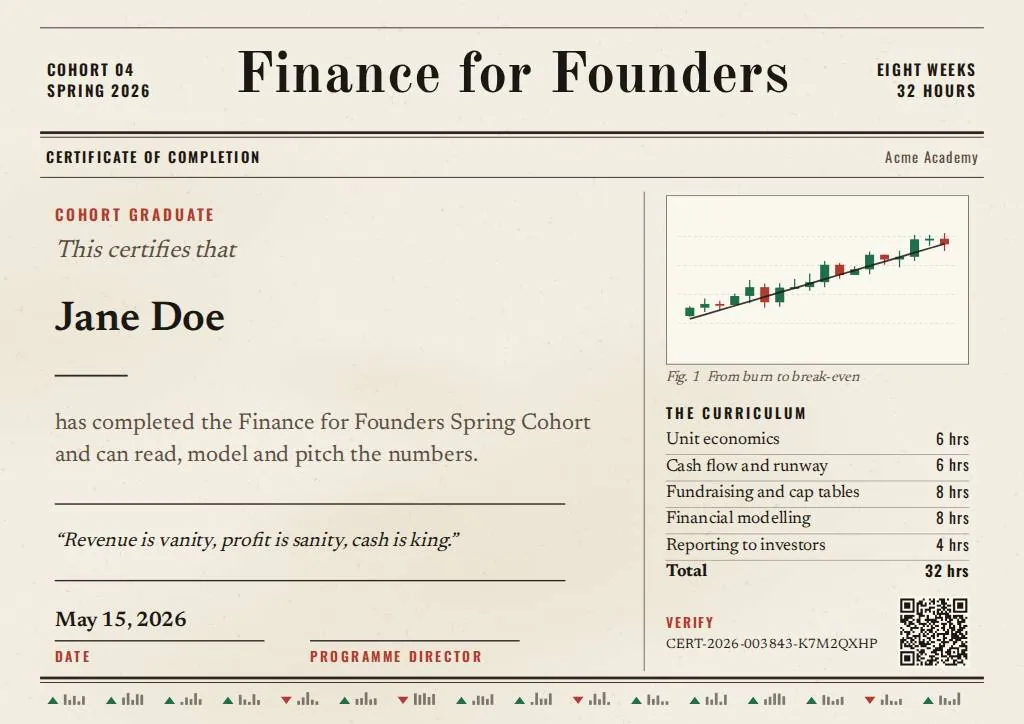
Cream Newsprint Finance for Founders Cohort Certificate
Financial-newspaper certificate on warm cream newsprint with a candlestick chart and a curriculum table.
-
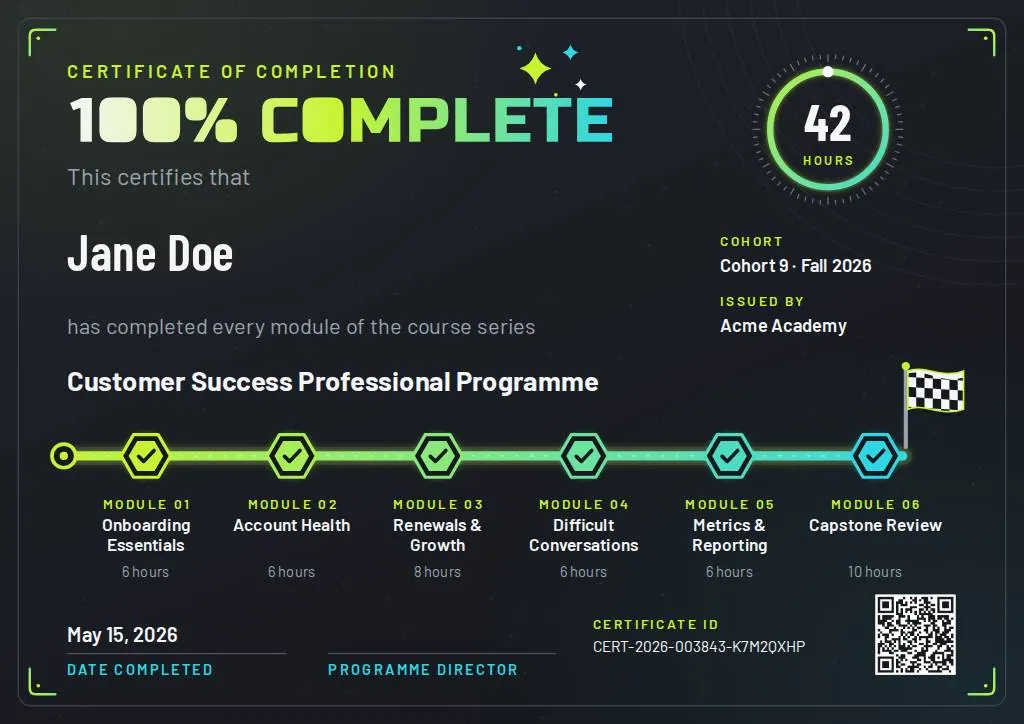
Charcoal and Lime Checkpoint Track Course Series Certificate
Dark modern course series certificate with a glowing progress track through six module checkpoints, an hours gauge and QR code.
-
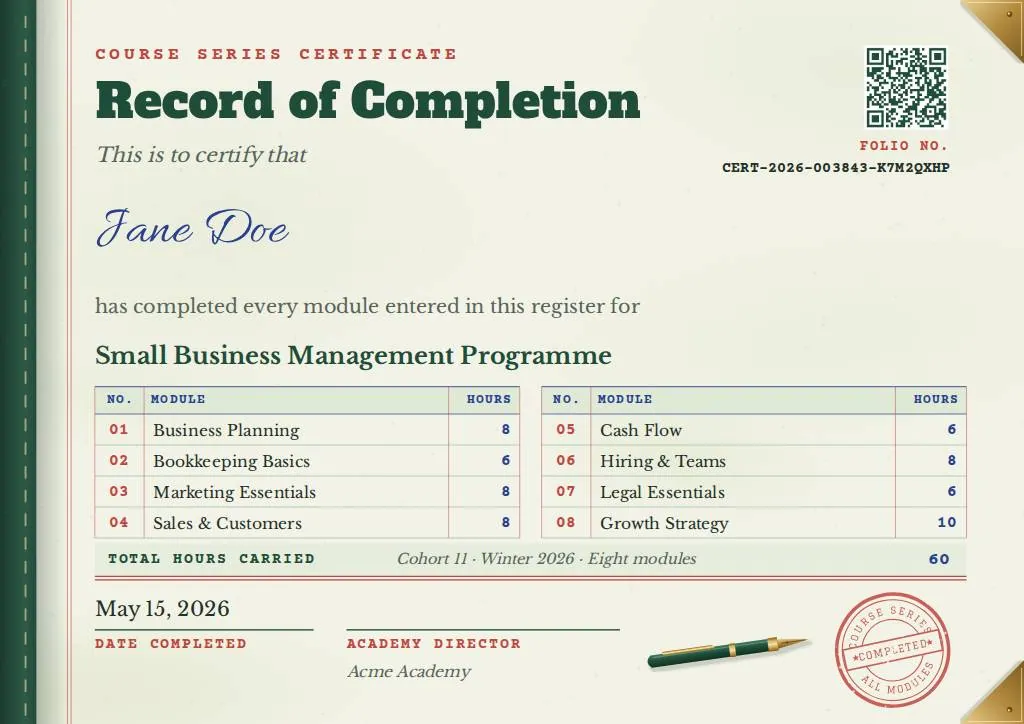
Green Ledger Register Course Series Certificate
Classic ledger-book course series certificate: eight modules entered in a two-column register with a double-ruled total and QR code.
-
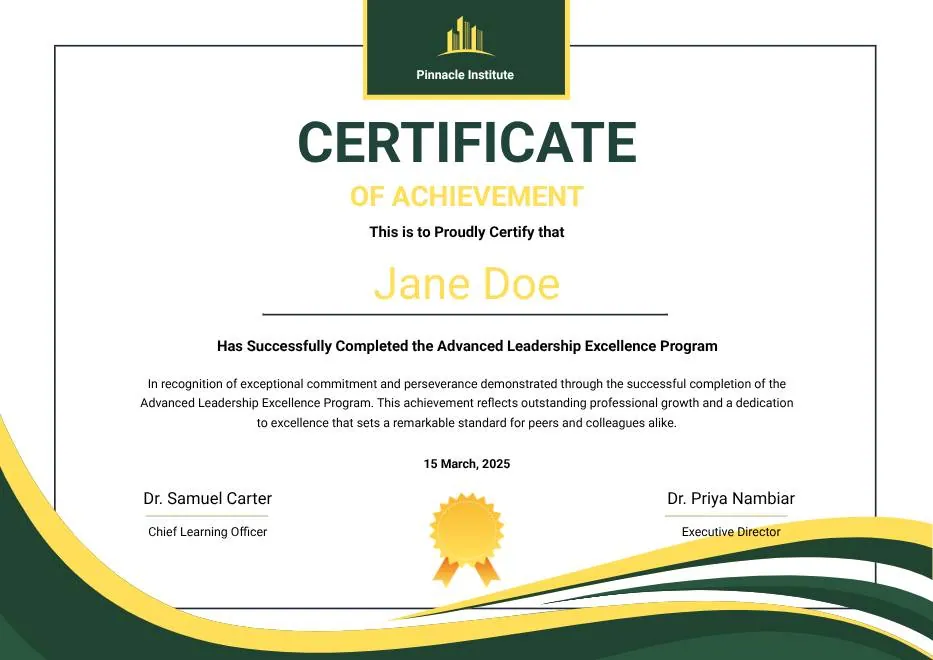
Green and Gold Modern Leadership Achievement Certificate
A clean, modern portrait certificate in dark green and gold for recognizing program completions and professional achievements.
-
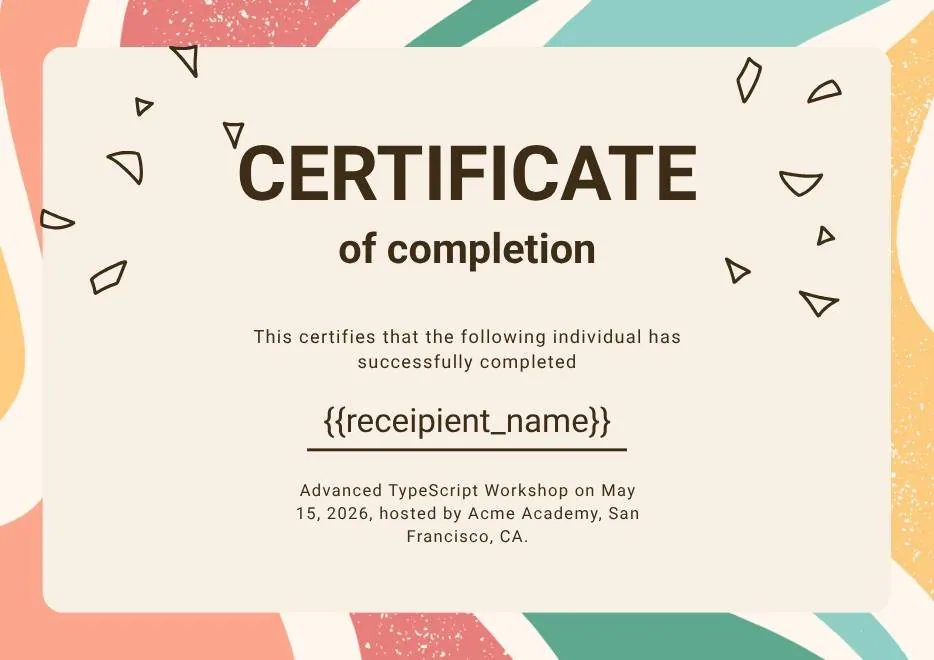
Certificate of Completion in Colorful Abstract Modern Style
A vibrant, modern completion certificate featuring abstract swirling shapes in coral, teal, and gold on a clean cream background.
Issue your first credential today
Open this template in the CertSeal editor, customize in minutes, and send verifiable certificates your recipients can share anywhere.