Certificate template
Ink QR Panel Verified Learning Record
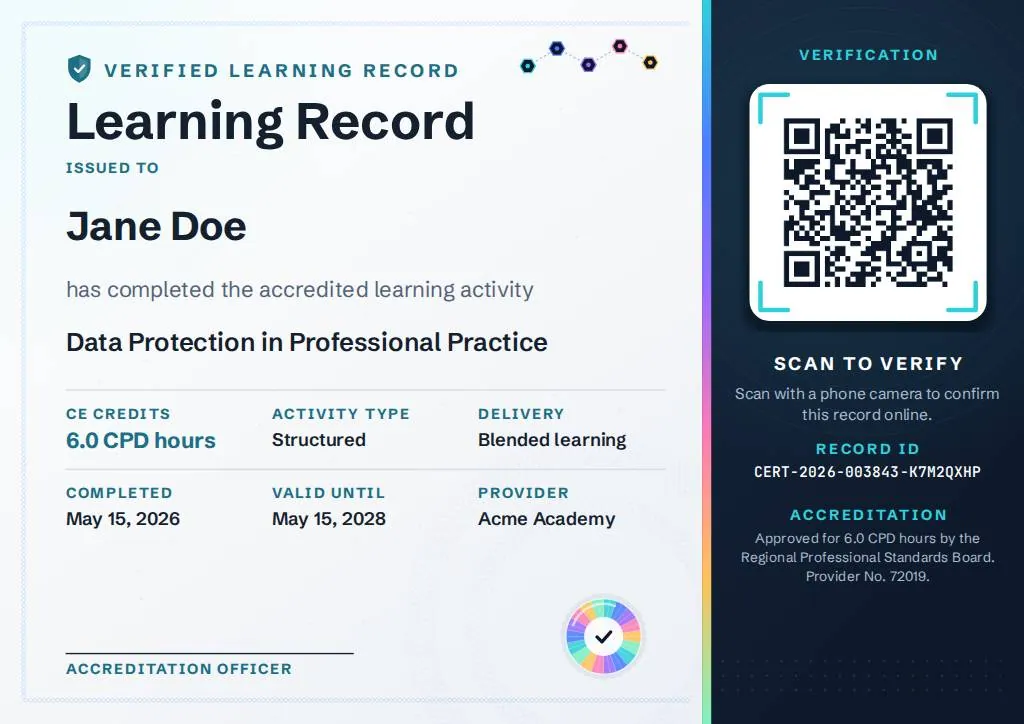
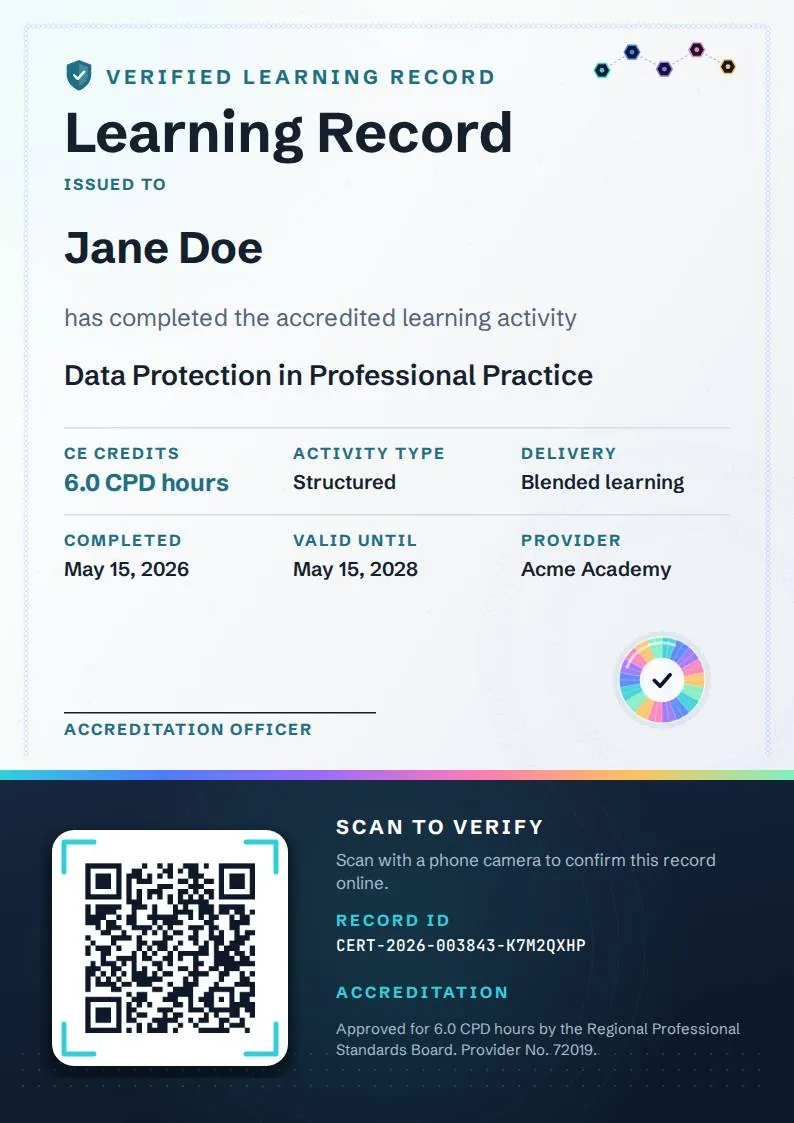
Verified learning record with labelled record fields and a dark ink panel holding a big QR code and holographic seal.
Free to customize. Issue verifiable credentials with a CertSeal account.
About this template
When to reach for it
A record-style CE certificate built around verification. A deep ink panel with a holographic edge holds a large QR code on a white card with cyan scan brackets, the record ID, a short "scan to verify" note and the accreditation statement; the light security paper beside it carries a micro-wave frame and a faint guilloche watermark.
The learner, the activity and a labelled grid (CE credits, activity type, delivery, completion date, valid-until date and provider) read like an official record, all editable. A shield mark, a linked-node verification trail and a holographic seal finish it. Set in Schibsted Grotesk with JetBrains Mono for the ID.
Wording
What the certificate says
Every line of text on this template, top to bottom. Highlighted parts fill in for each recipient, and you can reword any line in the editor.
- VERIFIED LEARNING RECORD
- VERIFICATION
- Learning Record
- ISSUED TO
- Recipient name
- has completed the accredited learning activity
- Course or achievement · SCAN TO VERIFY
- Scan with a phone camera to confirm this record online.
- RECORD ID
- CE CREDITS · ACTIVITY TYPE · DELIVERY
- 6.0 CPD hours · Structured · Blended learning
- Certificate ID
Show the other 5 lines
- ACCREDITATION
- Approved for 6.0 CPD hours by the Regional Professional Standards Board. Provider No. 72019.
- COMPLETED · VALID UNTIL · PROVIDER
- Date · Expiry date · Issued by
- ACCREDITATION OFFICER
Typography
Fonts used in this template
Swap, mix, or replace any of these in the editor — every CertSeal template ships with 1,000+ Google Fonts plus your own brand uploads.
-
Font family
JetBrains Mono
JetBrains Mono
-
Font family
Schibsted Grotesk
Schibsted Grotesk
Color palette
Colors used in this template
The five most prominent colors sampled straight from the rendered design. Recolor any of them in the editor to match your brand.
-
#f6f8fa
-
#132539
-
#cbd3d7
-
#848b93
-
#354759
How to use it
From template to issued credential in four steps
- 01
Open the template
Click "Use this template" to open the Ink QR Panel Verified Learning Record in the CertSeal editor, or customize it free without signing up.
- 02
Fill in the details
- Recipient name
- Course or achievement
- Date
- Expiry date
- Issued by
Type these in, or upload a spreadsheet to make one for every recipient.
- 03
Add your brand
Swap the JetBrains Mono and Schibsted Grotesk fonts and the colors, and add your logo.
- 04
Issue & verify
Generate PDFs and verifiable links your recipients can share anywhere. The QR code on this design opens each certificate's verification page. Each certificate is printed with its own ID. It also shows when the certificate expires.
More templates
You might also like
-
ECG Paper Nursing Contact Hours Certificate
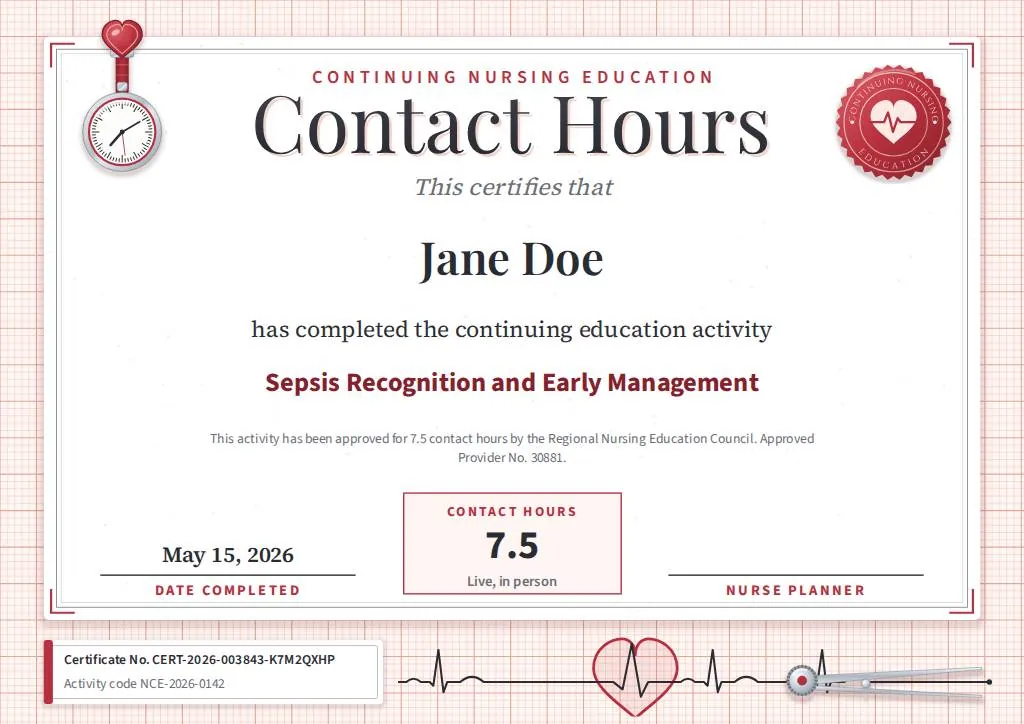
Nursing CE certificate on ECG grid paper with a heartbeat trace, fob watch, calipers and a red contact-hours seal.
-
Pearl and Navy Dental CPD Certificate
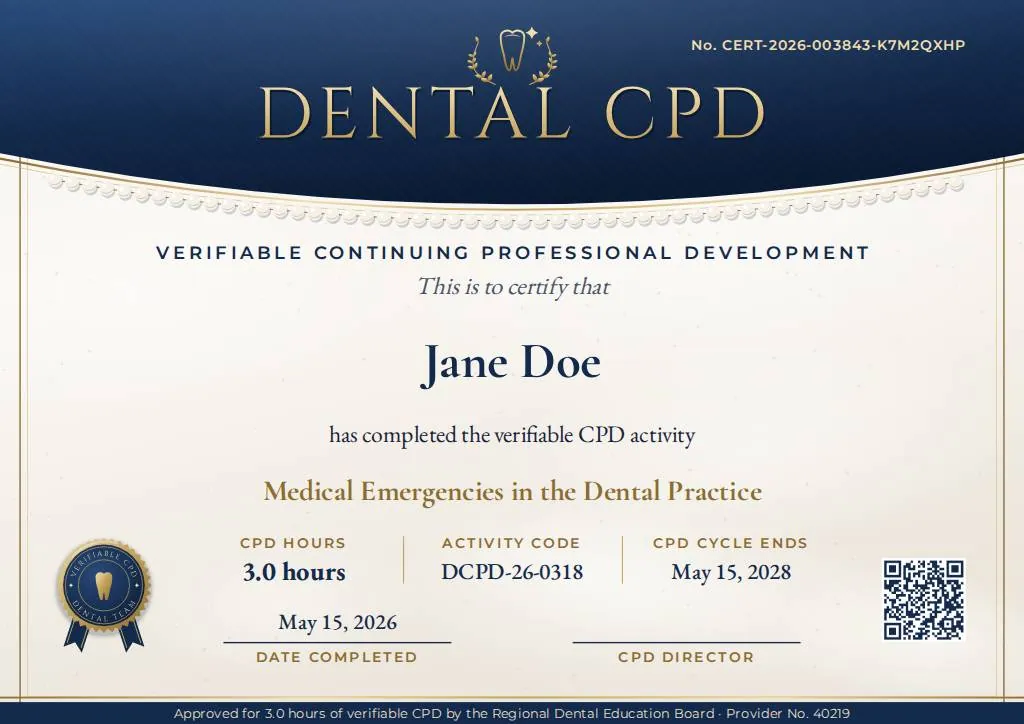
Verifiable dental CPD certificate with a navy smile-curve header, a pearl strand, gold tooth emblem, seal and QR code.
-

Midnight and Gold Grand Rounds CME Certificate
Dark premium CME certificate for grand rounds with gold Art Deco frame, foil lettering and a laurel stethoscope crest.
-

Pinstripe Private Wealth Financial Planning CE Certificate
Charcoal chalk-pinstripe frame around an ivory card with champagne foil, a compass medallion and a credit row.
-
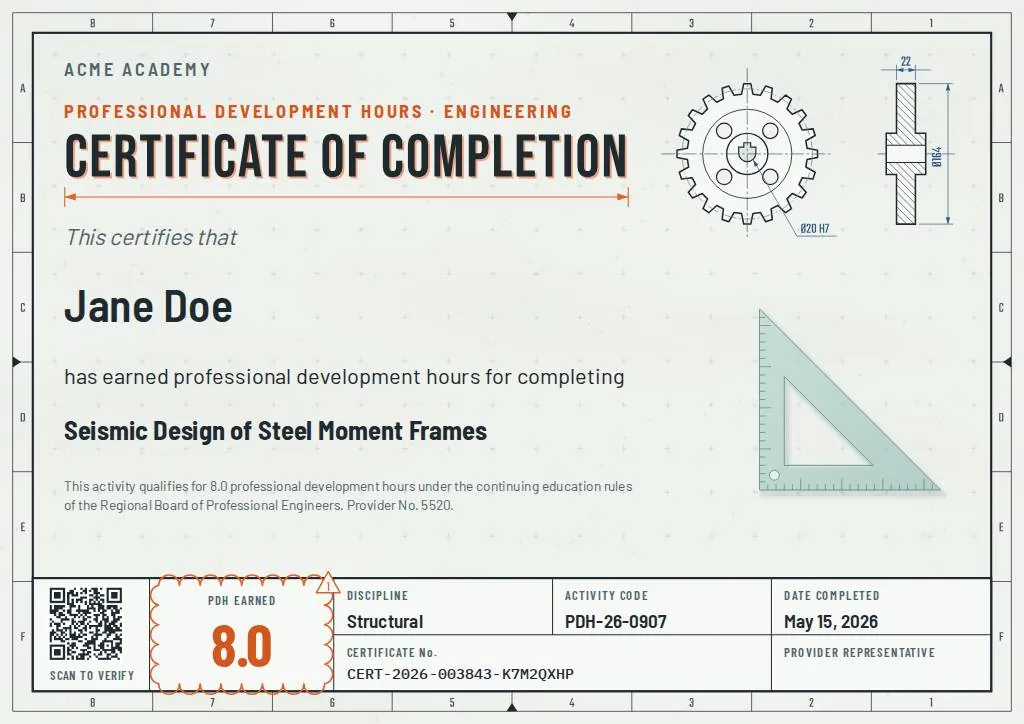
Drafting Title Block Engineering PDH Certificate
Drafting vellum with a zoned border, a gear drawing, a set square and a title block holding the PDH.
-
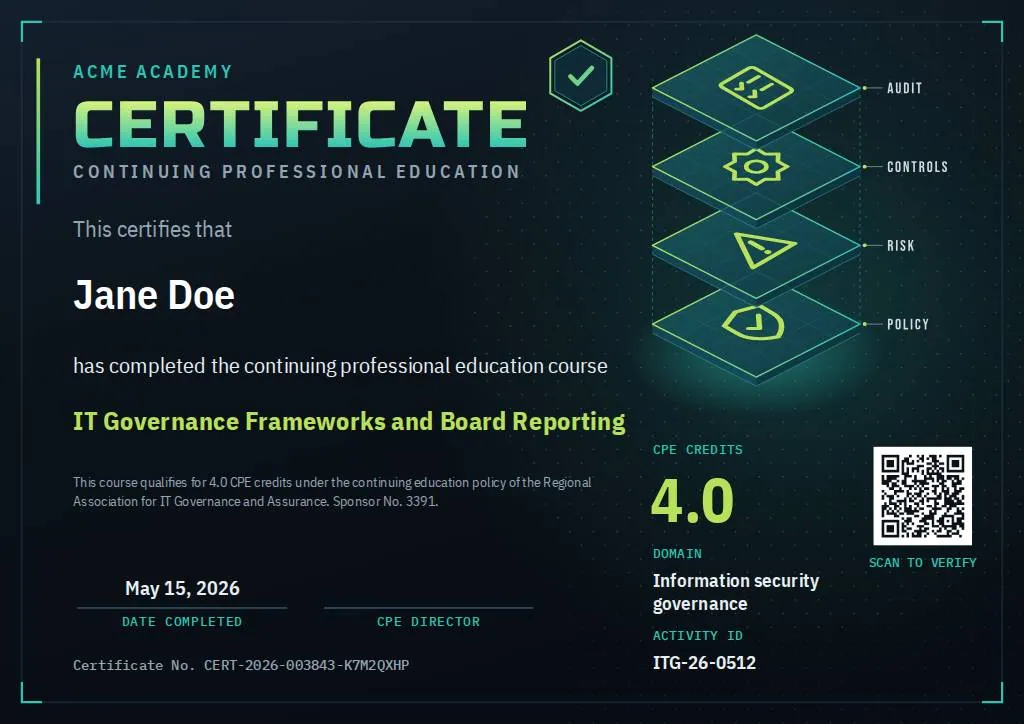
Control Layers IT Governance CPE Certificate
Dark graphite with a glowing isometric stack of policy, risk, controls and audit layers, CPE credits and a QR code.
-
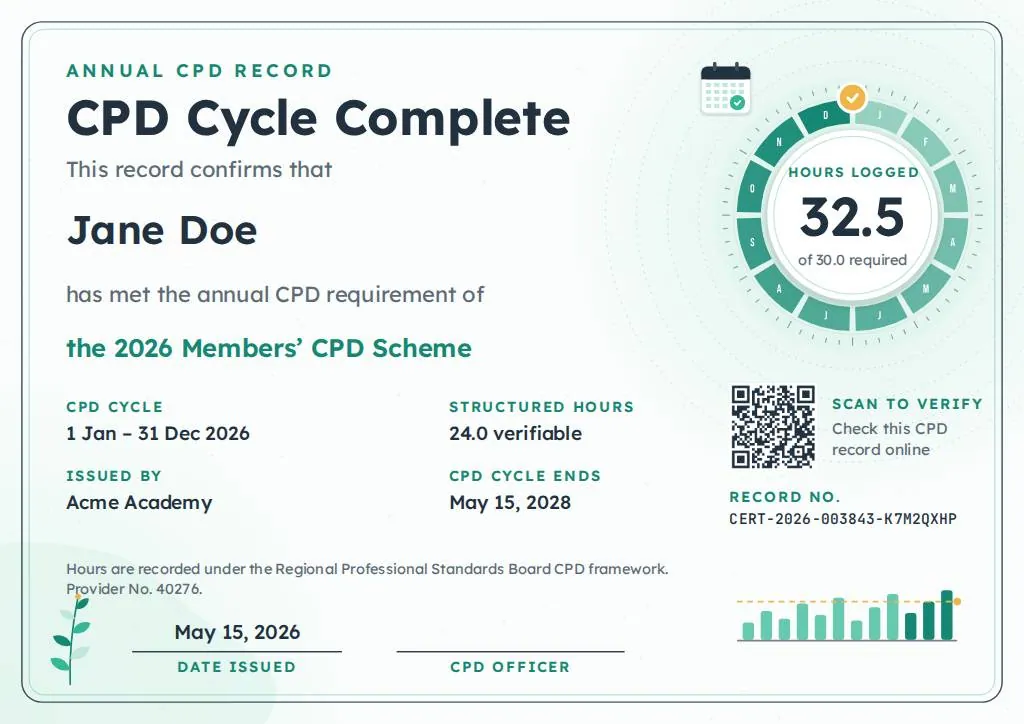
Seafoam Cycle Ring Annual CPD Record
Annual CPD cycle certificate with a twelve-month progress ring showing hours logged against the hours required.
-
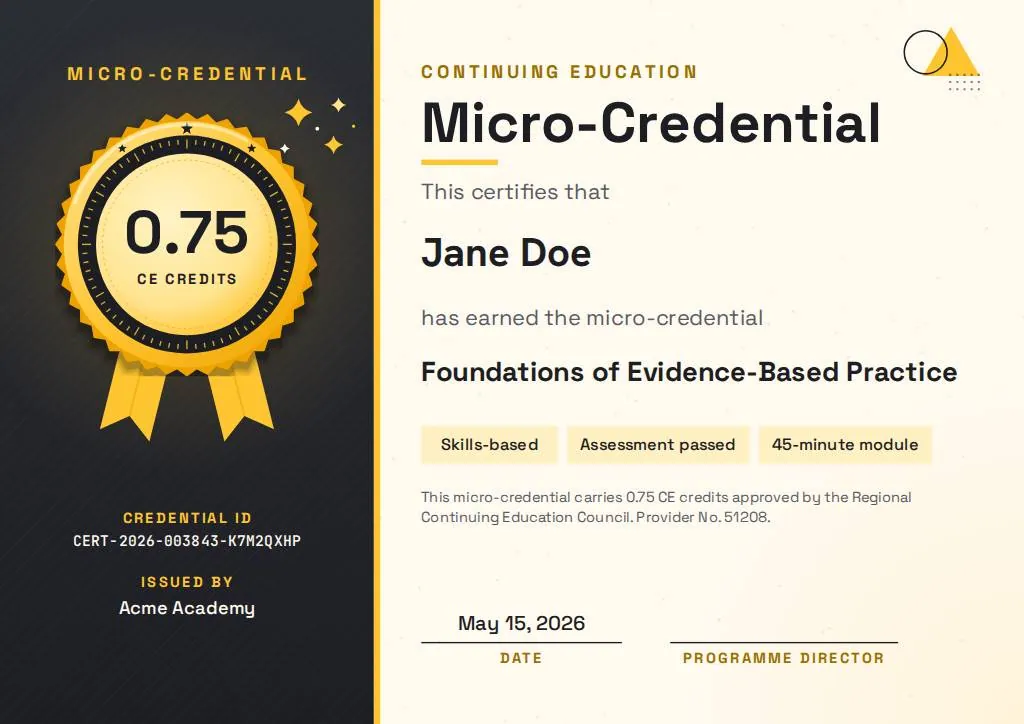
Sunflower Credit Badge Micro-Credential CE Certificate
Micro-credential CE certificate with a large sunflower credit badge on a hatched charcoal panel and skill chips.
Issue your first credential today
Open this template in the CertSeal editor, customize in minutes, and send verifiable certificates your recipients can share anywhere.