Certificate template
Index Card Quiz Bowl Certificate of Participation
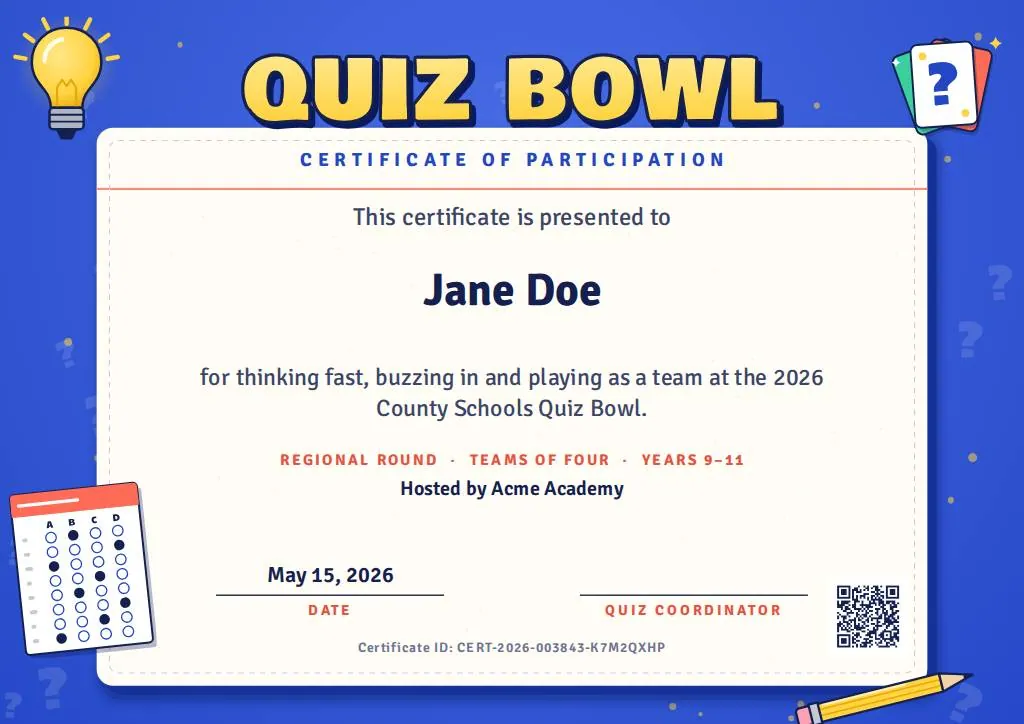
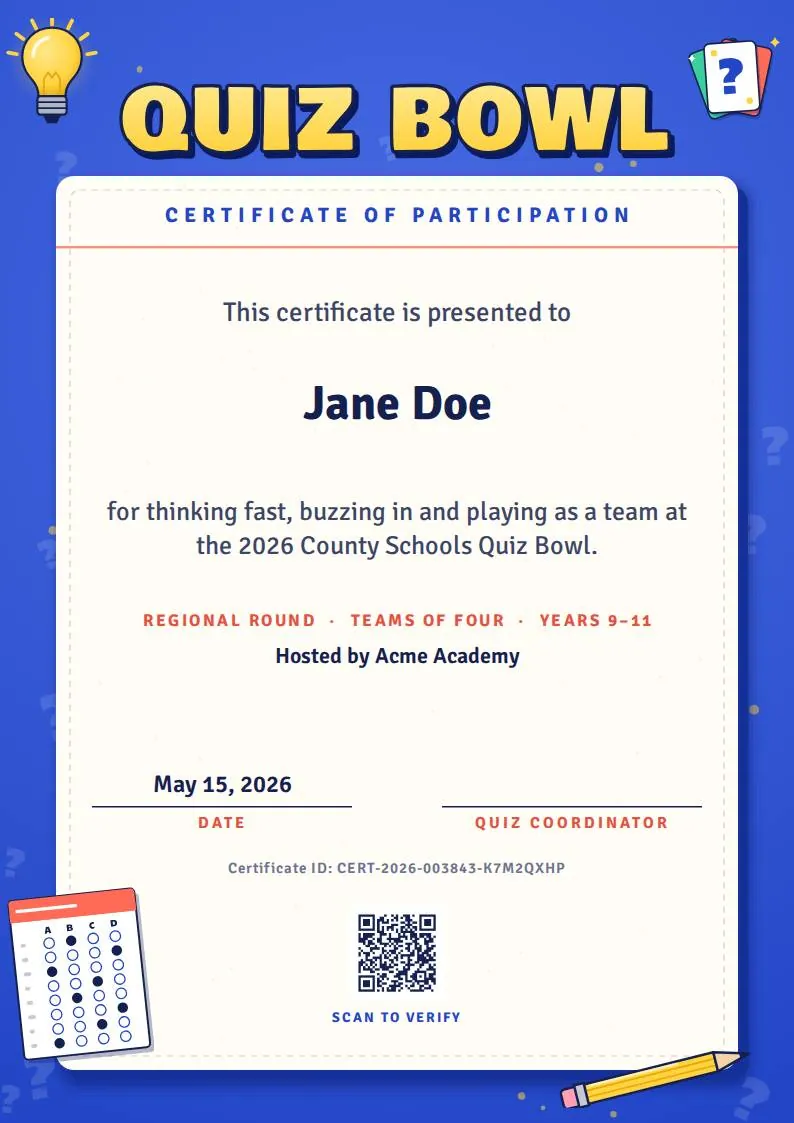
Cobalt certificate scattered with question marks, a white index card, bold yellow "QUIZ BOWL" lettering and an answer sheet.
Free to customize. Issue verifiable credentials with a CertSeal account.
About this template
When to reach for it
A lively Certificate of Participation for quiz bowls, academic quiz leagues and inter-school knowledge competitions. A cobalt background scattered with faint question marks holds a big white index card with a coral header rule, topped by "QUIZ BOWL" in chunky yellow capitals with a navy outline.
A glowing light bulb, a fan of question cards, a pencilled-in answer sheet and a yellow pencil tuck in around the card, and a QR code lets schools verify each certificate. Edit the round and team line for your competition; every illustration is a separate layer you can move or remove.
Wording
What the certificate says
Every line of text on this template, top to bottom. Highlighted parts fill in for each recipient, and you can reword any line in the editor.
- CERTIFICATE OF PARTICIPATION
- This certificate is presented to
- Recipient name
- for thinking fast, buzzing in and playing as a team at Course or achievement.
- REGIONAL ROUND · TEAMS OF FOUR · YEARS 9–11
- Hosted by Issued by
- Date
- DATE · QUIZ COORDINATOR
- Certificate ID: Certificate ID
Typography
Fonts used in this template
Swap, mix, or replace any of these in the editor — every CertSeal template ships with 1,000+ Google Fonts plus your own brand uploads.
-
Font family
Signika
Signika
Color palette
Colors used in this template
The five most prominent colors sampled straight from the rendered design. Recolor any of them in the editor to match your brand.
-
#fefcf6
-
#385ad7
-
#d6d7d9
-
#6072b6
-
#122d9c
How to use it
From template to issued credential in four steps
- 01
Open the template
Click "Use this template" to open the Index Card Quiz Bowl Certificate of Participation in the CertSeal editor, or customize it free without signing up.
- 02
Fill in the details
- Recipient name
- Course or achievement
- Issued by
- Date
Type these in, or upload a spreadsheet to make one for every recipient.
- 03
Add your brand
Swap the Signika font and the colors, and add your logo.
- 04
Issue & verify
Generate PDFs and verifiable links your recipients can share anywhere. The QR code on this design opens each certificate's verification page. Each certificate is printed with its own ID.
More templates
You might also like
-
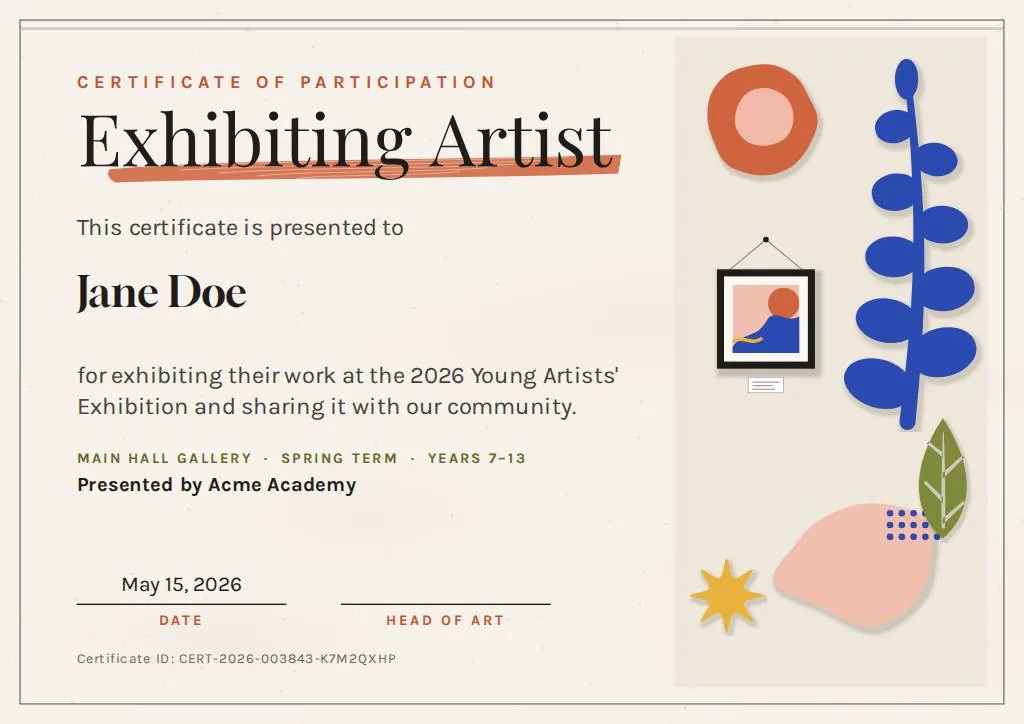
Paper Cut-Out Student Art Exhibition Certificate of Participation
Gallery-white poster with cobalt, terracotta, blush and olive paper cut-outs and a painted "Exhibiting Artist" headline.
-
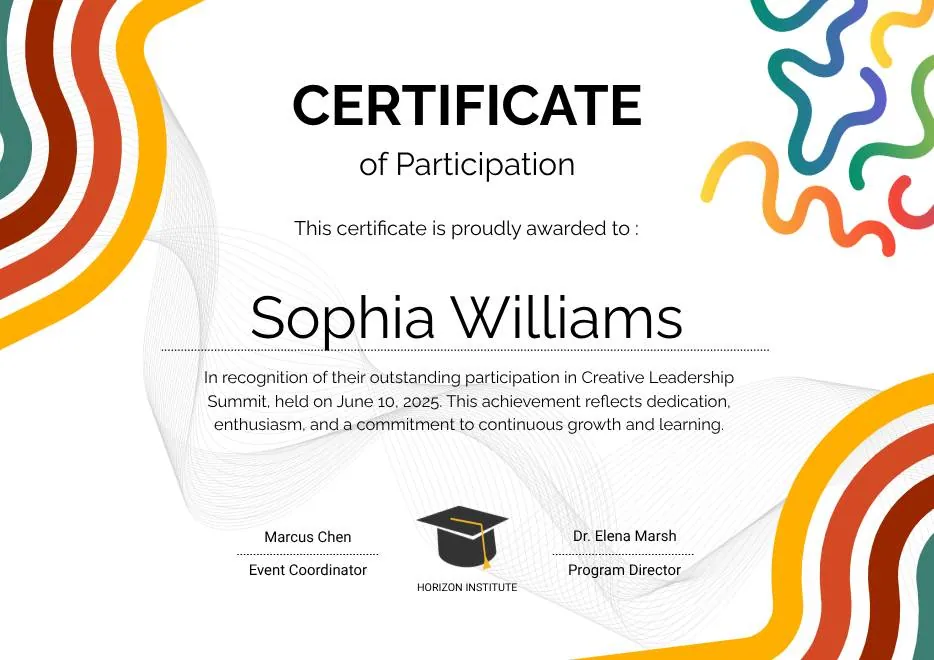
Colorful Abstract Waves Modern Participation Certificate
A vibrant landscape participation certificate with bold multicolor wavy borders, abstract squiggle accents, and a clean white center.
-
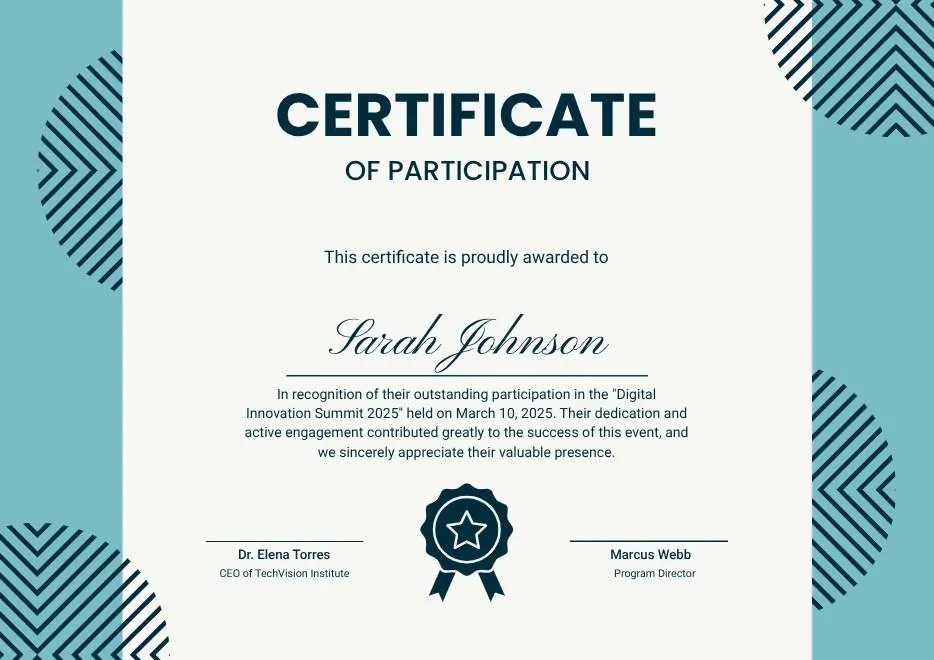
Teal Geometric Participation Certificate
A modern, clean participation certificate with teal side panels, bold navy typography, and a decorative star badge accent.
-
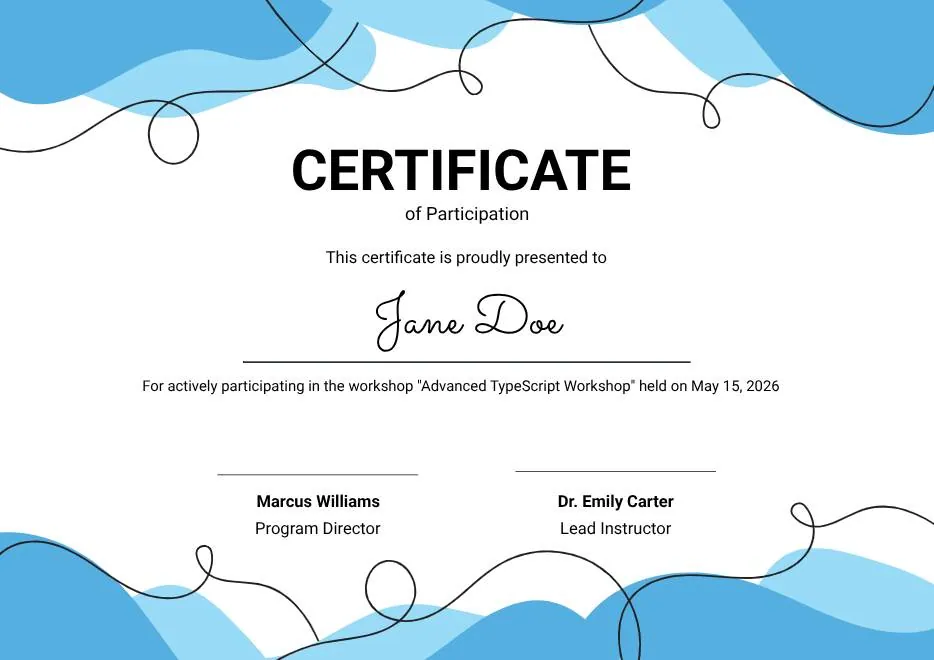
Blue Abstract Waves Participation Certificate
A modern, vibrant certificate featuring flowing blue abstract wave shapes and playful line doodles for workshops and seminars.
-
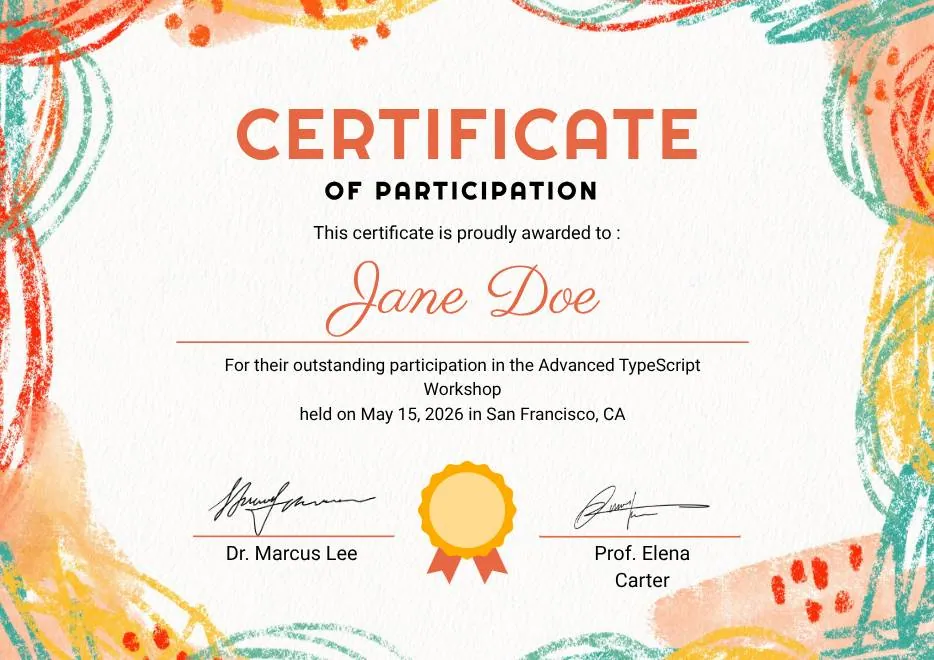
Colorful Brushstroke Art Certificate of Participation
A vibrant, playful certificate featuring hand-painted brushstroke borders in teal, red, orange, and yellow tones.
-
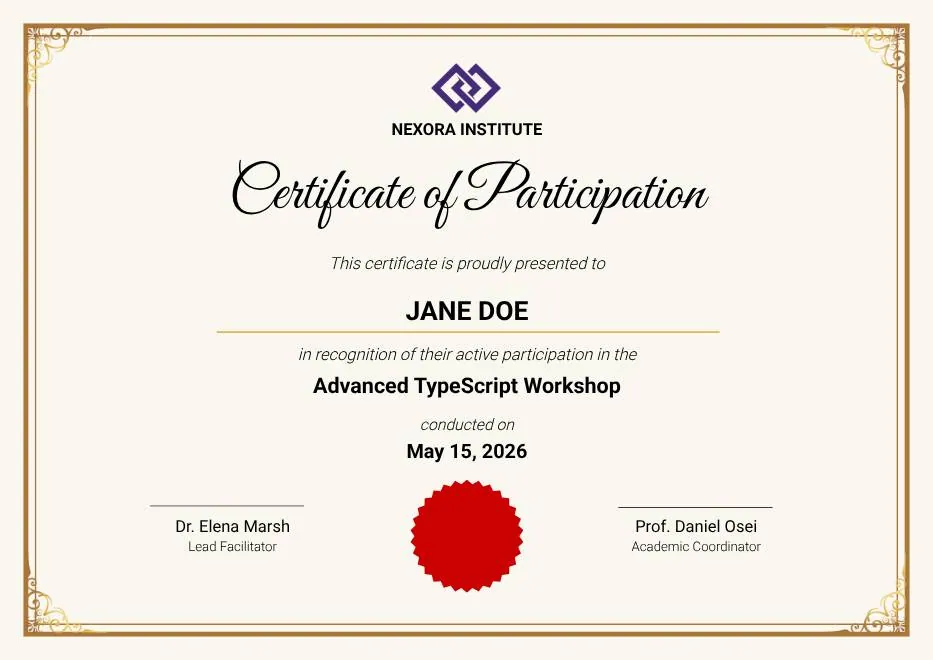
Gold Elegant Workshop Participation Certificate
A formal, classic-style participation certificate with gold decorative borders, a red wax seal, and dual signature lines.
-
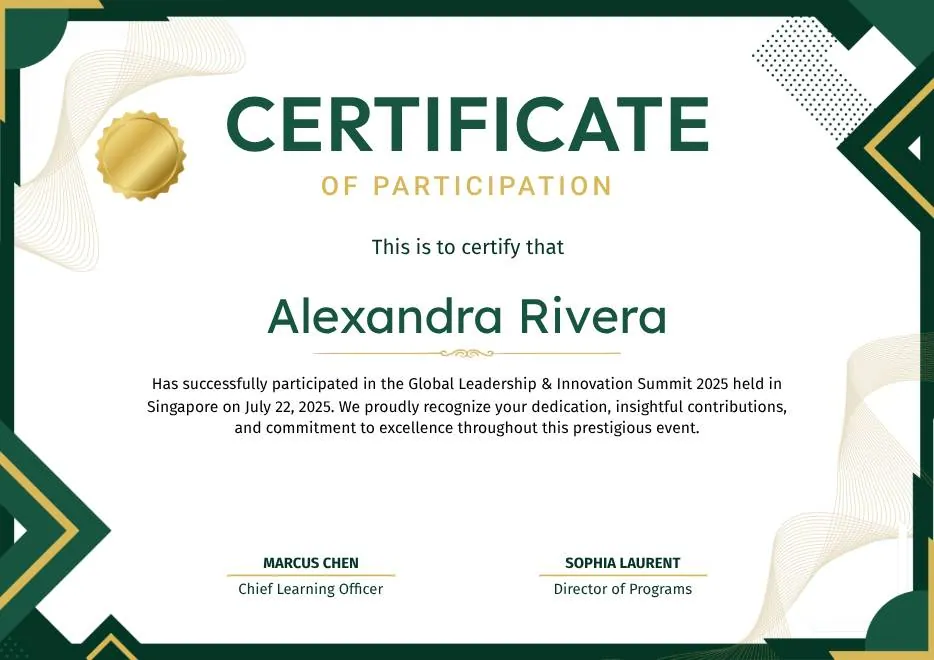
Green and Gold Geometric Modern Certificate of Participation
A sleek portrait certificate featuring deep green geometric borders, gold accents, and a gold seal — ideal for events and summits.
-
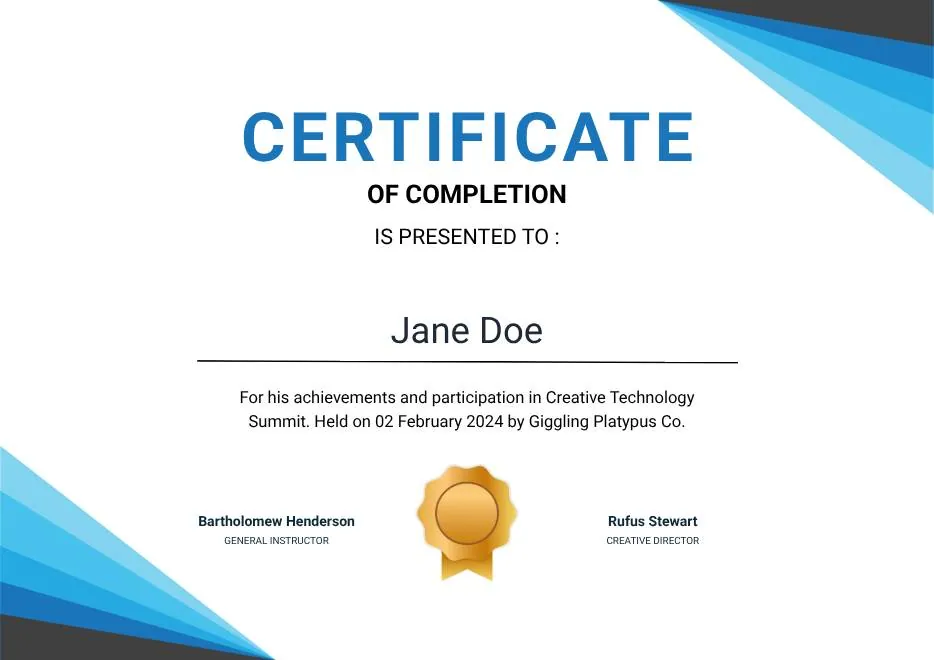
Blue Modern Event Completion Certificate
A sleek, modern portrait certificate with bold blue geometric accents and a gold seal, ideal for events and summits.
Issue your first credential today
Open this template in the CertSeal editor, customize in minutes, and send verifiable certificates your recipients can share anywhere.