Certificate template
Ice Tracings Figure Skating Certificate of Achievement
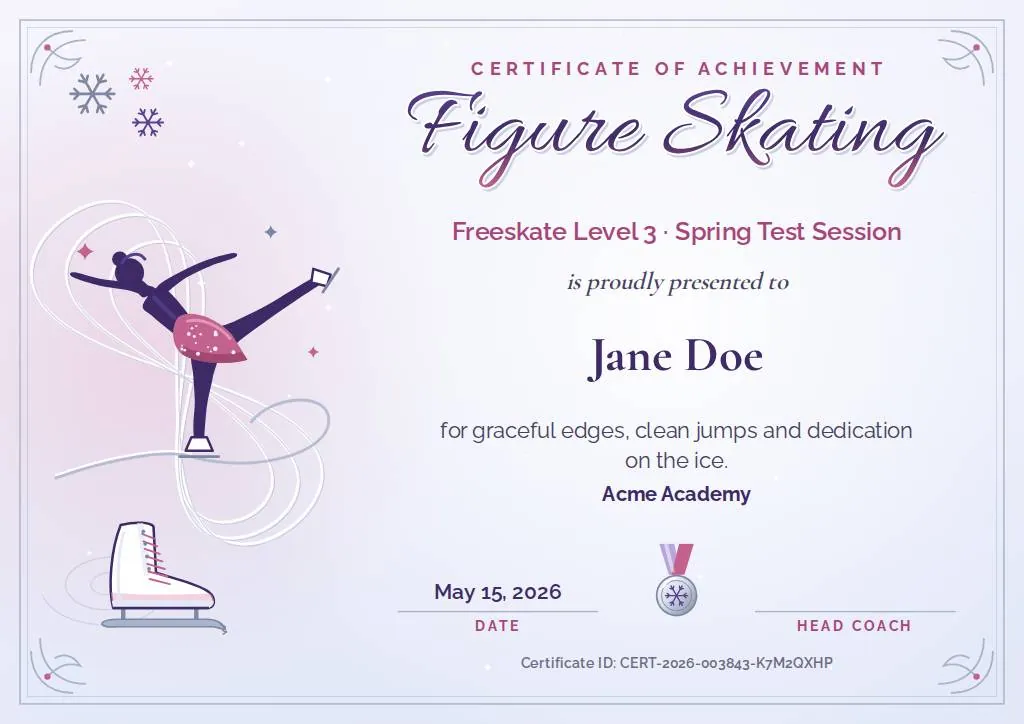
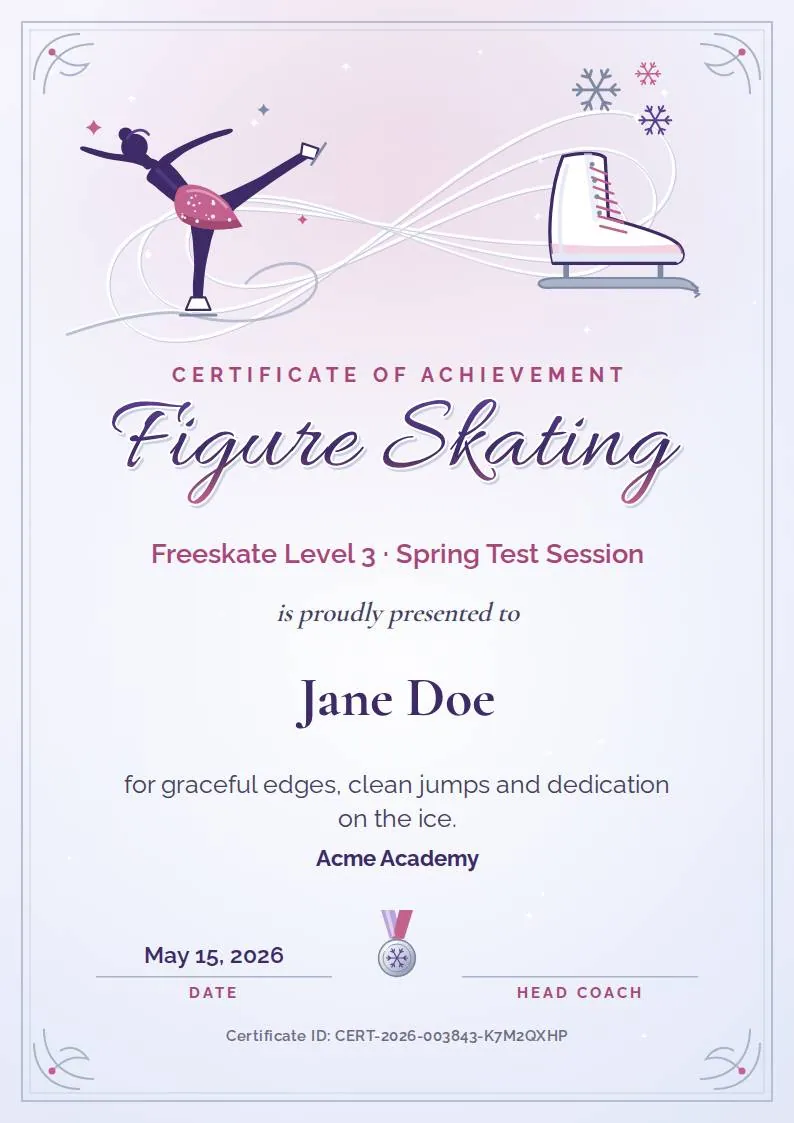
Pale ice figure skating certificate with scribed tracings, a skater in a spiral and script.
Free to customize. Issue verifiable credentials with a CertSeal account.
About this template
When to reach for it
An elegant Figure Skating certificate for skating clubs, learn-to-skate programmes, test sessions and competitions. Pale lavender ice carries scribed figure-eight tracings and a soft rose glow, with a skater in a graceful spiral, rose dress sparkling, drawing a silver tracing behind her. "Figure Skating" is flowing plum-to-rose script with a white outline, inside a fine silver frame with corner flourishes.
A white figure skate with a toe-picked blade, a silver snowflake medal and delicate snowflakes are separate layers. Edit the level or award line and captions for your club or programme.
Wording
What the certificate says
Every line of text on this template, top to bottom. Highlighted parts fill in for each recipient, and you can reword any line in the editor.
- CERTIFICATE OF ACHIEVEMENT
- Course or achievement
- is proudly presented to
- Recipient name
- for graceful edges, clean jumps and dedication on the ice.
- Issued by
- Date
- DATE · HEAD COACH
- Certificate ID: Certificate ID
Typography
Fonts used in this template
Swap, mix, or replace any of these in the editor — every CertSeal template ships with 1,000+ Google Fonts plus your own brand uploads.
-
Font family
Cormorant Garamond
Cormorant Garamond
-
Font family
Raleway
Raleway
Color palette
Colors used in this template
The five most prominent colors sampled straight from the rendered design. Recolor any of them in the editor to match your brand.
-
#f5f5fc
-
#c9c7d7
-
#a599b9
-
#c76b96
-
#786995
How to use it
From template to issued credential in four steps
- 01
Open the template
Click "Use this template" to open the Ice Tracings Figure Skating Certificate of Achievement in the CertSeal editor, or customize it free without signing up.
- 02
Fill in the details
- Course or achievement
- Recipient name
- Issued by
- Date
Type these in, or upload a spreadsheet to make one for every recipient.
- 03
Add your brand
Swap the Cormorant Garamond and Raleway fonts and the colors, and add your logo.
- 04
Issue & verify
Generate PDFs and verifiable links your recipients can share anywhere. Each certificate is printed with its own ID.
More templates
You might also like
-
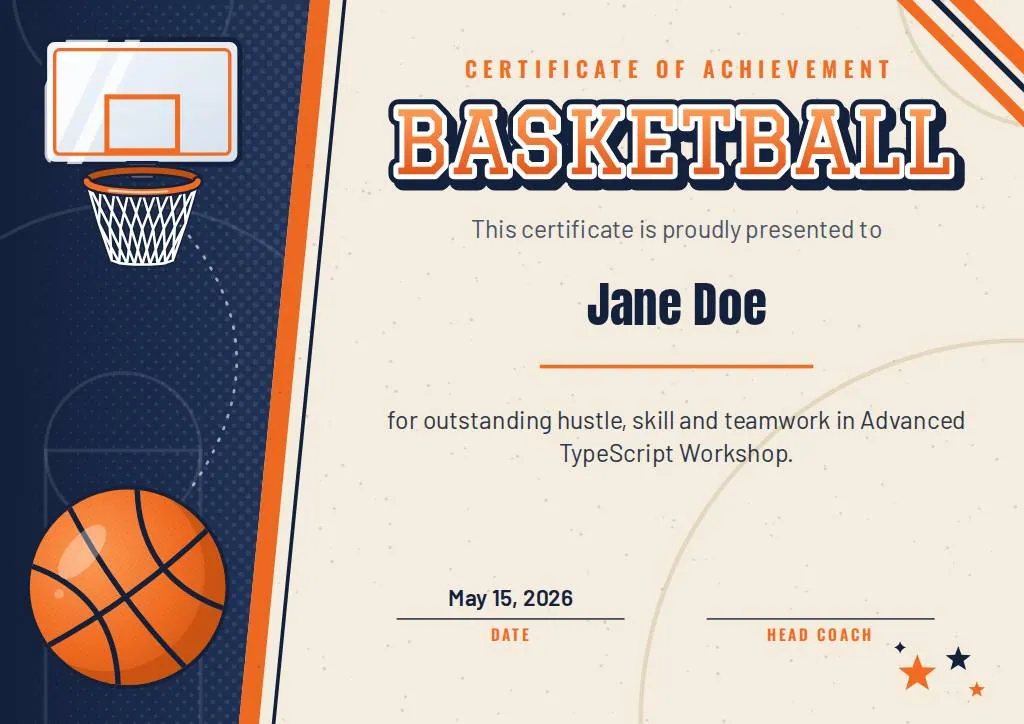
Basketball Hoop Sports Certificate of Achievement
Navy and orange basketball certificate with a glass backboard and net, a pebbled ball and court lines.
-
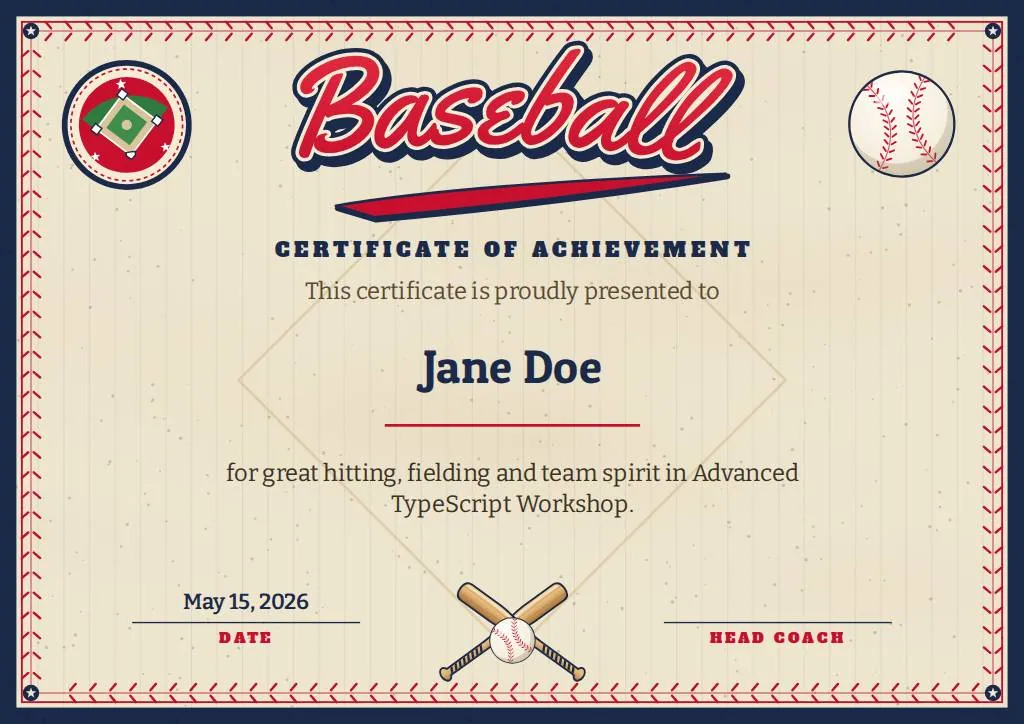
Retro Baseball Sports Certificate of Achievement
Vintage cream baseball certificate with red stitching, a script headline, crossed bats and a ballpark patch.
-
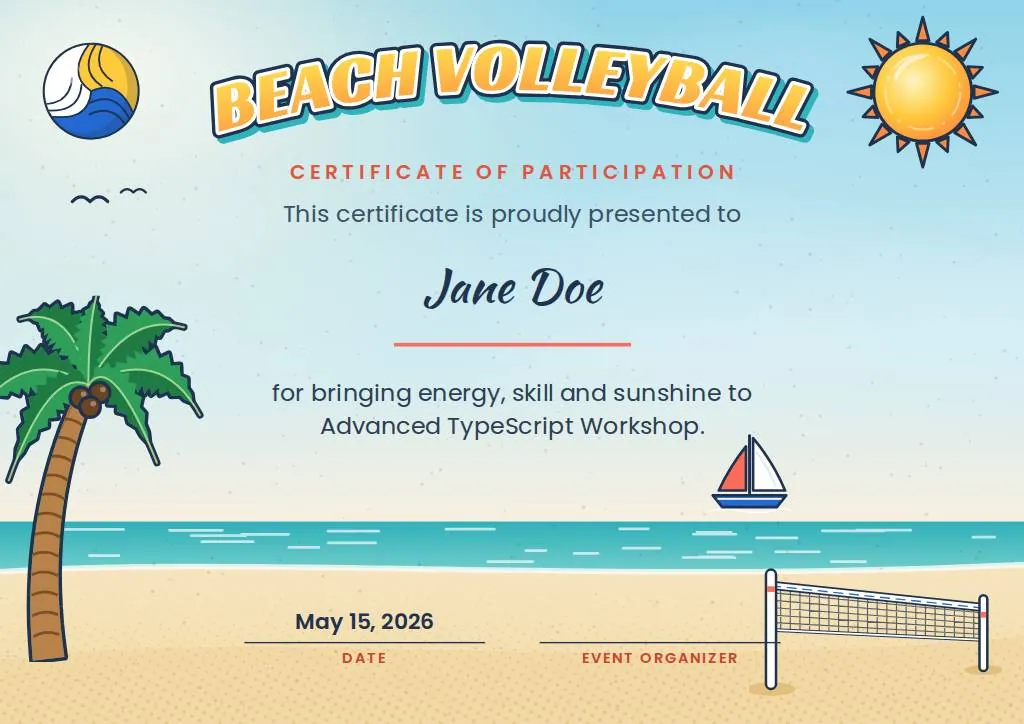
Beach Volleyball Sports Certificate of Participation
Sunny beach volleyball certificate with sky, sea and sand, a palm tree, a net, a blazing sun and a flying ball.
-
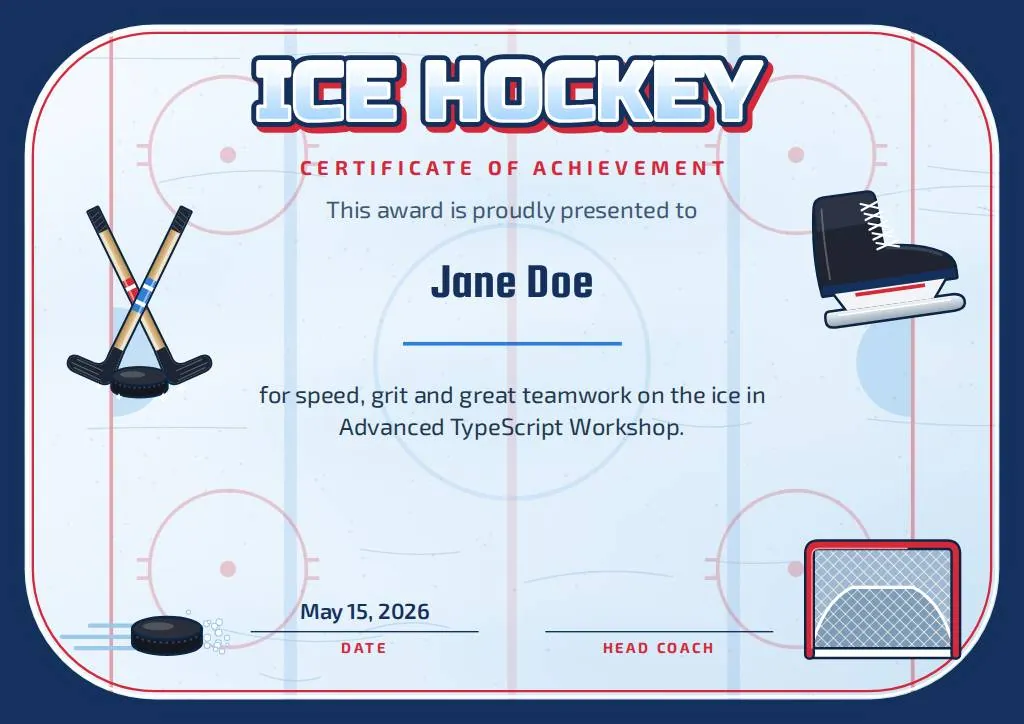
Ice Hockey Rink Sports Award Certificate
Icy blue hockey certificate on a frosted rink with boards, crossed sticks and a puck, a skate and a red net.
-
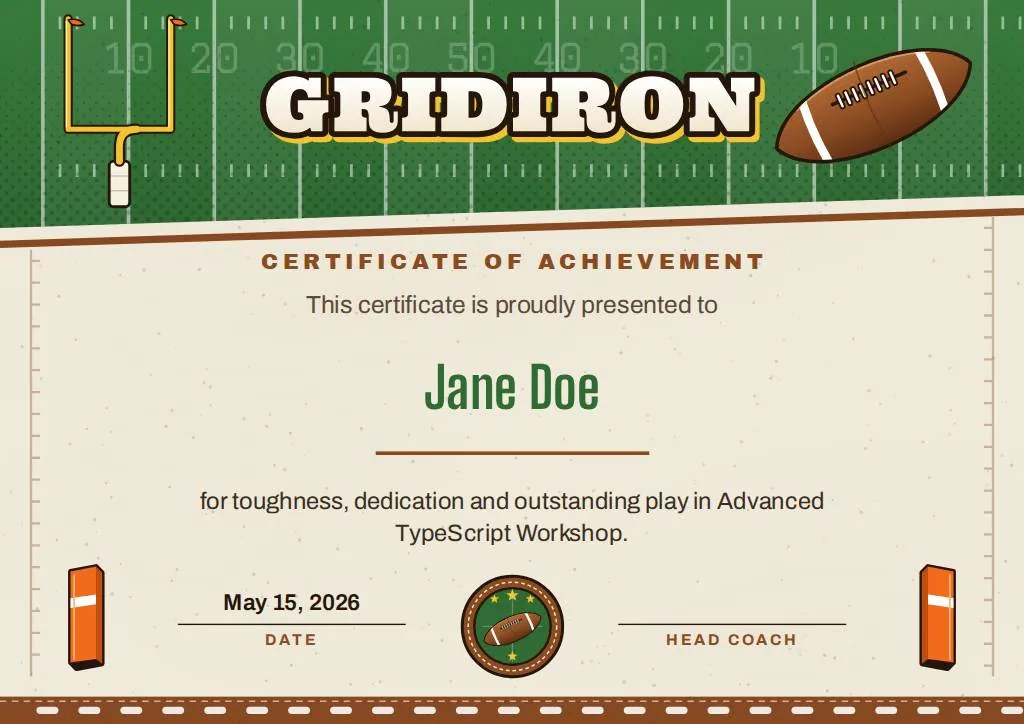
Gridiron Football Sports Certificate of Achievement
Field-green and leather-brown gridiron certificate with yard lines, a laced football, goal posts and pylons.
-
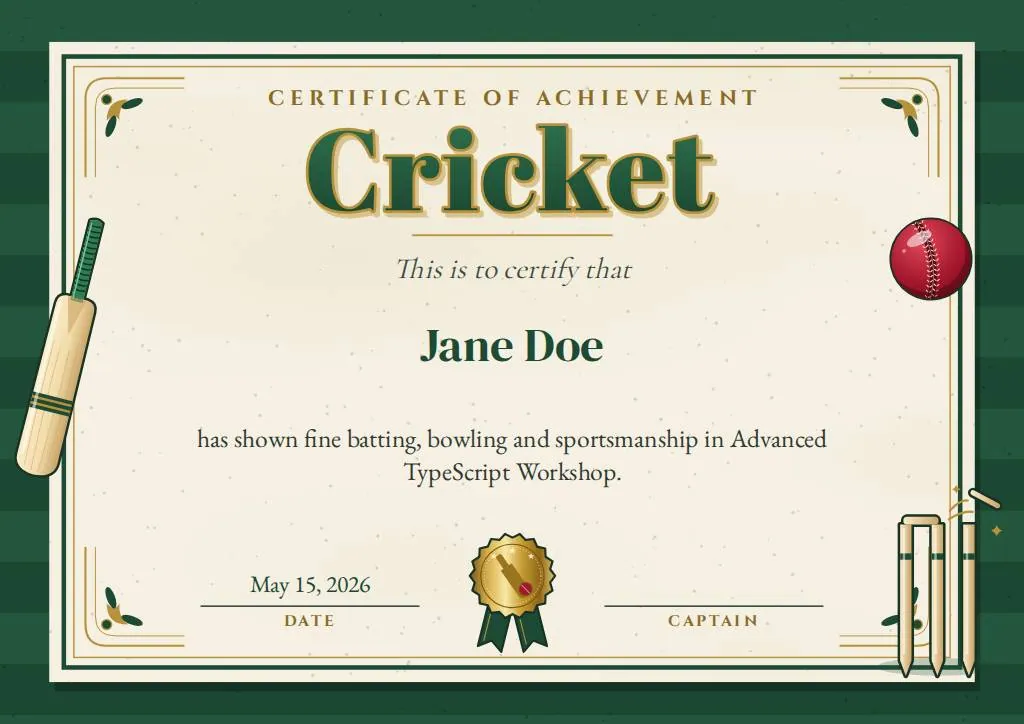
Cricket Heritage Sports Certificate of Achievement
Green and cream heritage cricket certificate with a willow bat, a red ball, stumps with a flying bail and gold rules.
-
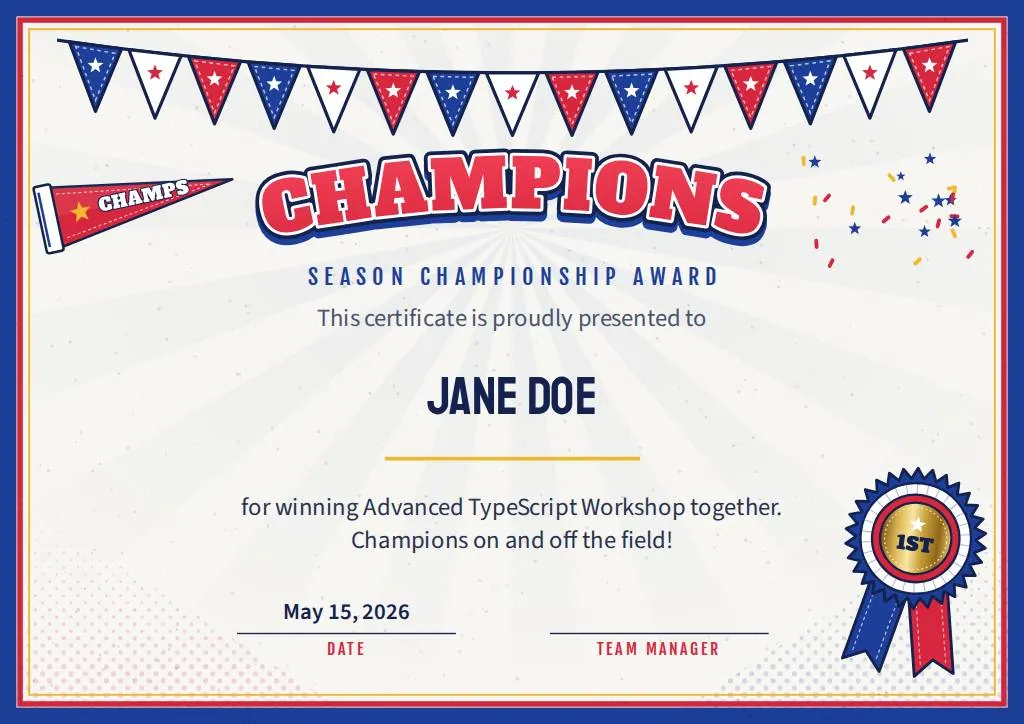
Season Champions Sports Award Certificate
Royal blue, red and gold championship certificate with pennant bunting, a felt pennant and a 1st-place rosette.
-
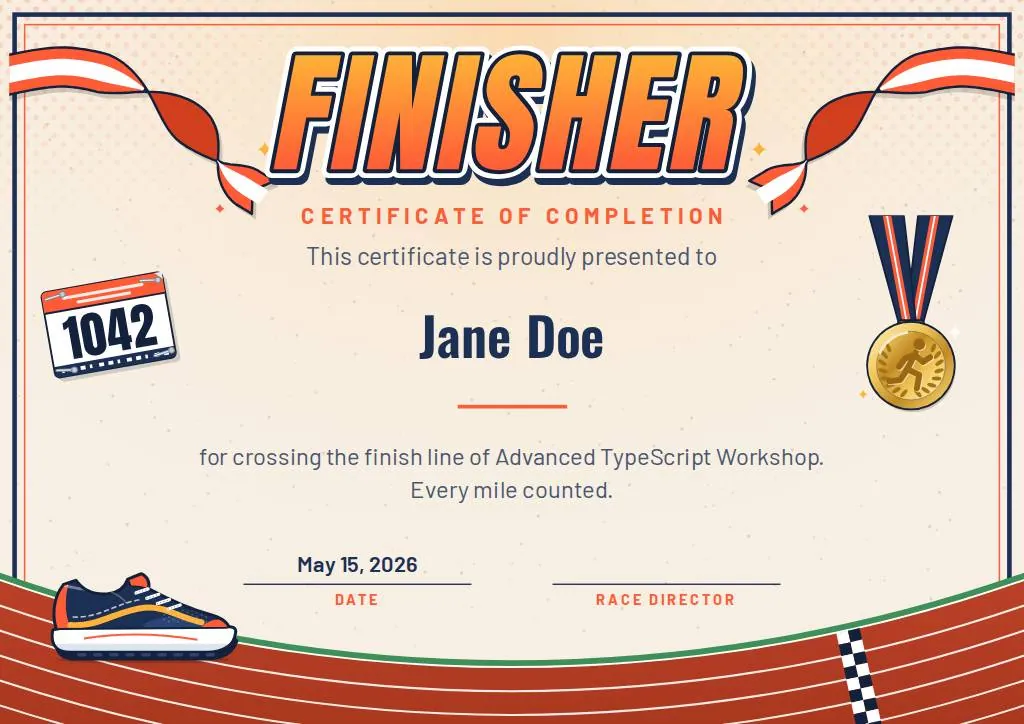
Marathon Finisher Certificate of Completion
Race-day finisher certificate with a curved running track, a broken finish tape, a gold medal and a race bib.
Issue your first credential today
Open this template in the CertSeal editor, customize in minutes, and send verifiable certificates your recipients can share anywhere.