Certificate template
Barn Red Home on the Farm Sanctuary Animal Adoption Certificate
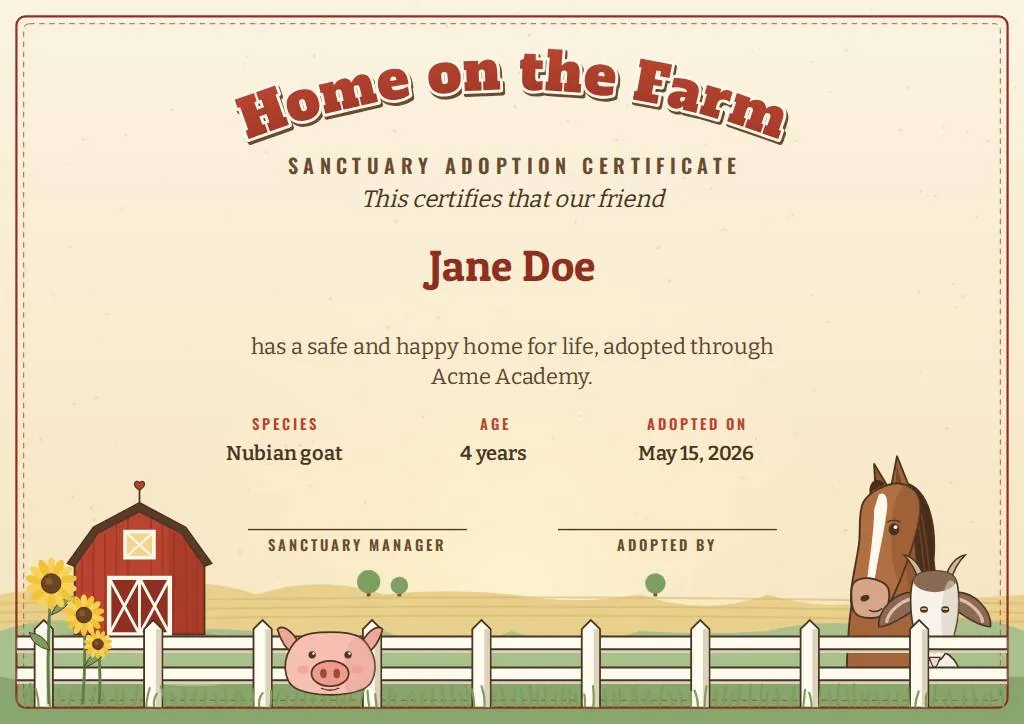
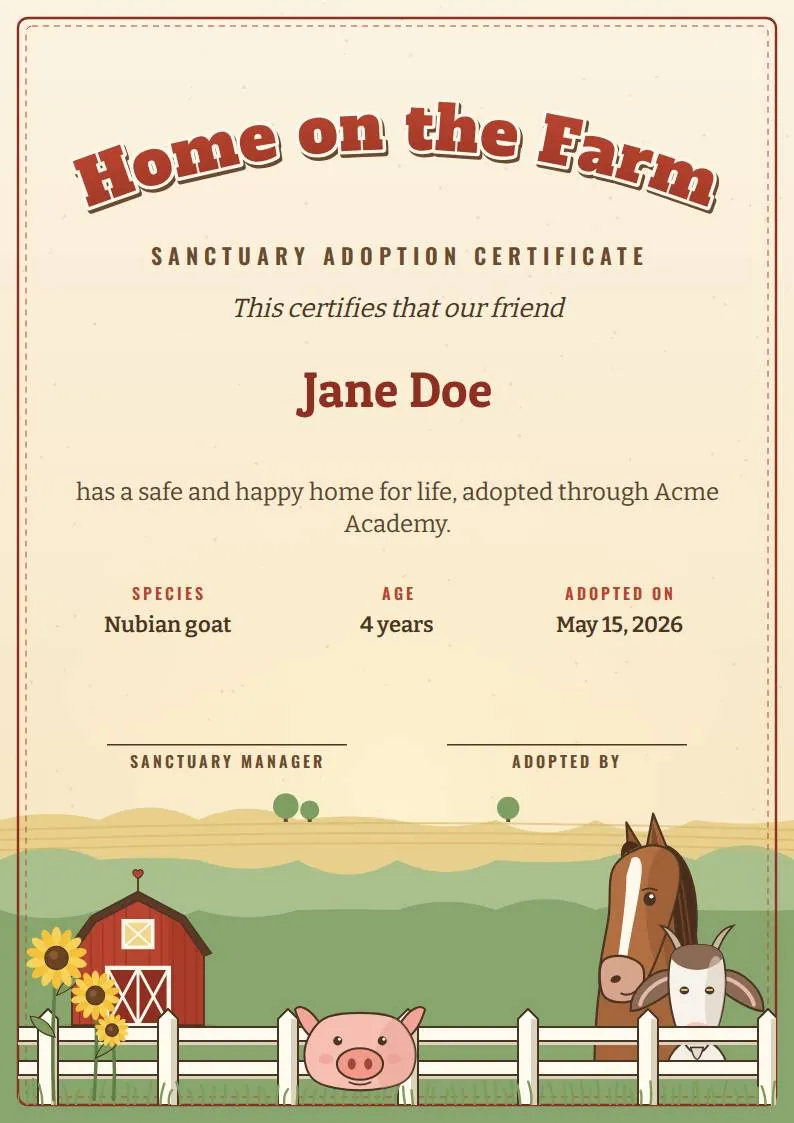
A horse, a goat and a pig peek over a white rail fence, with a red barn and sunflowers.
Free to customize. Issue verifiable credentials with a CertSeal account.
About this template
When to reach for it
A warm, rustic certificate for farm sanctuaries and livestock rescues. A chestnut horse and a Nubian goat lean over a white rail fence, a pig peeks out of the grass, and a red barn with a heart weathervane sits among sunflowers and rolling wheat and sage hills.
The arched headline reads "Home on the Farm" and the animal’s name is set in Patua One. Species, age and adoption date sit in a row of details; the sanctuary goes in the issuer field, and the sanctuary manager and the adopter sign below.
Wording
What the certificate says
Every line of text on this template, top to bottom. Highlighted parts fill in for each recipient, and you can reword any line in the editor.
- SANCTUARY ADOPTION CERTIFICATE
- This certifies that our friend
- Recipient name
- has a safe and happy home for life, adopted through Issued by.
- SPECIES · AGE · ADOPTED ON
- Nubian goat · 4 years · Date
- SANCTUARY MANAGER · ADOPTED BY
Typography
Fonts used in this template
Swap, mix, or replace any of these in the editor — every CertSeal template ships with 1,000+ Google Fonts plus your own brand uploads.
-
Font family
Bitter
Bitter
-
Font family
Oswald
Oswald
-
Font family
Patua One
Patua One
Color palette
Colors used in this template
The five most prominent colors sampled straight from the rendered design. Recolor any of them in the editor to match your brand.
-
#faedd5
-
#89a671
-
#e7cbb7
-
#e7cc87
-
#aac18d
How to use it
From template to issued credential in four steps
- 01
Open the template
Click "Use this template" to open the Barn Red Home on the Farm Sanctuary Animal Adoption Certificate in the CertSeal editor, or customize it free without signing up.
- 02
Fill in the details
- Recipient name
- Issued by
- Date
Type these in, or upload a spreadsheet to make one for every recipient.
- 03
Add your brand
Swap the Bitter, Oswald and Patua One fonts and the colors, and add your logo.
- 04
Issue & verify
Generate PDFs and verifiable links your recipients can share anywhere.
More templates
You might also like
-
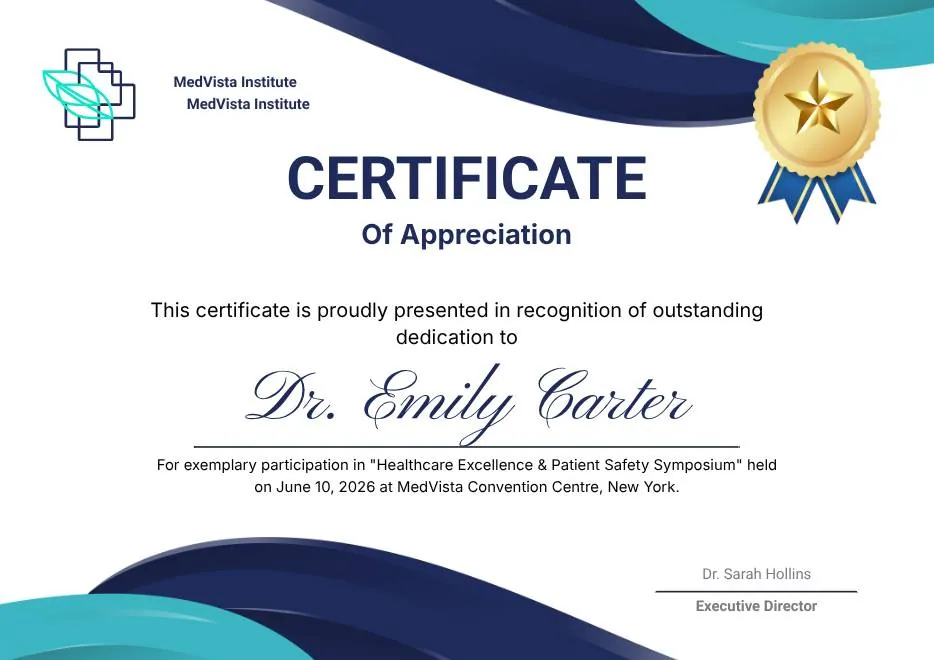
Blue Navy and Tosca Elegant Modern Medical Appreciation Certificate
A modern medical-themed appreciation certificate featuring navy and teal wave accents, a gold medallion, and script recipient name styling.
-
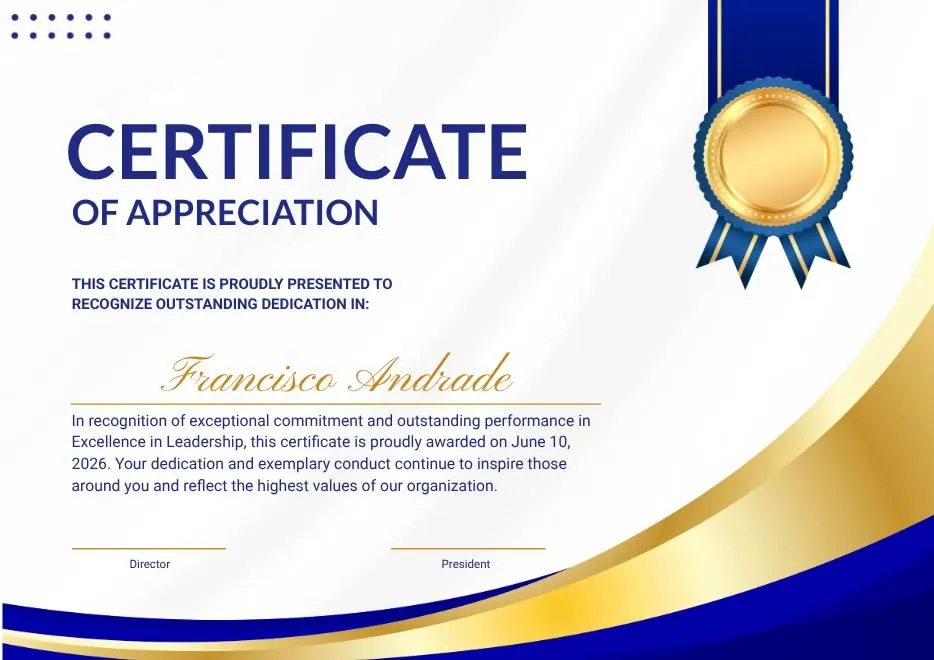
Blue and Gold Modern Certificate of Appreciation
A sleek, modern appreciation certificate featuring a navy blue and gold color scheme with a decorative medallion and ribbon badge.
-
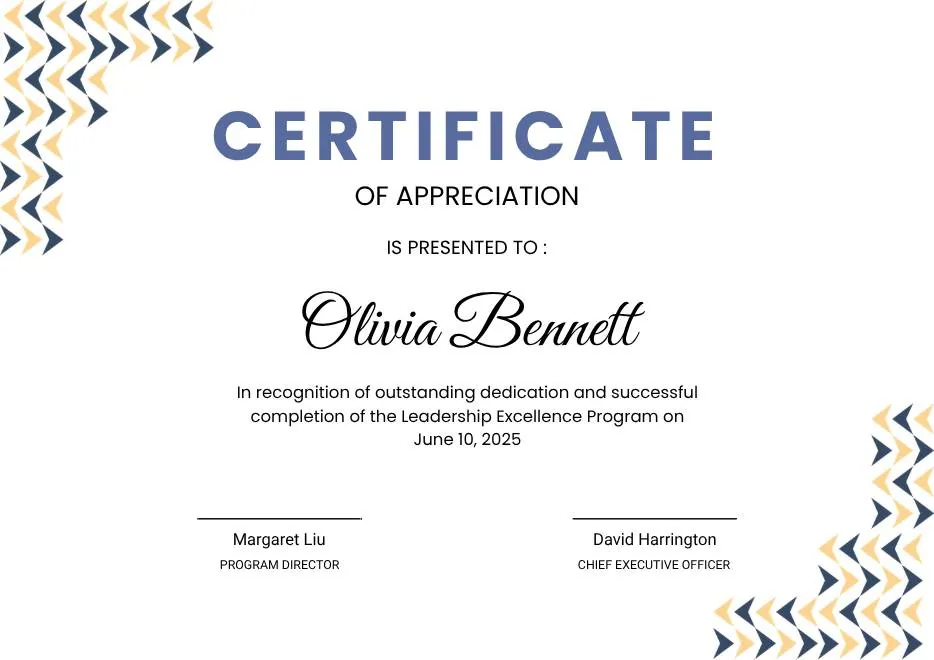
Blue Modern Certificate of Appreciation
A clean, modern appreciation certificate featuring navy and gold chevron accents on a white background with elegant script name styling.
-
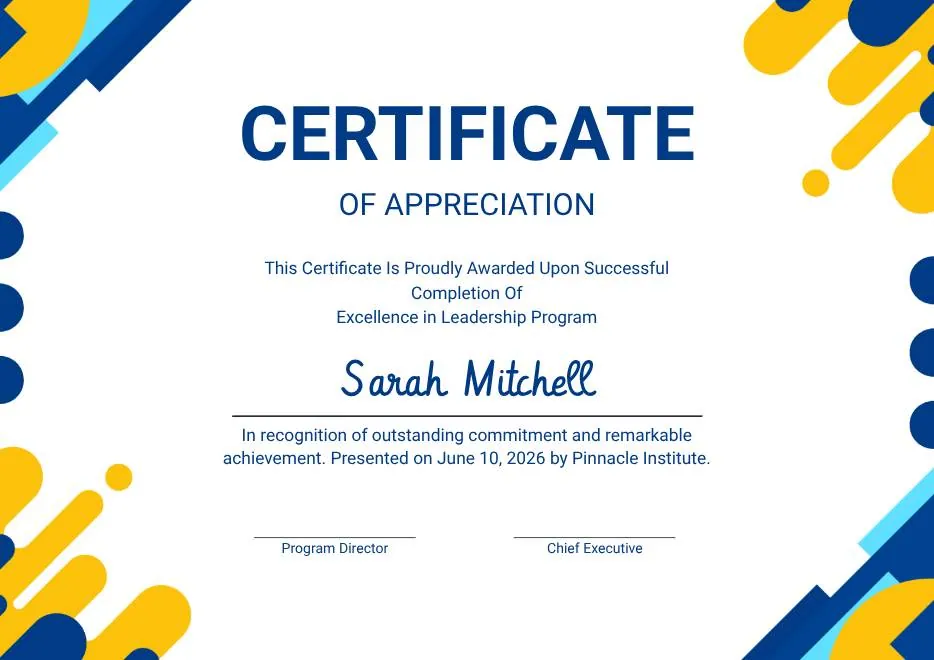
Yellow and Blue Modern Certificate of Appreciation
A vibrant modern appreciation certificate featuring bold navy and yellow geometric shapes with a clean white center layout.
-
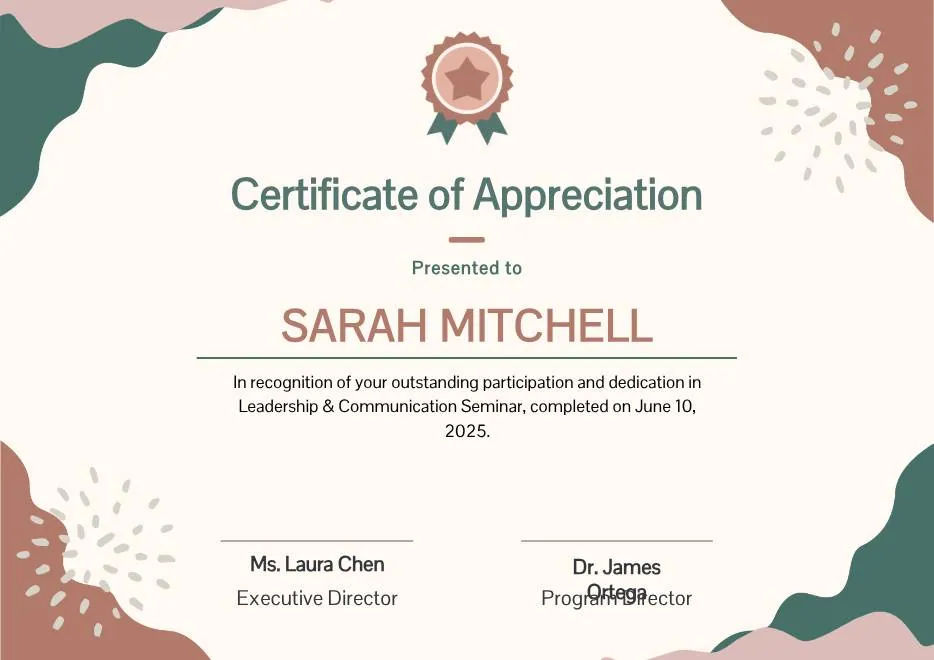
Beige Blob Appreciation Seminar Certificate
Warm beige certificate with organic blob corner accents, a ribbon medal, and dual signature lines for seminar appreciation.
-

Navy and Gold Modern Appreciation Certificate
Elegant portrait certificate with deep navy wave corners, gold accents, and a formal white center layout ideal for institutional recognition.
-

Certificate of Appreciation — Summit & Event Participation
Modern portrait appreciation certificate with fluid teal-to-green gradient blobs, dot accents, and dual signature lines.
-
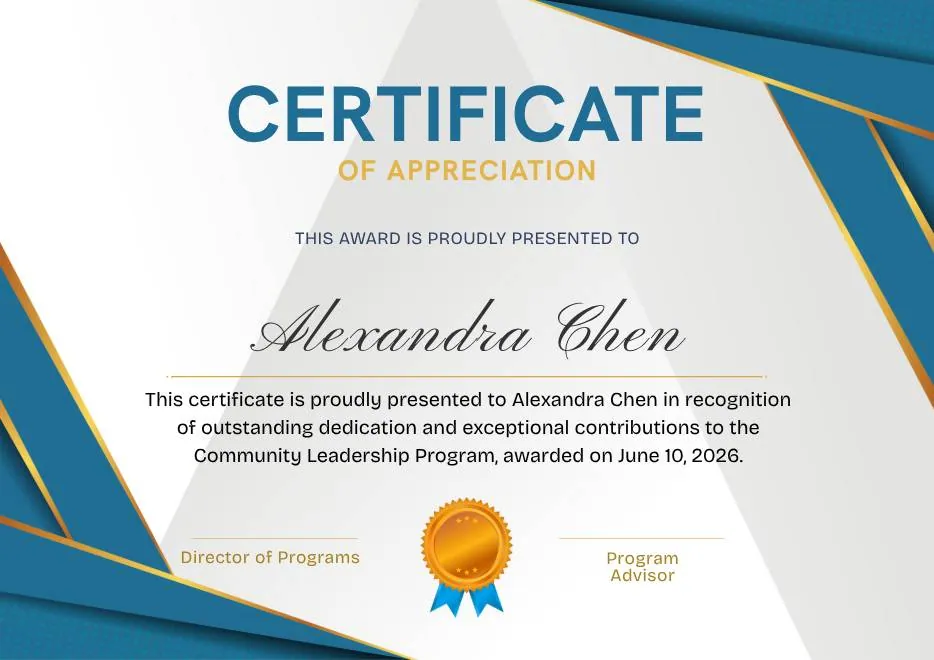
Blue and Gold Appreciation Certificate
A modern portrait certificate with teal geometric panels, gold accents, and a bold dual-tone header for formal appreciation awards.
Issue your first credential today
Open this template in the CertSeal editor, customize in minutes, and send verifiable certificates your recipients can share anywhere.