Certificate template
Home Alone and Happy Dog Training Certificate
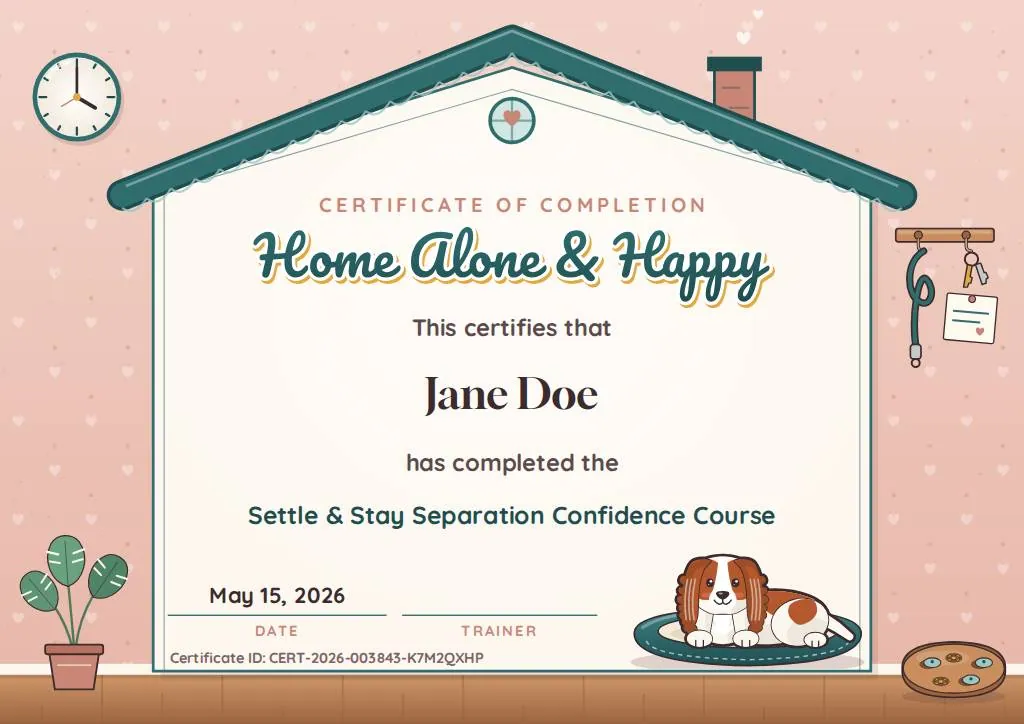
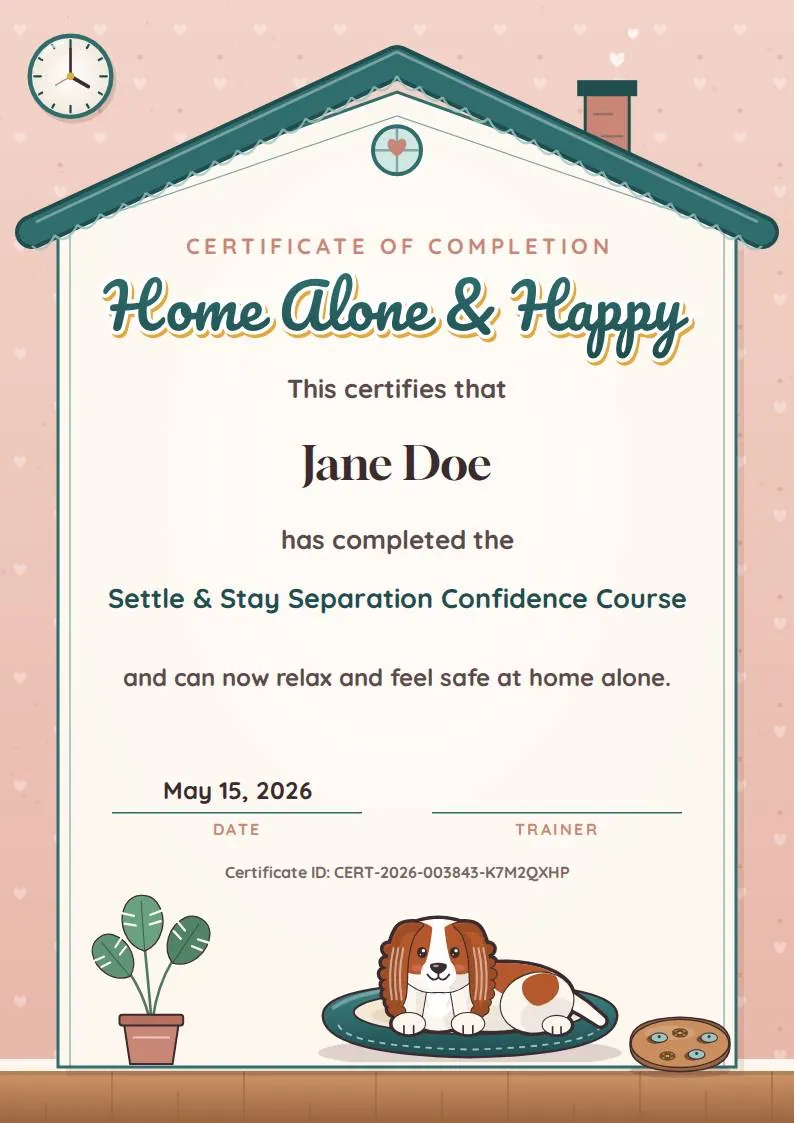
House-shaped frame on rose wallpaper with a Cavalier King Charles Spaniel relaxing in its bed.
Free to customize. Issue verifiable credentials with a CertSeal account.
About this template
When to reach for it
A warm, homely certificate for separation and home-alone confidence courses: the text sits inside a cream house with a teal shingled roof and heart smoke from the chimney, on rose heart wallpaper. A Blenheim Cavalier King Charles Spaniel relaxes in a round bed, with a wall clock, a potted plant, a puzzle feeder and the lead and keys left on the hook.
Made for separation-anxiety programmes, alone-time training and settle courses. The dog's name goes in the name line and the course prints in bold beneath it. The dog, bed, clock, hook, plant and feeder are separate layers.
Wording
What the certificate says
Every line of text on this template, top to bottom. Highlighted parts fill in for each recipient, and you can reword any line in the editor.
- CERTIFICATE OF COMPLETION
- This certifies that
- Recipient name
- has completed the
- Course or achievement
- Date
- DATE · TRAINER
- Certificate ID: Certificate ID
Typography
Fonts used in this template
Swap, mix, or replace any of these in the editor — every CertSeal template ships with 1,000+ Google Fonts plus your own brand uploads.
-
Font family
Gloock
Gloock
-
Font family
Quicksand
Quicksand
Color palette
Colors used in this template
The five most prominent colors sampled straight from the rendered design. Recolor any of them in the editor to match your brand.
-
#fef9f4
-
#f4d2c8
-
#bb835a
-
#377374
-
#c6b5aa
How to use it
From template to issued credential in four steps
- 01
Open the template
Click "Use this template" to open the Home Alone and Happy Dog Training Certificate in the CertSeal editor, or customize it free without signing up.
- 02
Fill in the details
- Recipient name
- Course or achievement
- Date
Type these in, or upload a spreadsheet to make one for every recipient.
- 03
Add your brand
Swap the Gloock and Quicksand fonts and the colors, and add your logo.
- 04
Issue & verify
Generate PDFs and verifiable links your recipients can share anywhere. Each certificate is printed with its own ID.
More templates
You might also like
-

Boho Good Manners Dog Training Certificate of Completion
Warm boho certificate: terracotta dog silhouettes, dried pampas grass and rainbow arcs in an arched window.
-
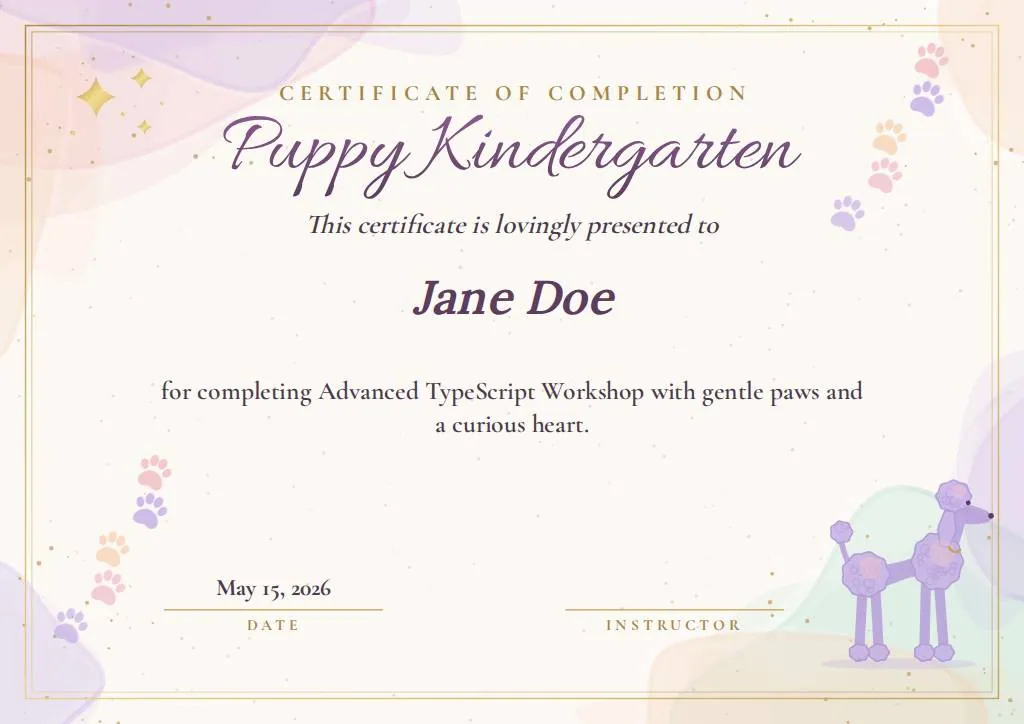
Watercolor Paws Puppy Class Certificate of Completion
Soft watercolor certificate with pastel paw-print trails, a lilac poodle, gold flecks and a script headline.
-
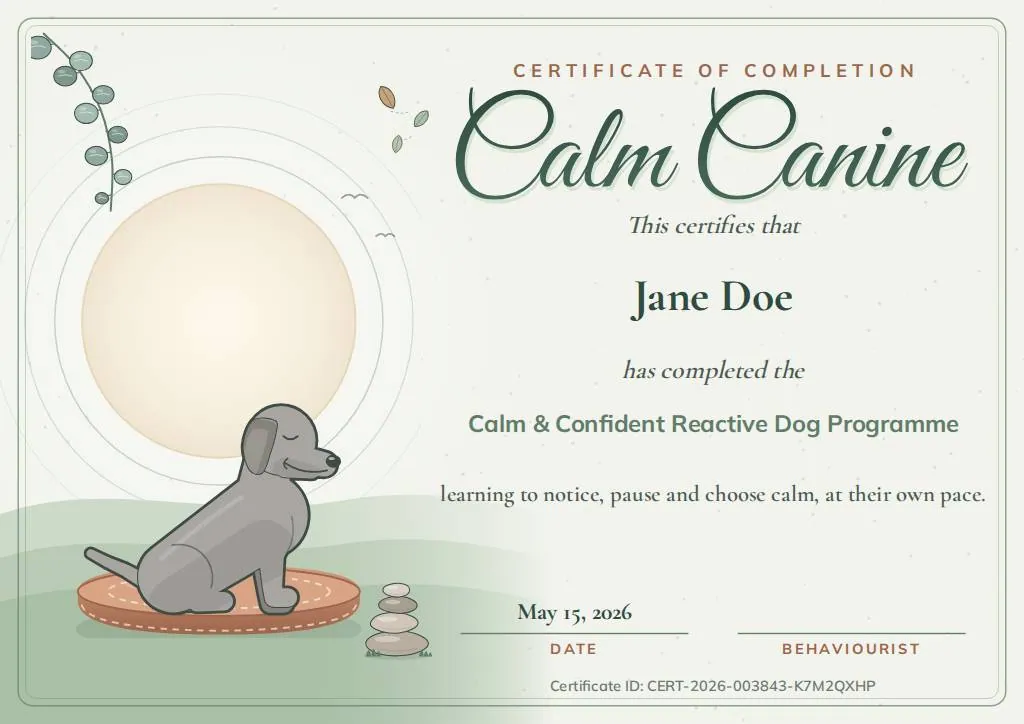
Calm Canine Reactive Dog Course Certificate
Misty sage hills, a pale sun and a Weimaraner sitting eyes-closed on a floor cushion.
-
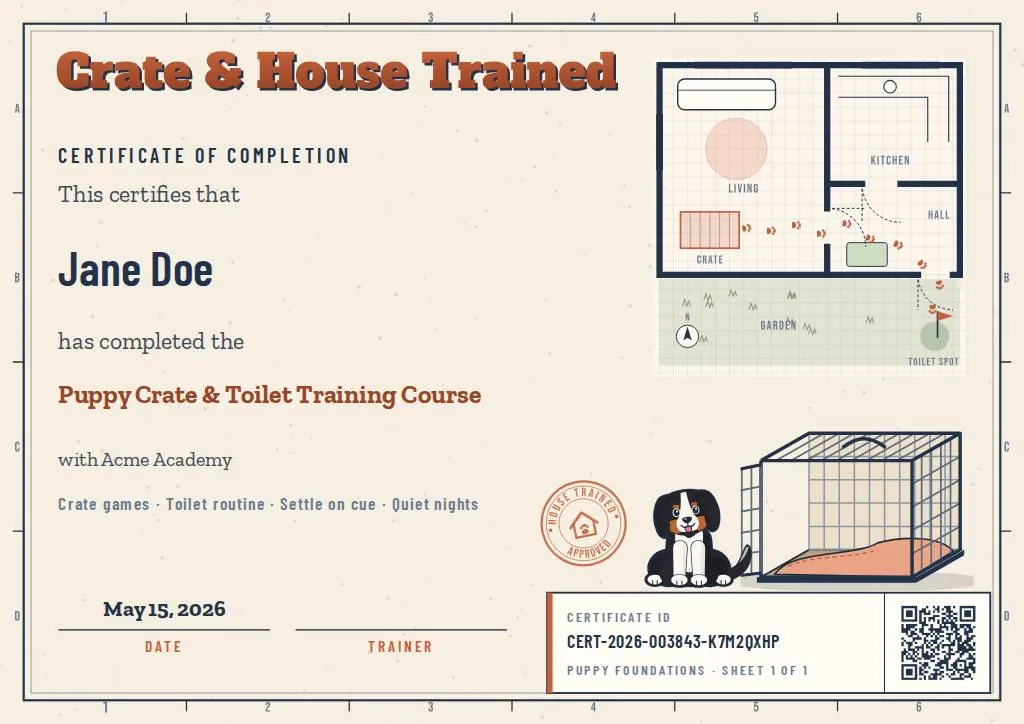
Crate and House Trained Puppy Dog Training Certificate
Architect's floor plan with a paw-print route to the garden and a Bernese puppy by its crate.
-

Teen Dog Graduate Adolescent Dog Training Certificate
Sticker-bomb certificate on deep violet with a leaping Boxer, a chewed slipper and neon stickers.
-
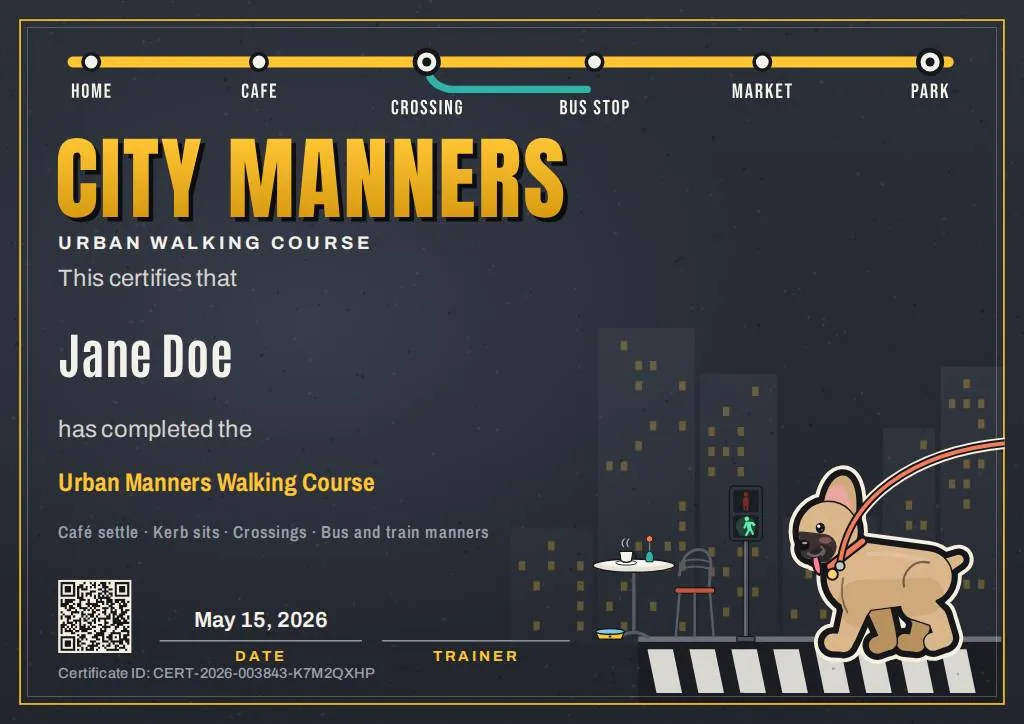
City Manners Urban Dog Training Certificate
Transit-map course stops, a night skyline and a French Bulldog on a zebra crossing.
-
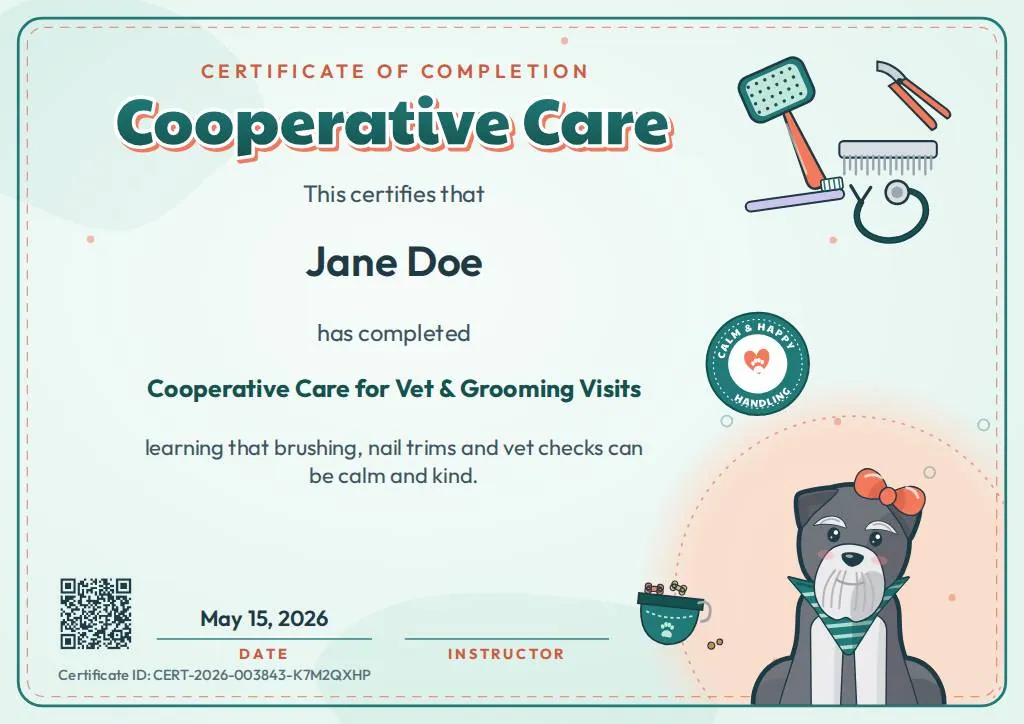
Cooperative Care Vet and Grooming Confidence Dog Training Certificate
Fresh mint and coral with a Miniature Schnauzer peeking up, grooming kit and a treat pouch.
-
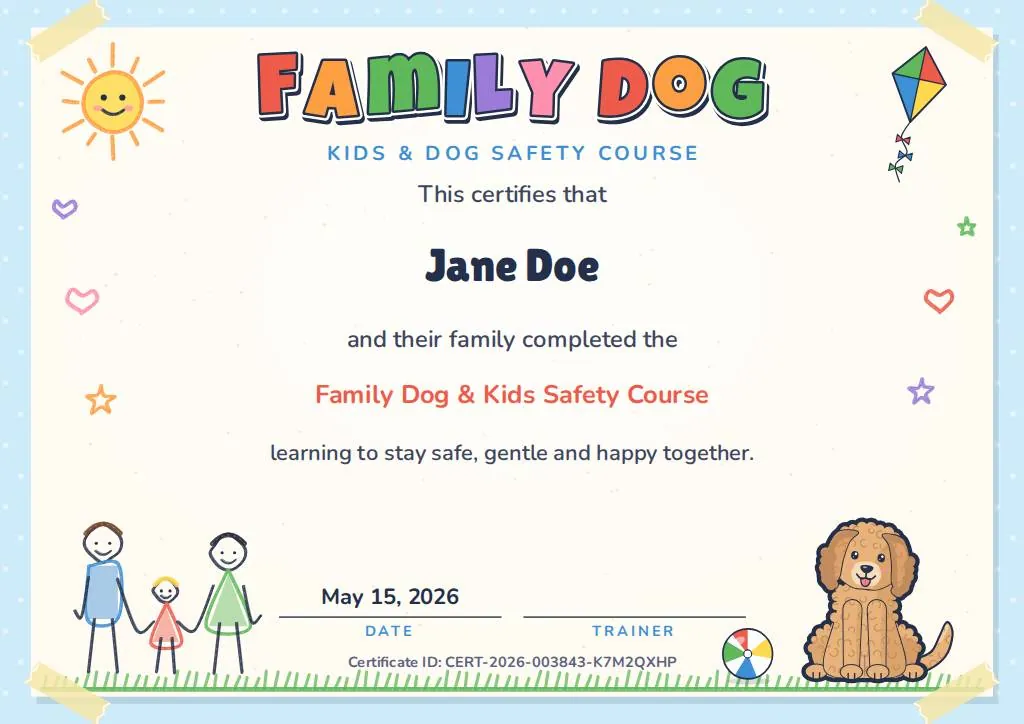
Family Dog and Kids Safety Dog Training Certificate
A fridge-drawing sheet taped to dotted sky blue, crayon family and sun, and a curly Labradoodle.
Issue your first credential today
Open this template in the CertSeal editor, customize in minutes, and send verifiable certificates your recipients can share anywhere.