Certificate template
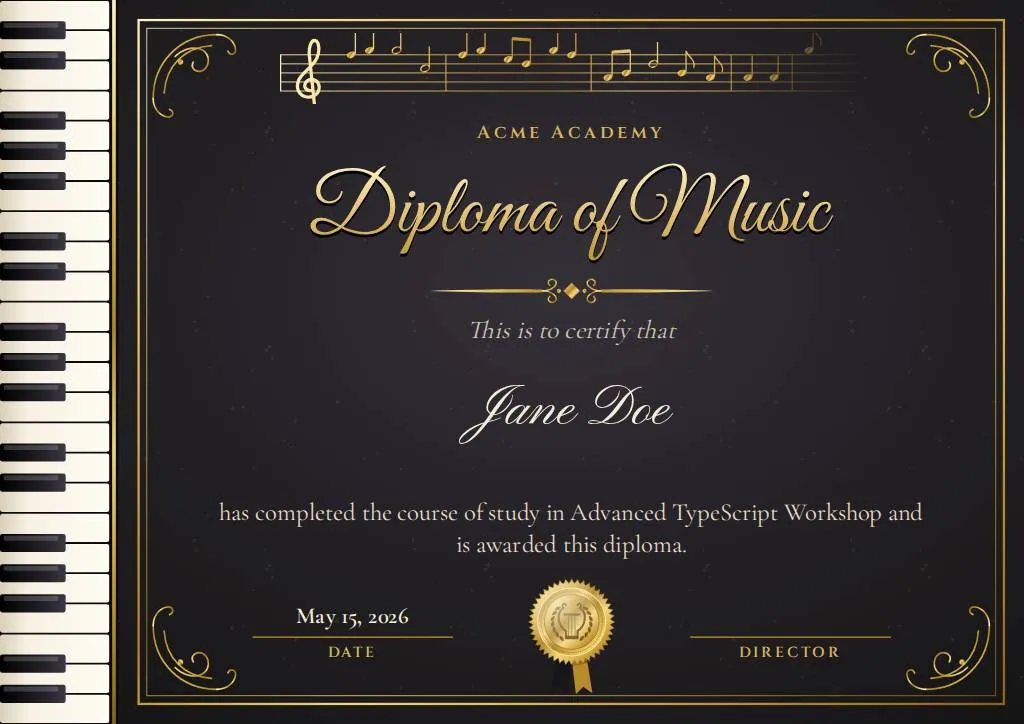
Grand Staff Music Conservatory Diploma
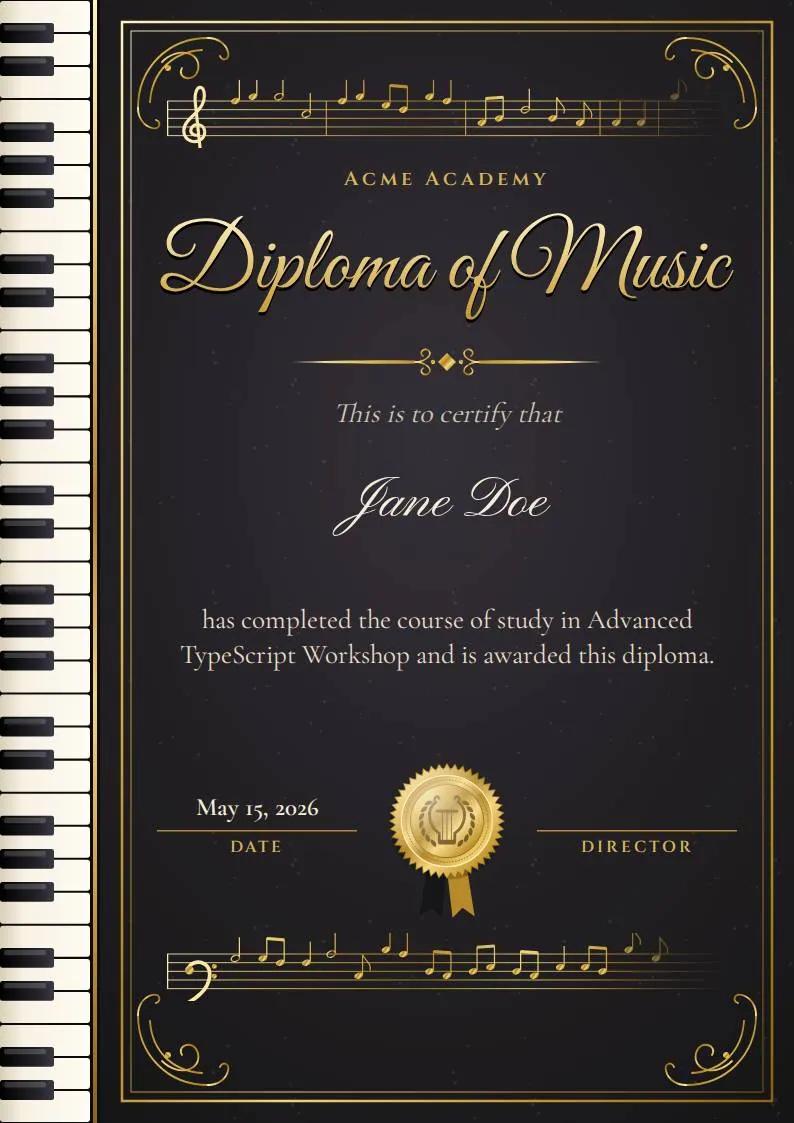
Black and gold conservatory diploma with a piano keyboard edge, a gold staff with treble clef and a lyre seal.
Free to customize. Issue verifiable credentials with a CertSeal account.
About this template
When to reach for it
A concert-hall diploma in black and gold: a piano keyboard runs down the edge of the page, a gold staff with a treble clef and a phrase of notes sweeps across the top, filigree corners frame the page and a gold lyre medallion sits between the signatures, under an engraved "Diploma of Music" script.
Made for conservatories, music schools, academies and graded music exams. The keyboard, staves and seal are separate layers.
Wording
What the certificate says
Every line of text on this template, top to bottom. Highlighted parts fill in for each recipient, and you can reword any line in the editor.
- Issued by
- This is to certify that
- Recipient name
- has completed the course of study in Course or achievement and is awarded this diploma.
- Date
- DATE · DIRECTOR
Typography
Fonts used in this template
Swap, mix, or replace any of these in the editor — every CertSeal template ships with 1,000+ Google Fonts plus your own brand uploads.
-
Font family
Cinzel
Cinzel
-
Font family
Cormorant Garamond
Cormorant Garamond
-
Font family
Pinyon Script
Pinyon Script
Color palette
Colors used in this template
The five most prominent colors sampled straight from the rendered design. Recolor any of them in the editor to match your brand.
-
#272429
-
#4c4436
-
#fefef7
-
#dbd5c9
-
#766747
How to use it
From template to issued credential in four steps
- 01
Open the template
Click "Use this template" to open the Grand Staff Music Conservatory Diploma in the CertSeal editor, or customize it free without signing up.
- 02
Fill in the details
- Issued by
- Recipient name
- Course or achievement
- Date
Type these in, or upload a spreadsheet to make one for every recipient.
- 03
Add your brand
Swap the Cinzel, Cormorant Garamond and Pinyon Script fonts and the colors, and add your logo.
- 04
Issue & verify
Generate PDFs and verifiable links your recipients can share anywhere.
More templates
You might also like
-
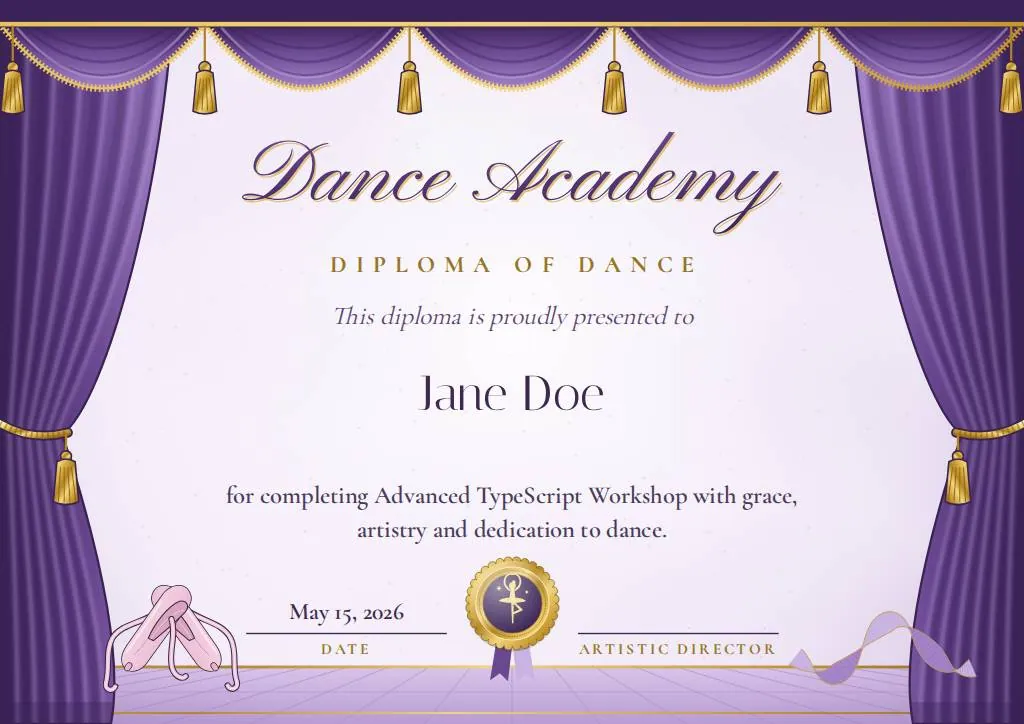
Velvet Curtain Dance Academy Diploma
Lilac stage dance diploma with velvet curtains, a swagged valance, gold tassels, pointe shoes, a satin ribbon and a gold seal.
-

Blue Modern Certificate of Completion
A clean, modern completion certificate featuring soft blue abstract blob shapes on a white background with bold typography.
-
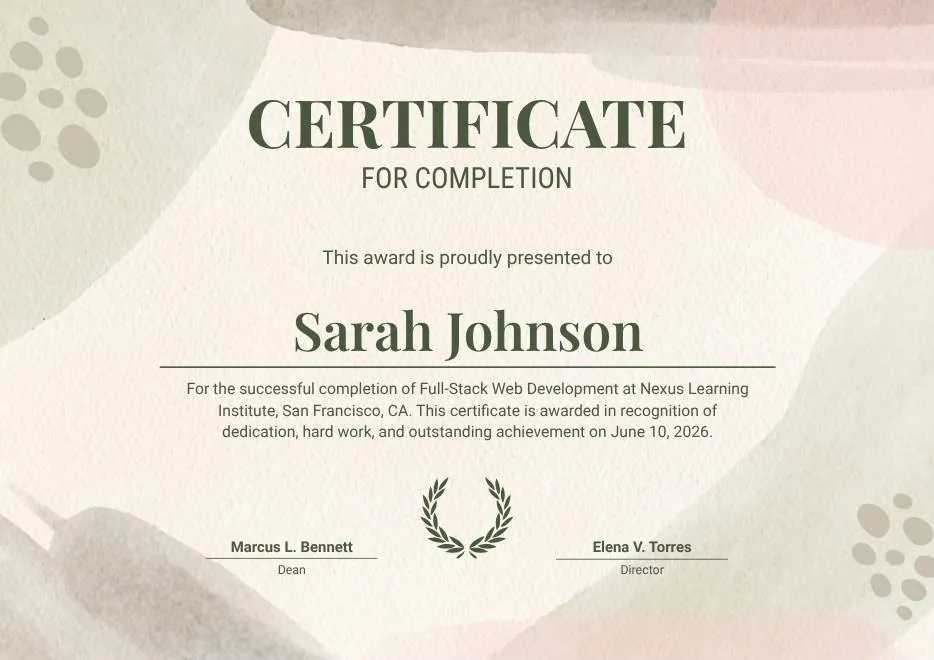
Beige Organic Completion Certificate
Soft watercolor-style completion certificate with earthy tones, abstract organic shapes, and a laurel wreath accent.
-
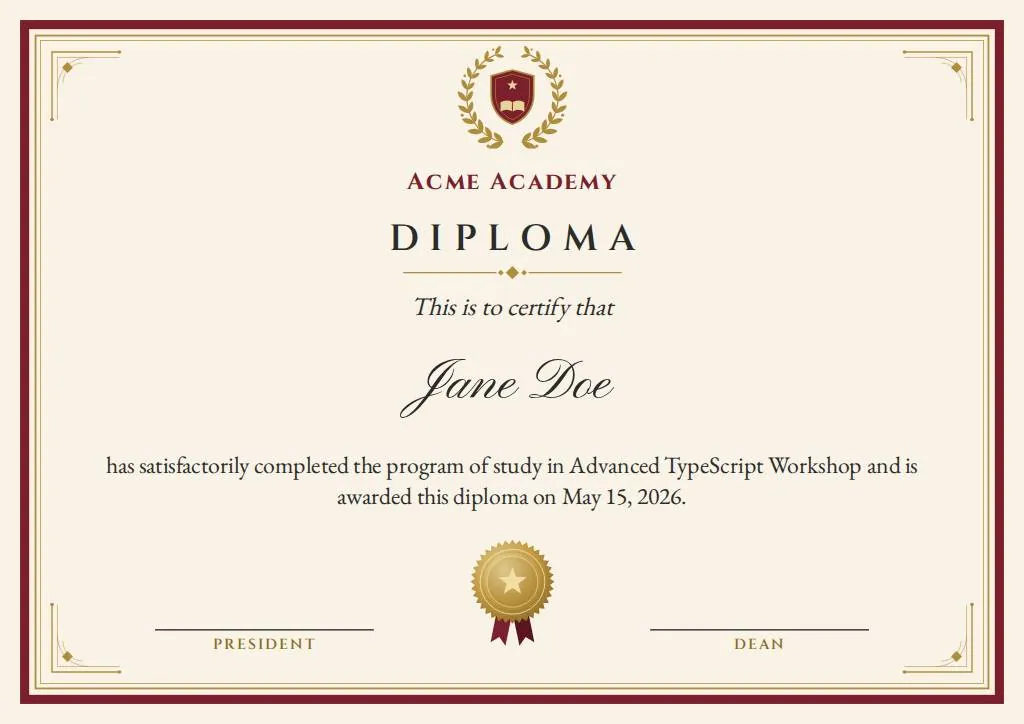
Burgundy and Gold Academic Diploma
Parchment diploma with a crest in a gold laurel, burgundy border and a gold seal.
-

Coding Champion Kids Course Certificate
Circuit-board certificate with a friendly robot, a laptop of code, gears, a ladybird bug and a "Coding Champion" headline.
-

Navy Guilloche Graduation Diploma
Security-paper diploma with a navy guilloche border, torch emblem and an embossed gold seal.
-
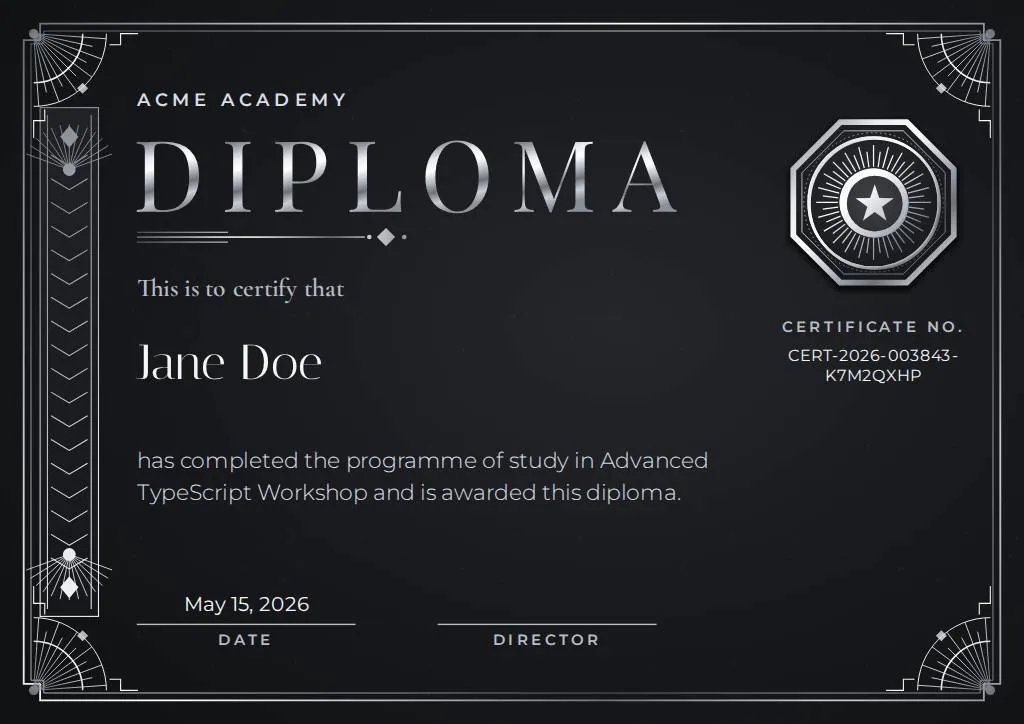
Black and Silver Art Deco Diploma
Modern formal diploma in black with silver-foil lettering, a deco frame and medallion.
-
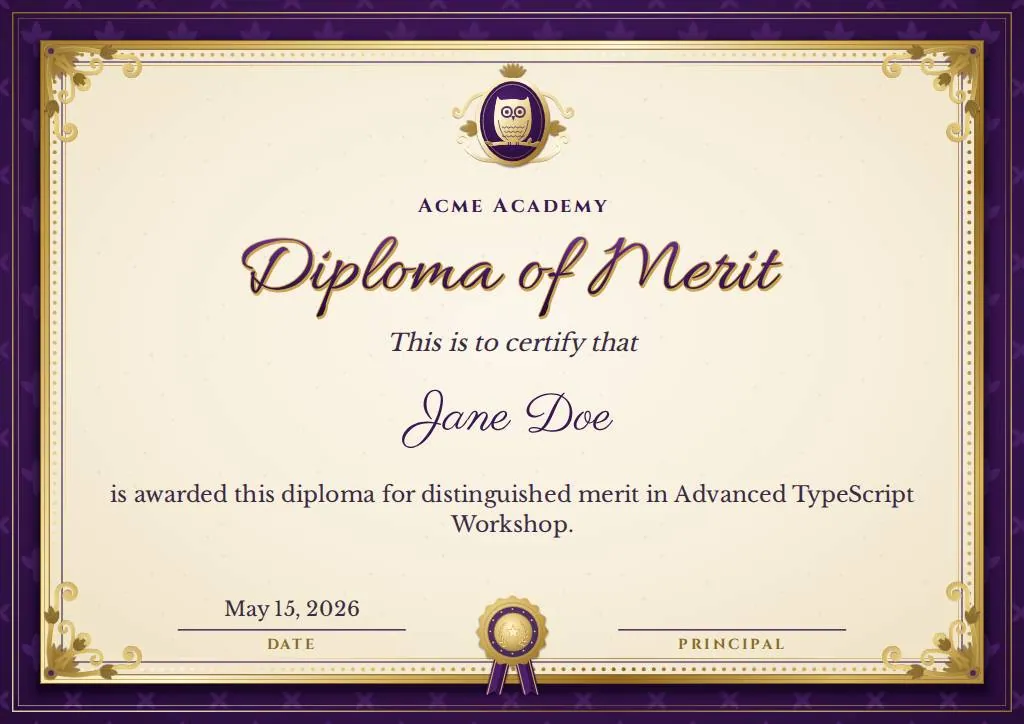
Royal Purple Victorian Diploma of Merit
Cream diploma in a gilded Victorian frame on purple damask, with an owl cartouche.
Issue your first credential today
Open this template in the CertSeal editor, customize in minutes, and send verifiable certificates your recipients can share anywhere.