Certificate template
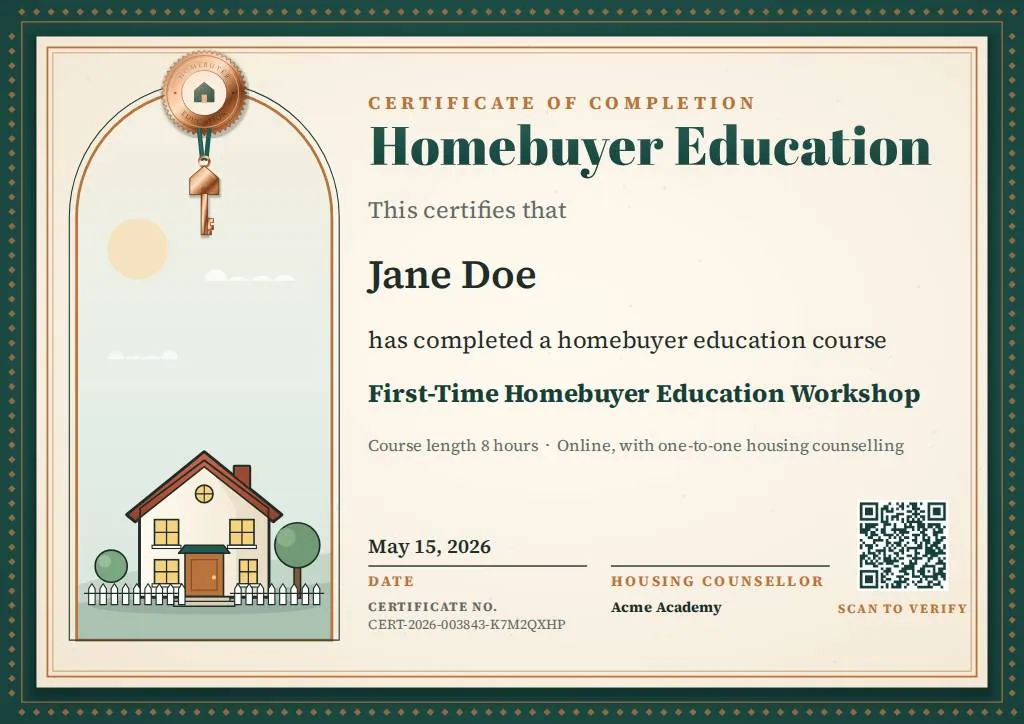
Front Door Homebuyer Education Certificate of Completion
A deep teal frame and cream sheet with an arched doorway holding a house, a hanging key, a copper seal and a QR code.
Free to customize. Issue verifiable credentials with a CertSeal account.

About this template
When to reach for it
A credible, welcoming certificate for homebuyer education and housing counselling courses, made to be shown to a lender or a down-payment assistance programme. A cream sheet with copper rules sits in a deep teal frame bordered with small copper diamonds. An arched doorway opens on a two-storey house with lit windows, a garden and a picket fence, with a copper house key hanging beneath a copper seal at the top of the arch.
The headline "Homebuyer Education" is bold Abril Fatface lettering in teal. The course title, its length and format, the date, the housing counsellor's signature, the agency, the certificate number and a verification QR code are editable, set in Source Serif 4. No government or agency marks are used; the house, key and seal are separate layers.
Wording
What the certificate says
Every line of text on this template, top to bottom. Highlighted parts fill in for each recipient, and you can reword any line in the editor.
- CERTIFICATE OF COMPLETION
- This certifies that
- Recipient name
- has completed a homebuyer education course
- Course or achievement
- Course length 8 hours · Online, with one-to-one housing counselling
- Date
- DATE · HOUSING COUNSELLOR
- CERTIFICATE NO. · Issued by · SCAN TO VERIFY
- Certificate ID
Color palette
Colors used in this template
The five most prominent colors sampled straight from the rendered design. Recolor any of them in the editor to match your brand.
-
#faf3e7
-
#264b43
-
#d9d6c9
-
#b7b9ab
-
#879b95
How to use it
From template to issued credential in four steps
- 01
Open the template
Click "Use this template" to open the Front Door Homebuyer Education Certificate of Completion in the CertSeal editor, or customize it free without signing up.
- 02
Fill in the details
- Recipient name
- Course or achievement
- Date
- Issued by
Type these in, or upload a spreadsheet to make one for every recipient.
- 03
Add your brand
Swap logos, colors, and fonts. Save brand kits for repeat use.
- 04
Issue & verify
Generate PDFs and verifiable links your recipients can share anywhere. The QR code on this design opens each certificate's verification page. Each certificate is printed with its own ID.
More templates
You might also like
-

Blue Modern Certificate of Completion
A clean, modern completion certificate featuring soft blue abstract blob shapes on a white background with bold typography.
-
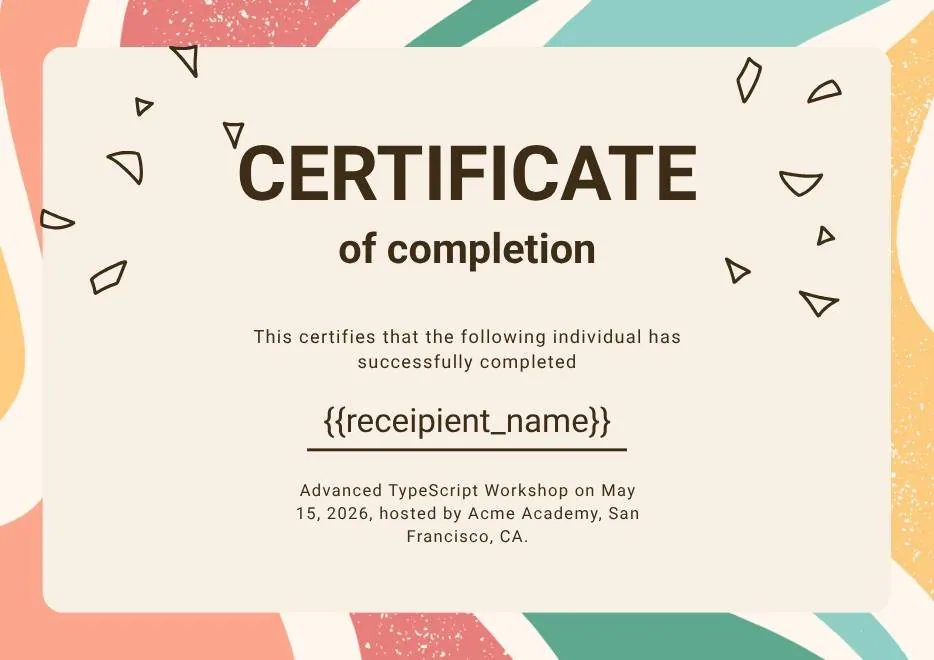
Certificate of Completion in Colorful Abstract Modern Style
A vibrant, modern completion certificate featuring abstract swirling shapes in coral, teal, and gold on a clean cream background.
-
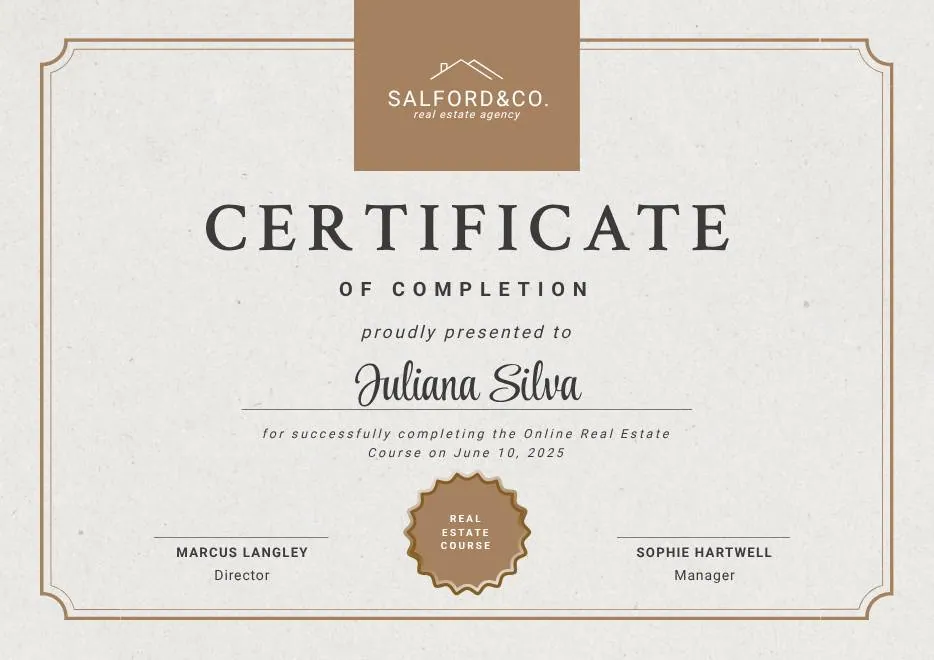
Beige Brown Aesthetic Real Estate Course Completion Certificate
Elegant portrait certificate with warm beige tones and brown accents, ideal for real estate course completions.
-
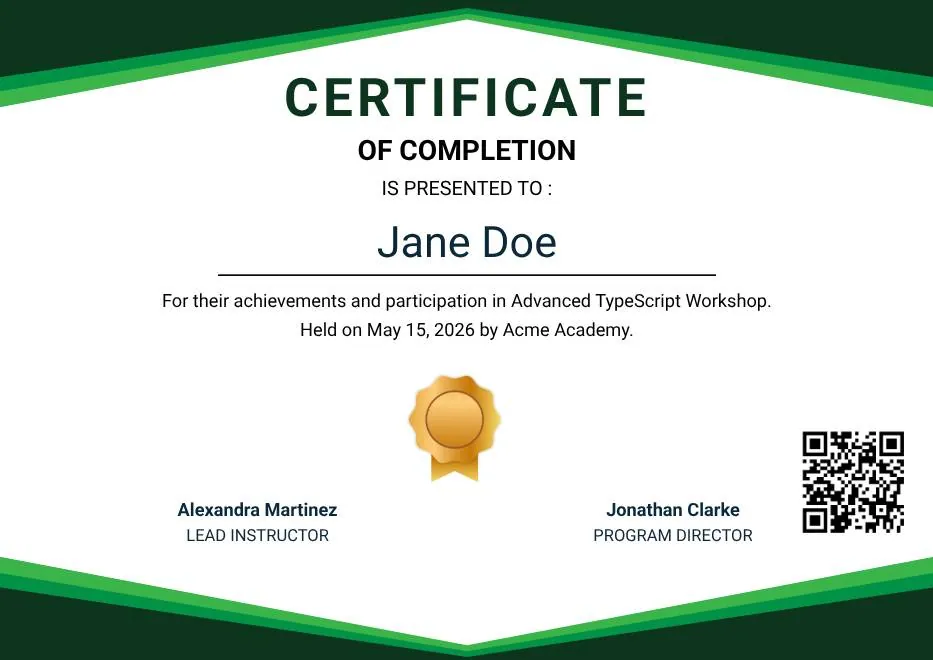
Green Modern Event Completion Certificate
A sleek green-and-white landscape certificate ideal for workshops, courses, and training events with dual signatures and QR verification.
-
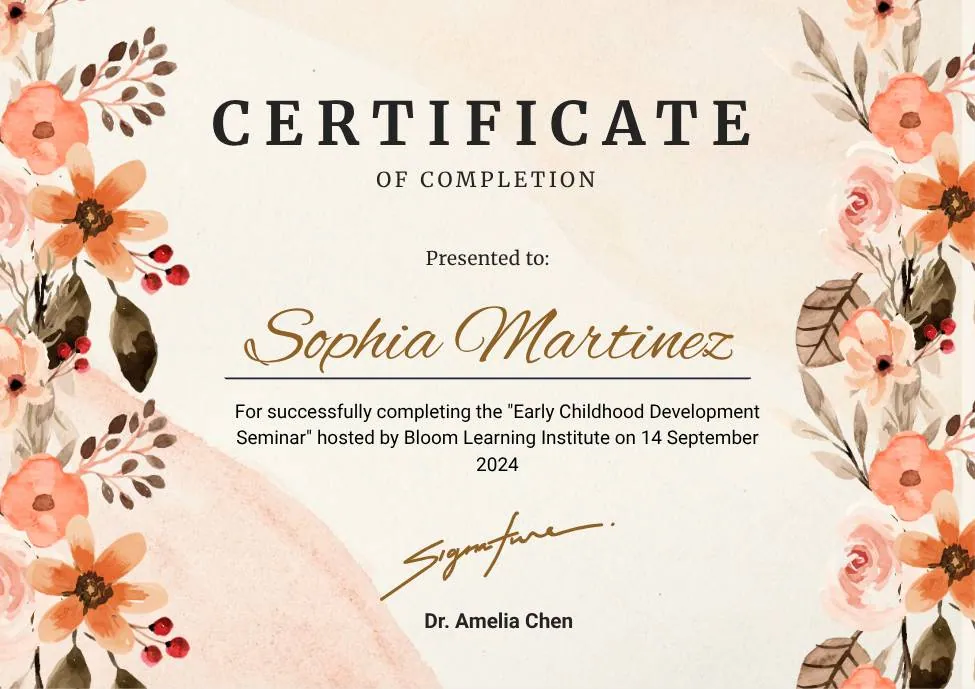
Beige Watercolor Floral Certificate of Completion
Elegant portrait certificate with soft watercolor floral borders in peach and blush tones on a warm beige background.
-

Beige Organic Completion Certificate
Soft watercolor-style completion certificate with earthy tones, abstract organic shapes, and a laurel wreath accent.
-
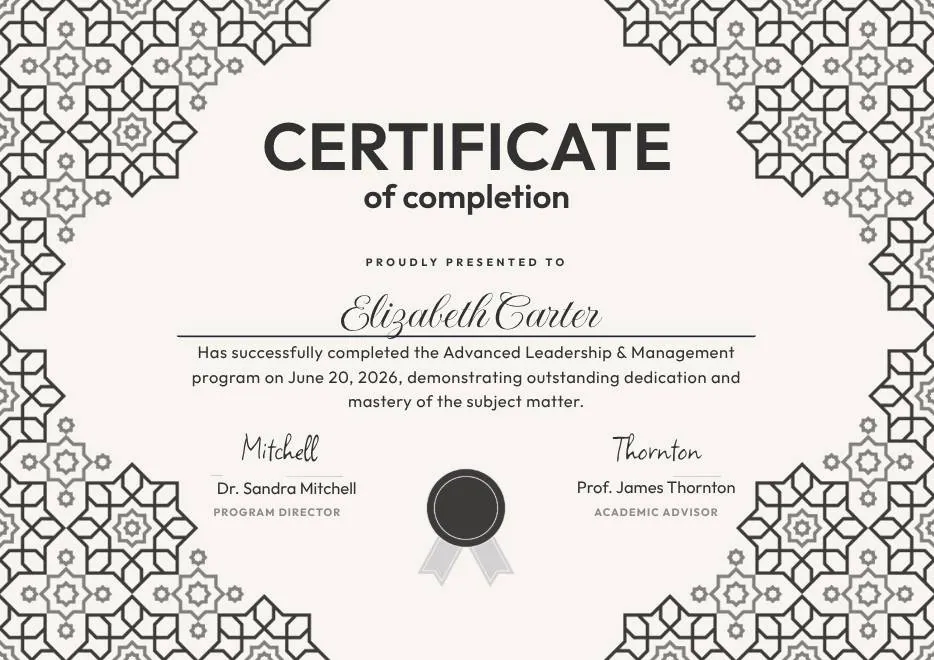
Black and White Geometric Completion Certificate
Elegant monochrome certificate with intricate geometric border patterns, script name lettering, and a classic medallion seal.
-

Navy Guilloche Graduation Diploma
Security-paper diploma with a navy guilloche border, torch emblem and an embossed gold seal.
Issue your first credential today
Open this template in the CertSeal editor, customize in minutes, and send verifiable certificates your recipients can share anywhere.