Certificate template
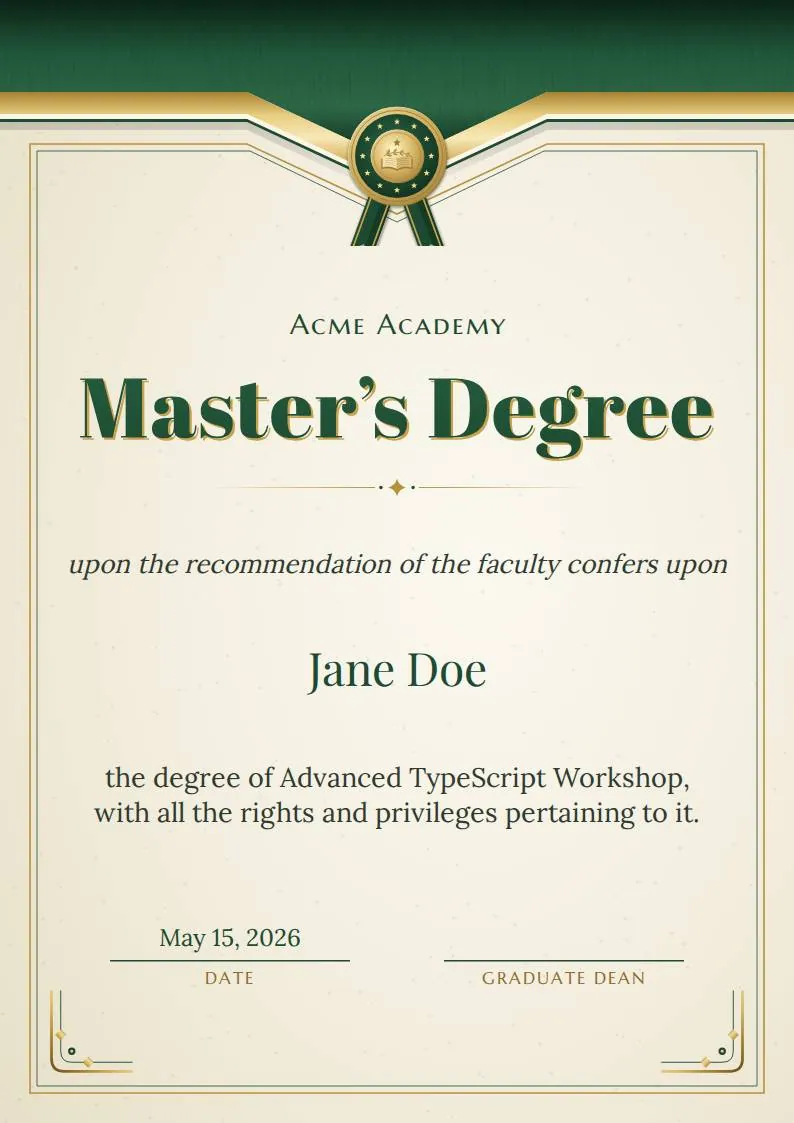
Forest Green Master's Degree Diploma
Master's degree diploma with academic-hood stripes in green velvet and gold satin and a gold medallion.
Free to customize. Issue verifiable credentials with a CertSeal account.

About this template
When to reach for it
Dressed in the colours of an academic hood: bands of forest-green velvet, gold satin lining, cream piping and a green cord run down one edge (across the top, dipping to a hood point, in portrait), with a gold medallion on a green ribbon pinned over them. A bold "Master's Degree" in forest green with a gold shadow heads cream paper framed by fine gold and green rules.
For master's degrees and graduate schools. The medallion and corner brackets are separate layers; change the stripe colours' meaning by pairing them with your faculty's own.
Wording
What the certificate says
Every line of text on this template, top to bottom. Highlighted parts fill in for each recipient, and you can reword any line in the editor.
- Issued by
- upon the recommendation of the faculty confers upon
- Recipient name
- the degree of Course or achievement, with all the rights and privileges pertaining to it.
- Date
- DATE · GRADUATE DEAN
Typography
Fonts used in this template
Swap, mix, or replace any of these in the editor — every CertSeal template ships with 1,000+ Google Fonts plus your own brand uploads.
-
Font family
Lora
Lora
-
Font family
Marcellus SC
Marcellus SC
-
Font family
Playfair Display
Playfair Display
Color palette
Colors used in this template
The five most prominent colors sampled straight from the rendered design. Recolor any of them in the editor to match your brand.
-
#f7f3e7
-
#d9d8c8
-
#23583b
-
#b5b8a9
-
#0e271a
How to use it
From template to issued credential in four steps
- 01
Open the template
Click "Use this template" to open the Forest Green Master's Degree Diploma in the CertSeal editor, or customize it free without signing up.
- 02
Fill in the details
- Issued by
- Recipient name
- Course or achievement
- Date
Type these in, or upload a spreadsheet to make one for every recipient.
- 03
Add your brand
Swap the Lora, Marcellus SC and Playfair Display fonts and the colors, and add your logo.
- 04
Issue & verify
Generate PDFs and verifiable links your recipients can share anywhere.
More templates
You might also like
-

Heraldic Crest Parchment Diploma
Aged parchment diploma with a coat of arms, laurel, motto scroll and a red wax seal.
-

Emerald Filigree Honours Diploma
Cream honours diploma with an emerald-and-gold double border, gold filigree corners and seal.
-
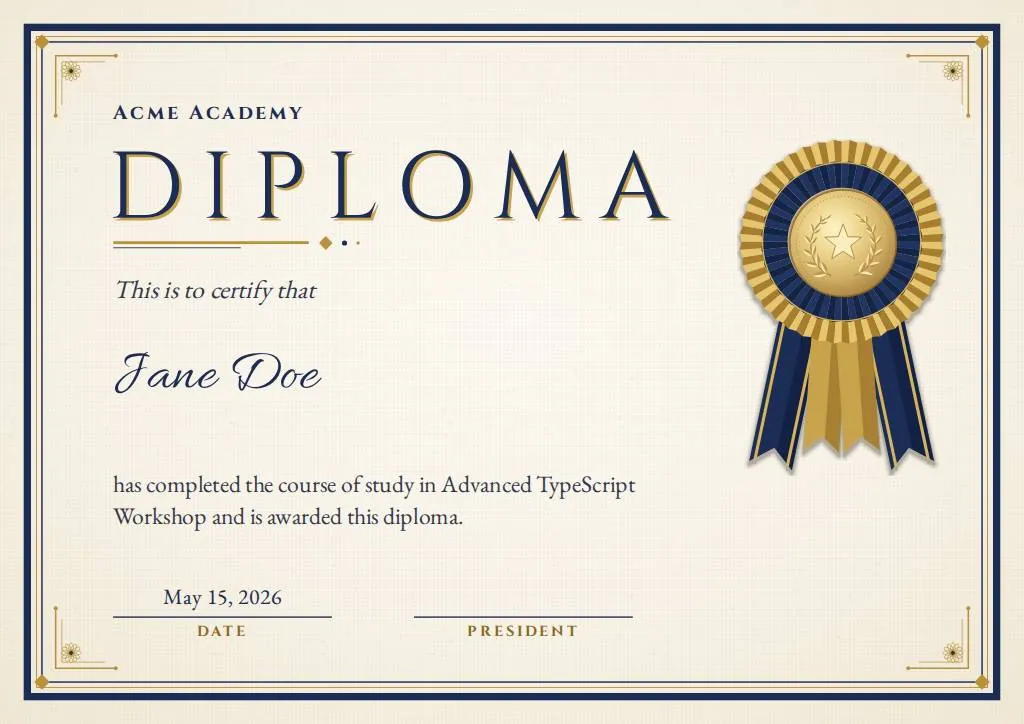
Ivory and Gold Rosette Diploma
Ivory diploma with a navy double rule, flush-left Cinzel title and a large gold rosette.
-
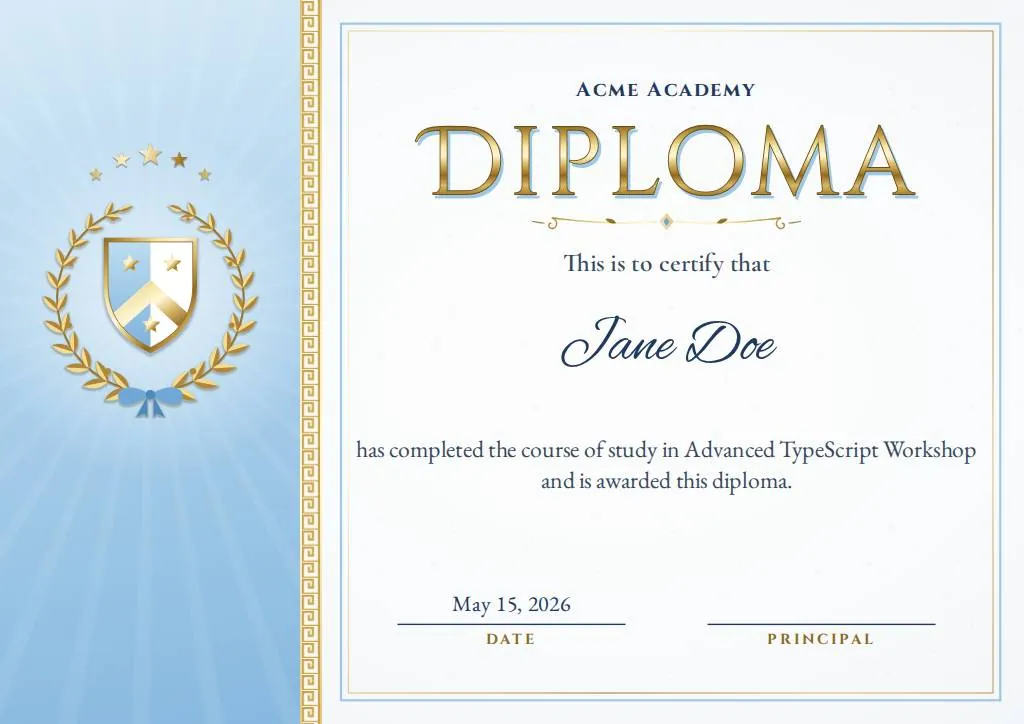
Sky Blue Laurel Crest Diploma
White diploma with a sky-blue side panel, Greek key band and a gold laurel wreath around a crest.
-

Midnight Gold Foil Diploma
Midnight-blue diploma with gold-foil scrollwork, stars, a crescent moon and a starburst seal.
-

Oxford Blue Silk Ribbon Degree Diploma
Cream degree diploma in a deep blue double border, with a gold silk ribbon and a pendant wax seal.
-
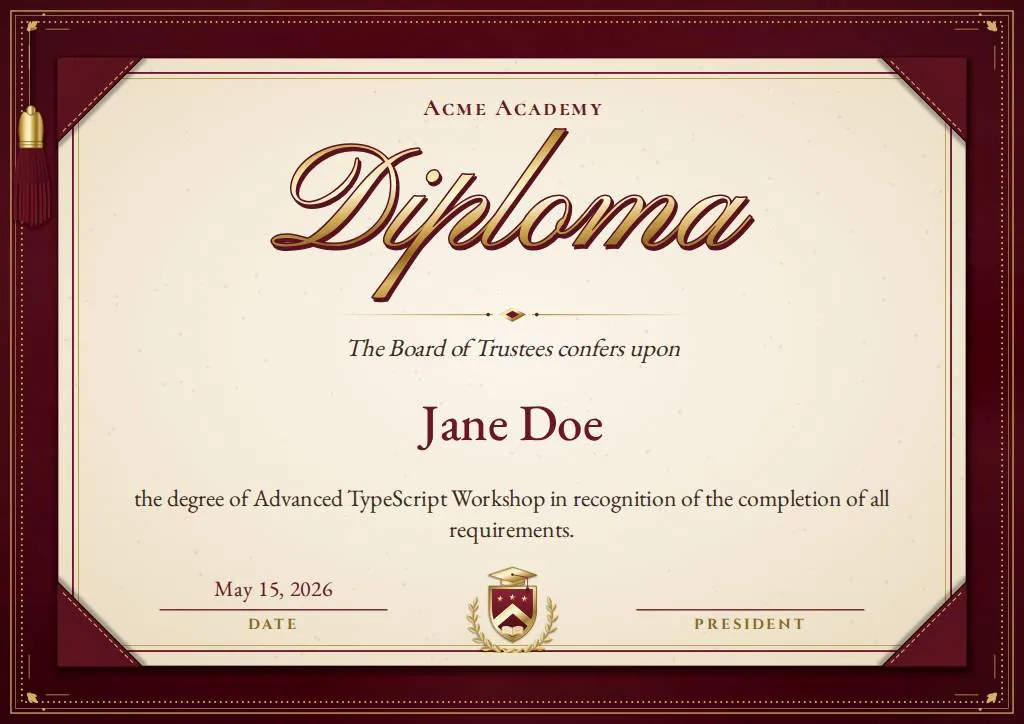
Burgundy Leather Folder Diploma
Diploma in a burgundy leather folder with gold tooling, corner pockets, a gold crest and a tassel.
-
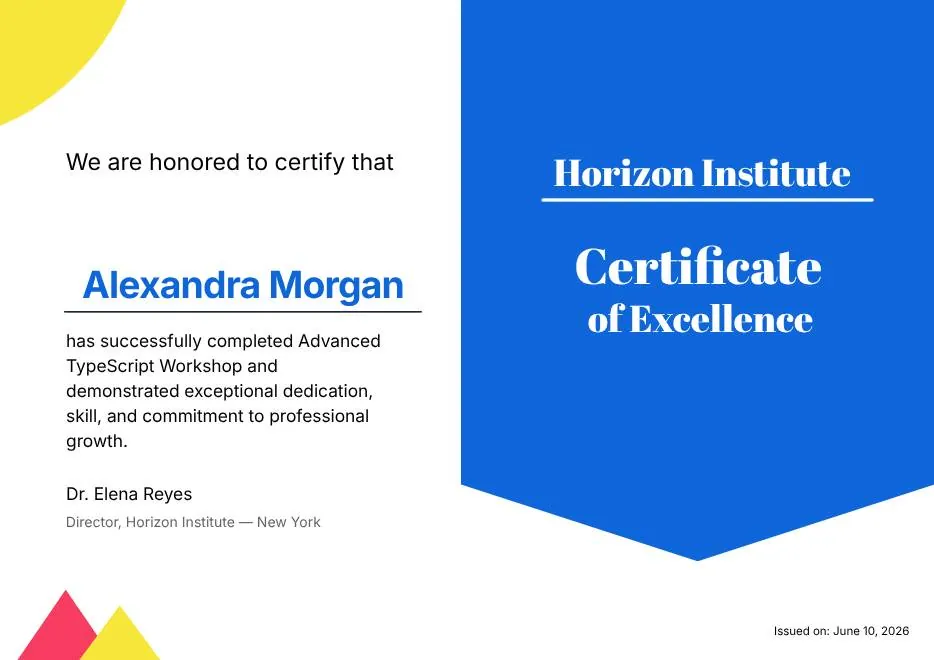
Blue and Yellow Modern Certificate of Excellence
Bold two-panel landscape design with a vivid blue banner and geometric accents for recognizing outstanding achievement.
Issue your first credential today
Open this template in the CertSeal editor, customize in minutes, and send verifiable certificates your recipients can share anywhere.