Certificate template
Next Level Floodlit Stadium Youth Sports Academy Graduation Certificate
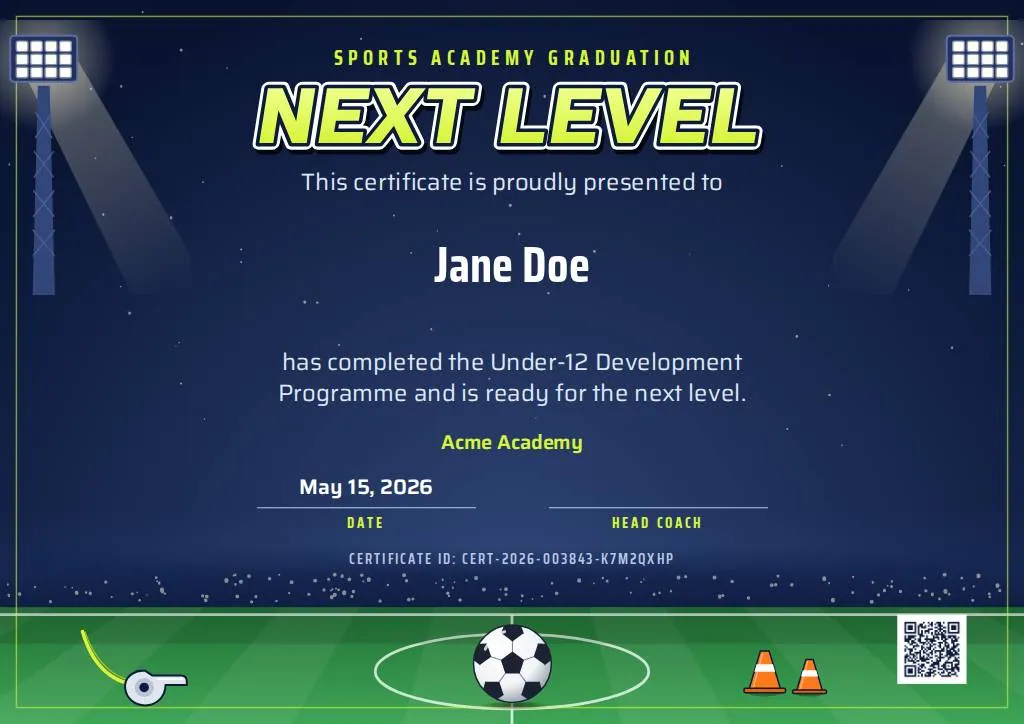
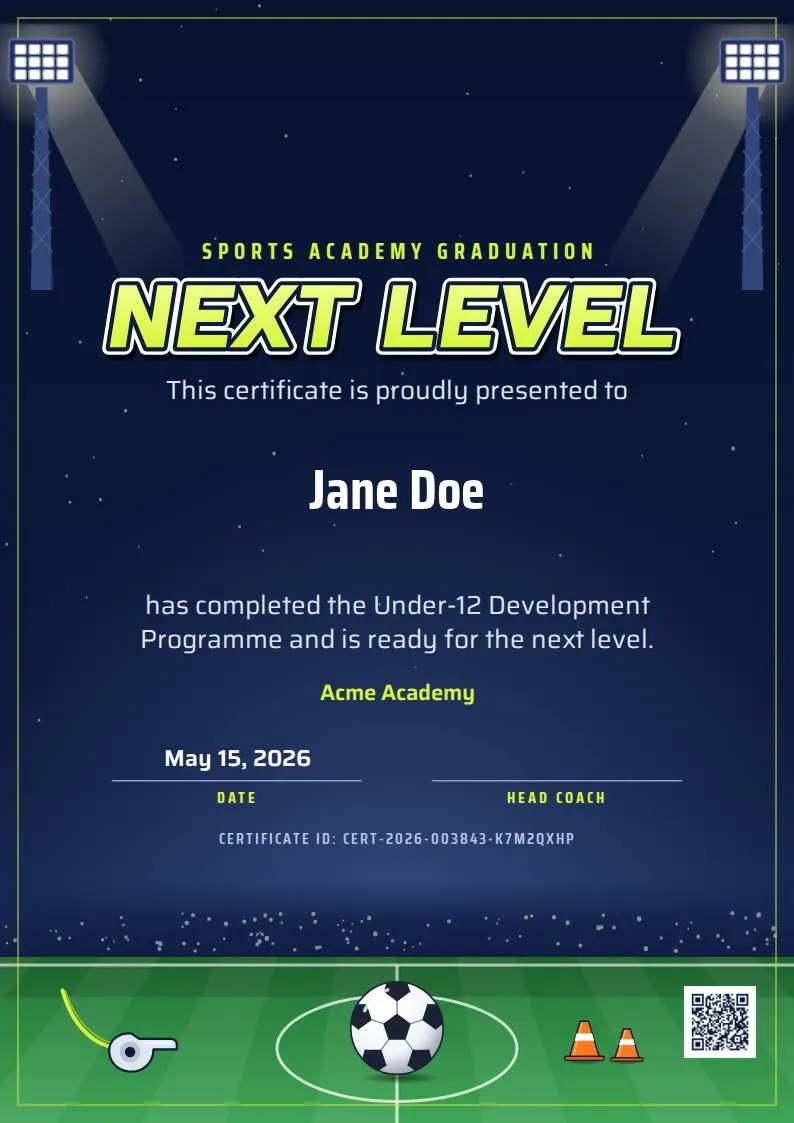
Night-match certificate with floodlights, a striped pitch, a ball and volt "NEXT LEVEL" lettering.
Free to customize. Issue verifiable credentials with a CertSeal account.
About this template
When to reach for it
A big-match graduation certificate for youth sports academies and development squads. A navy night sky over a floodlit stadium, with stands full of tiny lights and a freshly striped pitch along the bottom, and "NEXT LEVEL" in slanted volt-yellow capitals with navy and white outlines.
Floodlight towers beam in from the top corners, a ball waits on the centre spot, and a coach’s whistle and training cones sit on the grass. There is no club crest, so any academy can use it. A QR code verifies the certificate, and every illustration is a separate layer.
Wording
What the certificate says
Every line of text on this template, top to bottom. Highlighted parts fill in for each recipient, and you can reword any line in the editor.
- SPORTS ACADEMY GRADUATION
- This certificate is proudly presented to
- Recipient name
- has completed Course or achievement and is ready for the next level.
- Issued by
- Date
- DATE · HEAD COACH
- CERTIFICATE ID: Certificate ID
Typography
Fonts used in this template
Swap, mix, or replace any of these in the editor — every CertSeal template ships with 1,000+ Google Fonts plus your own brand uploads.
-
Font family
Saira
Saira
-
Font family
Saira Condensed
Saira Condensed
Color palette
Colors used in this template
The five most prominent colors sampled straight from the rendered design. Recolor any of them in the editor to match your brand.
-
#0a1637
-
#263866
-
#48a556
-
#485677
-
#256c35
How to use it
From template to issued credential in four steps
- 01
Open the template
Click "Use this template" to open the Next Level Floodlit Stadium Youth Sports Academy Graduation Certificate in the CertSeal editor, or customize it free without signing up.
- 02
Fill in the details
- Recipient name
- Course or achievement
- Issued by
- Date
Type these in, or upload a spreadsheet to make one for every recipient.
- 03
Add your brand
Swap the Saira and Saira Condensed fonts and the colors, and add your logo.
- 04
Issue & verify
Generate PDFs and verifiable links your recipients can share anywhere. The QR code on this design opens each certificate's verification page. Each certificate is printed with its own ID.
More templates
You might also like
-
Agility Champion Dog Training Award
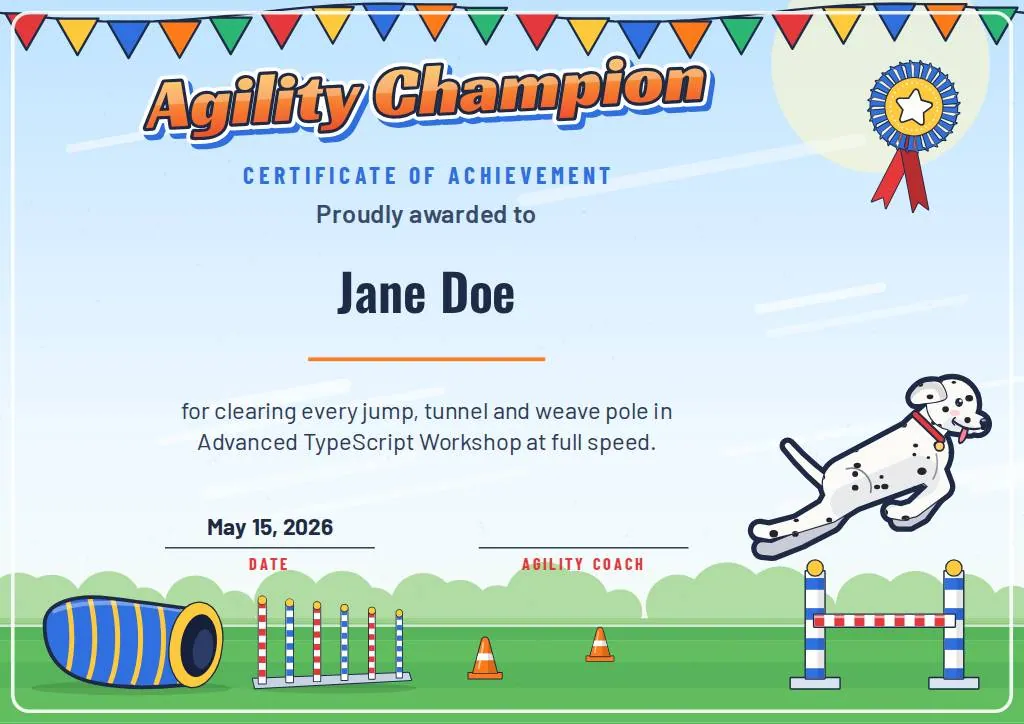
Sporty show-ground award with a dalmatian clearing a jump, a tunnel, weave poles, cones and a winner rosette.
-
Basketball Hoop Sports Certificate of Achievement
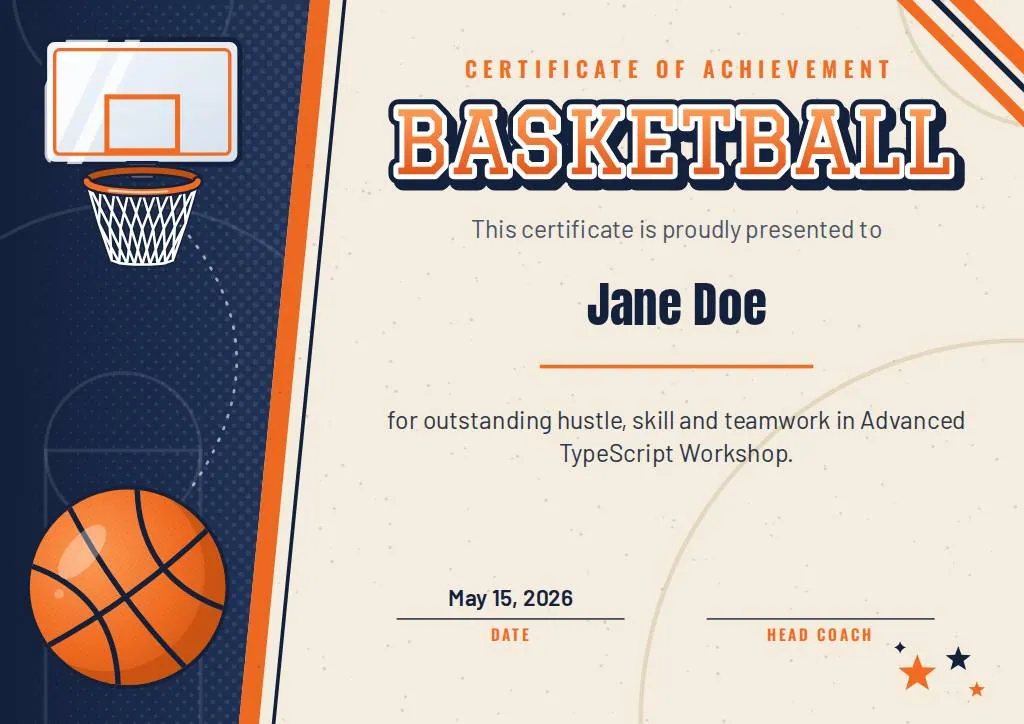
Navy and orange basketball certificate with a glass backboard and net, a pebbled ball and court lines.
-
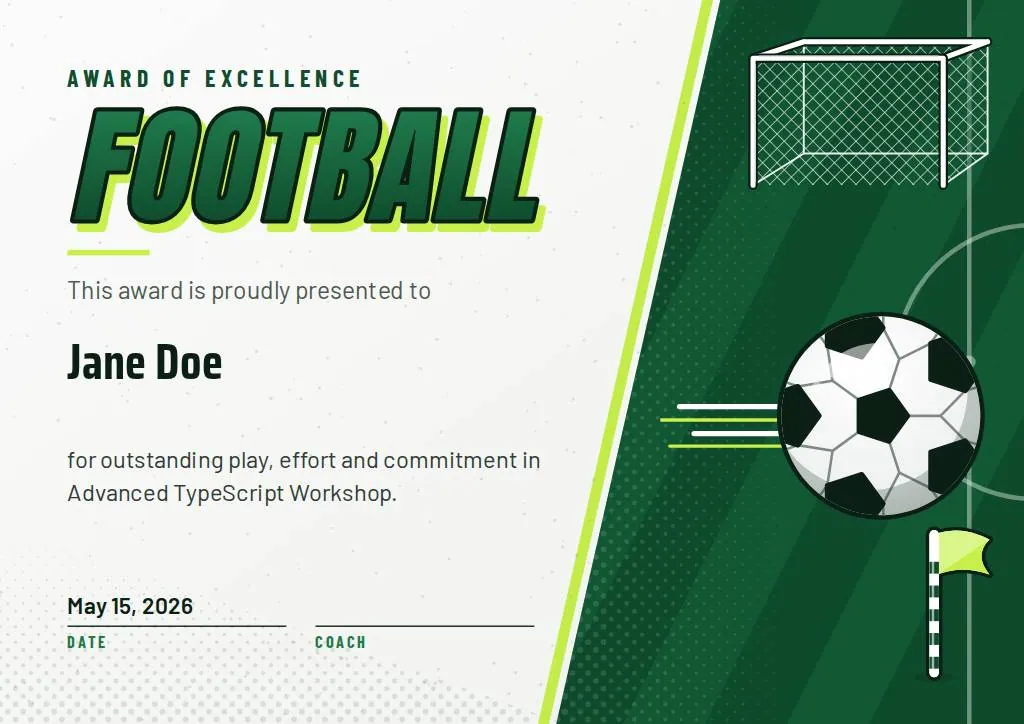
Football Matchday Sports Award Certificate
Green and white football (soccer) award with a striped pitch panel, a classic ball, a goal net and a corner flag.
-
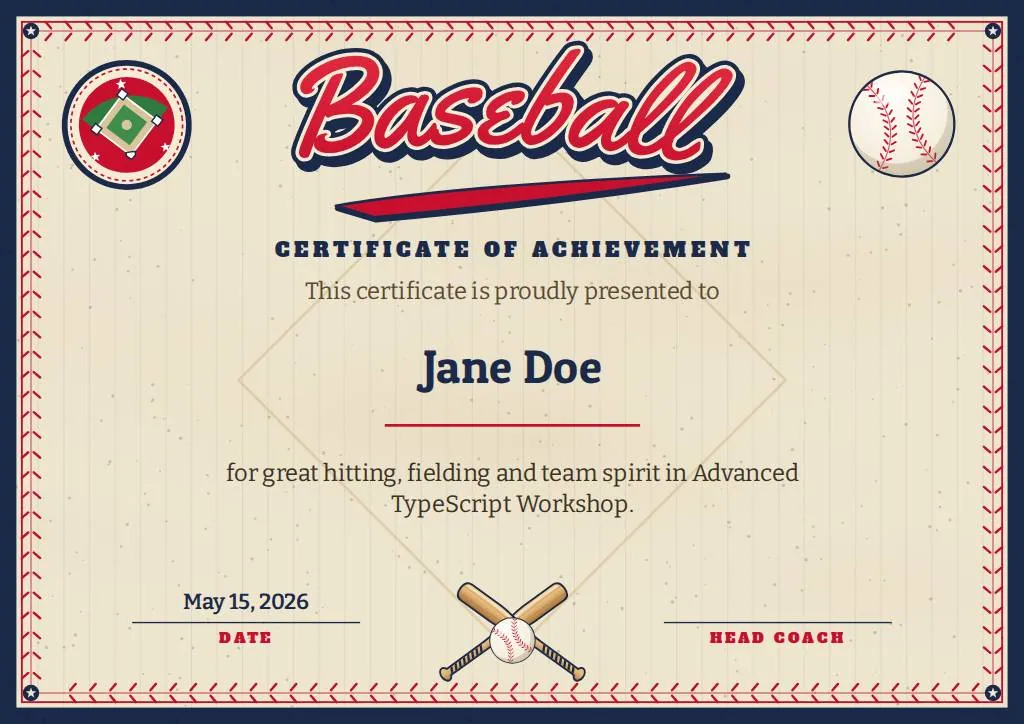
Retro Baseball Sports Certificate of Achievement
Vintage cream baseball certificate with red stitching, a script headline, crossed bats and a ballpark patch.
-
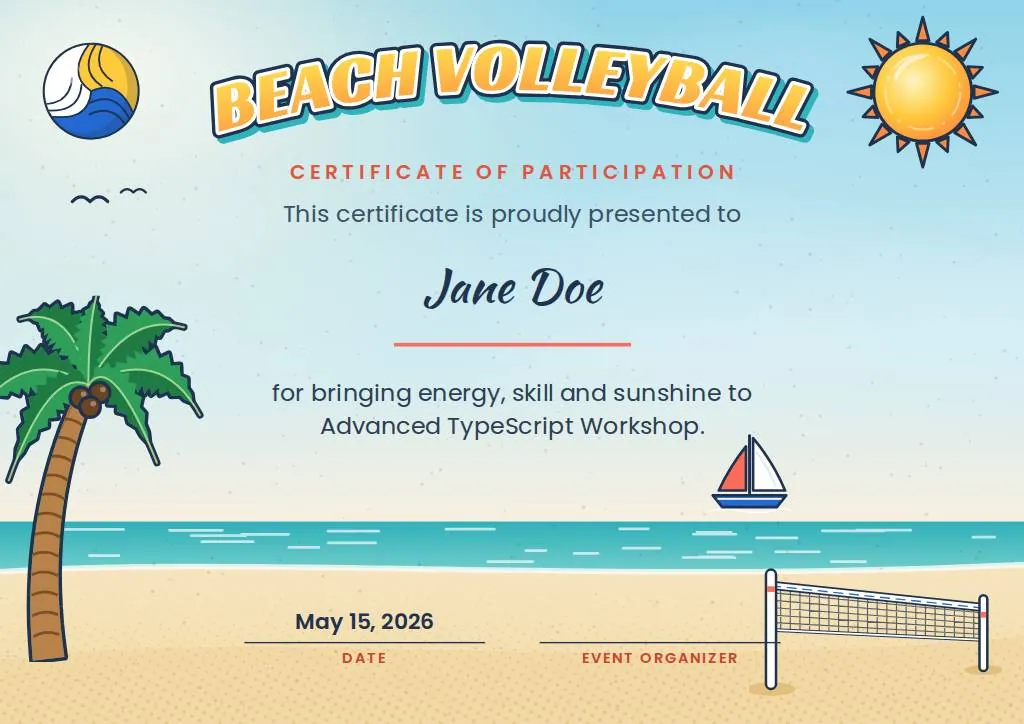
Beach Volleyball Sports Certificate of Participation
Sunny beach volleyball certificate with sky, sea and sand, a palm tree, a net, a blazing sun and a flying ball.
-
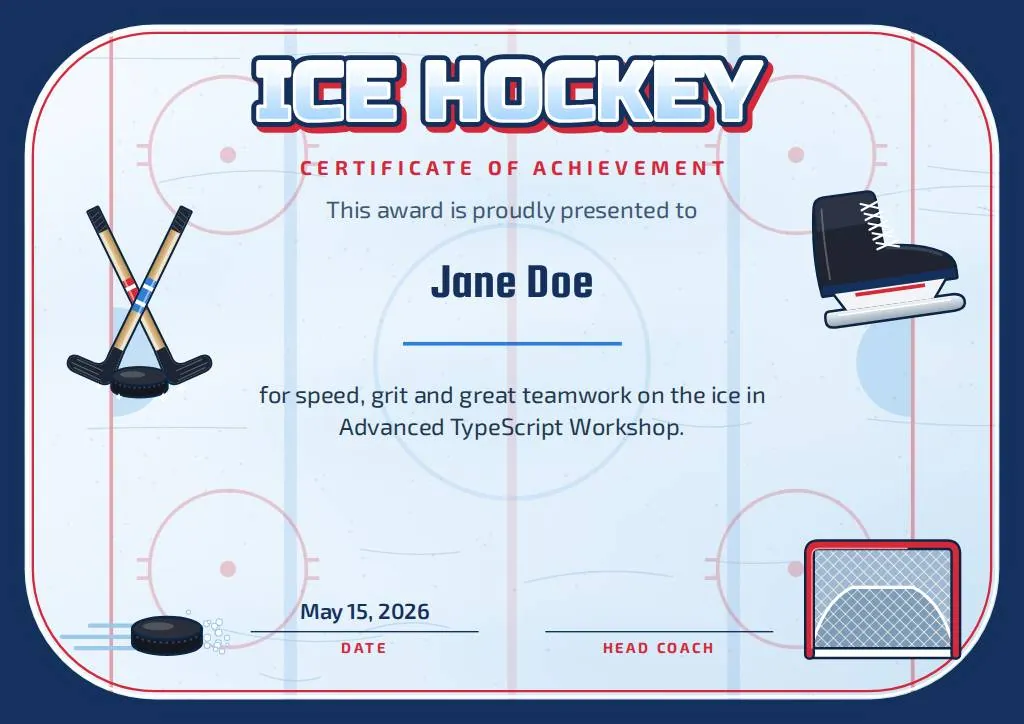
Ice Hockey Rink Sports Award Certificate
Icy blue hockey certificate on a frosted rink with boards, crossed sticks and a puck, a skate and a red net.
-
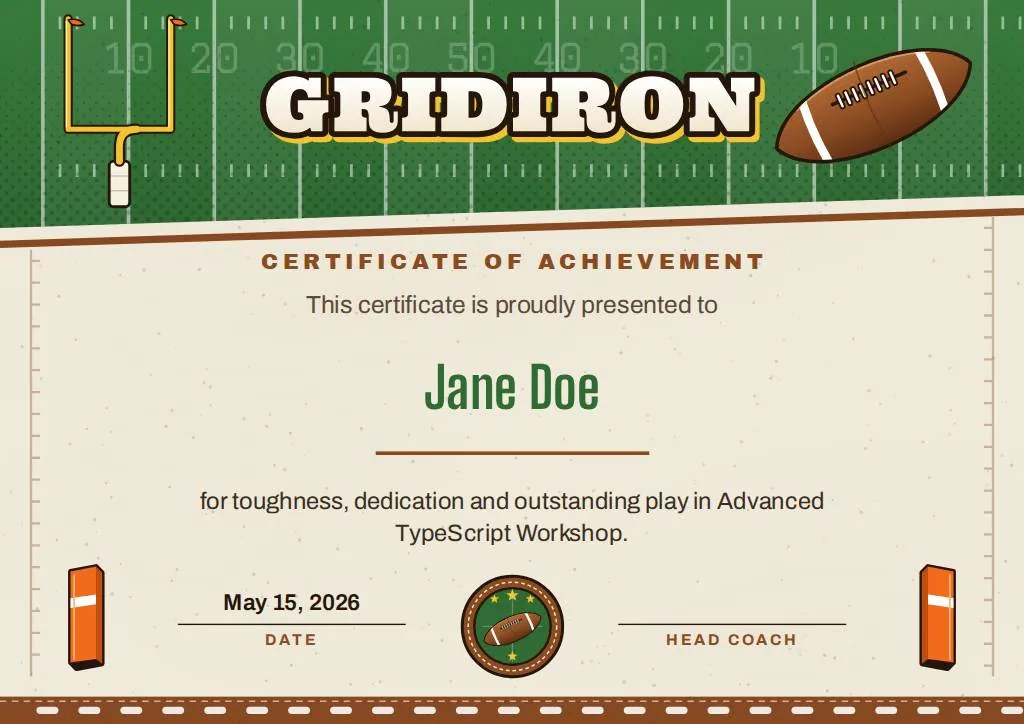
Gridiron Football Sports Certificate of Achievement
Field-green and leather-brown gridiron certificate with yard lines, a laced football, goal posts and pylons.
-

Team MVP Gold Sports Award Certificate
Black and gold Most Valuable Player award with a foil trophy, a laurel wreath, stars and art-deco corners.
Issue your first credential today
Open this template in the CertSeal editor, customize in minutes, and send verifiable certificates your recipients can share anywhere.