Certificate template
Read My First Book Storybook Kids Certificate of Achievement
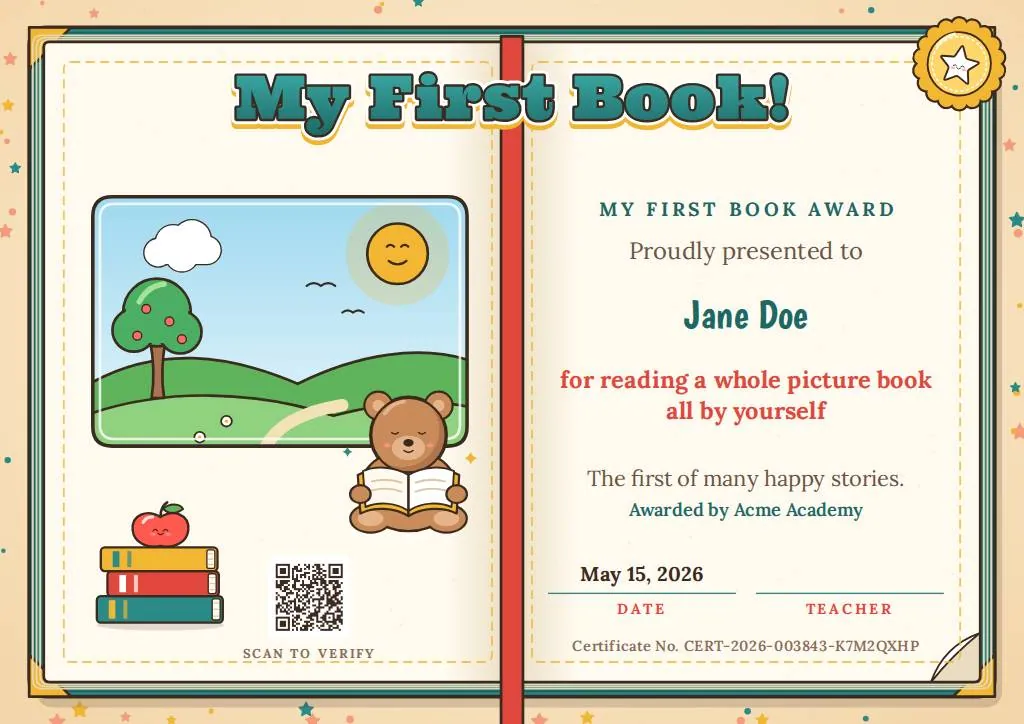
Open storybook certificate: a picture-book scene on one page and the award on the other.
Free to customize. Issue verifiable credentials with a CertSeal account.
About this template
When to reach for it
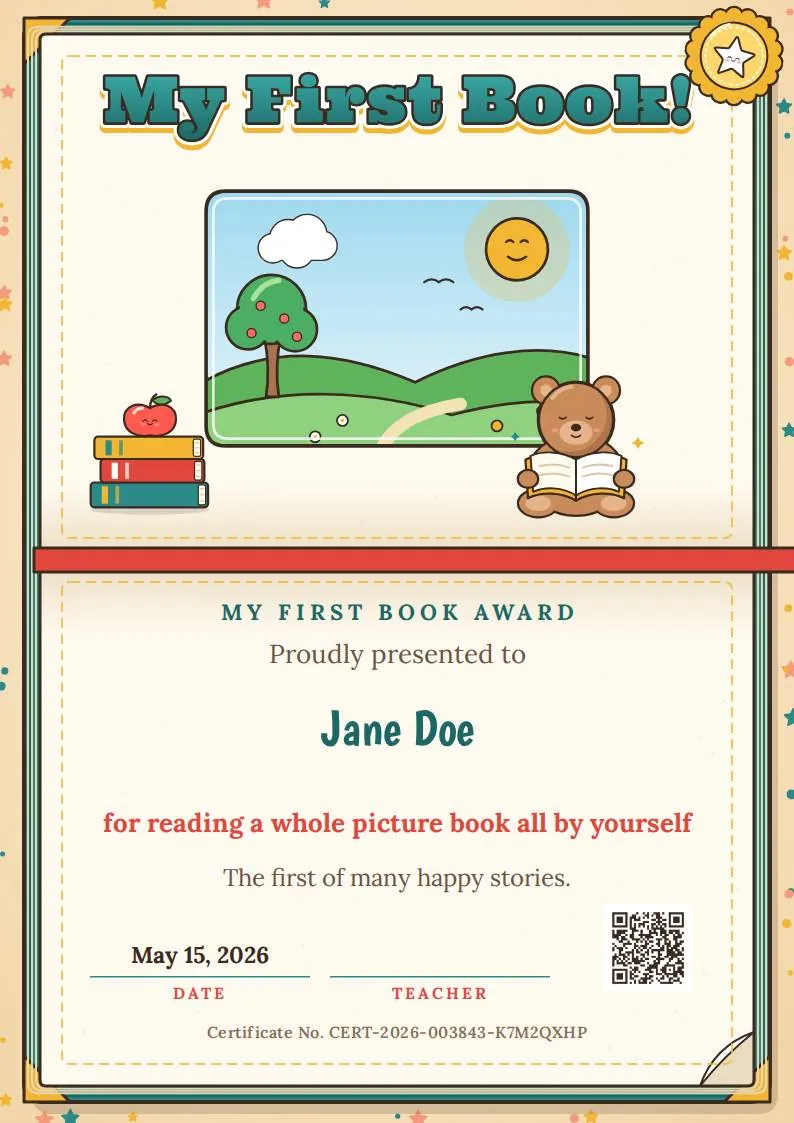
The certificate is an open storybook. "My First Book!" is set like a picture-book title across the spread; one page holds a sunny illustration of rolling hills and an apple tree with a bear cub reading in front of it, and the facing page carries the award in a warm serif with a dashed storybook rule. A teal cover with mustard corners, page edges and a red ribbon bookmark complete the book.
Made for parents, reception teachers and libraries celebrating the first book a child reads alone. A stack of books with an apple, a gold star sticker and a QR code to verify the certificate are separate layers.
Wording
What the certificate says
Every line of text on this template, top to bottom. Highlighted parts fill in for each recipient, and you can reword any line in the editor.
- SCAN TO VERIFY
- MY FIRST BOOK AWARD
- Proudly presented to
- Recipient name
- for Course or achievement
- The first of many happy stories.
- Awarded by Issued by
- Date
- DATE · TEACHER
- Certificate No. Certificate ID
Typography
Fonts used in this template
Swap, mix, or replace any of these in the editor — every CertSeal template ships with 1,000+ Google Fonts plus your own brand uploads.
-
Font family
Boogaloo
Boogaloo
-
Font family
Lora
Lora
Color palette
Colors used in this template
The five most prominent colors sampled straight from the rendered design. Recolor any of them in the editor to match your brand.
-
#fffcf2
-
#6c8674
-
#e3dbd1
-
#cf483f
-
#a5b3a6
How to use it
From template to issued credential in four steps
- 01
Open the template
Click "Use this template" to open the Read My First Book Storybook Kids Certificate of Achievement in the CertSeal editor, or customize it free without signing up.
- 02
Fill in the details
- Recipient name
- Course or achievement
- Issued by
- Date
Type these in, or upload a spreadsheet to make one for every recipient.
- 03
Add your brand
Swap the Boogaloo and Lora fonts and the colors, and add your logo.
- 04
Issue & verify
Generate PDFs and verifiable links your recipients can share anywhere. The QR code on this design opens each certificate's verification page. Each certificate is printed with its own ID.
More templates
You might also like
-
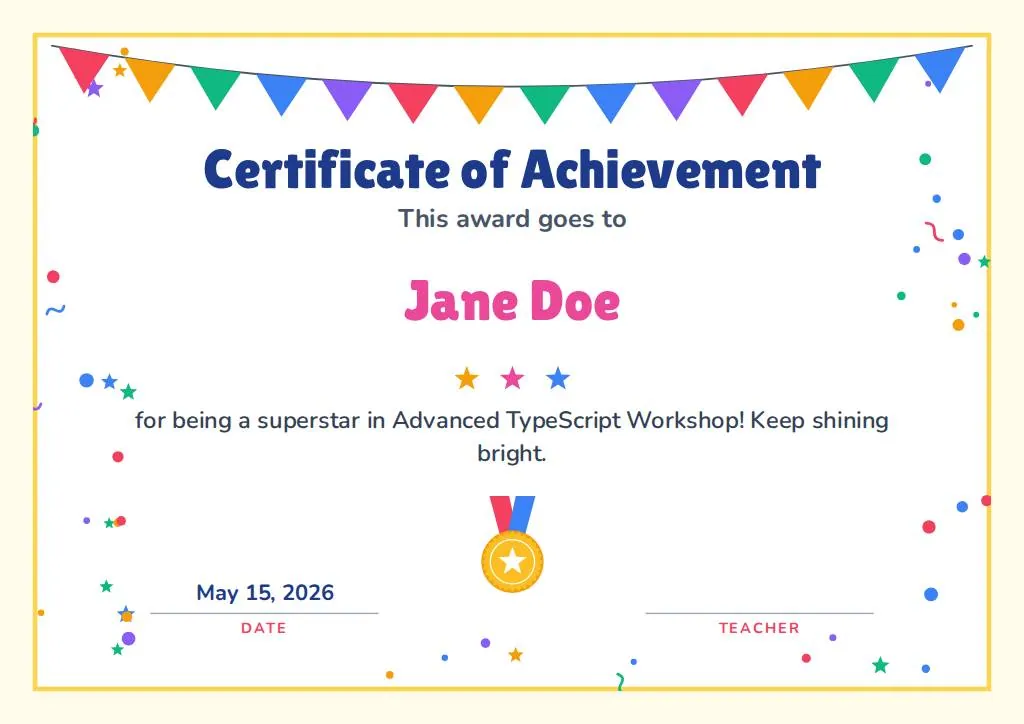
Rainbow Confetti Kids Star Award Certificate
Cheerful kids certificate with rainbow bunting, confetti and a star medal.
-
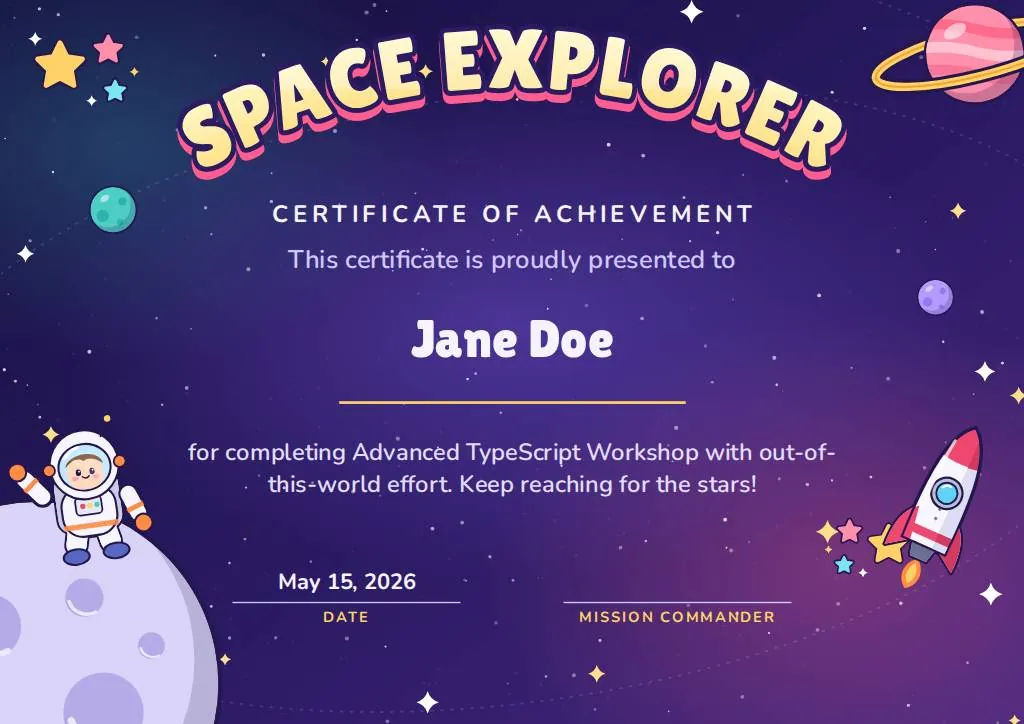
Space Explorer Kids Certificate of Achievement
Illustrated outer-space certificate with an astronaut, rocket, planets and an arched headline.
-
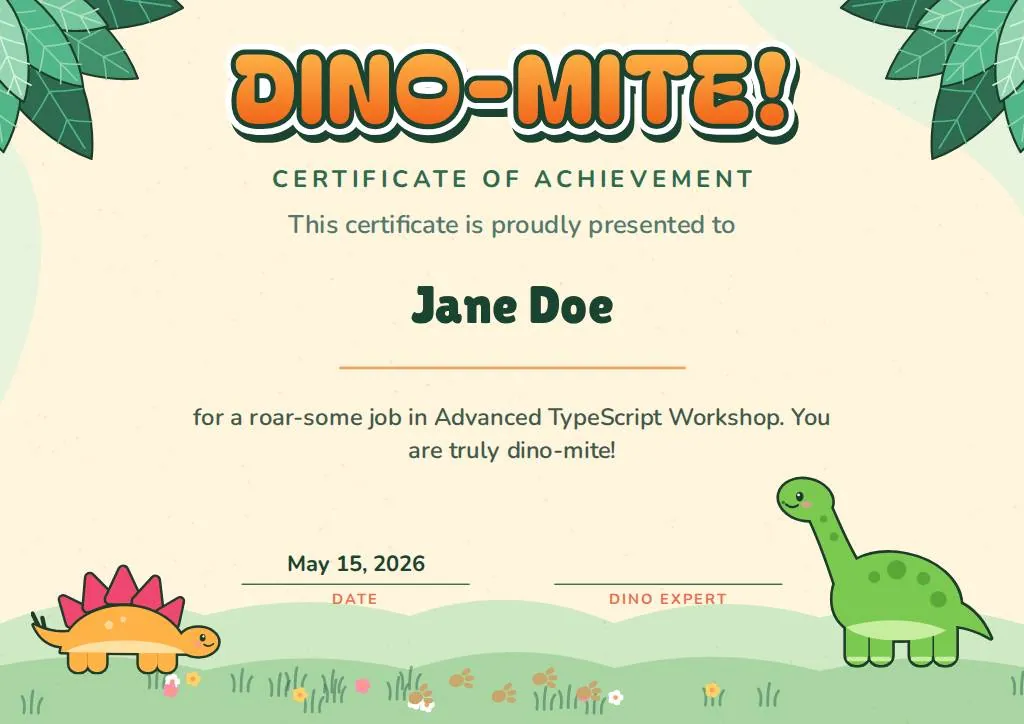
Dino-Mite Kids Certificate of Achievement
Jungle certificate with friendly dinosaurs, tropical leaves, footprints and a "Dino-mite!" headline.
-
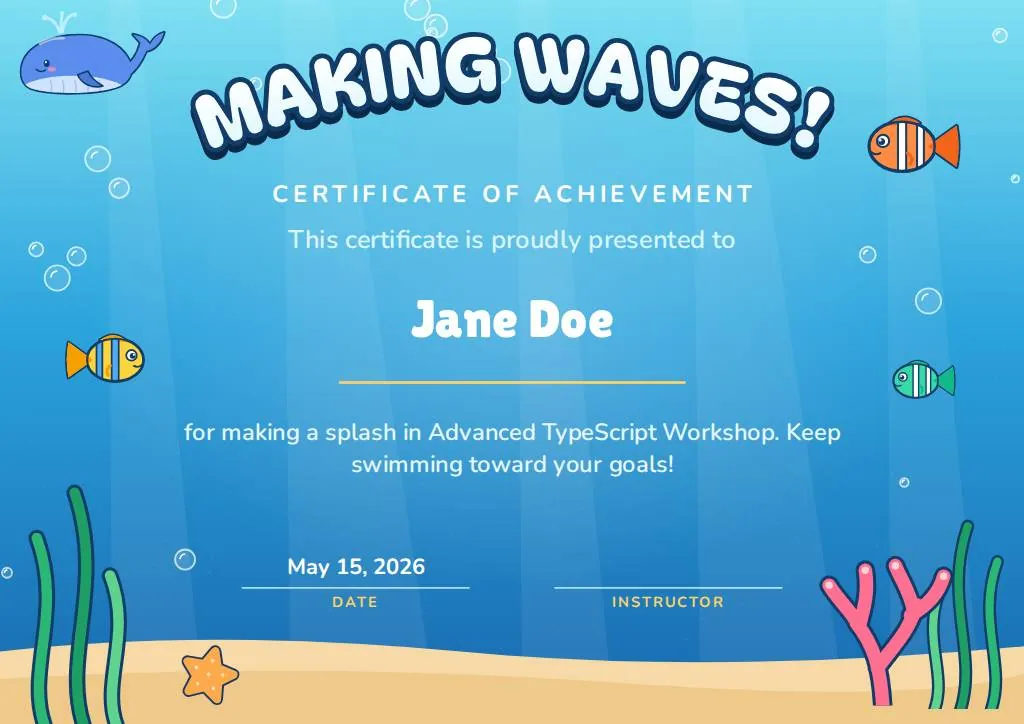
Making Waves Kids Swimming and Ocean Award Certificate
Underwater certificate with a whale, tropical fish, seaweed, coral and a "Making Waves!" headline.
-
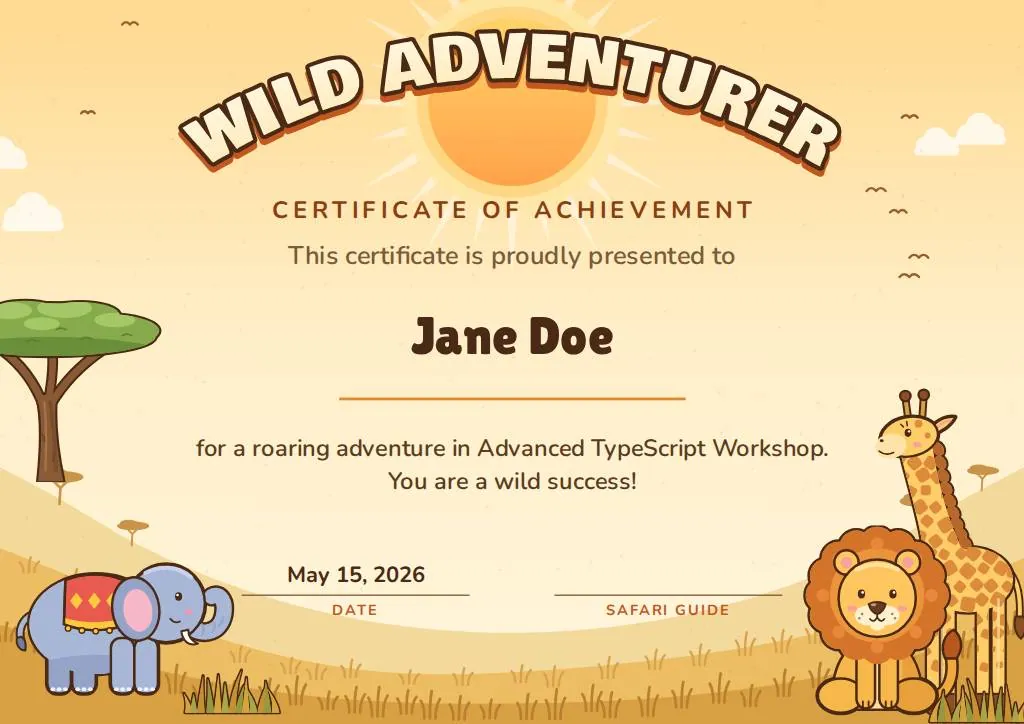
Safari Star Kids Certificate of Achievement
Savanna certificate with a lion, giraffe and elephant under a big sun and a "Wild Adventurer" headline.
-
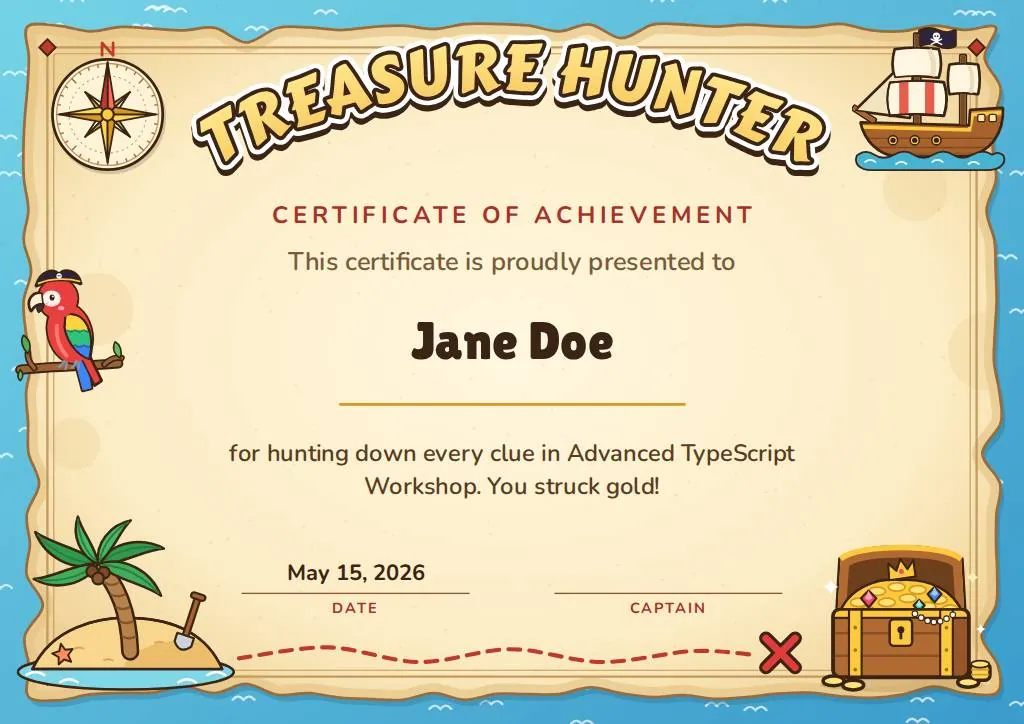
Treasure Hunter Pirate Kids Certificate of Achievement
Pirate treasure-map certificate with a ship, desert island, parrot, compass and an open treasure chest.
-
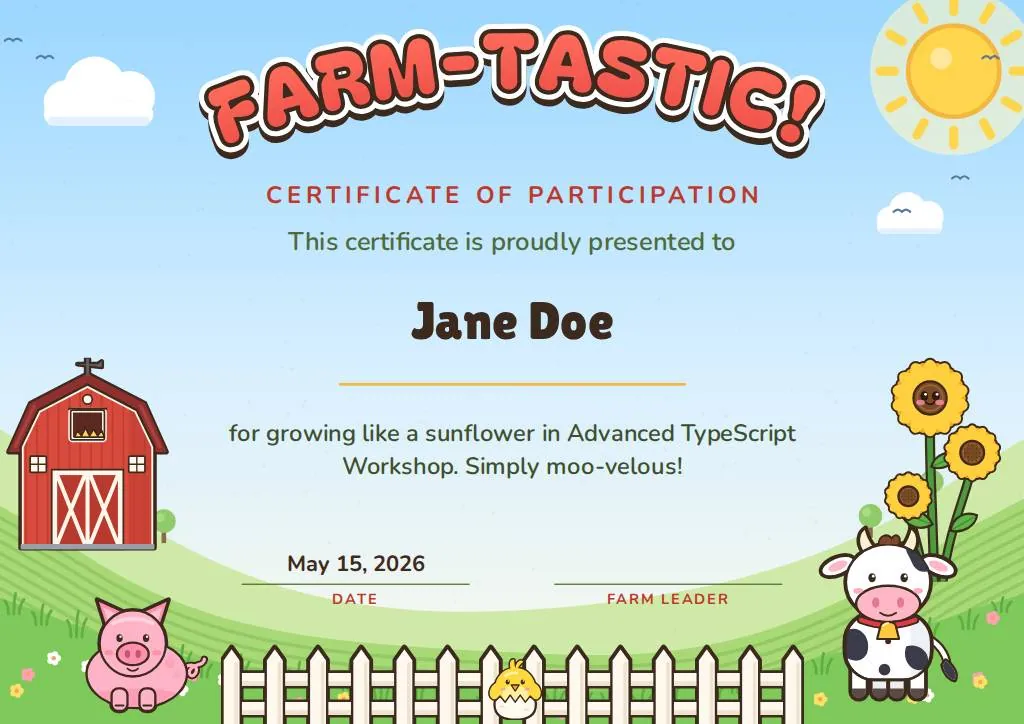
Farm Friends Kids Certificate of Participation
Sunny farm certificate with a red barn, cow, pig, chick, sunflowers and a picket fence.
-
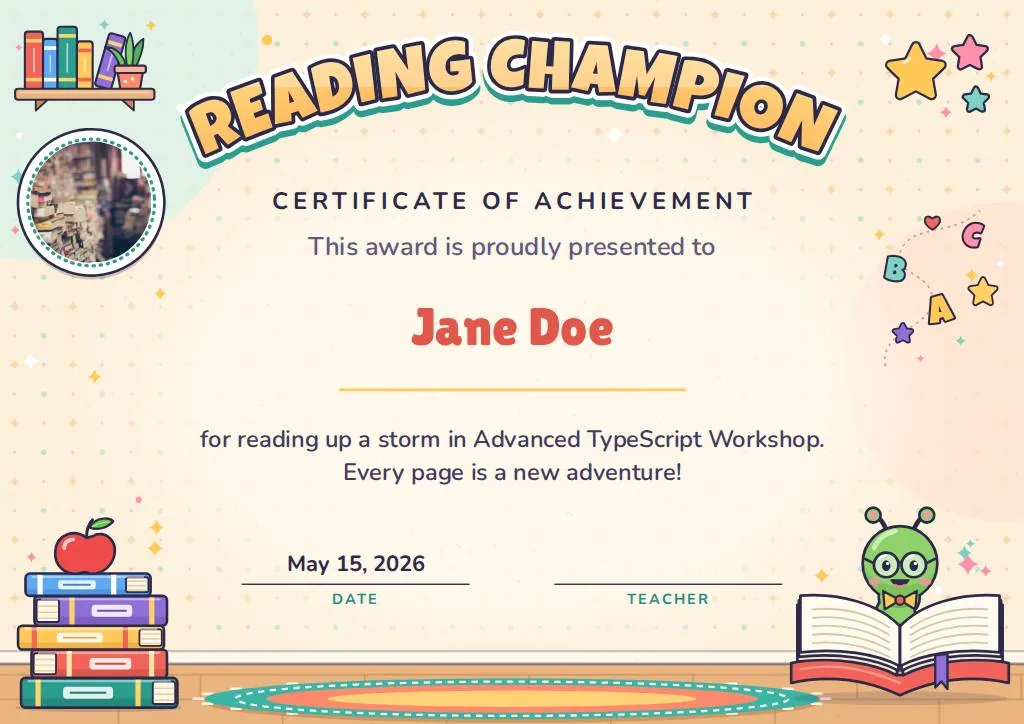
Reading Champion Kids Award Certificate
Cosy reading-corner certificate with a bookworm, book stacks, flying letters and a round photo.
Issue your first credential today
Open this template in the CertSeal editor, customize in minutes, and send verifiable certificates your recipients can share anywhere.