Certificate template
Ivory and Gold Engraved Employee of the Year Certificate
Banknote-style ivory certificate with a guilloche border, year medallion and blind-embossed seal.
Free to customize. Issue verifiable credentials with a CertSeal account.


About this template
When to reach for it
Engraved like a banknote. A gold guilloche rope runs around ivory paper, a fine-line guilloche medallion breaks through the top border with the year at its centre, and a blind-embossed star seal on burgundy ribbons sits between the signatures.
The headline is gold-foil Playfair Display and the name Pinyon Script. The year in the medallion is editable text; the course field holds the role, for example "Senior Accounts Executive".
Wording
What the certificate says
Every line of text on this template, top to bottom. Highlighted parts fill in for each recipient, and you can reword any line in the editor.
- 2026
- CERTIFICATE OF HONOUR
- This certificate is proudly presented to
- Recipient name
- In recognition of a truly exceptional year as Course or achievement.
- Date
- DATE · CEO
Typography
Fonts used in this template
Swap, mix, or replace any of these in the editor — every CertSeal template ships with 1,000+ Google Fonts plus your own brand uploads.
-
Font family
Cinzel
Cinzel
-
Font family
EB Garamond
EB Garamond
-
Font family
Libre Caslon Text
Libre Caslon Text
-
Font family
Pinyon Script
Pinyon Script
Color palette
Colors used in this template
The five most prominent colors sampled straight from the rendered design. Recolor any of them in the editor to match your brand.
-
#f4ecd8
-
#d9caa5
-
#d4b978
-
#b19874
-
#6c2426
How to use it
From template to issued credential in four steps
- 01
Open the template
Click "Use this template" to open the Ivory and Gold Engraved Employee of the Year Certificate in the CertSeal editor, or customize it free without signing up.
- 02
Fill in the details
- Recipient name
- Course or achievement
- Date
Type these in, or upload a spreadsheet to make one for every recipient.
- 03
Add your brand
Swap the Cinzel, EB Garamond, Libre Caslon Text and Pinyon Script fonts and the colors, and add your logo.
- 04
Issue & verify
Generate PDFs and verifiable links your recipients can share anywhere.
More templates
You might also like
-
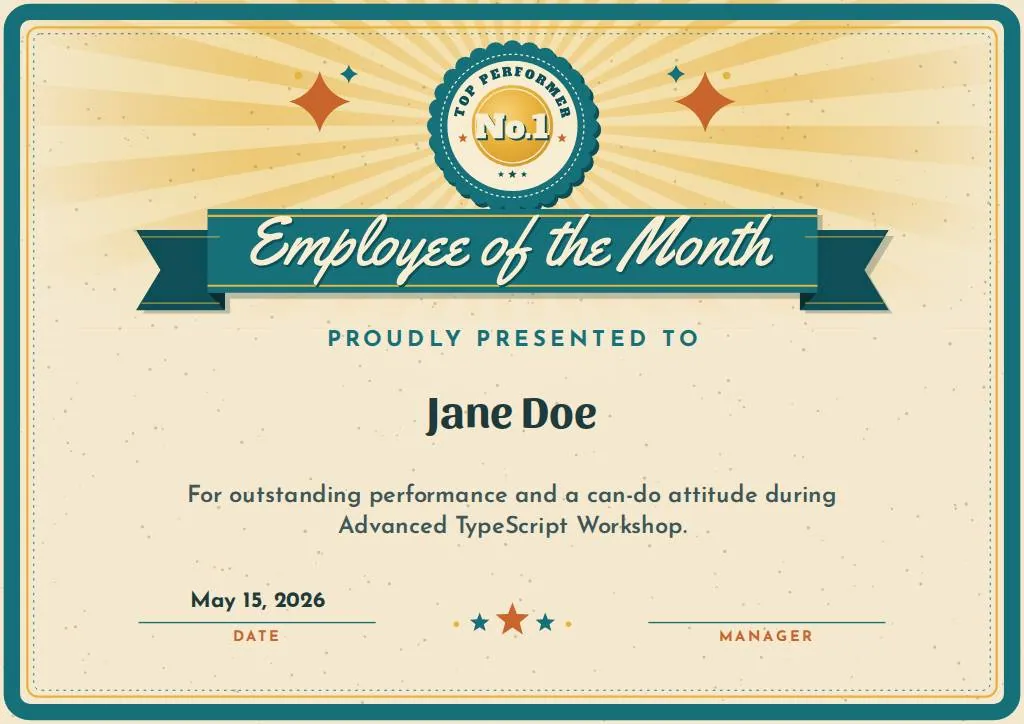
Mustard and Teal Retro Sunburst Employee of the Month Certificate
Retro certificate with a sunburst, a scalloped No. 1 badge and a script banner.
-
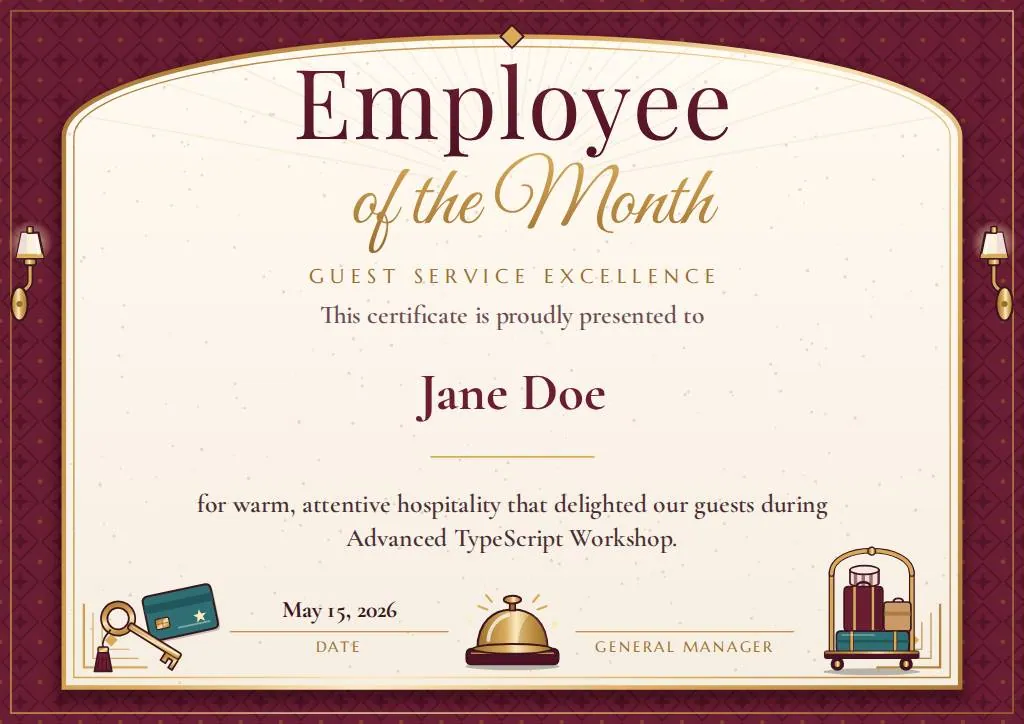
Hotel and Hospitality Employee of the Month Certificate
Grand-hotel certificate with an ivory arch on burgundy damask, a brass bell, key and luggage trolley.
-
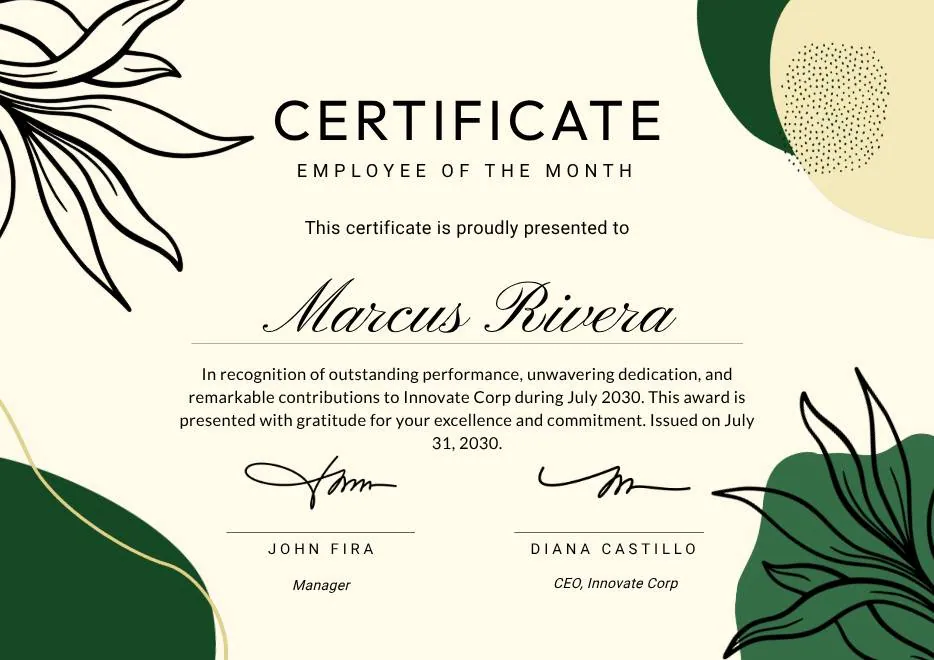
Green and Beige Botanical Employee of the Month Certificate
A modern, nature-inspired Employee of the Month certificate featuring botanical line art and bold green abstract shapes on a warm beige background.
-
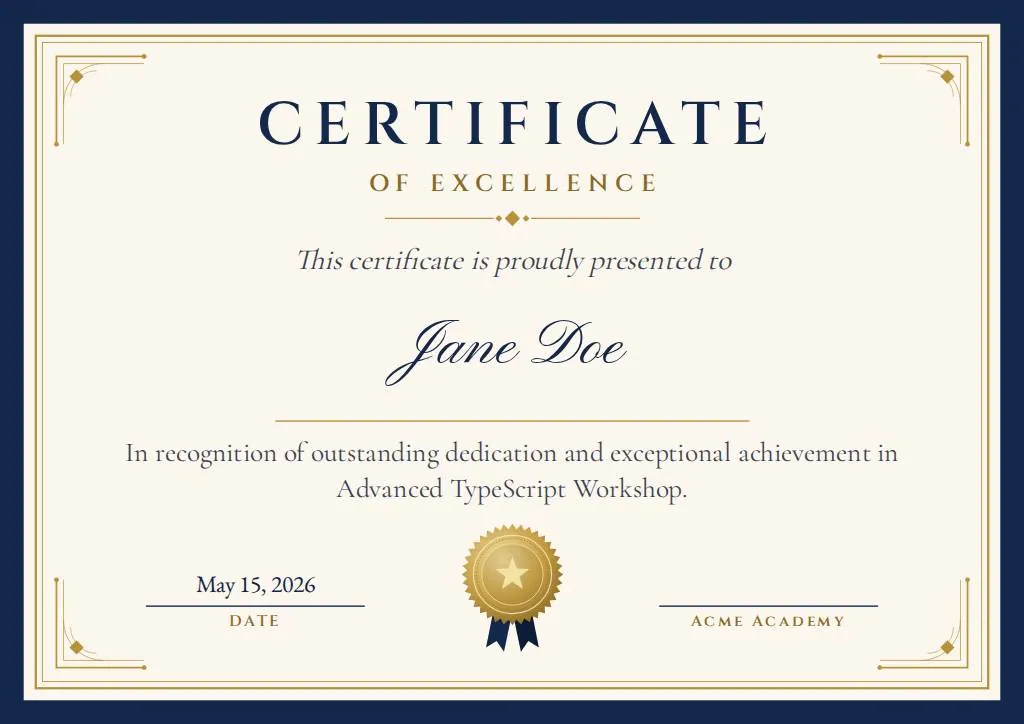
Navy and Gold Classic Certificate of Excellence
Ivory certificate with a navy border, gold corner ornaments and a gold rosette seal.
-
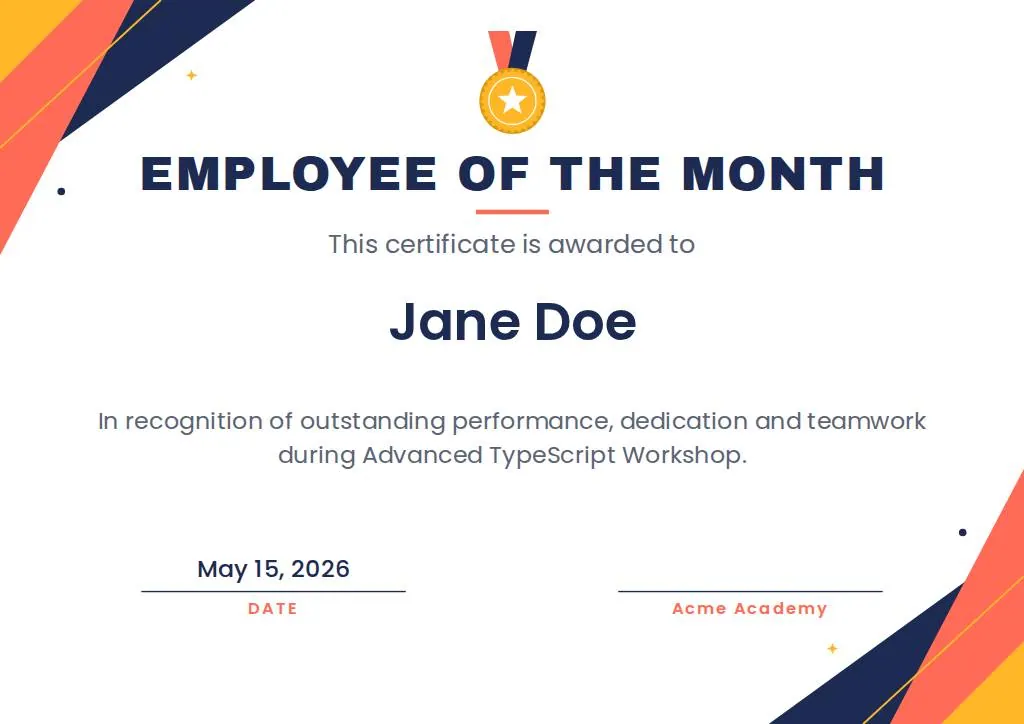
Navy and Coral Geometric Employee of the Month Certificate
Bold geometric corners in navy, coral and mustard with a star medal.
-
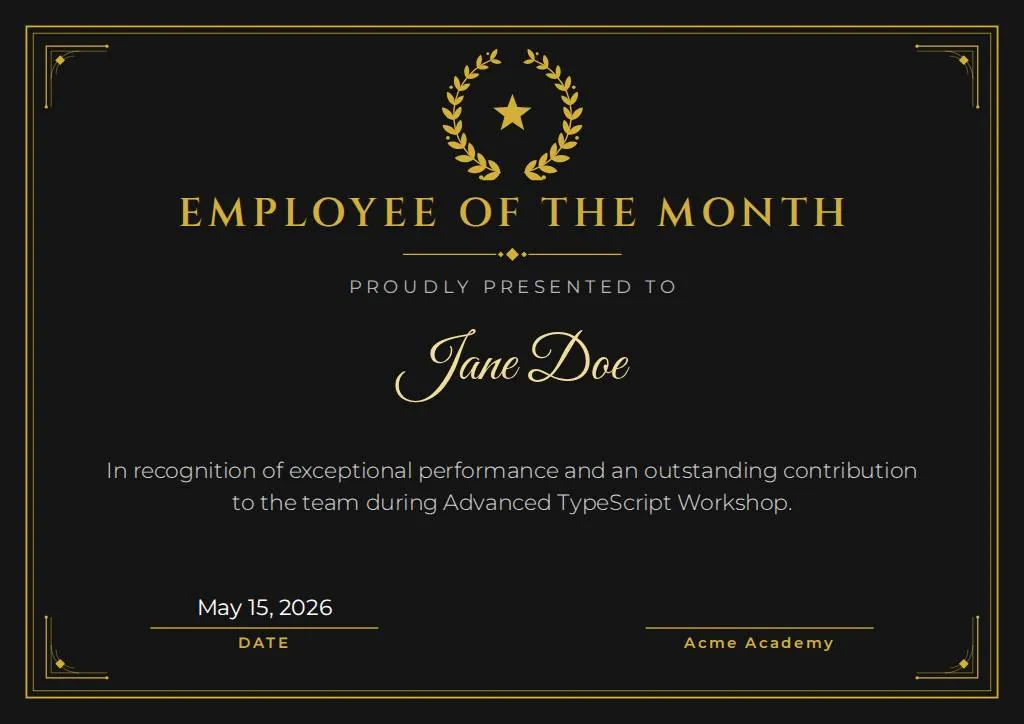
Black and Gold Elegant Employee of the Month Certificate
Black certificate with gold laurel, fine gold frame and a script name.
-
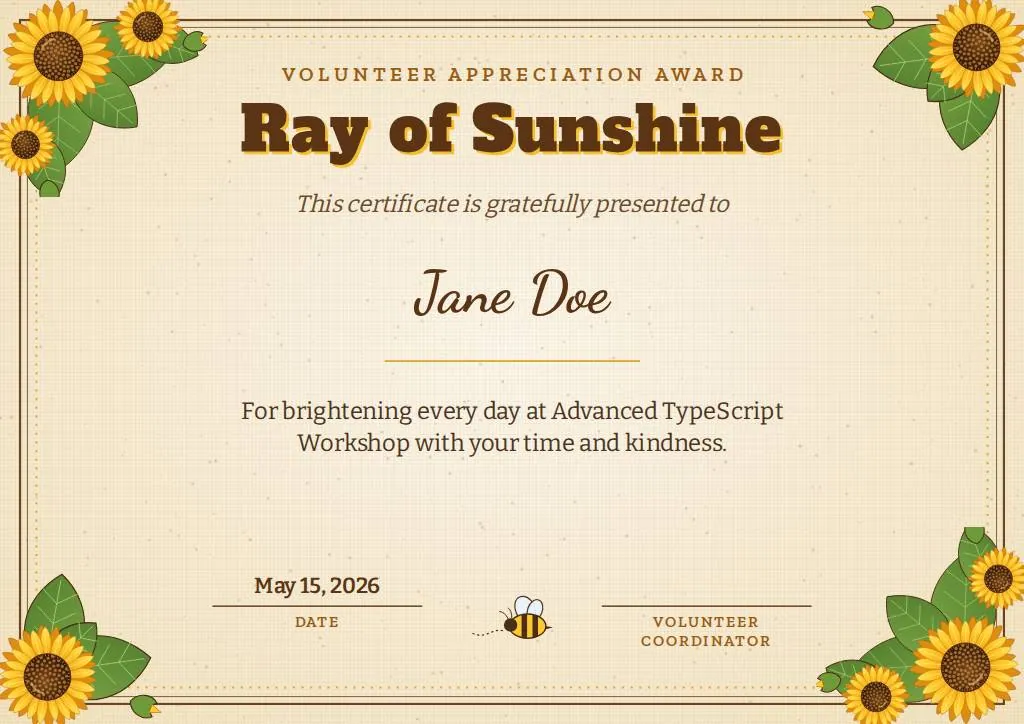
Sunflower Border Volunteer Appreciation Certificate
Warm linen certificate framed by sunflowers and leaves, with a "Ray of Sunshine" slab headline and a bee.
-

Navy and Gold Photo Spotlight Employee of the Month Certificate
Deep navy stage with spotlights on a gold-framed round photo of the winner.
Issue your first credential today
Open this template in the CertSeal editor, customize in minutes, and send verifiable certificates your recipients can share anywhere.