Certificate template
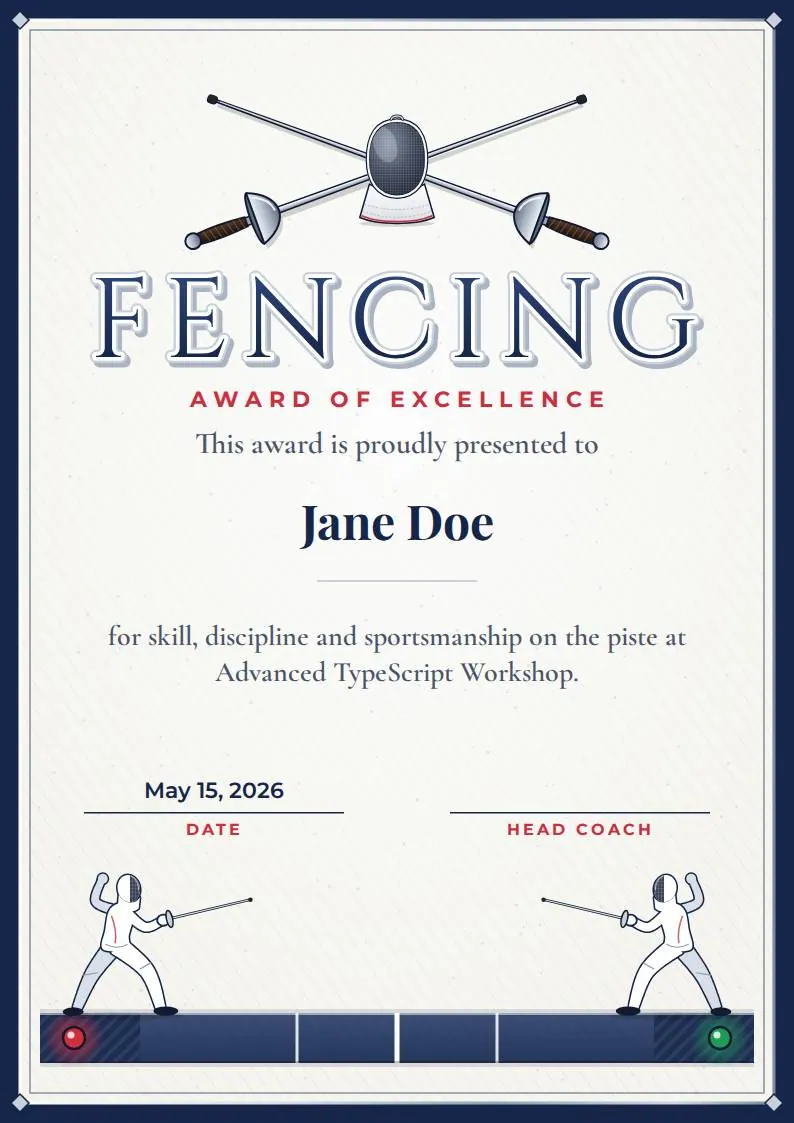
En Garde Fencing Award Certificate
Formal fencing award in ivory and navy with crossed foils, a mask, two fencers en garde and a marked piste.
Free to customize. Issue verifiable credentials with a CertSeal account.

About this template
When to reach for it
A crisp, formal fencing award: crossed foils with a steel mesh mask form the crest above a silver-edged "FENCING" headline, two fencers in whites face each other en garde at the ends of a navy piste, complete with centre and en-garde lines and red and green scoring lamps. A navy border band with a silver hairline frames the ivory page.
Made for fencing clubs, salles, school and university teams, competitions and grading. Put the event, weapon or level in the course field. The foils, mask and both fencers are separate layers.
Wording
What the certificate says
Every line of text on this template, top to bottom. Highlighted parts fill in for each recipient, and you can reword any line in the editor.
- AWARD OF EXCELLENCE
- This award is proudly presented to
- Recipient name
- for skill, discipline and sportsmanship on the piste at Course or achievement.
- Date
- DATE · HEAD COACH
Typography
Fonts used in this template
Swap, mix, or replace any of these in the editor — every CertSeal template ships with 1,000+ Google Fonts plus your own brand uploads.
-
Font family
Cormorant Garamond
Cormorant Garamond
-
Font family
Montserrat
Montserrat
-
Font family
Playfair Display
Playfair Display
Color palette
Colors used in this template
The five most prominent colors sampled straight from the rendered design. Recolor any of them in the editor to match your brand.
-
#f7f8f3
-
#08193f
-
#d6d8da
-
#6c778c
-
#273759
How to use it
From template to issued credential in four steps
- 01
Open the template
Click "Use this template" to open the En Garde Fencing Award Certificate in the CertSeal editor, or customize it free without signing up.
- 02
Fill in the details
- Recipient name
- Course or achievement
- Date
Type these in, or upload a spreadsheet to make one for every recipient.
- 03
Add your brand
Swap the Cormorant Garamond, Montserrat and Playfair Display fonts and the colors, and add your logo.
- 04
Issue & verify
Generate PDFs and verifiable links your recipients can share anywhere.
More templates
You might also like
-
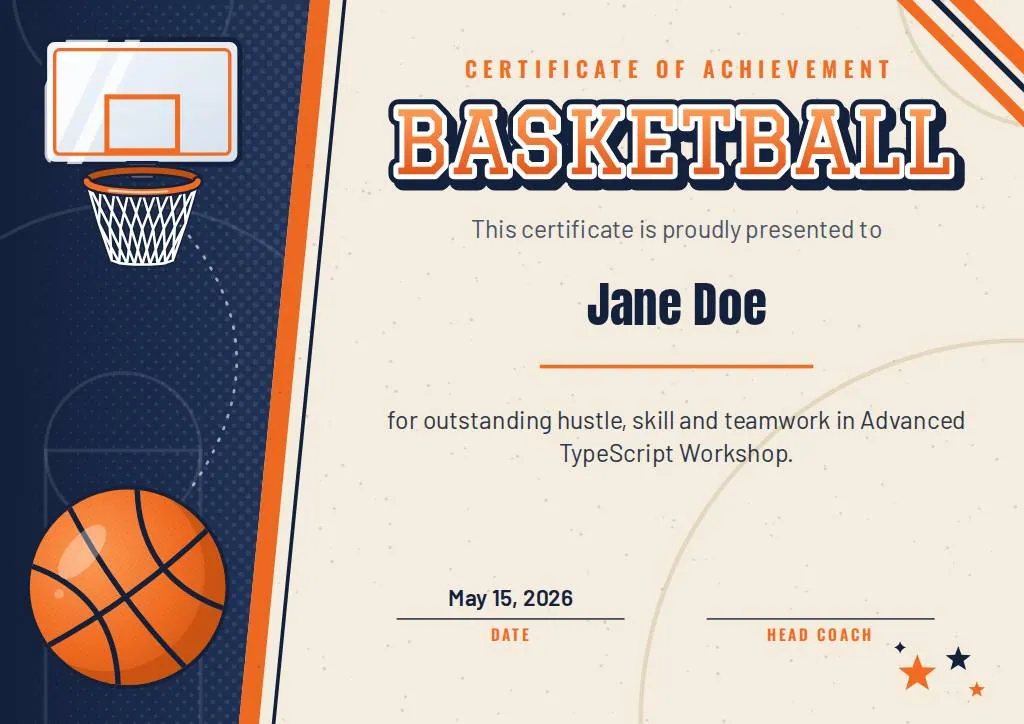
Basketball Hoop Sports Certificate of Achievement
Navy and orange basketball certificate with a glass backboard and net, a pebbled ball and court lines.
-
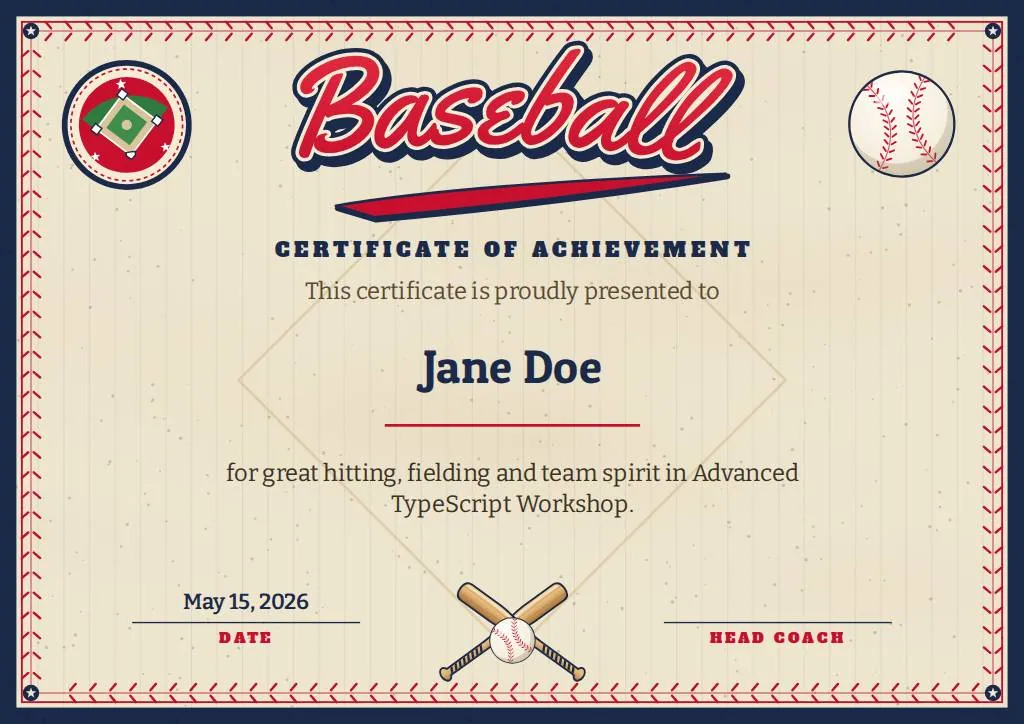
Retro Baseball Sports Certificate of Achievement
Vintage cream baseball certificate with red stitching, a script headline, crossed bats and a ballpark patch.
-
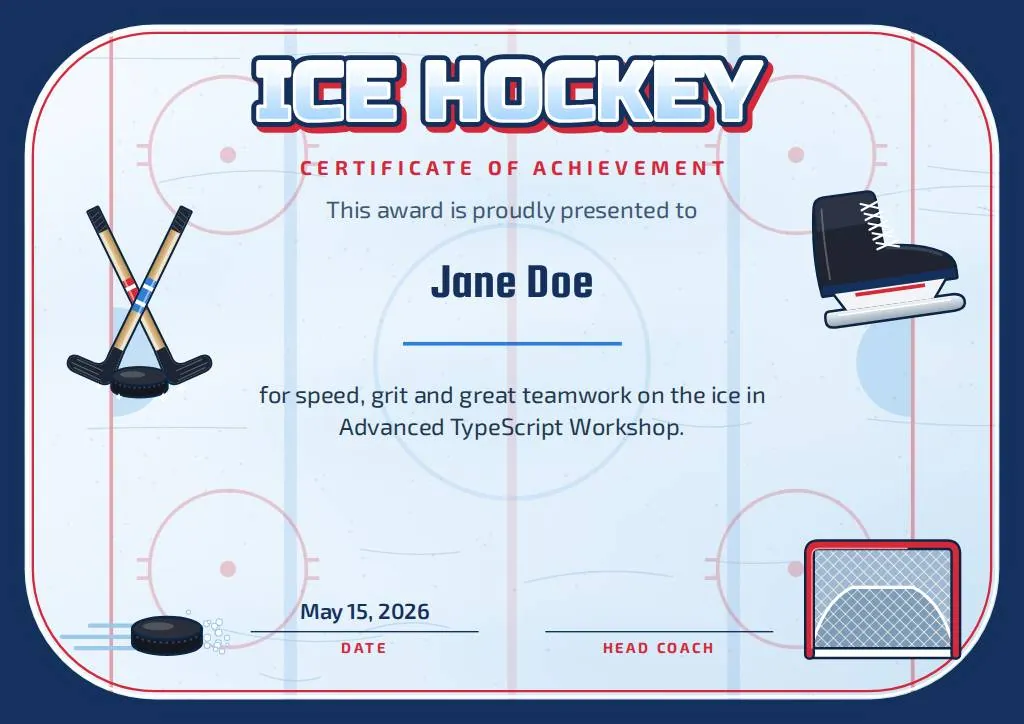
Ice Hockey Rink Sports Award Certificate
Icy blue hockey certificate on a frosted rink with boards, crossed sticks and a puck, a skate and a red net.
-

Cricket Heritage Sports Certificate of Achievement
Green and cream heritage cricket certificate with a willow bat, a red ball, stumps with a flying bail and gold rules.
-
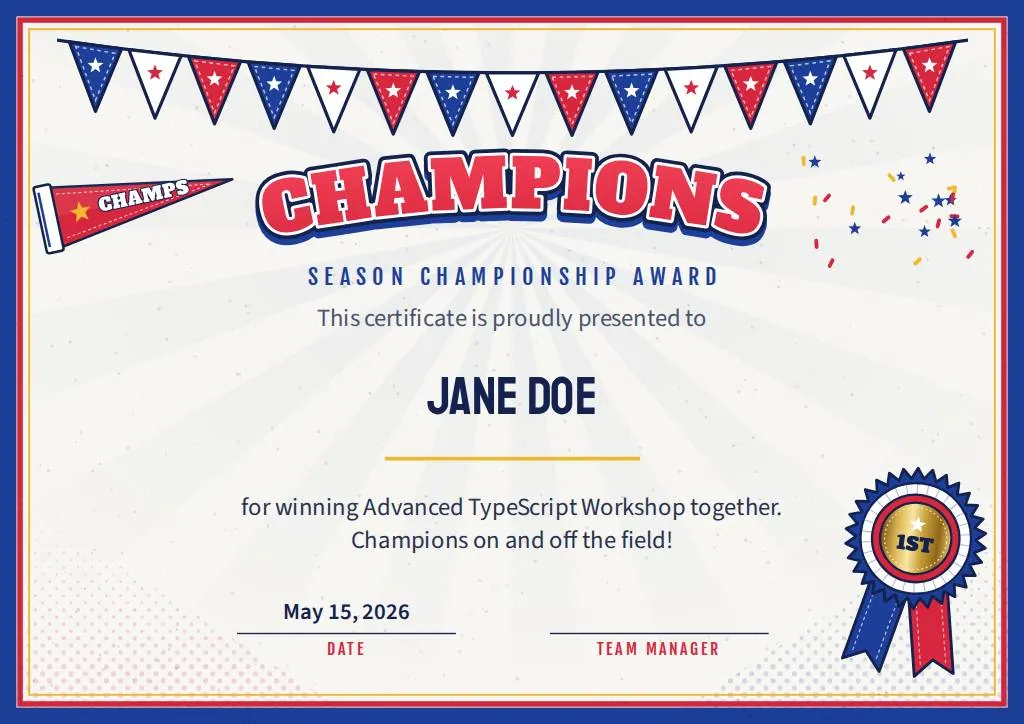
Season Champions Sports Award Certificate
Royal blue, red and gold championship certificate with pennant bunting, a felt pennant and a 1st-place rosette.
-
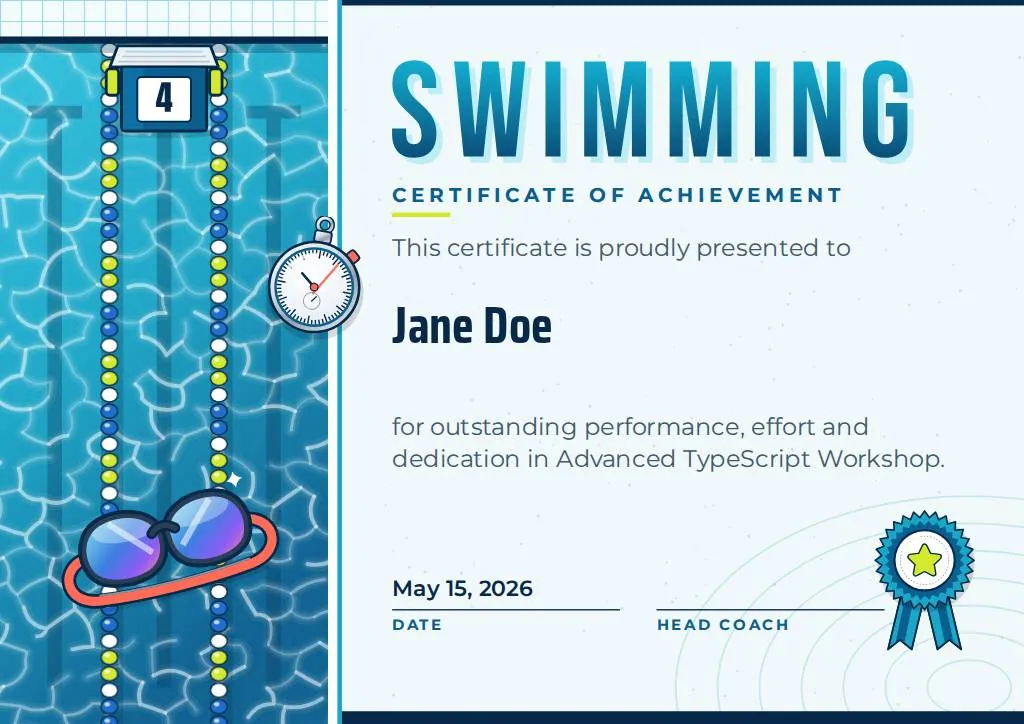
Pool Lanes Swimming Certificate of Achievement
Swim certificate with a top-down pool panel, lane ropes and sunlit water, goggles, a stopwatch and a rosette.
-

Ribbon and Rings Gymnastics Award Certificate
Spotlit plum gymnastics award with gold filigree, hanging rings, a leaping gymnast, a swirling ribbon and a gold cup.
-
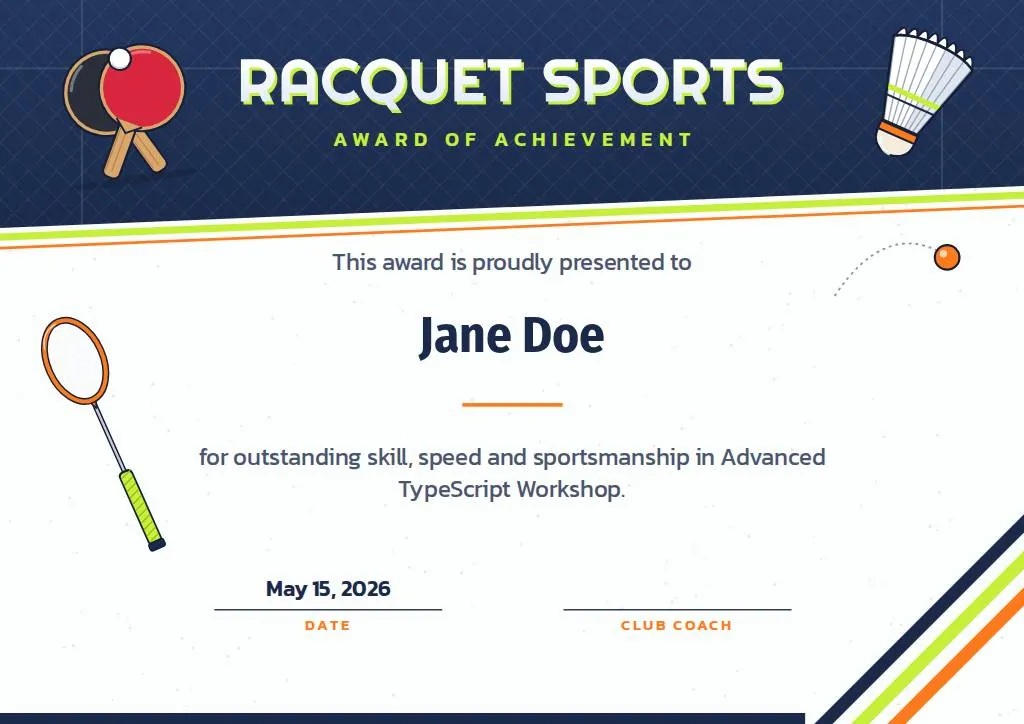
Shuttle and Paddle Racquet Sports Award Certificate
Bold racquet-sports award with a navy net-mesh header, a shuttlecock, table-tennis paddles and a badminton racket.
Issue your first credential today
Open this template in the CertSeal editor, customize in minutes, and send verifiable certificates your recipients can share anywhere.