Certificate template
Ember Shield Cybersecurity Bootcamp Certificate
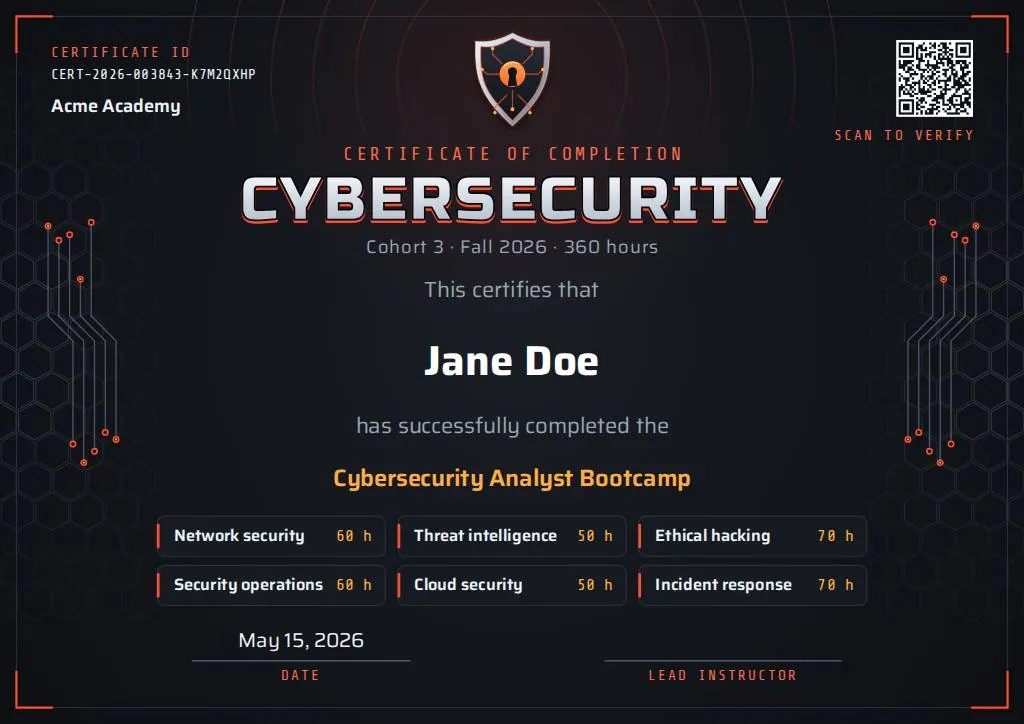
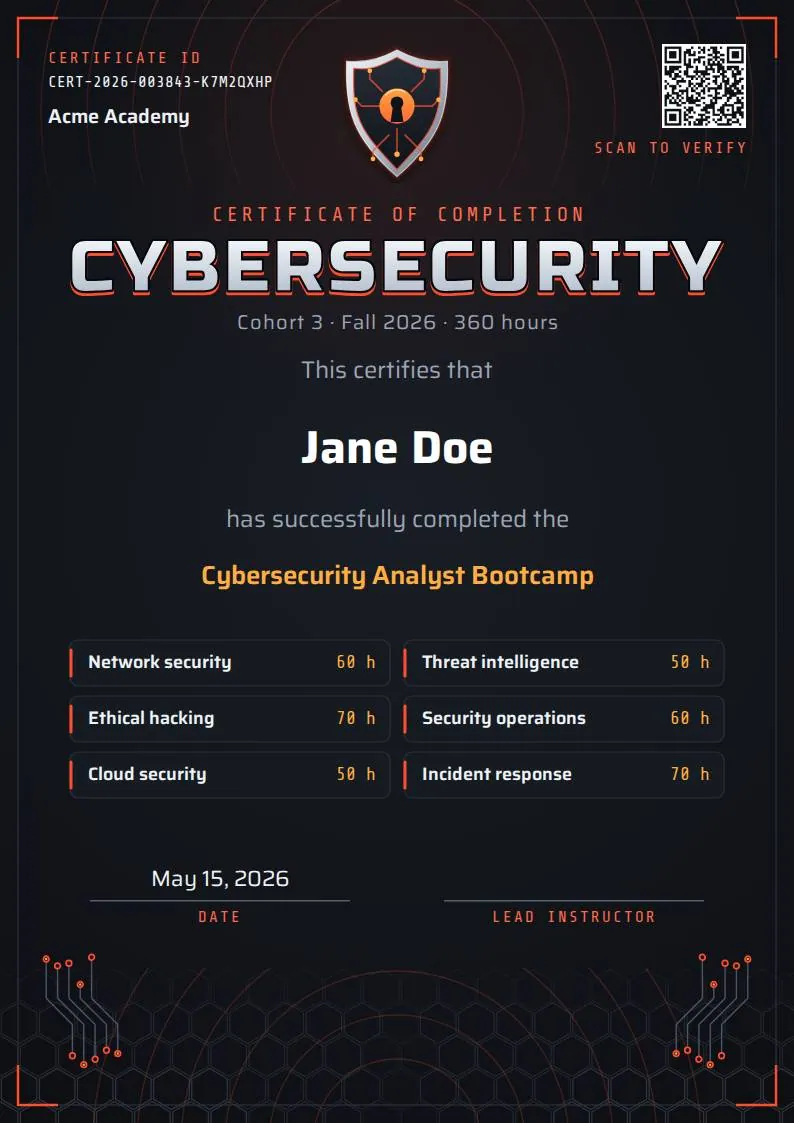
Graphite cybersecurity bootcamp certificate with a steel keyhole shield, radar arcs, hex mesh, six module tiles with hours and a QR code.
Free to customize. Issue verifiable credentials with a CertSeal account.
About this template
When to reach for it
For cybersecurity bootcamps and security operations programmes. A graphite page with hexagon mesh along the edges, ember corner brackets and radar arcs rising behind a bevelled steel shield whose keyhole is drawn as circuit traces. Steel "CYBERSECURITY" lettering with an ember underglow heads the page.
Six module tiles with ember accents list the curriculum with hours, all editable for each cohort. The academy name and certificate ID sit top left, a verification QR code top right, and date and lead instructor signatures along the foot. Set in Saira and Share Tech Mono.
Wording
What the certificate says
Every line of text on this template, top to bottom. Highlighted parts fill in for each recipient, and you can reword any line in the editor.
- CERTIFICATE ID
- Certificate ID
- Issued by
- SCAN TO VERIFY
- CERTIFICATE OF COMPLETION
- Cohort 3 · Fall 2026 · 360 hours
- This certifies that
- Recipient name
- has successfully completed the
- Course or achievement
- Network security · 60 h · Threat intelligence · 50 h · Ethical hacking · 70 h
- Security operations · 60 h · Cloud security · 50 h · Incident response · 70 h
- Date
- DATE · LEAD INSTRUCTOR
Typography
Fonts used in this template
Swap, mix, or replace any of these in the editor — every CertSeal template ships with 1,000+ Google Fonts plus your own brand uploads.
-
Font family
Saira
Saira
-
Font family
Share Tech Mono
Share Tech Mono
Color palette
Colors used in this template
The five most prominent colors sampled straight from the rendered design. Recolor any of them in the editor to match your brand.
-
#14151c
-
#45454a
-
#65666b
-
#858689
-
#956933
How to use it
From template to issued credential in four steps
- 01
Open the template
Click "Use this template" to open the Ember Shield Cybersecurity Bootcamp Certificate in the CertSeal editor, or customize it free without signing up.
- 02
Fill in the details
- Issued by
- Recipient name
- Course or achievement
- Date
Type these in, or upload a spreadsheet to make one for every recipient.
- 03
Add your brand
Swap the Saira and Share Tech Mono fonts and the colors, and add your logo.
- 04
Issue & verify
Generate PDFs and verifiable links your recipients can share anywhere. The QR code on this design opens each certificate's verification page. Each certificate is printed with its own ID.
More templates
You might also like
-
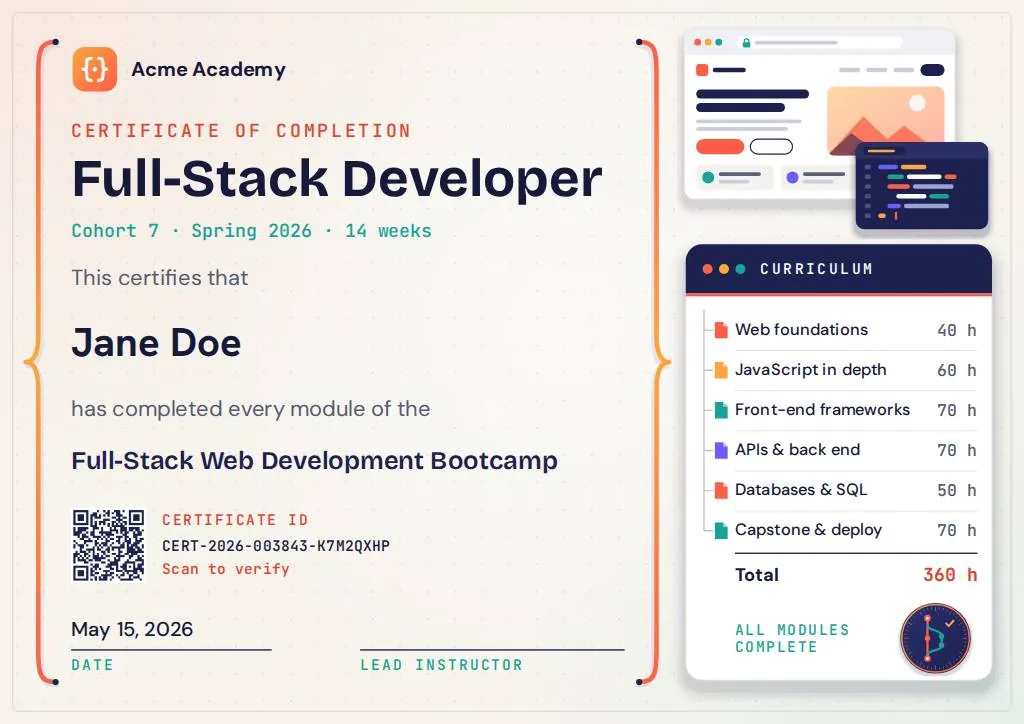
Bracket Editor Full-Stack Web Development Bootcamp Certificate
Ivory full-stack bootcamp certificate framed by coral curly braces, with a browser window, a curriculum file tree with hours and a QR code.
-

Sunset Devices Mobile App Development Bootcamp Certificate
Warm white mobile app bootcamp certificate with a coral-to-violet panel of tilted phones, app tiles, skill chips and a QR code.
-
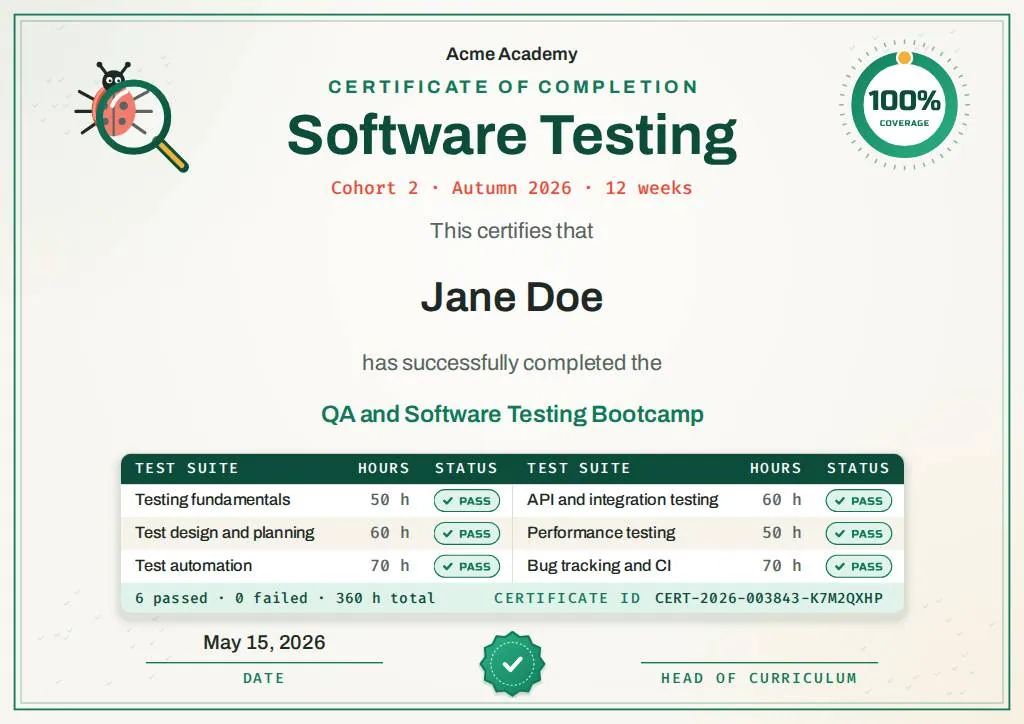
Test Run QA and Software Testing Bootcamp Certificate
Ivory software testing bootcamp certificate with a test report of passed suites and hours, a bug under a magnifier and a coverage ring.
-

Spotlight Demo Day Startup Accelerator Cohort Certificate
Dark stage certificate with spotlights, a pitch-deck growth chart and a week-by-week track.
-
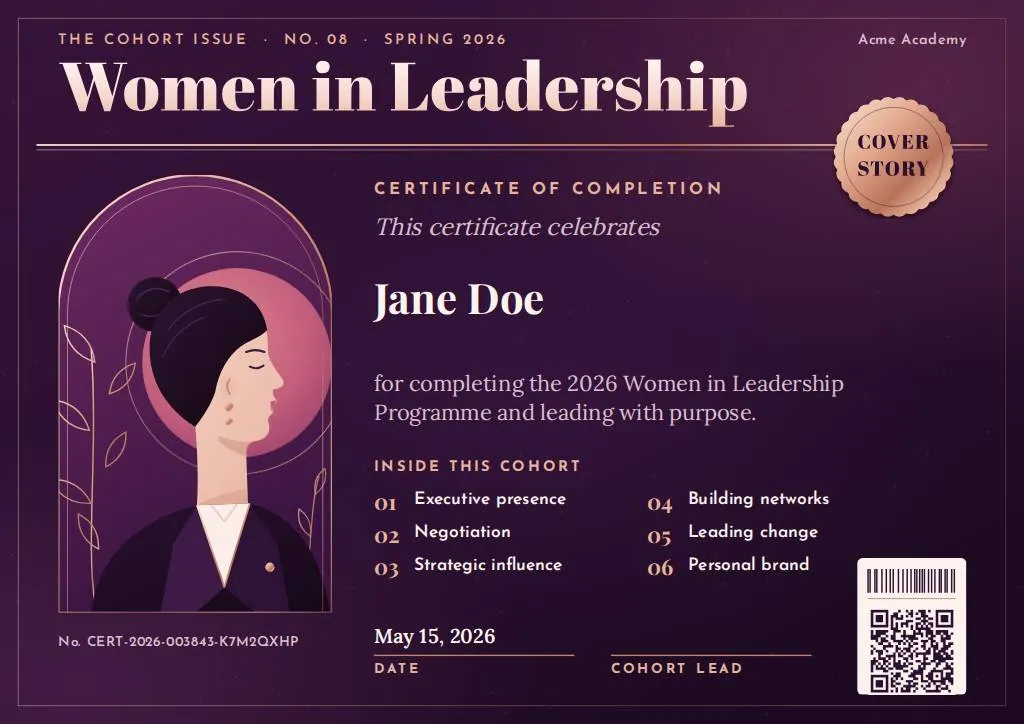
Cover Story Women in Leadership Cohort Certificate
Magazine-cover certificate in aubergine and rose gold with an illustrated portrait.
-

Bright Idea Yellow Entrepreneurship Bootcamp Certificate
Bold yellow and charcoal poster with a light bulb, a paper plane and five numbered skills.
-

Peach and Violet Vertical Timeline Course Series Certificate
Modern gradient course series certificate with a frosted timeline card of six modules, week ranges, hours, total and QR code.
-
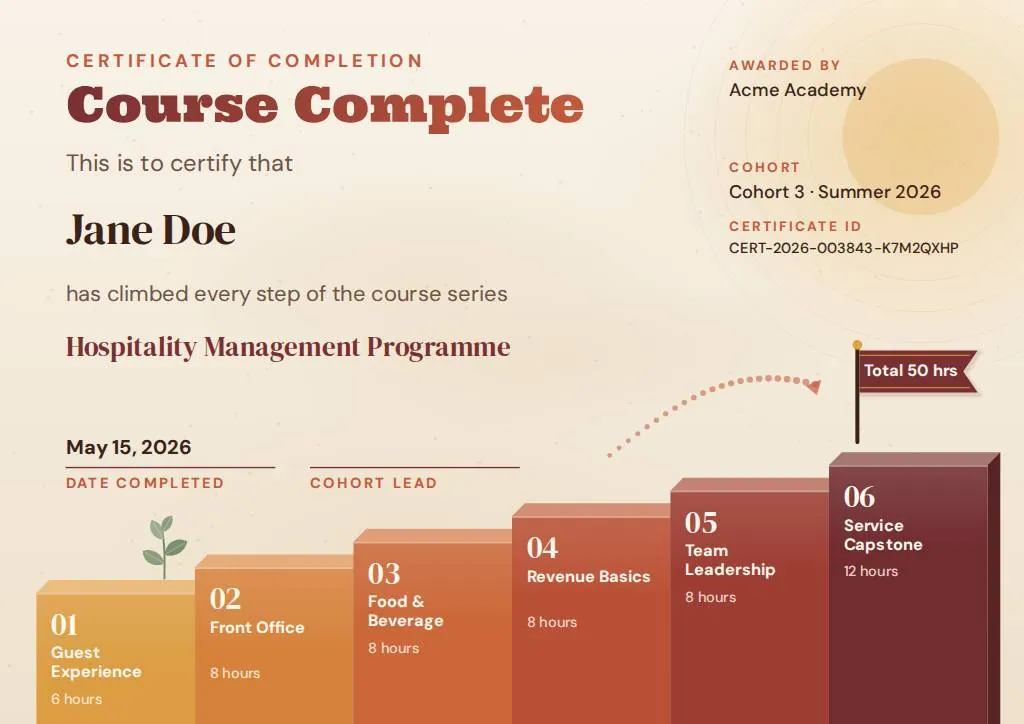
Terracotta Rising Steps Course Series Certificate
Warm sand and terracotta course series certificate where six modules climb a staircase to a summit flag with the total hours.
Issue your first credential today
Open this template in the CertSeal editor, customize in minutes, and send verifiable certificates your recipients can share anywhere.