Certificate template
Copper Conduit Electrical Installation Diploma
Navy blueprint page framed in copper conduit, with a bulb, breaker panel and cable reel.
Free to customize. Issue verifiable credentials with a CertSeal account.


About this template
When to reach for it
A bold trade diploma for electrical apprenticeships and installation colleges: a deep navy blueprint page framed by a run of polished copper conduit with couplings, junction boxes and live, neutral and earth wires. "Electrical" is lettered in copper foil over "Installation" in spaced white capitals.
A glowing bulb, a consumer unit with a row of breakers, a reel of copper cable, a copper hexagon seal with a lightning bolt and a verification QR code finish it. The programme title is set in warm copper, and every illustration is a separate layer.
Wording
What the certificate says
Every line of text on this template, top to bottom. Highlighted parts fill in for each recipient, and you can reword any line in the editor.
- Issued by
- TRADE DIPLOMA
- This diploma is awarded to
- Recipient name
- having completed the training and assessment for the
- Course or achievement
- Level 3 · 1,800 hours · Practical and written assessment
- Date
- DATE · HEAD OF SCHOOL
- Diploma No. Certificate ID
Typography
Fonts used in this template
Swap, mix, or replace any of these in the editor — every CertSeal template ships with 1,000+ Google Fonts plus your own brand uploads.
-
Font family
Barlow
Barlow
-
Font family
Barlow Semi Condensed
Barlow Semi Condensed
Color palette
Colors used in this template
The five most prominent colors sampled straight from the rendered design. Recolor any of them in the editor to match your brand.
-
#0c1c33
-
#453634
-
#b67d52
-
#354a64
-
#848c98
How to use it
From template to issued credential in four steps
- 01
Open the template
Click "Use this template" to open the Copper Conduit Electrical Installation Diploma in the CertSeal editor, or customize it free without signing up.
- 02
Fill in the details
- Issued by
- Recipient name
- Course or achievement
- Date
Type these in, or upload a spreadsheet to make one for every recipient.
- 03
Add your brand
Swap the Barlow and Barlow Semi Condensed fonts and the colors, and add your logo.
- 04
Issue & verify
Generate PDFs and verifiable links your recipients can share anywhere. The QR code on this design opens each certificate's verification page. Each certificate is printed with its own ID.
More templates
You might also like
-

Pegboard Trade School Diploma
Workshop trade school diploma with hand tools on a pegboard, drafting paper in a pine frame and a brass gear seal.
-

Pilot Wings Flight School Diploma
Navy and silver flight school diploma with pilot wings, a trainer aircraft, clouds, chart lines and a compass seal.
-

Sage Mandala Yoga Teacher Training Diploma
Calm sage and sand yoga teacher training diploma with a mandala rising off the page, a lotus, eucalyptus and a rolled mat.
-

Terminal Green Coding Bootcamp Diploma
Dark-mode coding bootcamp diploma laid out as a code editor, with a terminal, a git graph, glowing braces and a neon badge.
-

Latte Art Barista Academy Diploma
Warm coffee-house barista diploma on burlap and cream, with an espresso machine, a latte, a coffee branch, beans and a copper seal.
-

Striped Pole Barber Academy Diploma
Cream sign board in an oxblood frame, gold-leaf lettering and two striped barber poles.
-

Emerald Back Bar Bartending and Mixology Diploma
Emerald Art Deco page with brass fans, an arched back bar of bottles, shaker and coupe.
-
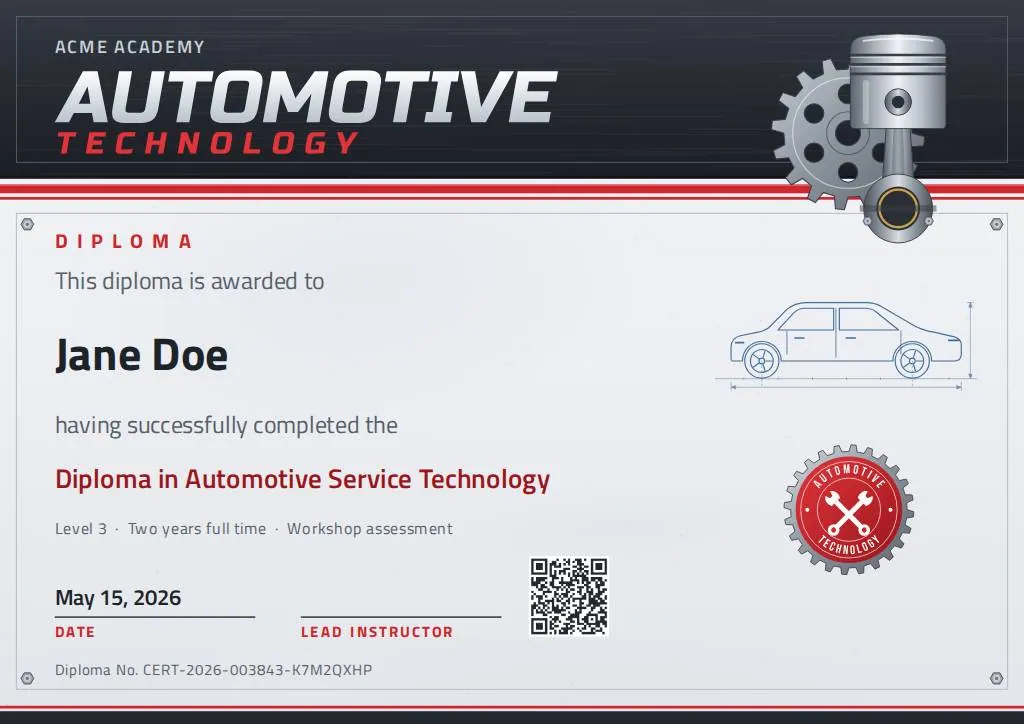
Graphite Piston Automotive Technology Diploma
Brushed graphite header with racing stripes, a steel piston and gear, and a car blueprint.
Issue your first credential today
Open this template in the CertSeal editor, customize in minutes, and send verifiable certificates your recipients can share anywhere.