Certificate template
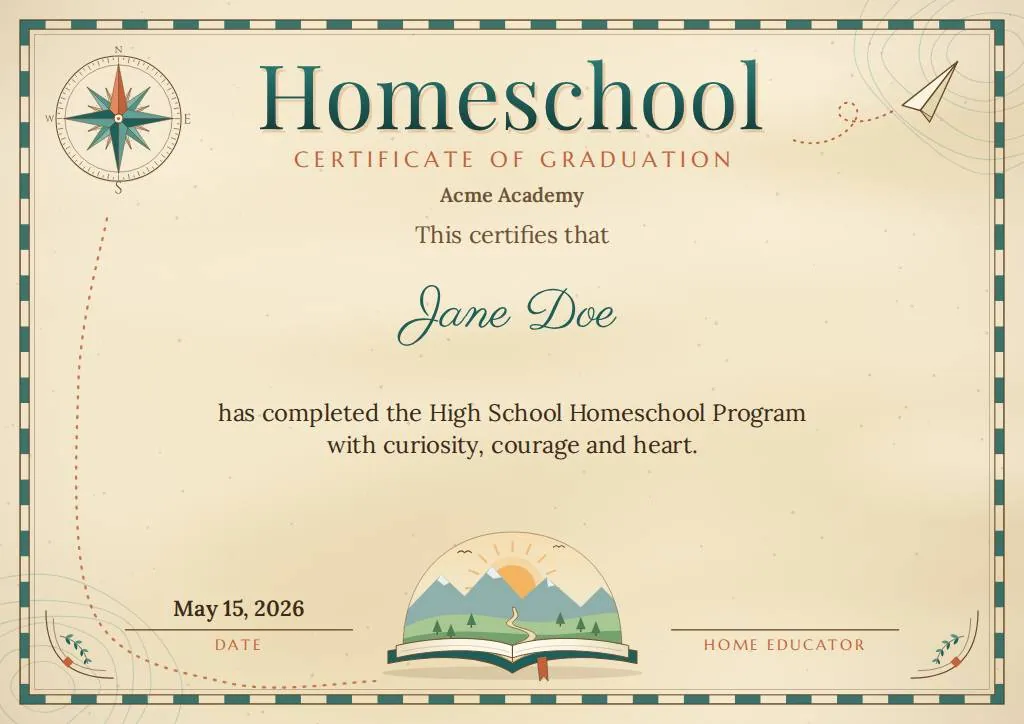
Compass Rose Open Book Journey Homeschool Graduation Certificate
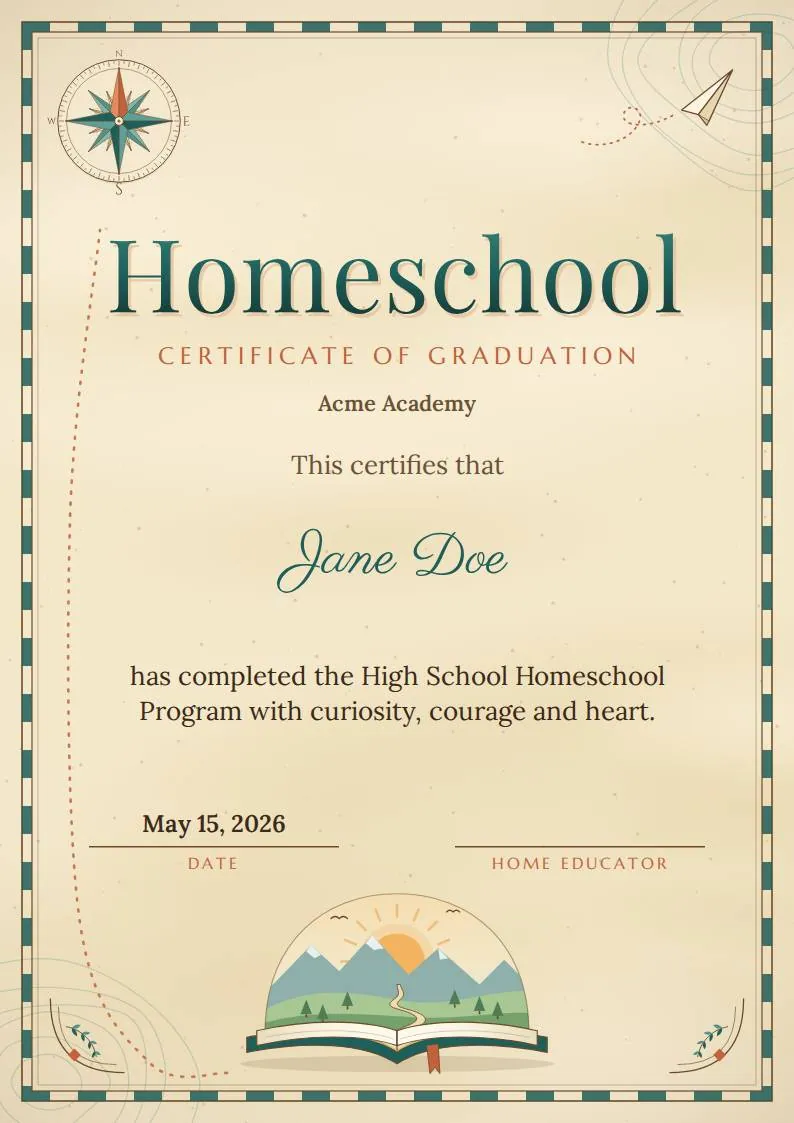
Vintage map parchment with a compass rose, a dotted journey trail and a landscape rising from an open book.
Free to customize. Issue verifiable credentials with a CertSeal account.
About this template
When to reach for it
A homeschool graduation certificate drawn like an old explorer’s map. Mottled parchment sits inside a teal-and-cream map border with faint contour lines; a compass rose marks one corner, a paper plane loops across the other, and a dotted trail winds down to an open book whose pages rise into hills, a winding path, mountains and a sunrise.
Use the course field for the programme, for example "High School · Class of 2026", and the issuer for your homeschool. The compass, plane, book and corners are separate pictures.
Wording
What the certificate says
Every line of text on this template, top to bottom. Highlighted parts fill in for each recipient, and you can reword any line in the editor.
- CERTIFICATE OF GRADUATION
- Issued by
- This certifies that
- Recipient name
- has completed Course or achievement with curiosity, courage and heart.
- Date
- DATE · HOME EDUCATOR
Typography
Fonts used in this template
Swap, mix, or replace any of these in the editor — every CertSeal template ships with 1,000+ Google Fonts plus your own brand uploads.
-
Font family
Lora
Lora
-
Font family
Marcellus SC
Marcellus SC
-
Font family
Parisienne
Parisienne
Color palette
Colors used in this template
The five most prominent colors sampled straight from the rendered design. Recolor any of them in the editor to match your brand.
-
#f3e6c9
-
#d7c8aa
-
#688678
-
#a5ac96
-
#f4b664
How to use it
From template to issued credential in four steps
- 01
Open the template
Click "Use this template" to open the Compass Rose Open Book Journey Homeschool Graduation Certificate in the CertSeal editor, or customize it free without signing up.
- 02
Fill in the details
- Issued by
- Recipient name
- Course or achievement
- Date
Type these in, or upload a spreadsheet to make one for every recipient.
- 03
Add your brand
Swap the Lora, Marcellus SC and Parisienne fonts and the colors, and add your logo.
- 04
Issue & verify
Generate PDFs and verifiable links your recipients can share anywhere.
More templates
You might also like
-
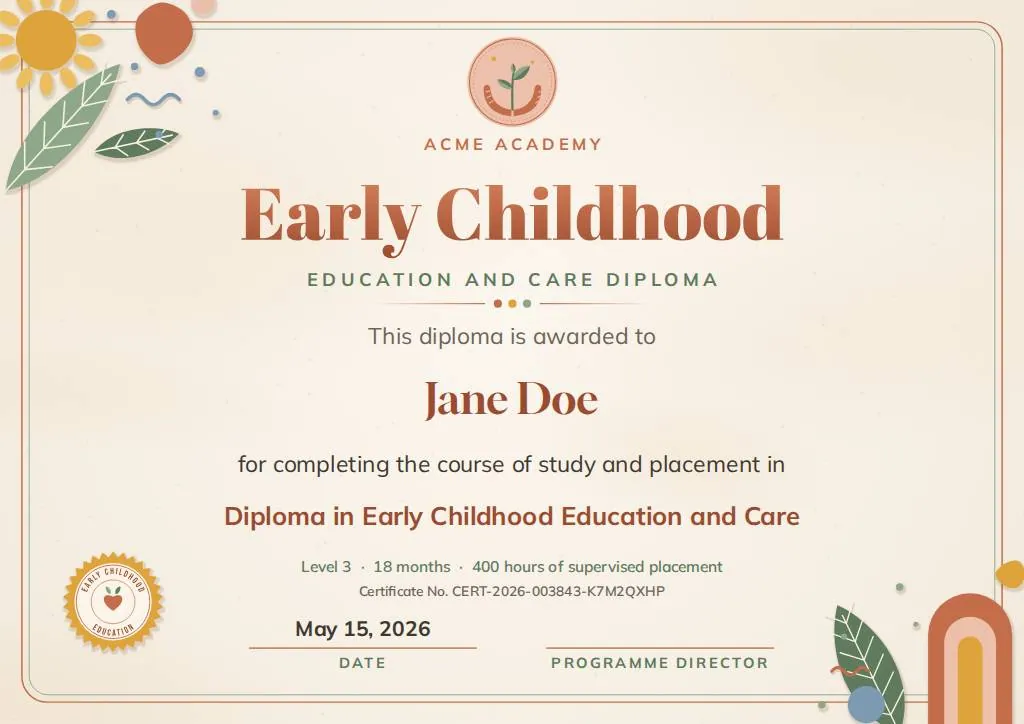
Cut Paper Early Childhood Education Diploma
Warm oat diploma with cut-paper leaves, sun and arches, a cupped-hands emblem and sunburst seal.
-
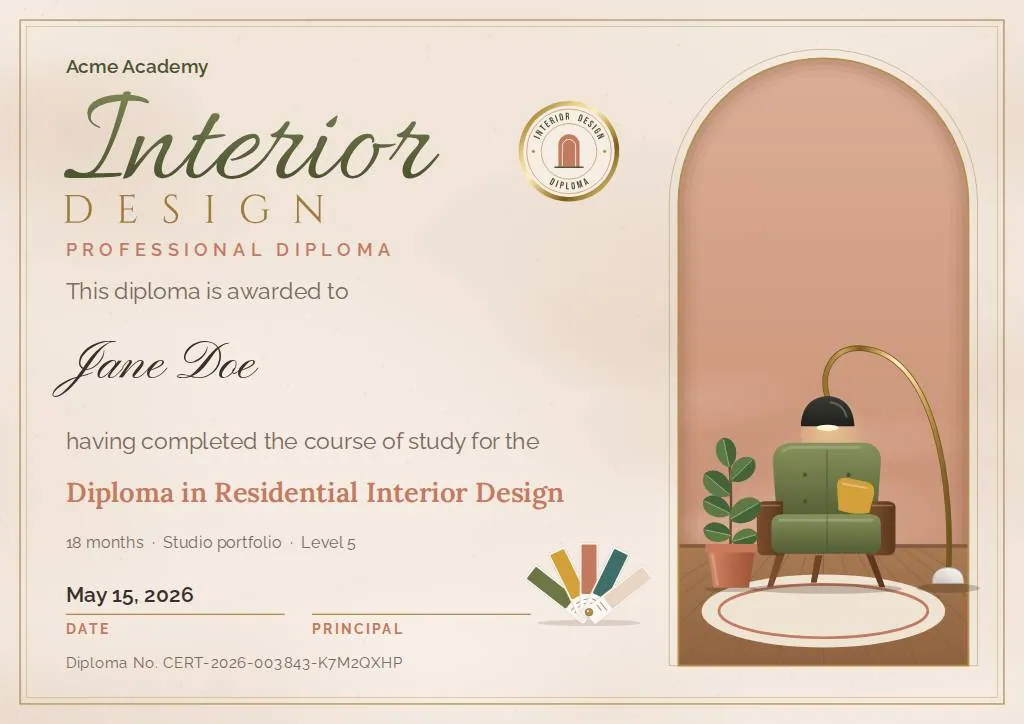
Plaster Arch Interior Design Diploma
Limewashed plaster, a terracotta arched niche with an armchair, arc lamp and fig tree.
-

Garnet Stole and Gold Tassel University-Style Commencement Keepsake Certificate
Garnet border, a gold-trimmed stole, a tassel with an editable year charm and a gold seal.
-

Teal and Tangerine Tossed Caps High School Equivalency Adult Graduation Certificate
A slanted teal block with tossed caps and a slab GRADUATE headline, books and a rosette.
-
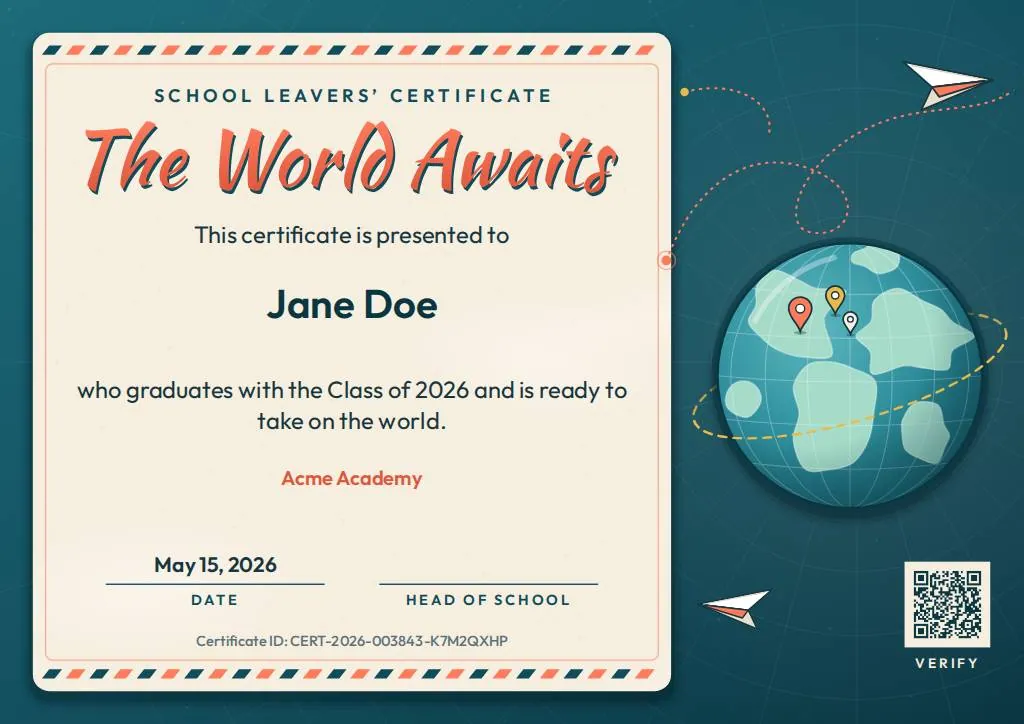
Paper Planes and Globe International School Leavers Certificate
Deep teal and coral leavers' certificate with a globe, paper planes and airmail edging.
-
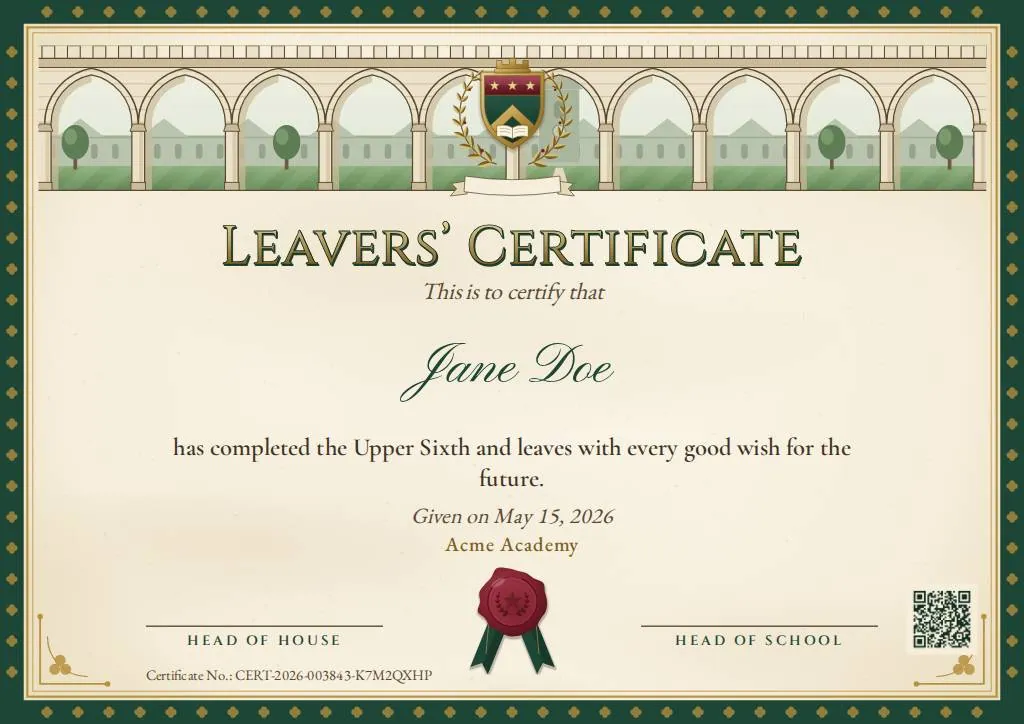
Cloister and Crest Bottle Green Independent School Leavers Certificate
Parchment leavers’ certificate with a gothic cloister, gold crest and oxblood wax seal.
-
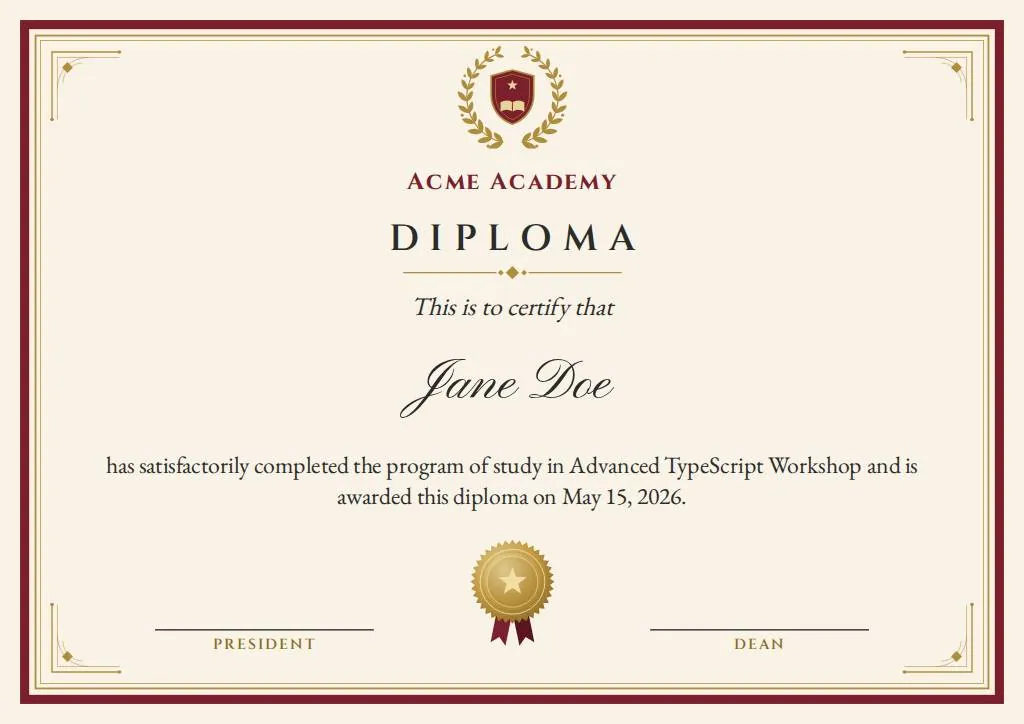
Burgundy and Gold Academic Diploma
Parchment diploma with a crest in a gold laurel, burgundy border and a gold seal.
-
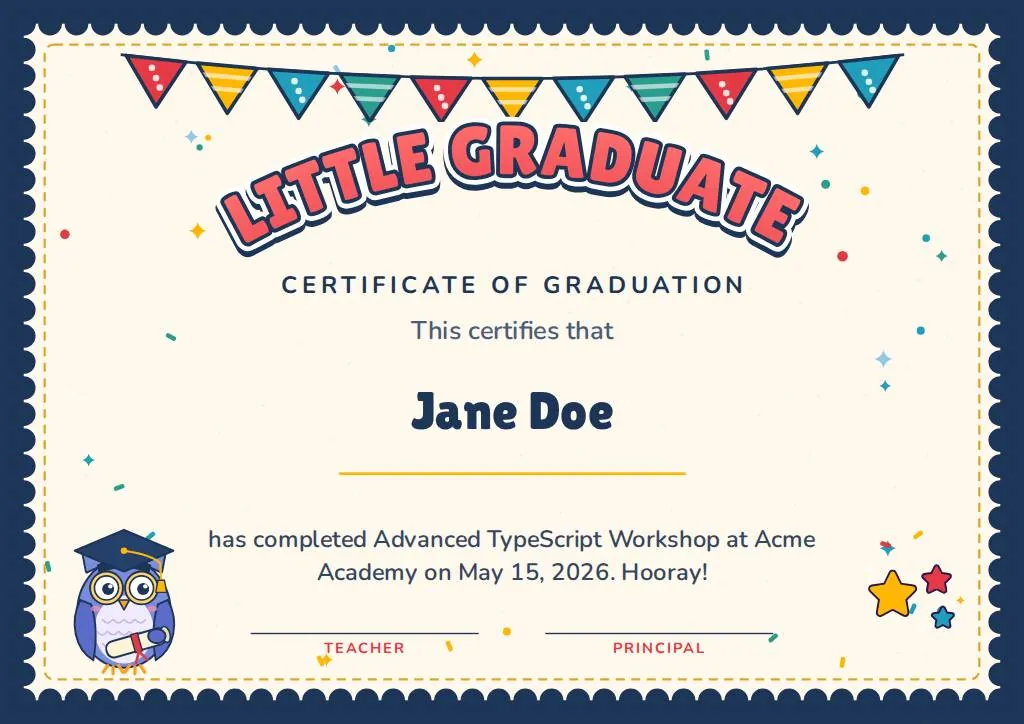
Little Graduate Kids Diploma
Preschool and kindergarten diploma with a graduate owl, bunting, confetti and a scalloped frame.
Issue your first credential today
Open this template in the CertSeal editor, customize in minutes, and send verifiable certificates your recipients can share anywhere.