Certificate template
Coach’s Award Team Spirit Sports Certificate of Recognition
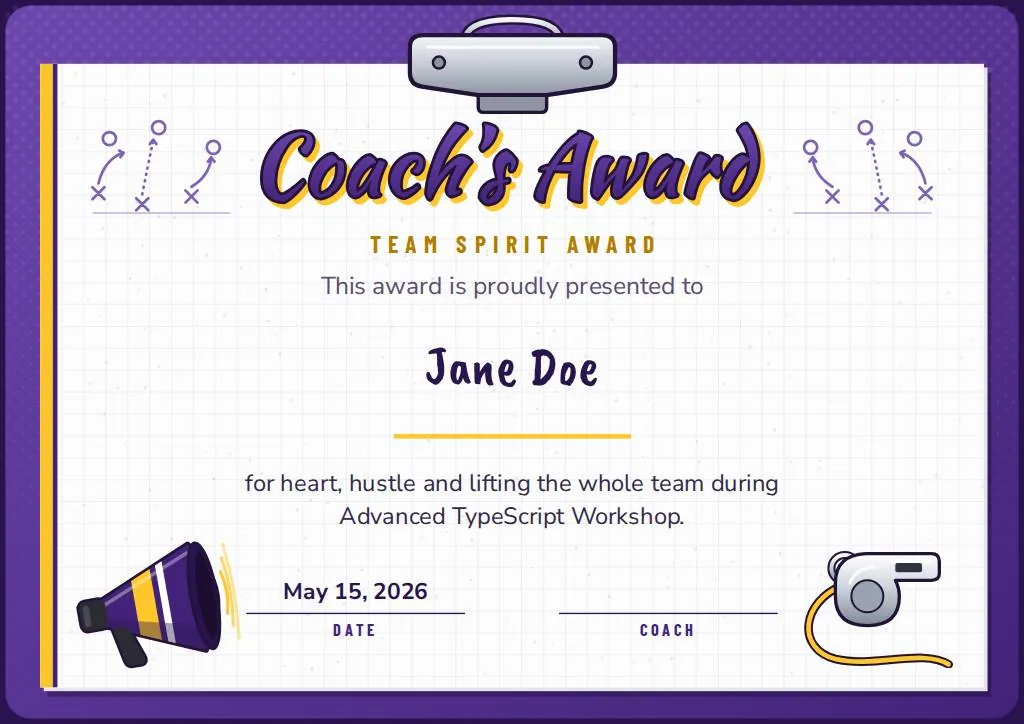
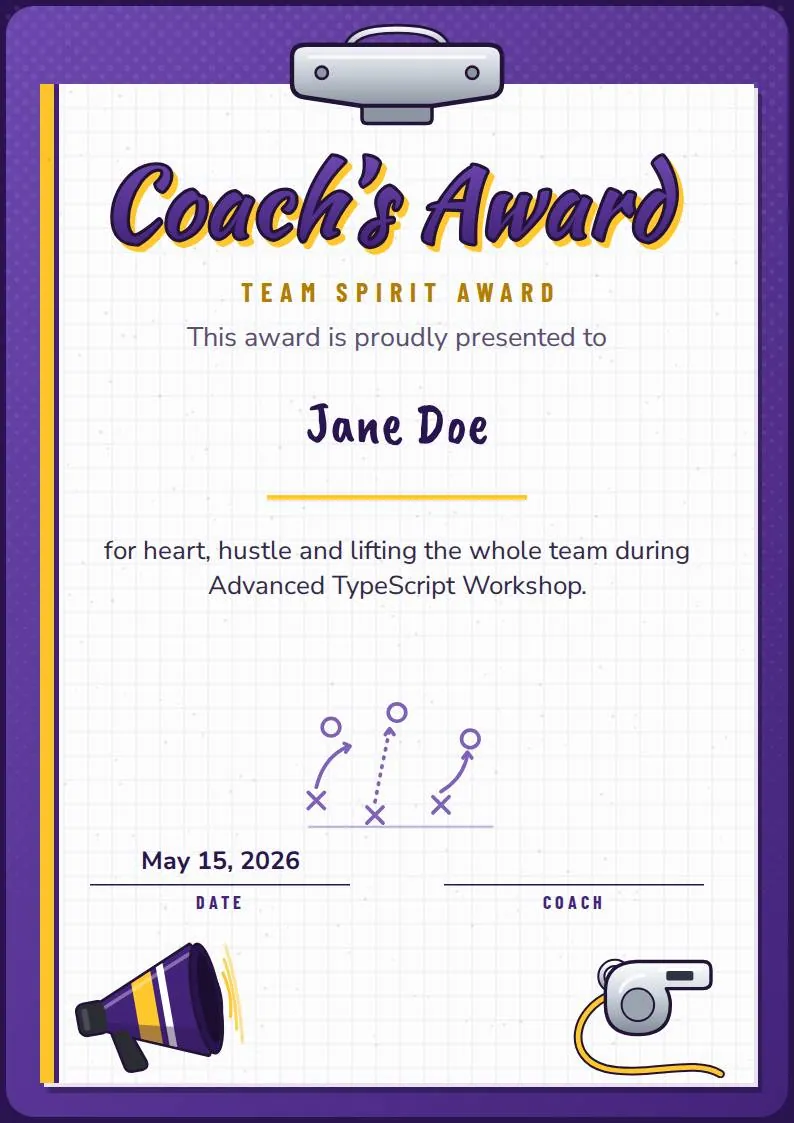
Purple and yellow clipboard certificate with a metal clip, a megaphone, a whistle and marker play diagrams.
Free to customize. Issue verifiable credentials with a CertSeal account.
About this template
When to reach for it
A coach’s clipboard turned into a certificate: a sheet of playbook paper with a faint grid and a team-coloured edge is held by a metal clip on a purple board, with marker Xs, Os and arrows sketched in the corners, a striped megaphone and a whistle on a lanyard, under a brush-script "Coach’s Award" headline.
Made for team-spirit, most-improved, hardest-worker and coach’s choice awards in any sport, at any age. The clip, megaphone, whistle and play sketches are separate layers.
Wording
What the certificate says
Every line of text on this template, top to bottom. Highlighted parts fill in for each recipient, and you can reword any line in the editor.
- TEAM SPIRIT AWARD
- This award is proudly presented to
- Recipient name
- for heart, hustle and lifting the whole team during Course or achievement.
- Date
- DATE · COACH
Typography
Fonts used in this template
Swap, mix, or replace any of these in the editor — every CertSeal template ships with 1,000+ Google Fonts plus your own brand uploads.
-
Font family
Barlow Condensed
Barlow Condensed
-
Font family
Caveat Brush
Caveat Brush
-
Font family
Nunito Sans
Nunito Sans
Color palette
Colors used in this template
The five most prominent colors sampled straight from the rendered design. Recolor any of them in the editor to match your brand.
-
#fbfbfb
-
#452777
-
#6a46a8
-
#cec9e9
-
#d8a940
How to use it
From template to issued credential in four steps
- 01
Open the template
Click "Use this template" to open the Coach’s Award Team Spirit Sports Certificate of Recognition in the CertSeal editor, or customize it free without signing up.
- 02
Fill in the details
- Recipient name
- Course or achievement
- Date
Type these in, or upload a spreadsheet to make one for every recipient.
- 03
Add your brand
Swap the Barlow Condensed, Caveat Brush and Nunito Sans fonts and the colors, and add your logo.
- 04
Issue & verify
Generate PDFs and verifiable links your recipients can share anywhere.
More templates
You might also like
-
Football Matchday Sports Award Certificate
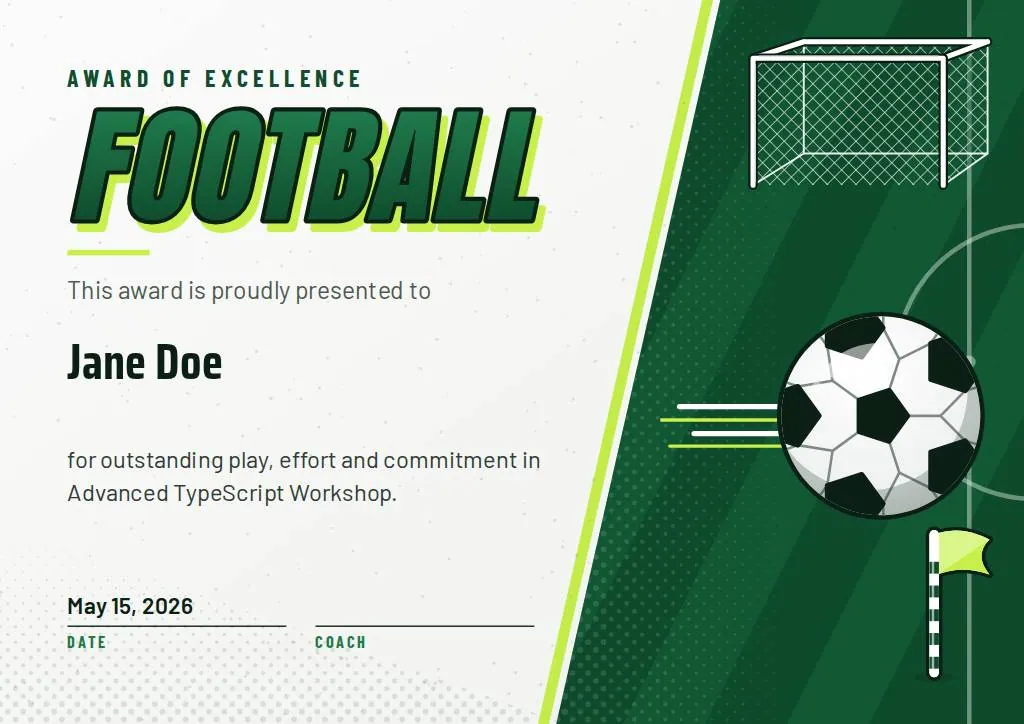
Green and white football (soccer) award with a striped pitch panel, a classic ball, a goal net and a corner flag.
-

Team MVP Gold Sports Award Certificate
Black and gold Most Valuable Player award with a foil trophy, a laurel wreath, stars and art-deco corners.
-
Clay Court Tennis Award Certificate
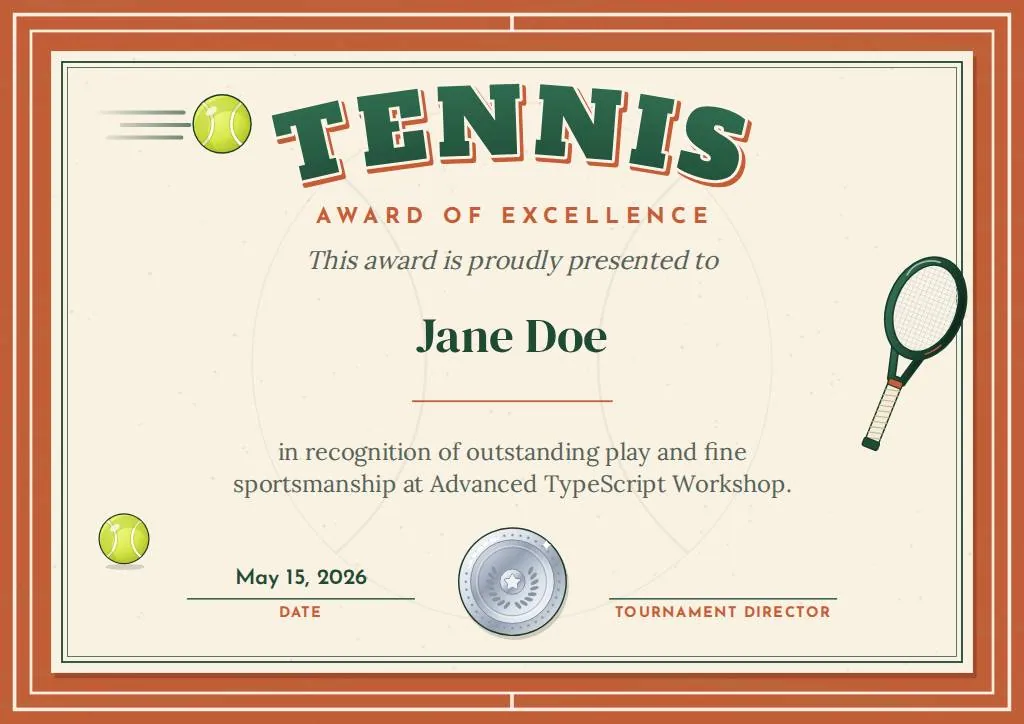
Tennis award on a cream card framed by a clay court with white lines, a racket, balls and a silver plate.
-

Country Club Golf Award Certificate
Formal golf award with an argyle band, rolling fairways, a flag-and-green vignette, crossed clubs and a gold seal.
-
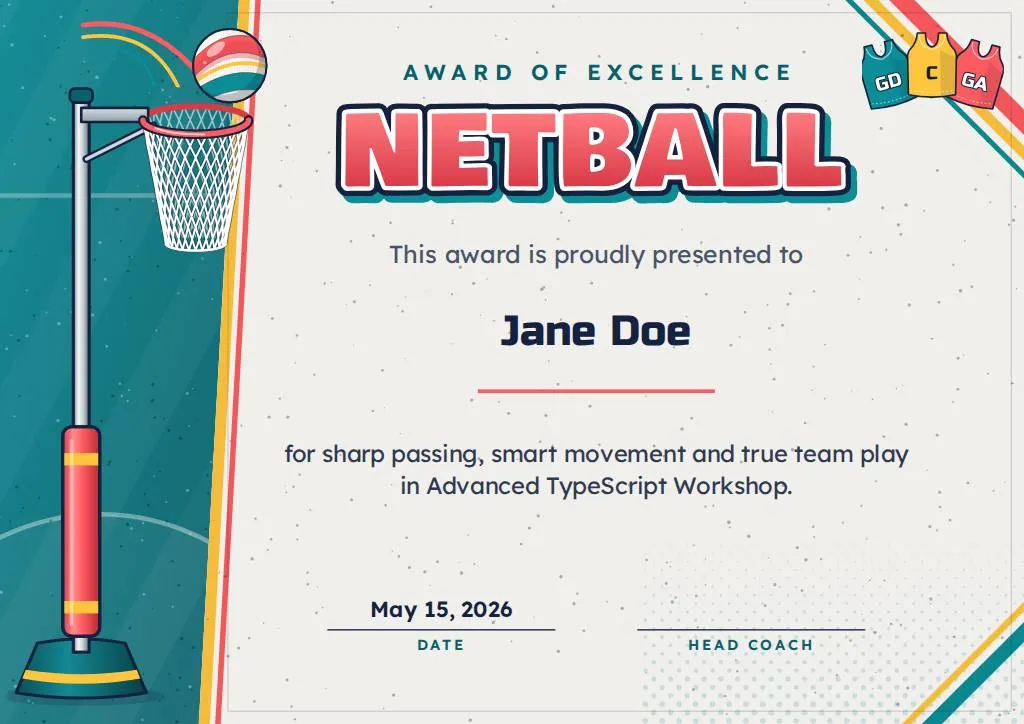
Netball Court Sports Award Certificate
Bright netball award with a teal court panel, a padded post and ring, a ball and GA, C and GD bibs.
-
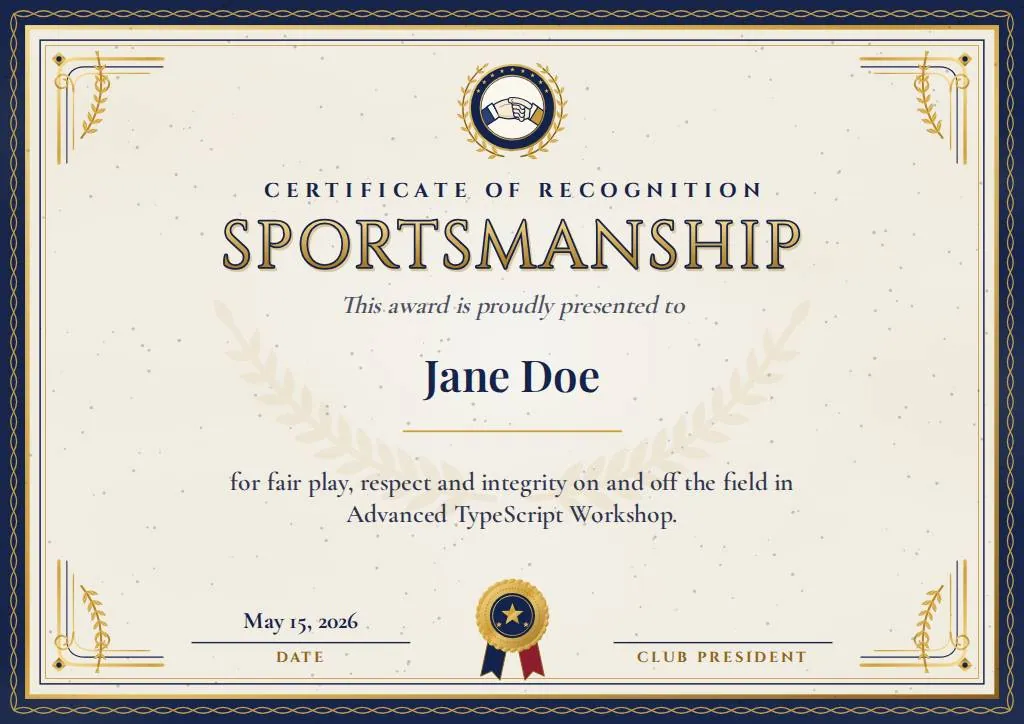
Sportsmanship Laurel Sports Certificate of Recognition
Classic navy, ivory and gold sportsmanship award with a handshake roundel, laurel wreath and seal.
-
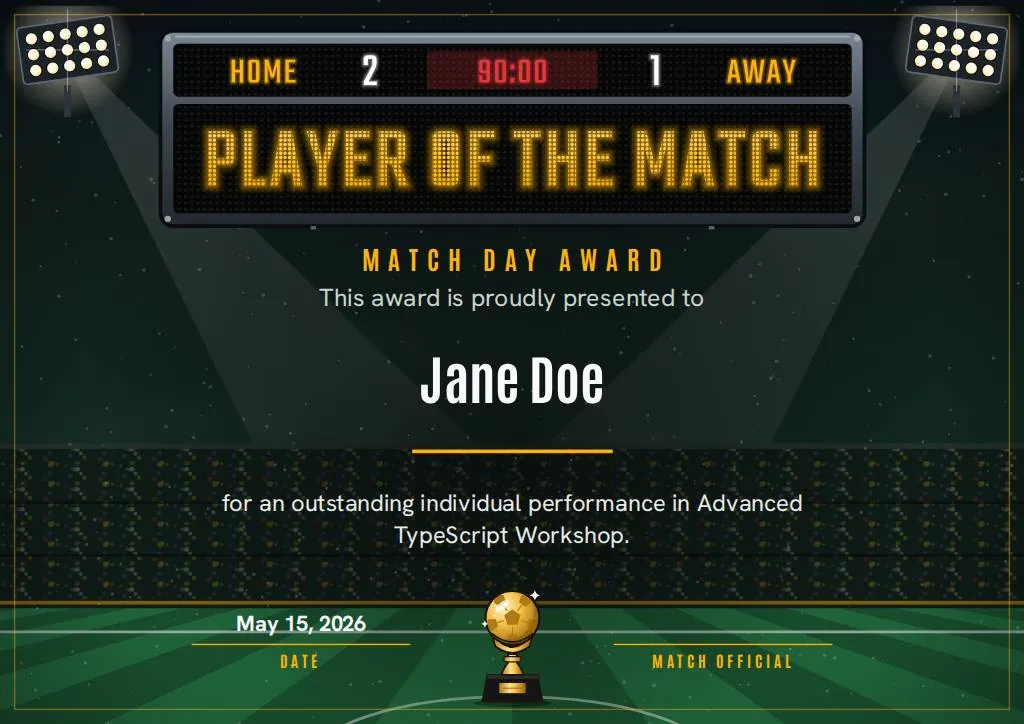
Player of the Match Stadium Sports Award Certificate
Night-stadium player of the match award with an LED scoreboard headline, floodlights and a gold ball trophy.
-

Modern White and Green Certificate of Excellence
A clean, modern portrait template with bold green typography and geometric shapes for recognizing outstanding achievement.
Issue your first credential today
Open this template in the CertSeal editor, customize in minutes, and send verifiable certificates your recipients can share anywhere.