Certificate template
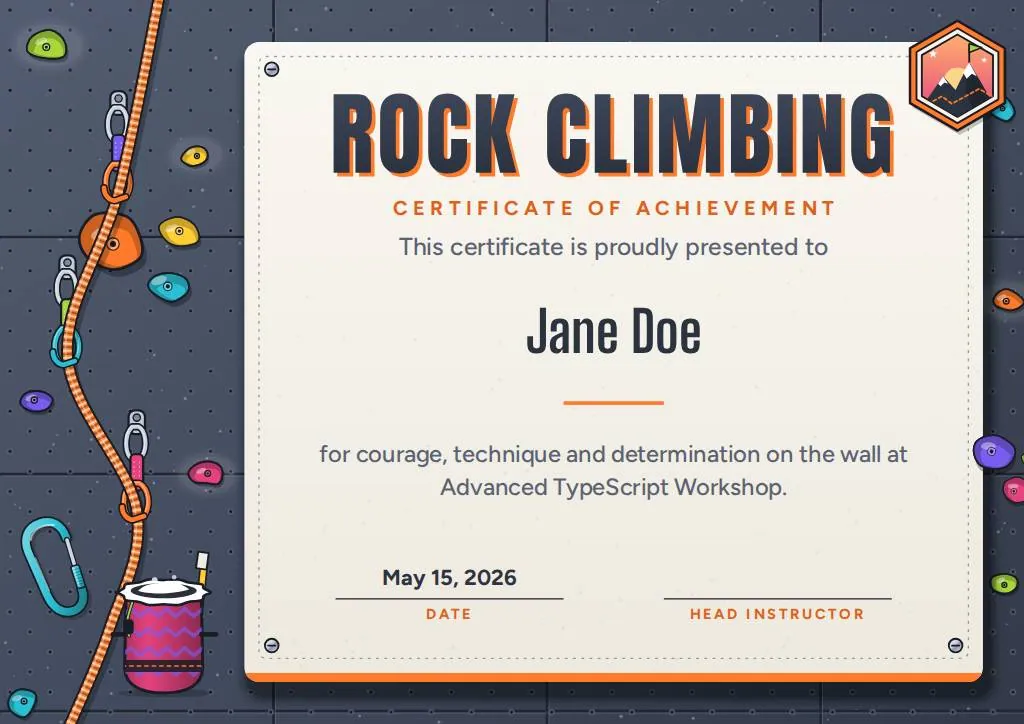
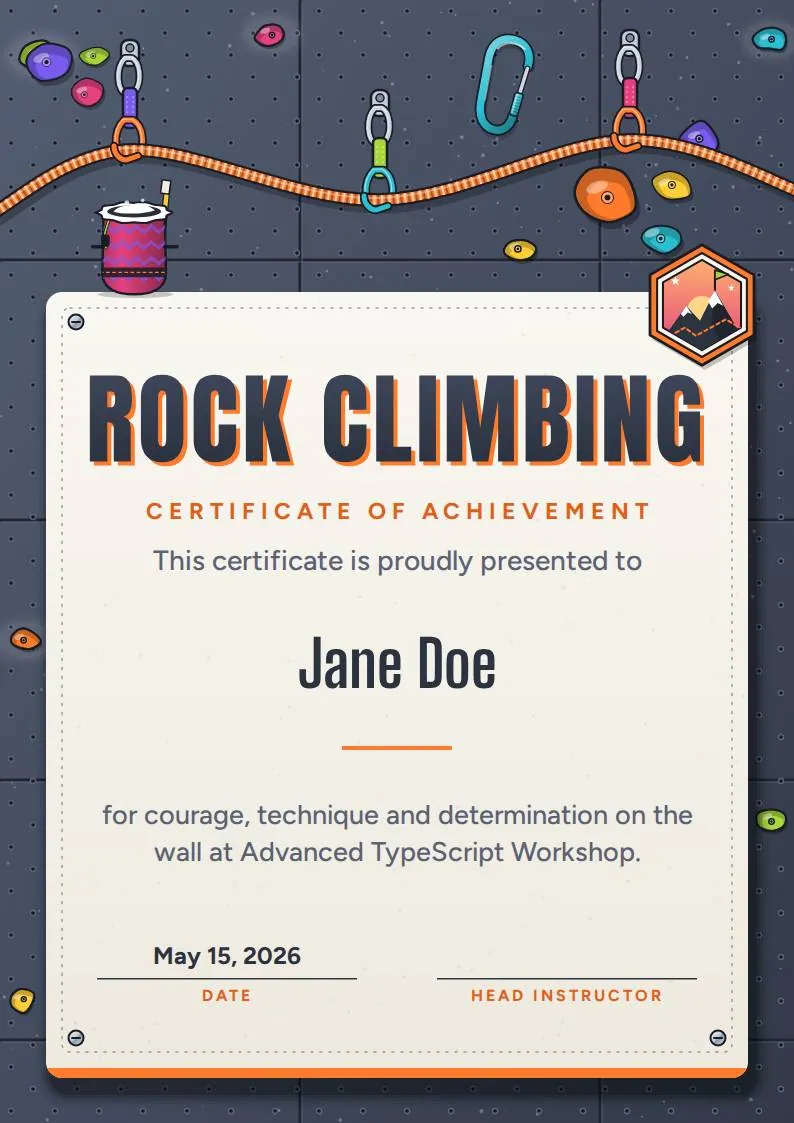
Climbing Wall Certificate of Achievement
Climbing certificate on a route board bolted to a slate wall with colourful holds, a rope, quickdraws and a carabiner.
Free to customize. Issue verifiable credentials with a CertSeal account.
About this template
When to reach for it
An indoor-wall climbing certificate: the text sits on a chalk-white route board screwed onto a slate plywood wall with T-nut holes, chalk smudges and bright resin holds. A rope runs through three quickdraws, and a locking carabiner, a chalk bag, a cluster of holds and a hexagonal summit badge are layered on top.
Made for climbing gyms, bouldering centres, belay courses, youth climbing clubs and outdoor programmes. Put the course, grade or competition in the course field. The rope, carabiner, chalk bag, holds and badge are separate layers.
Wording
What the certificate says
Every line of text on this template, top to bottom. Highlighted parts fill in for each recipient, and you can reword any line in the editor.
- CERTIFICATE OF ACHIEVEMENT
- This certificate is proudly presented to
- Recipient name
- for courage, technique and determination on the wall at Course or achievement.
- Date
- DATE · HEAD INSTRUCTOR
Typography
Fonts used in this template
Swap, mix, or replace any of these in the editor — every CertSeal template ships with 1,000+ Google Fonts plus your own brand uploads.
-
Font family
Big Shoulders Display
Big Shoulders Display
-
Font family
Figtree
Figtree
Color palette
Colors used in this template
The five most prominent colors sampled straight from the rendered design. Recolor any of them in the editor to match your brand.
-
#f6f3ea
-
#4b5467
-
#c8c7c6
-
#fcba8d
-
#262c3a
How to use it
From template to issued credential in four steps
- 01
Open the template
Click "Use this template" to open the Climbing Wall Certificate of Achievement in the CertSeal editor, or customize it free without signing up.
- 02
Fill in the details
- Recipient name
- Course or achievement
- Date
Type these in, or upload a spreadsheet to make one for every recipient.
- 03
Add your brand
Swap the Big Shoulders Display and Figtree fonts and the colors, and add your logo.
- 04
Issue & verify
Generate PDFs and verifiable links your recipients can share anywhere.
More templates
You might also like
-
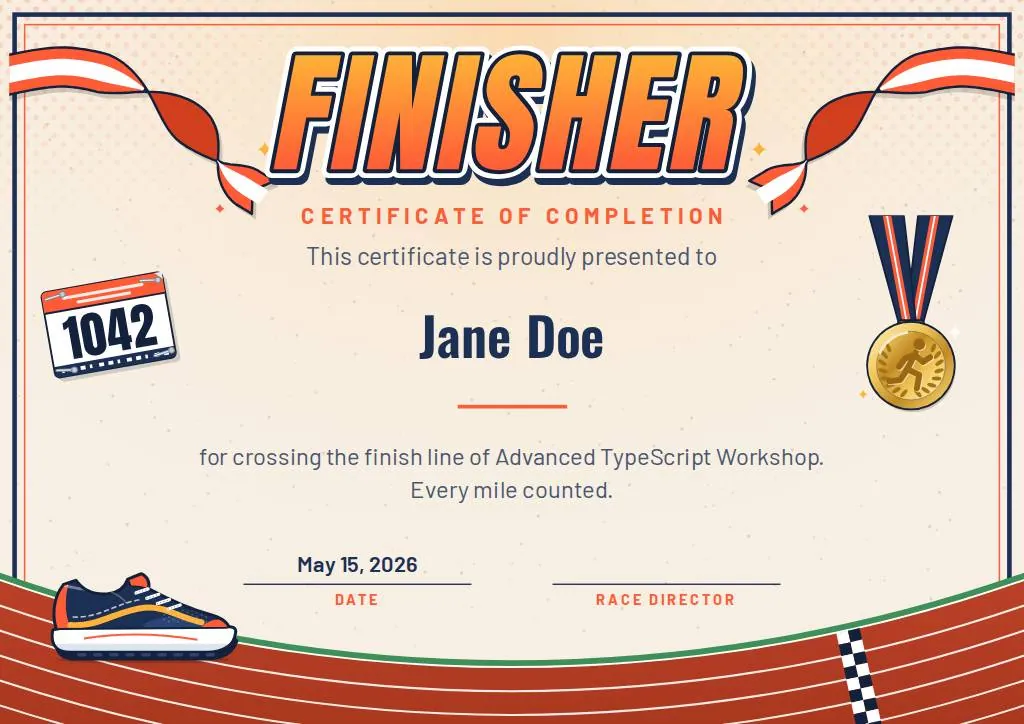
Marathon Finisher Certificate of Completion
Race-day finisher certificate with a curved running track, a broken finish tape, a gold medal and a race bib.
-
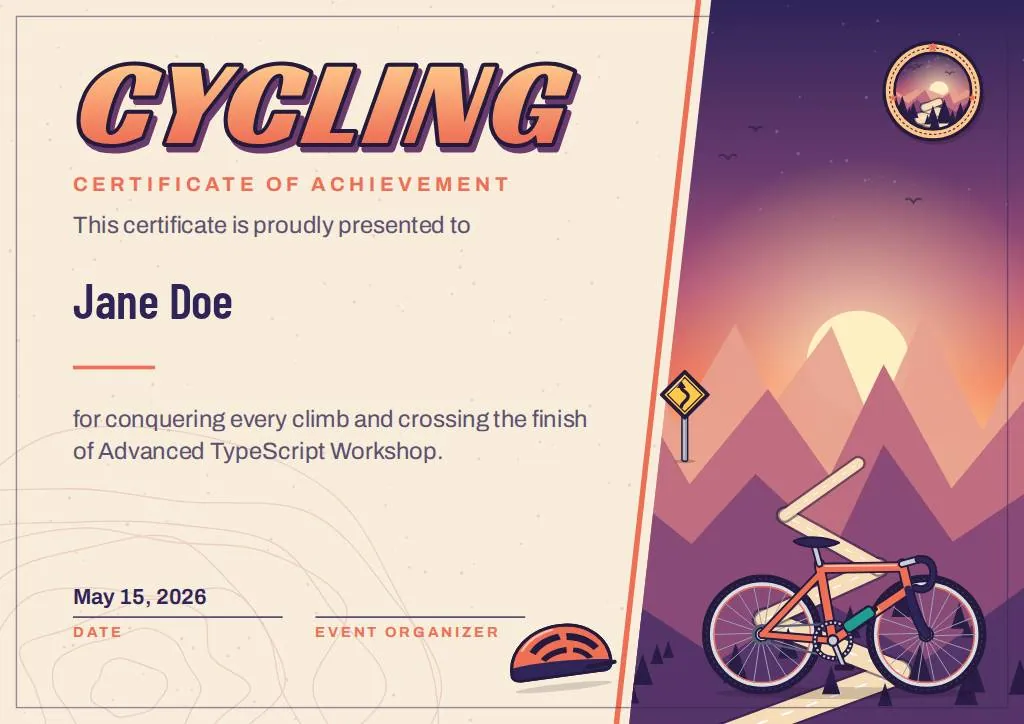
Mountain Road Cycling Certificate of Achievement
Cycling certificate with a sunset mountain panel, a switchback road, a road bike, a helmet and a ride badge.
-
Sunset Surf Certificate of Achievement
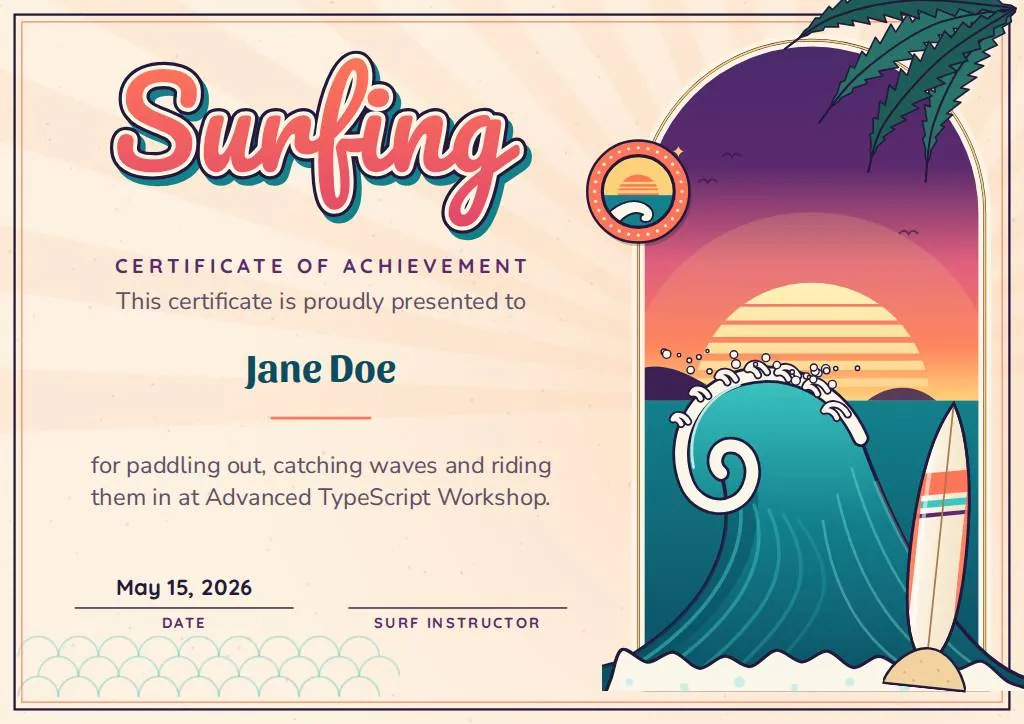
Retro surf certificate with an arched sunset window, a striped sun, a big curling wave, a longboard and palm fronds.
-
Route Line Triathlon Certificate of Completion
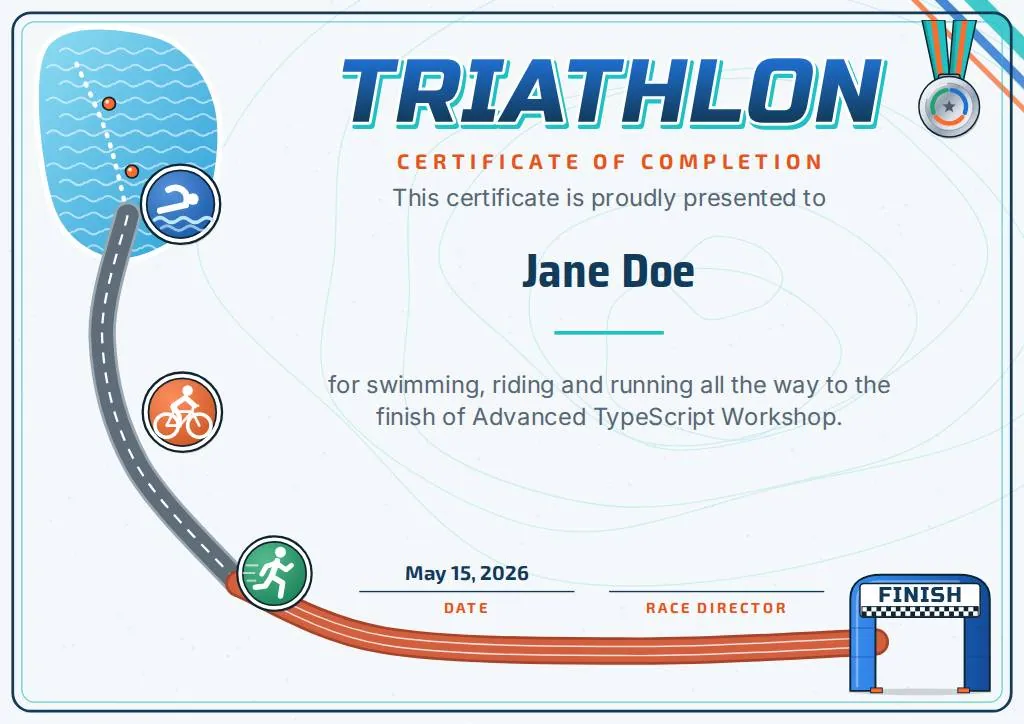
Triathlon finisher certificate with a swim, bike and run route on a race map, discipline badges and a finish arch.
-

Blue Modern Certificate of Completion
A clean, modern completion certificate featuring soft blue abstract blob shapes on a white background with bold typography.
-
Green and Gold Modern Leadership Achievement Certificate
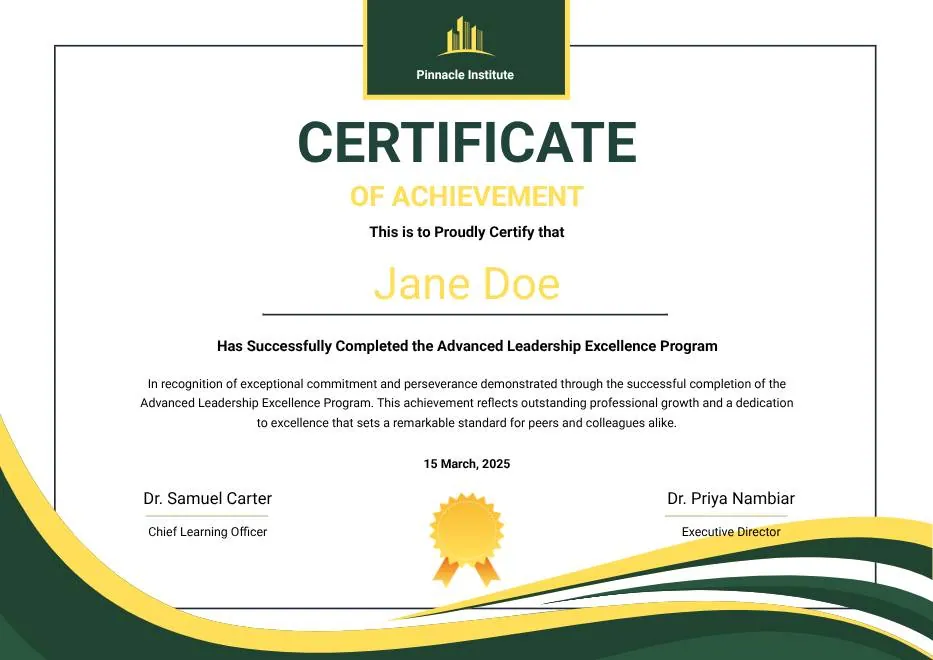
A clean, modern portrait certificate in dark green and gold for recognizing program completions and professional achievements.
-

Green Gold and White Modern Excellence Certificate
A sleek, modern certificate featuring deep green and gold accents with a bold medal emblem, ideal for professional recognition.
-

Teal Watercolor Elegant Certificate of Excellence
A modern, airy portrait certificate with soft teal watercolor accents, script recipient name, and dual signature lines.
Issue your first credential today
Open this template in the CertSeal editor, customize in minutes, and send verifiable certificates your recipients can share anywhere.