Certificate template
Oak Framed Chalkboard Cat Café Adoption Certificate
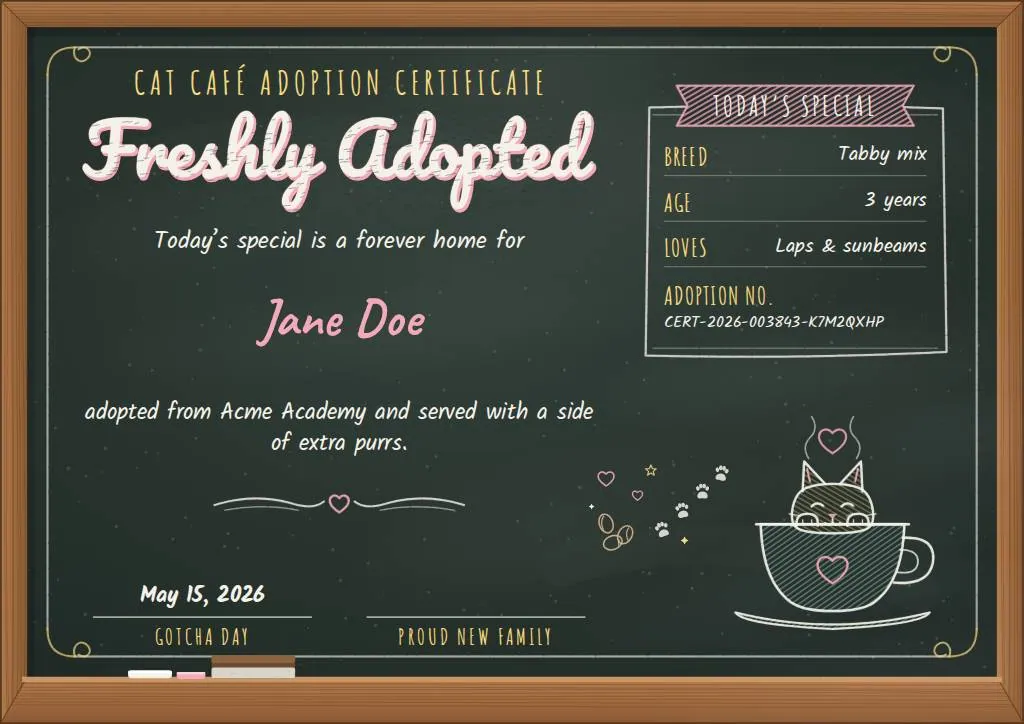
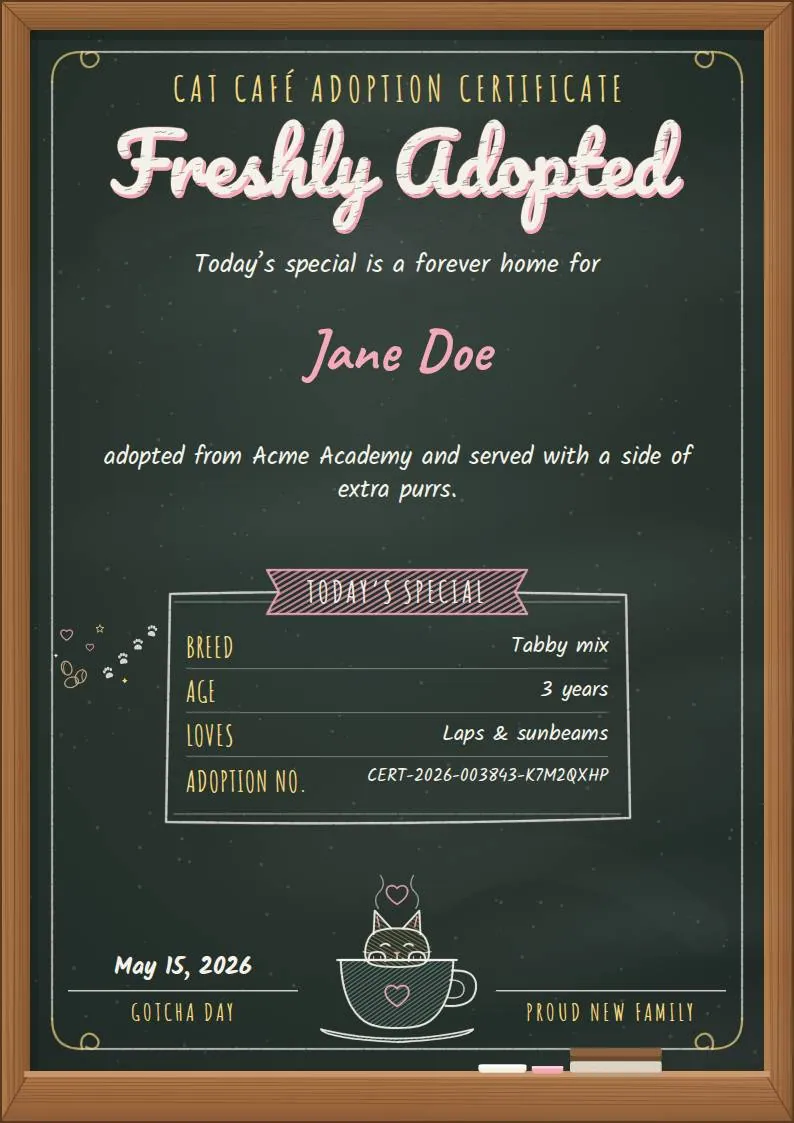
Café chalkboard menu with a cat peeking from a latte cup and a "today’s special" box.
Free to customize. Issue verifiable credentials with a CertSeal account.
About this template
When to reach for it
An adoption certificate written up like the specials board at a cat café. An oak-framed chalkboard carries chalk lettering, a cat peeking out of a latte cup under a steam heart, coffee beans and paw prints, and a chalk menu box listing breed, age and favourite things, with chalk and an eraser on the ledge.
Perfect for cat cafés that rehome their resident cats. The cat’s name is hand-written in Caveat, the café or shelter goes in the issuer field, and the certificate ID prints as the adoption number in the menu box.
Wording
What the certificate says
Every line of text on this template, top to bottom. Highlighted parts fill in for each recipient, and you can reword any line in the editor.
- CAT CAFÉ ADOPTION CERTIFICATE · TODAY’S SPECIAL
- BREED
- Tabby mix
- AGE
- 3 years
- Today’s special is a forever home for
- Recipient name
- LOVES
- Laps & sunbeams
- ADOPTION NO.
- Certificate ID
- adopted from Issued by and served with a side of extra purrs.
- Date
- GOTCHA DAY · PROUD NEW FAMILY
Typography
Fonts used in this template
Swap, mix, or replace any of these in the editor — every CertSeal template ships with 1,000+ Google Fonts plus your own brand uploads.
-
Font family
Amatic SC
Amatic SC
-
Font family
Caveat
Caveat
-
Font family
Kalam
Kalam
Color palette
Colors used in this template
The five most prominent colors sampled straight from the rendered design. Recolor any of them in the editor to match your brand.
-
#2d3832
-
#97653c
-
#66533a
-
#b78256
-
#656b65
How to use it
From template to issued credential in four steps
- 01
Open the template
Click "Use this template" to open the Oak Framed Chalkboard Cat Café Adoption Certificate in the CertSeal editor, or customize it free without signing up.
- 02
Fill in the details
- Recipient name
- Issued by
- Date
Type these in, or upload a spreadsheet to make one for every recipient.
- 03
Add your brand
Swap the Amatic SC, Caveat and Kalam fonts and the colors, and add your logo.
- 04
Issue & verify
Generate PDFs and verifiable links your recipients can share anywhere. Each certificate is printed with its own ID.
More templates
You might also like
-
Confetti and Balloons Gotcha Day Pet Adoption Certificate
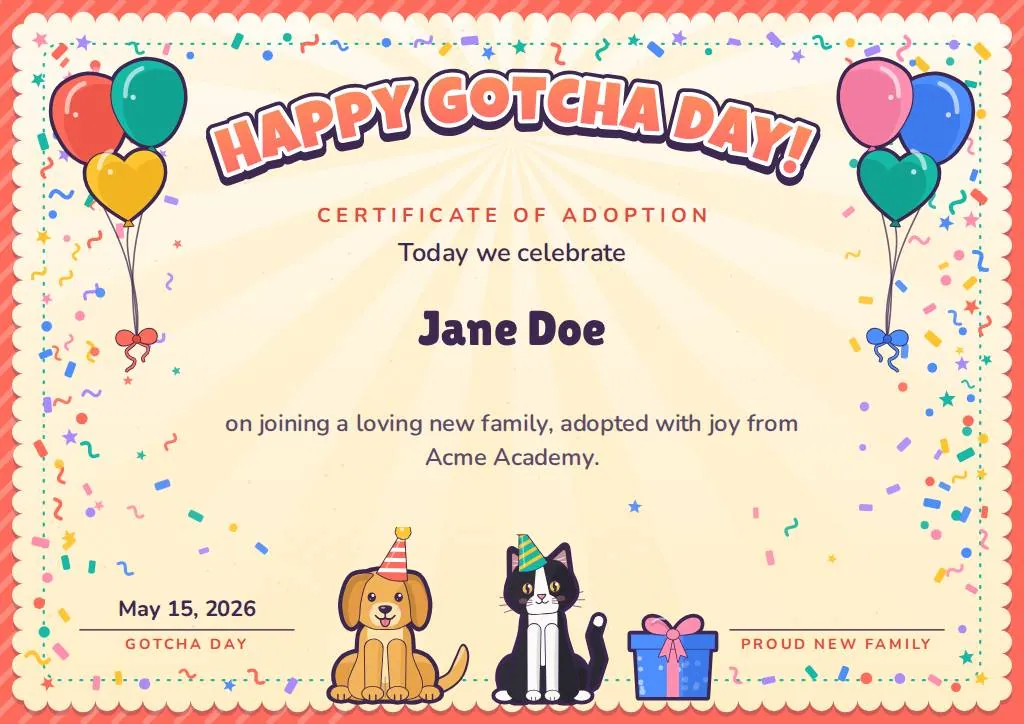
Party-bright adoption certificate with balloons, confetti and a dog and cat in party hats.
-
Sage and Terracotta Forever Home Pet Adoption Certificate
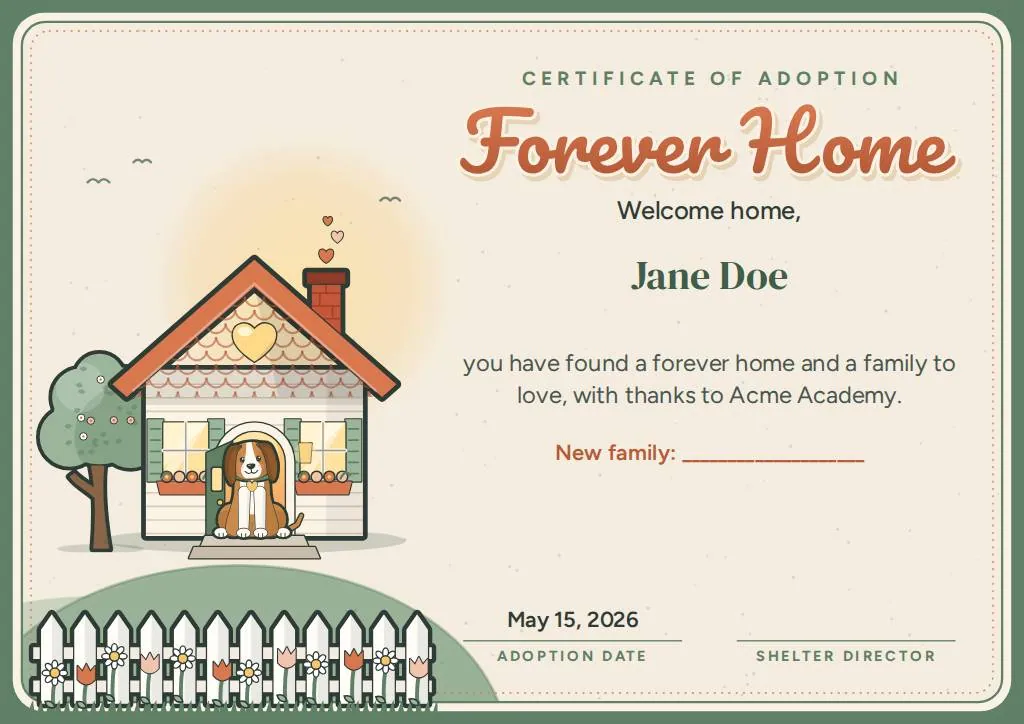
Storybook cottage with a heart in the gable and a beagle waiting in the open doorway.
-
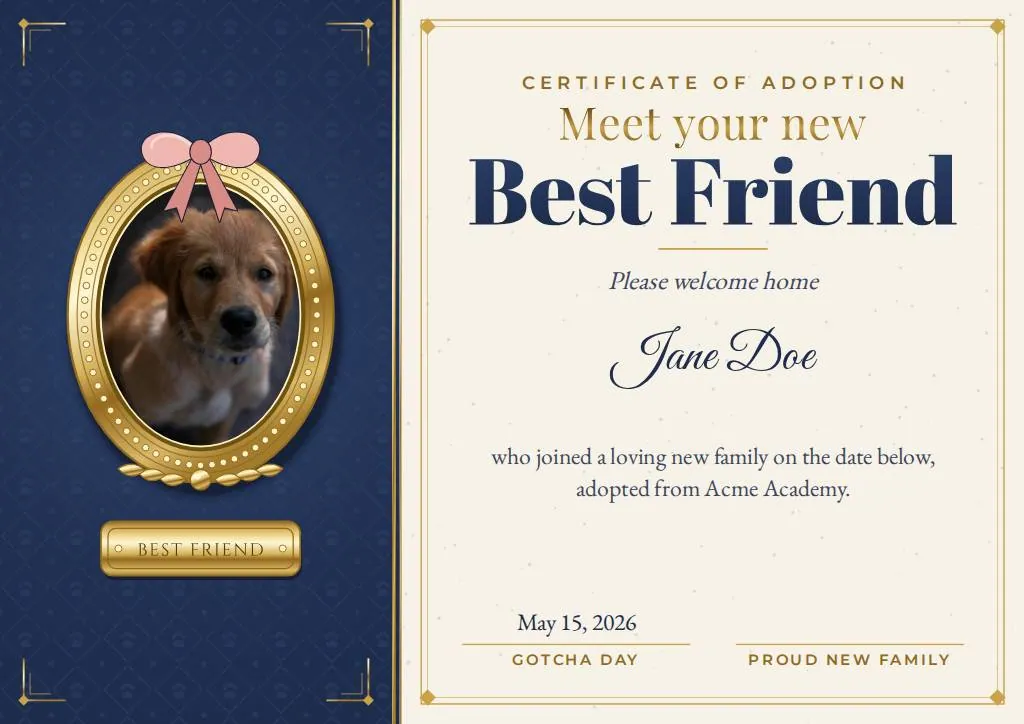
Navy and Gold Best Friend Photo Portrait Pet Adoption Certificate
Gilded oval portrait of a golden puppy on a navy damask wall, with a brass plaque.
-
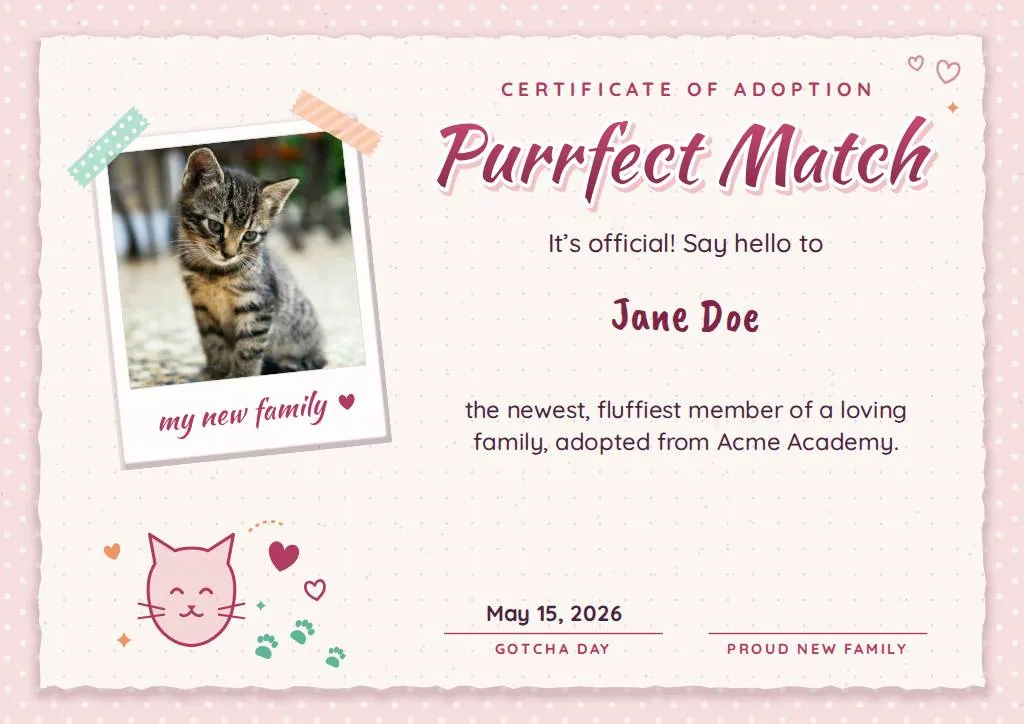
Blush Scrapbook Purrfect Match Cat Adoption Certificate
Scrapbook page with a taped instant photo of a tabby kitten and berry doodles.
-
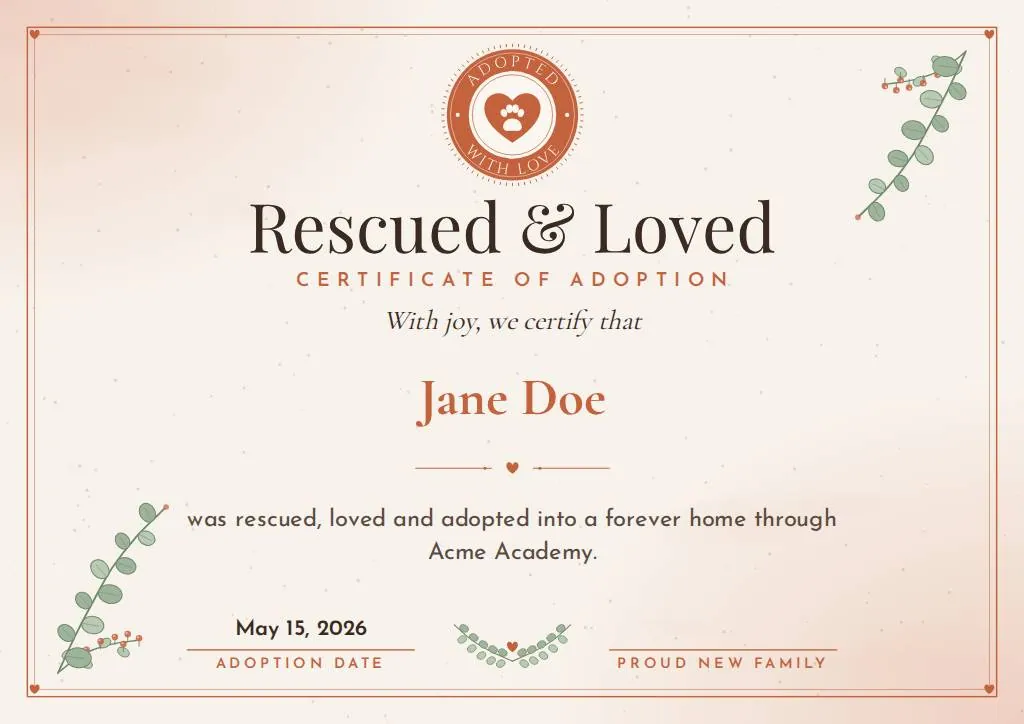
Terracotta Rescue Love Badge Pet Adoption Certificate
Calm, minimal certificate with a round heart-and-paw rescue badge and eucalyptus.
-
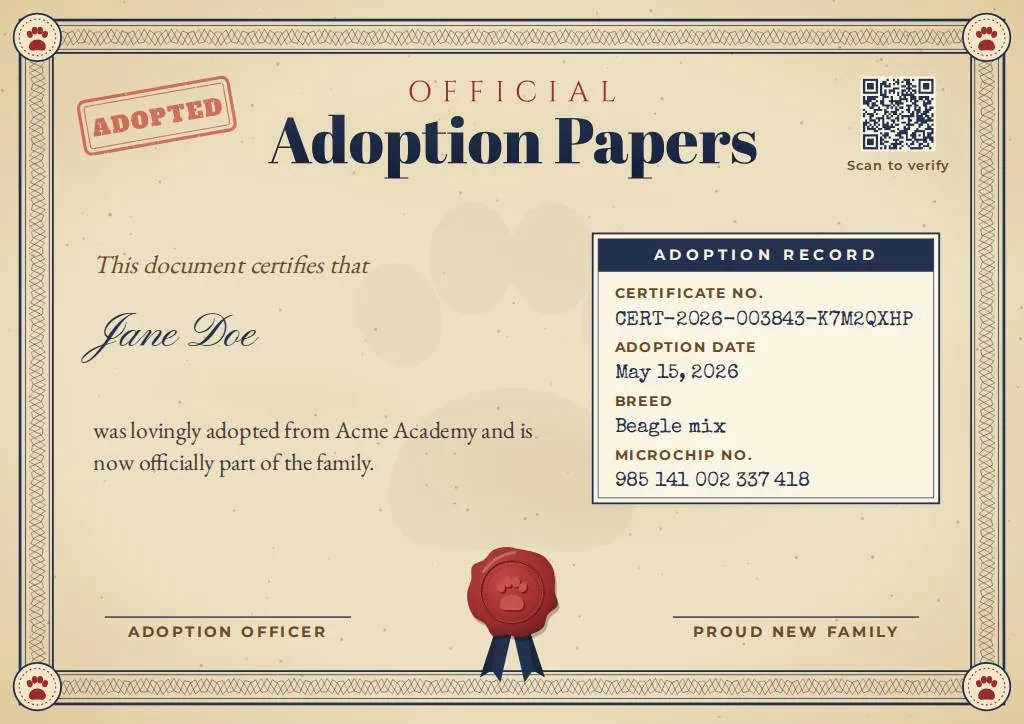
Vintage Parchment Official Adoption Papers Pet Adoption Certificate
Playful vintage document with a guilloche border, typed record, stamp and paw wax seal.
-
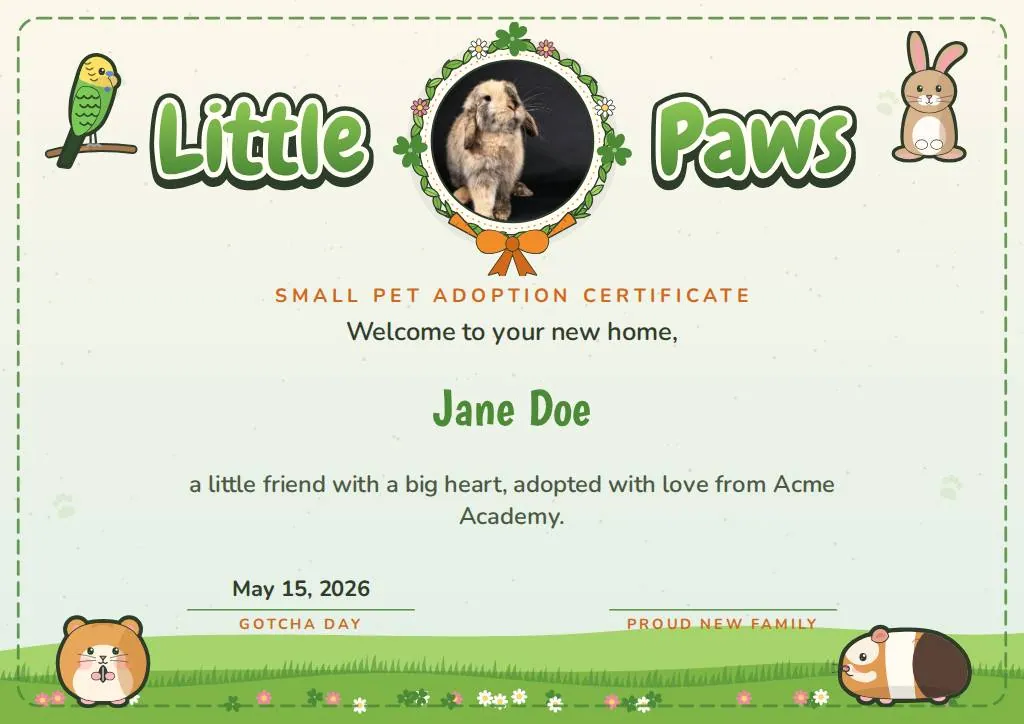
Spring Meadow Little Paws Small Pet Adoption Certificate
Rabbit photo in a leafy carrot wreath, with a hamster, guinea pig, budgie and bunny.
-
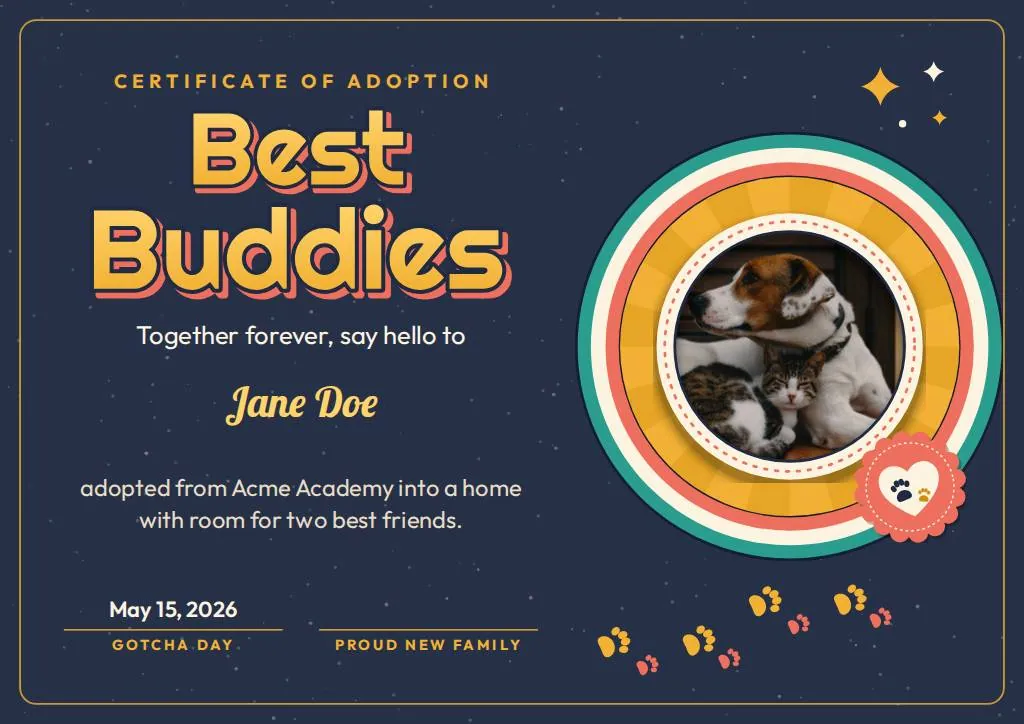
Navy and Mustard Retro Best Buddies Pet Adoption Certificate
Retro navy certificate with a dog-and-cat photo in a mustard sunburst and rainbow rings.
Issue your first credential today
Open this template in the CertSeal editor, customize in minutes, and send verifiable certificates your recipients can share anywhere.