Certificate template
Canicross Trail Finisher Dog Training Certificate
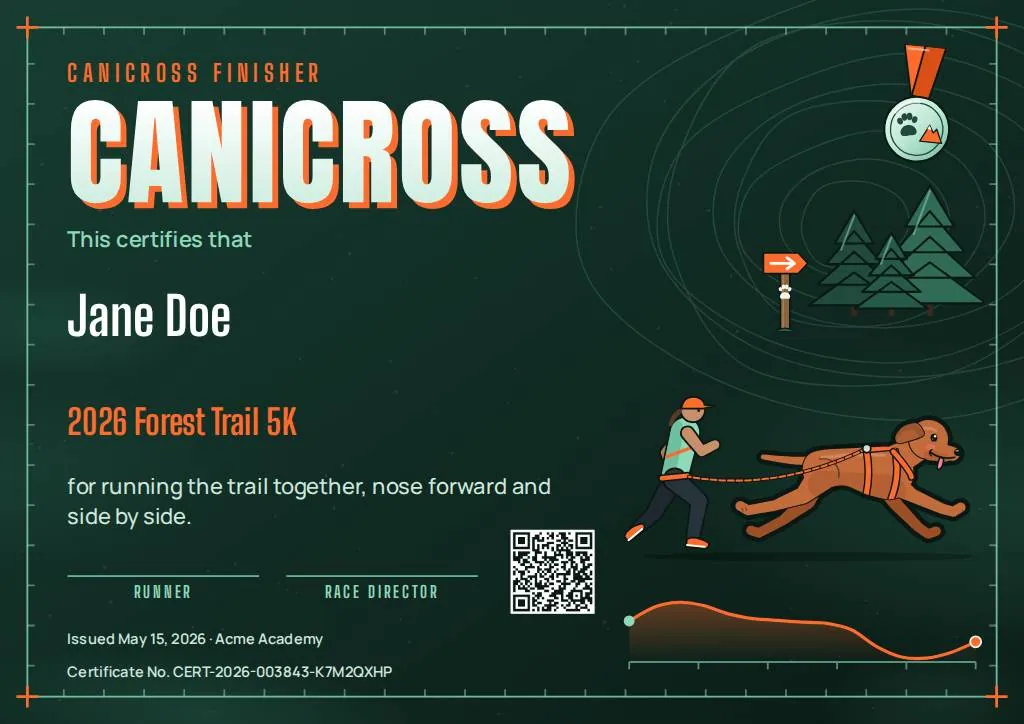
Dark forest canicross finisher certificate with a runner and vizsla on a bungee line and a topo map.
Free to customize. Issue verifiable credentials with a CertSeal account.
About this template
When to reach for it
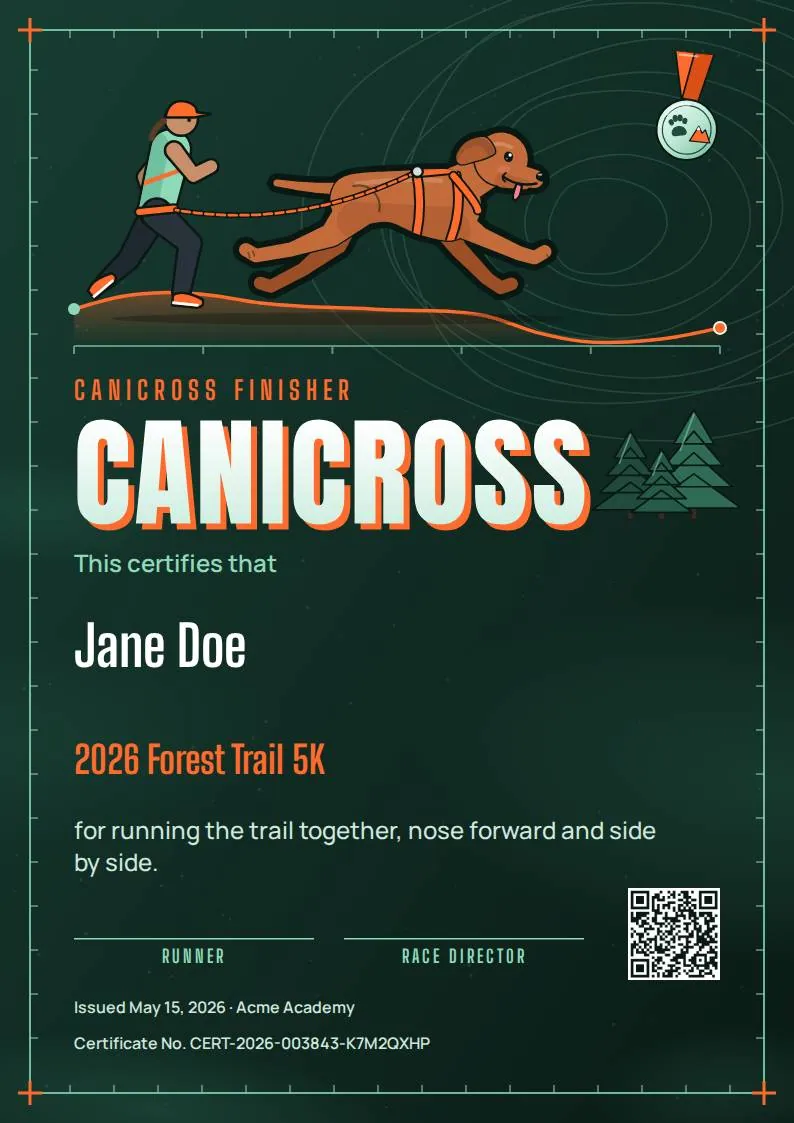
A trail-race finisher certificate for running with your dog: a runner and a vizsla in a harness race along on a bungee line, topographic contours and an orange elevation profile cross a night-forest map, and pines, a trail marker and a finisher medal frame a tall, condensed "Canicross" headline.
Made for canicross races, trail runs, dog-friendly 5K and 10K events and running-with-your-dog courses. The team, pines, marker and medal are separate layers you can move, resize or remove; the runner can sign their own line.
Wording
What the certificate says
Every line of text on this template, top to bottom. Highlighted parts fill in for each recipient, and you can reword any line in the editor.
- CANICROSS FINISHER
- This certifies that
- Recipient name
- Course or achievement
- for running the trail together, nose forward and side by side.
- RUNNER · RACE DIRECTOR
- Issued Date · Issued by
- Certificate No. Certificate ID
Typography
Fonts used in this template
Swap, mix, or replace any of these in the editor — every CertSeal template ships with 1,000+ Google Fonts plus your own brand uploads.
-
Font family
Big Shoulders Display
Big Shoulders Display
-
Font family
Manrope
Manrope
Color palette
Colors used in this template
The five most prominent colors sampled straight from the rendered design. Recolor any of them in the editor to match your brand.
-
#122b23
-
#295445
-
#463a26
-
#fbfefc
-
#75492a
How to use it
From template to issued credential in four steps
- 01
Open the template
Click "Use this template" to open the Canicross Trail Finisher Dog Training Certificate in the CertSeal editor, or customize it free without signing up.
- 02
Fill in the details
- Recipient name
- Course or achievement
- Date
- Issued by
Type these in, or upload a spreadsheet to make one for every recipient.
- 03
Add your brand
Swap the Big Shoulders Display and Manrope fonts and the colors, and add your logo.
- 04
Issue & verify
Generate PDFs and verifiable links your recipients can share anywhere. The QR code on this design opens each certificate's verification page. Each certificate is printed with its own ID.
More templates
You might also like
-
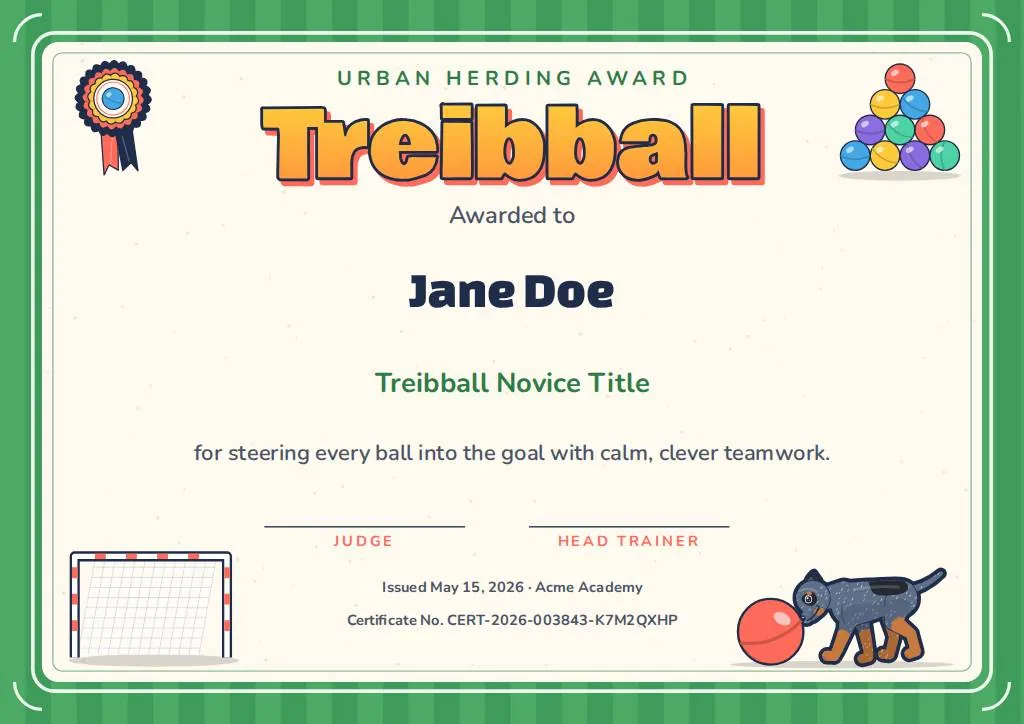
Treibball Urban Herding Dog Training Award
Playful pitch-green treibball award with a cattle dog nosing a big ball toward the goal.
-

Agility Champion Dog Training Award
Sporty show-ground award with a dalmatian clearing a jump, a tunnel, weave poles, cones and a winner rosette.
-

Circus Trick Dog Training Award
Circus-stage award with a Jack Russell balancing on a striped ball, velvet curtains, a hoop and gold stars.
-

Recall Star Dog Training Award
Postcard-style award with a springer spaniel racing across a meadow towards a training whistle and a gold star.
-

Good Manners Dog Training Certificate
Dapper emerald and gold Art Deco certificate with a dachshund in a bow tie posing in a gilded cameo.
-

Paw Print Elegant Dog Training Award Certificate
Navy and gold award with a paw-print border, gilded corners, a gold script headline and a paw rosette.
-

Geometric Husky Dog Training Certificate of Achievement
Dark modern certificate with a low-poly husky portrait in an ice-blue hexagon and a "Top of the Pack" headline.
-

Dog Park Off-Leash Dog Training Certificate of Achievement
Sunny dog-park certificate with a leaping dog silhouette, a frisbee, trees, a picket fence and a red hydrant.
Issue your first credential today
Open this template in the CertSeal editor, customize in minutes, and send verifiable certificates your recipients can share anywhere.