Certificate template
Assistance Dog in Training Progress Certificate
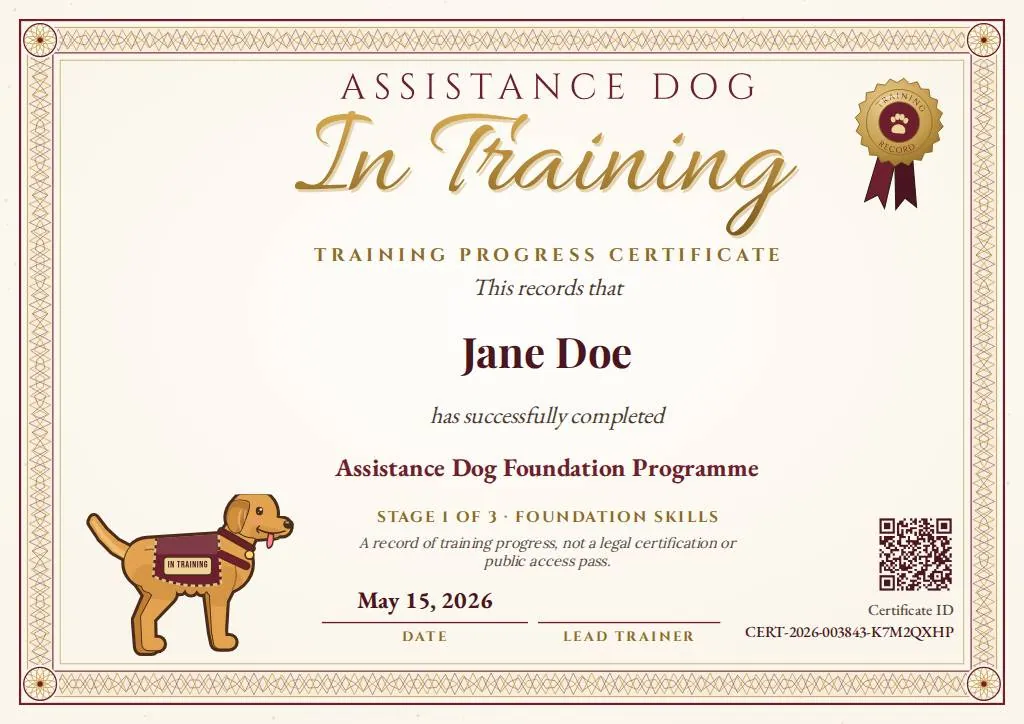
Burgundy and gold guilloche record with a Golden Retriever in a generic training vest.
Free to customize. Issue verifiable credentials with a CertSeal account.
About this template
When to reach for it
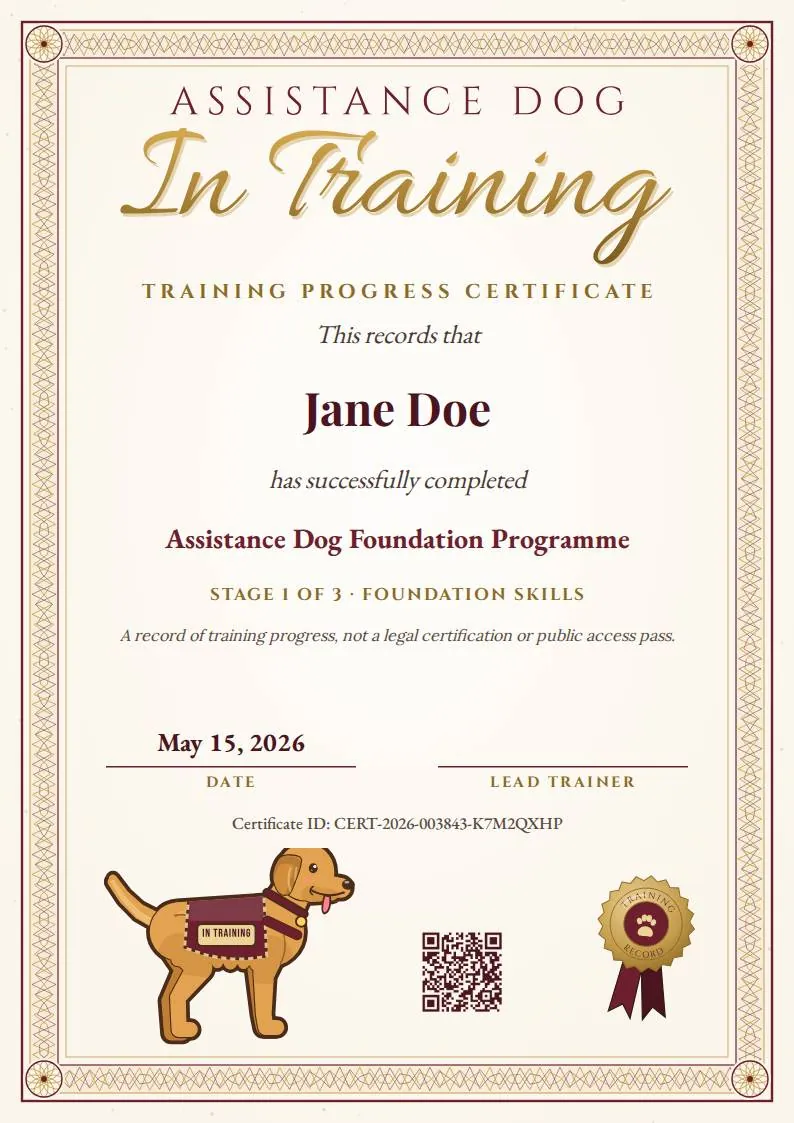
A formal progress record for assistance dogs in training: a burgundy and gold guilloche border with corner rosettes, "Assistance Dog" in spaced capitals over "In Training" in gold script, a Golden Retriever standing calmly in a plain burgundy training vest, and a gold "Training Record" seal. A line under the course states that it records training progress and is not a legal certification or public access credential.
Made for trainers and programmes that prepare assistance, service or support dogs and record each stage. The dog's name goes in the name line, the programme prints below it with an editable stage line, and a QR code and certificate ID let anyone check the record. The dog, seal and headline are separate layers.
Wording
What the certificate says
Every line of text on this template, top to bottom. Highlighted parts fill in for each recipient, and you can reword any line in the editor.
- TRAINING PROGRESS CERTIFICATE
- This records that
- Recipient name
- has successfully completed
- Course or achievement
- STAGE 1 OF 3 · FOUNDATION SKILLS
- A record of training progress, not a legal certification or public access pass.
- Date
- DATE
- Certificate ID
- Certificate ID
- LEAD TRAINER
Typography
Fonts used in this template
Swap, mix, or replace any of these in the editor — every CertSeal template ships with 1,000+ Google Fonts plus your own brand uploads.
-
Font family
Cinzel
Cinzel
-
Font family
EB Garamond
EB Garamond
-
Font family
Lora
Lora
-
Font family
Playfair Display
Playfair Display
Color palette
Colors used in this template
The five most prominent colors sampled straight from the rendered design. Recolor any of them in the editor to match your brand.
-
#fdfaf4
-
#e7d7c6
-
#d89848
-
#d9c399
-
#987778
How to use it
From template to issued credential in four steps
- 01
Open the template
Click "Use this template" to open the Assistance Dog in Training Progress Certificate in the CertSeal editor, or customize it free without signing up.
- 02
Fill in the details
- Recipient name
- Course or achievement
- Date
Type these in, or upload a spreadsheet to make one for every recipient.
- 03
Add your brand
Swap the Cinzel, EB Garamond, Lora and Playfair Display fonts and the colors, and add your logo.
- 04
Issue & verify
Generate PDFs and verifiable links your recipients can share anywhere. The QR code on this design opens each certificate's verification page. Each certificate is printed with its own ID.
More templates
You might also like
-
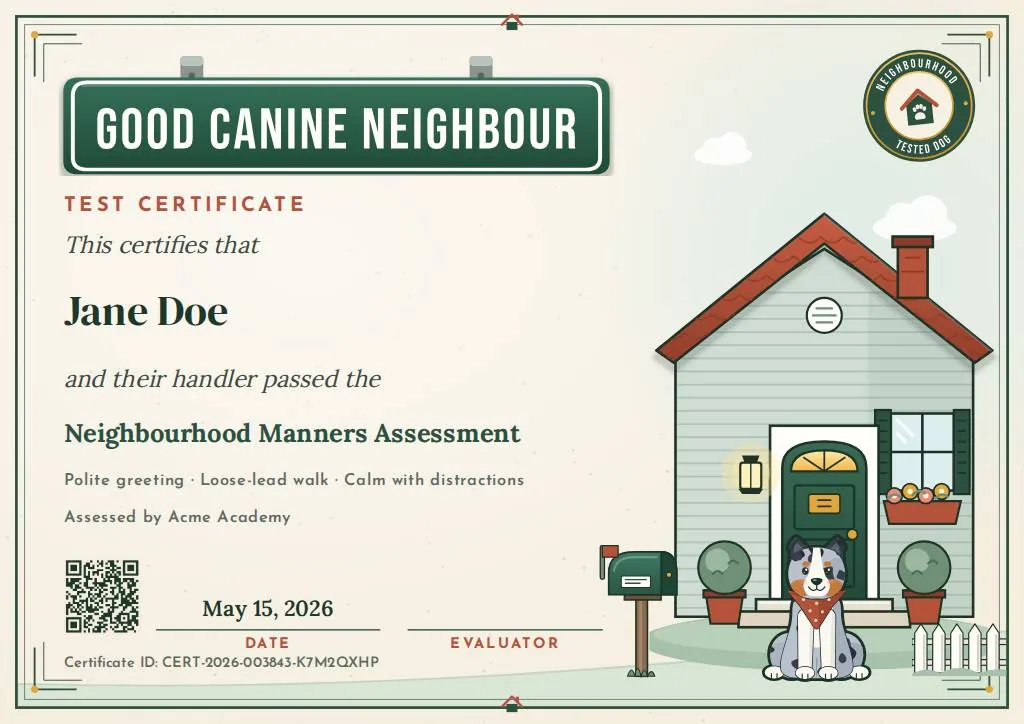
Good Canine Neighbour Dog Training Test Certificate
Street-sign headline, a porch and mailbox, and a blue merle Australian Shepherd on the doormat.
-

Navy Guilloche Professional Certification
Security-paper style credential with a guilloche watermark, seal, ID, expiry date and QR code.
-
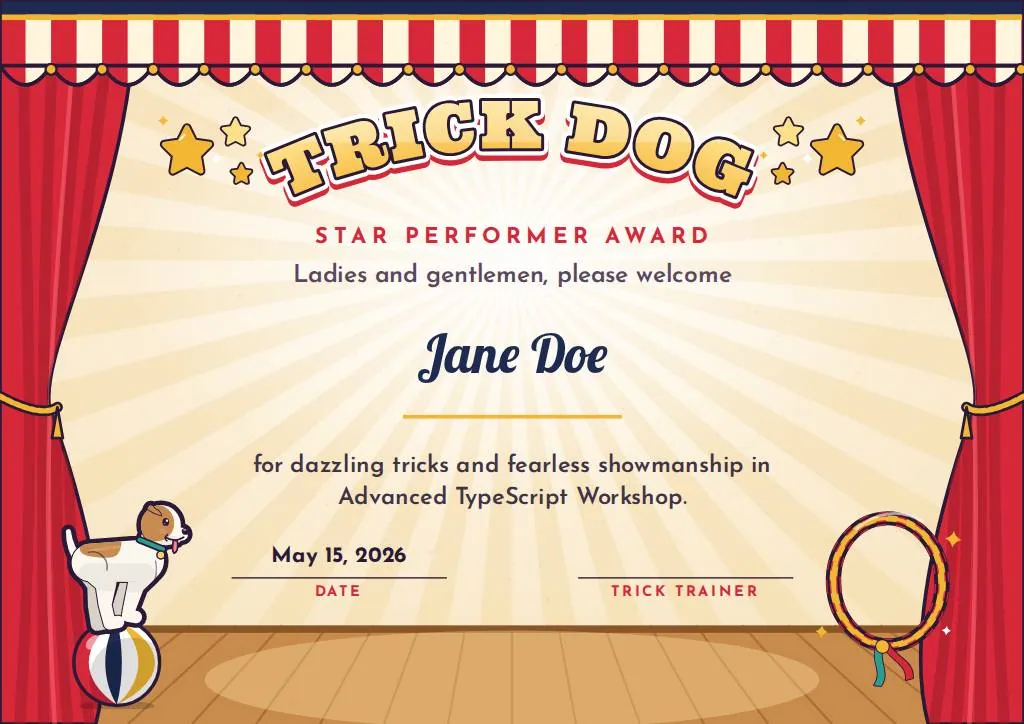
Circus Trick Dog Training Award
Circus-stage award with a Jack Russell balancing on a striped ball, velvet curtains, a hoop and gold stars.
-
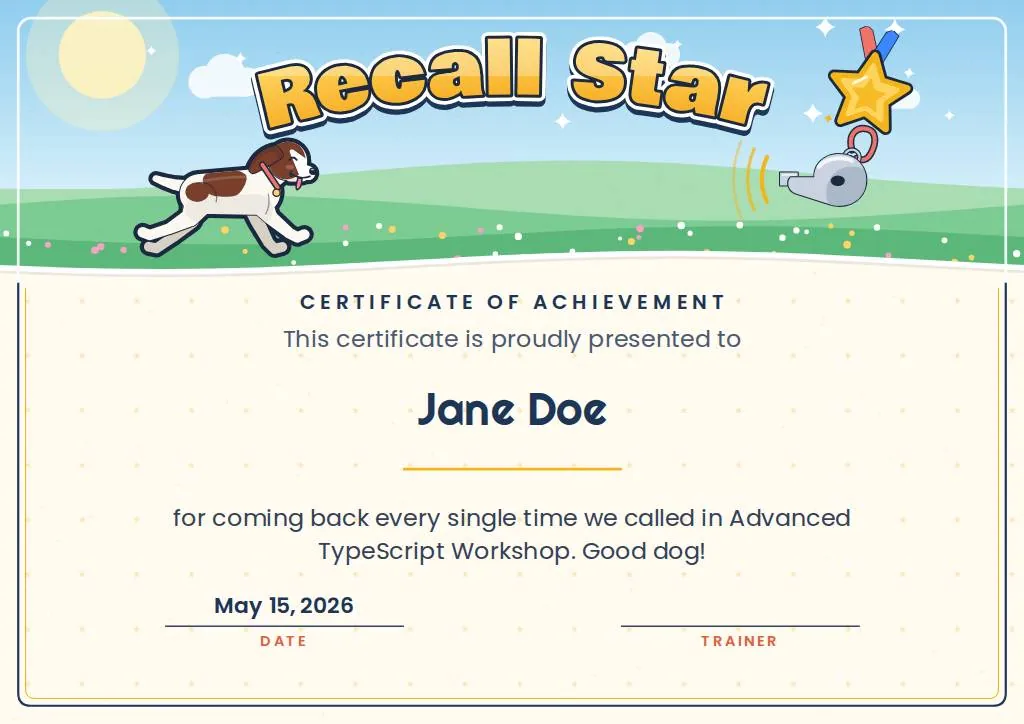
Recall Star Dog Training Award
Postcard-style award with a springer spaniel racing across a meadow towards a training whistle and a gold star.
-
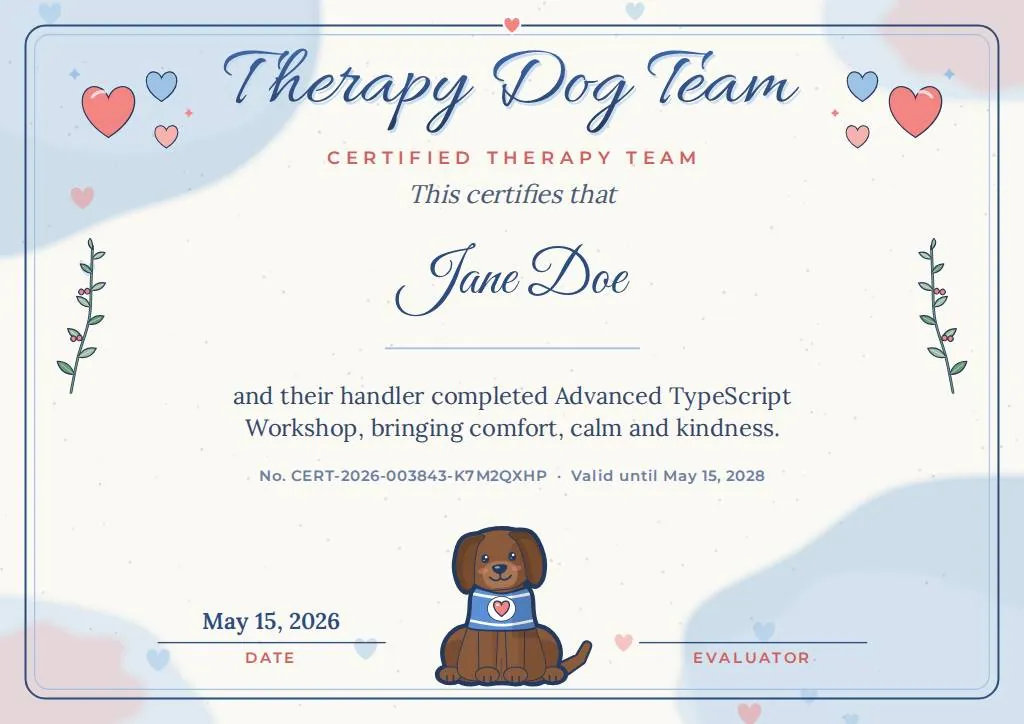
Therapy Dog Team Dog Training Certificate
Soft blue watercolour certificate with a calm chocolate labrador in a heart vest, hearts and leafy branches.
-
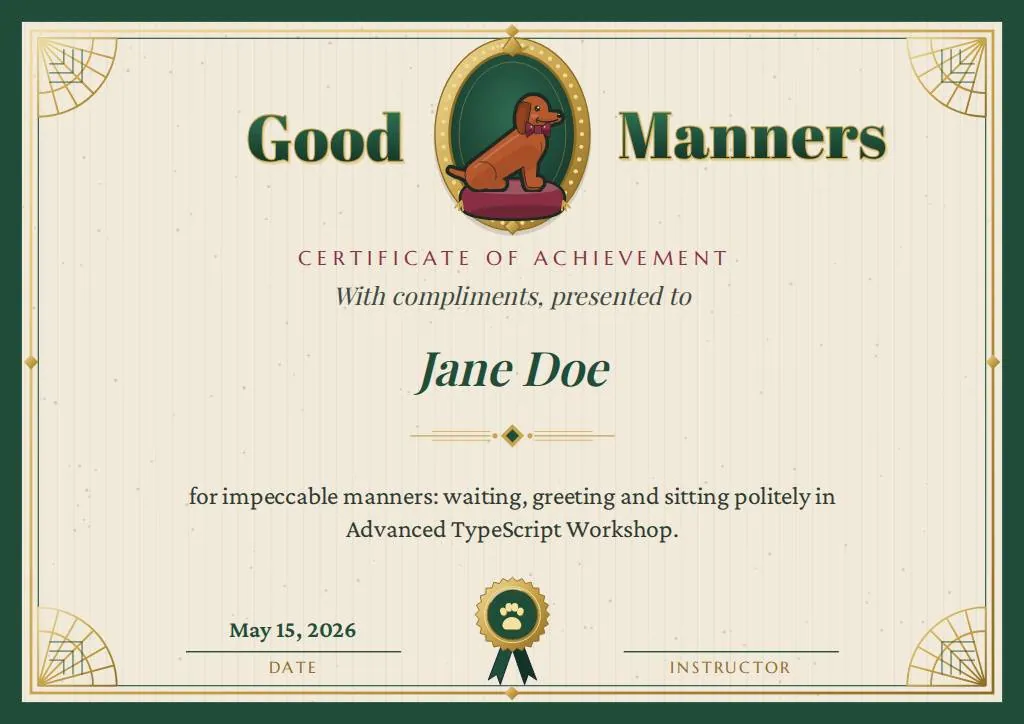
Good Manners Dog Training Certificate
Dapper emerald and gold Art Deco certificate with a dachshund in a bow tie posing in a gilded cameo.
-

Paw Print Elegant Dog Training Award Certificate
Navy and gold award with a paw-print border, gilded corners, a gold script headline and a paw rosette.
-

Geometric Husky Dog Training Certificate of Achievement
Dark modern certificate with a low-poly husky portrait in an ice-blue hexagon and a "Top of the Pack" headline.
Issue your first credential today
Open this template in the CertSeal editor, customize in minutes, and send verifiable certificates your recipients can share anywhere.